
How To Make The Apple Watch Battery Last Longer

The Apple Watch Battery: A Love-Hate Relationship
Let's be honest. We all love our Apple Watches. But that battery life? It's a bit of a drama queen.
You leave home with 100%, feeling invincible. By lunchtime? Panic mode.
Embrace the Dark Side (Mode)
Seriously, turn on Dark Mode. It's like giving your Apple Watch a tiny, stylish nap. It really helps.
Must Read
Black is slimming, and apparently, battery-saving too. Plus, it looks way cooler. I stand by this.
Notifications: Taming the Beast
Do you really need to know every time someone likes your cat video? Probably not.
Go to your iPhone's Watch app. Pare down those notifications. Your battery will thank you.
Think of it as digital decluttering. A more peaceful watch means a longer lasting charge.
Raise to Wake: Lower Your Expectations
That flick of the wrist to see the time? It's convenient, sure. But also a major battery drain.
Turn off Raise to Wake in settings. I know, I know, it sounds awful. But hear me out.
Tap the screen instead. It's like...exercising your finger? Good for dexterity!
Background App Refresh: Shut It Down
Do your apps really need to be constantly updating in the background? Most likely, no.
Head to the Watch app on your iPhone. Find Background App Refresh. Unleash your inner control freak.
Disable it for apps you don't use often. It's like putting them in time out. A battery-saving time out.
Complications: Keep It Simple, Silly
Those little widgets on your watch face? They're called Complications. And complicated they can be for your battery.
Each one is constantly grabbing data. Weather, activity, stocks... it's a lot of work for a tiny computer.
Opt for a minimalist watch face. Think zen garden, not data explosion. Your battery will appreciate the calm.
Workout Power Saver: The Secret Weapon
If you're a fitness fanatic, listen up. The Workout Power Saver mode is your new best friend.
It limits GPS and heart rate readings during walks and runs. Saving precious juice.
Unless you're training for the Olympics, you probably don't need hyper-accurate tracking. Embrace the slightly less accurate you.
Cellular: Airplane Mode is Your Friend
If your Apple Watch has cellular, remember this: it's a battery hog.
Unless you absolutely need to be reachable 24/7, turn it off. Use Wi-Fi when you can.
Think of it as a digital detox for your watch. Good for its health, good for yours.
Siri: A Mute Button Can Be Golden
Siri is amazing, I'll give you that. But constantly listening for "Hey Siri"? That's a battery drain.
Disable "Hey Siri" in settings. You can still activate Siri by pressing the Digital Crown.
It's like teaching your watch some manners. Only speak when spoken to!
The Unpopular Opinion: Just Charge It!
Okay, here's the thing. Maybe... just maybe... we're overthinking this.
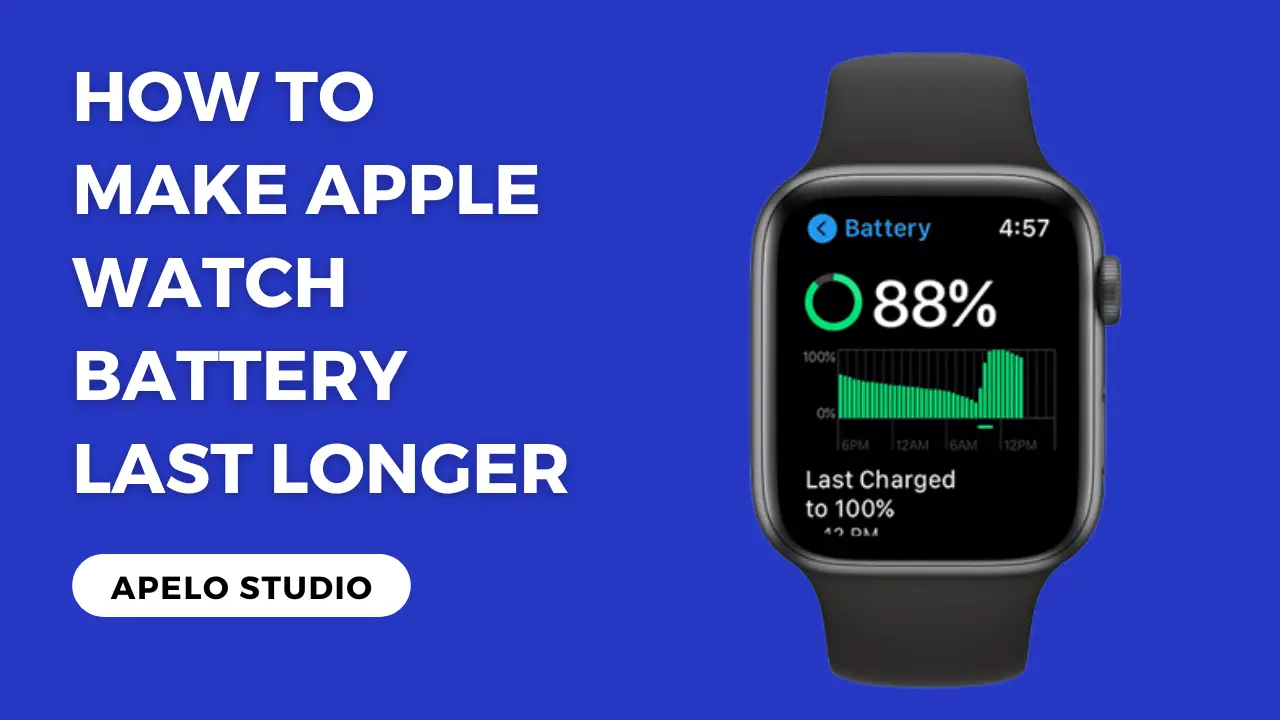
The Apple Watch is designed to be charged daily. What if we just... accepted that?
Plug it in every night. Problem solved. Controversial, I know. But hear me out…
Power Reserve Mode: The Nuclear Option
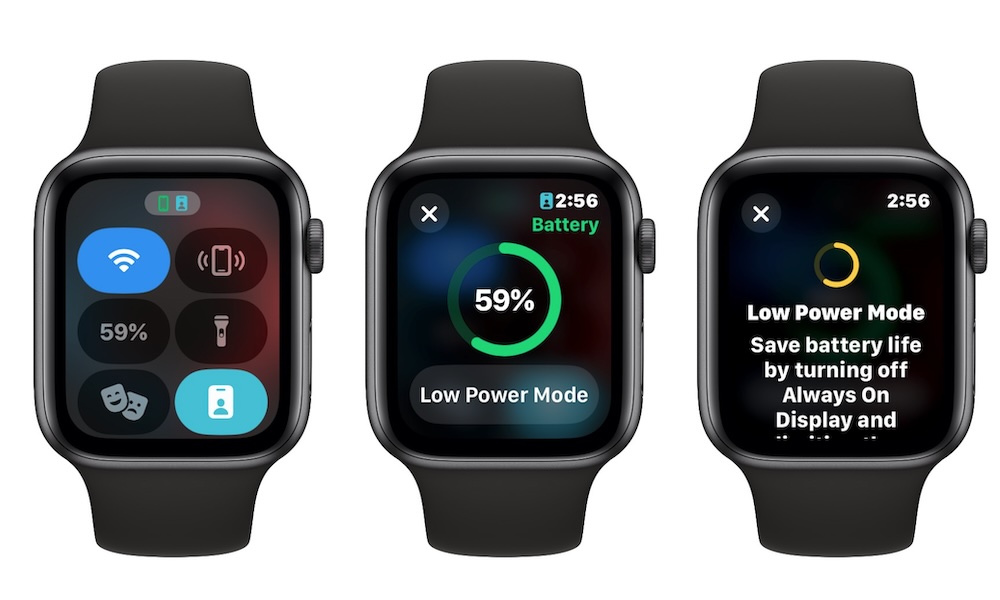
When all else fails, there's always Power Reserve. It's the nuclear option. The last resort.
It turns your Apple Watch into a glorified wristwatch. Showing only the time.
But hey, at least you'll know what time it is. Even if you can't check your cat videos.
Consider the Age Factor
Like us, Apple Watch batteries age. They hold less charge over time.
If your watch is ancient, it might just be time for an upgrade. Don't fight the inevitable.
Treat yourself to a shiny new model. With a battery that lasts longer than your attention span.
Check Your Battery Health
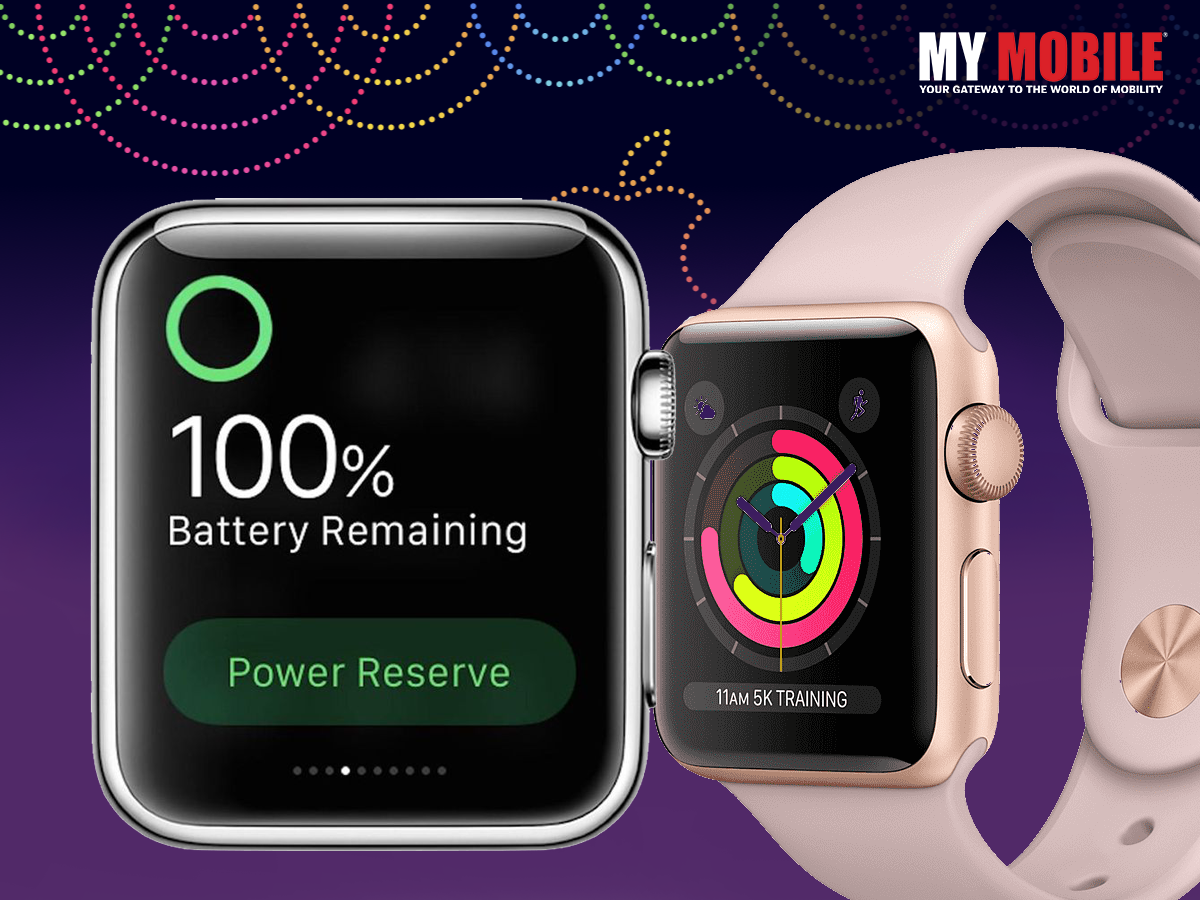
Did you know you can actually see the health of your battery?
Go to Settings, then Battery, then Battery Health. It will tell you the maximum capacity.
If it's significantly lower than 100%, that might be your culprit.
The Restart Remedy
Sometimes, the simplest solution is the best. Have you tried restarting it?
Hold down the side button until the power off slider appears. Turn it off, then turn it back on.
It's like a digital spa day for your watch. Clears out the cobwebs.
Beware the Glitches
Sometimes, a buggy app or software glitch can be draining your battery.
Make sure your watchOS is up to date. Delete any apps you suspect are misbehaving.
It's like weeding your digital garden. Get rid of the battery-sucking pests.
The Airplane Mode Hack
Flying? Put your watch in Airplane Mode. Even if you're not actually on a plane.
It cuts off all wireless communication, saving a ton of battery. A pre-emptive strike against drain.
Think of it as giving your watch a vacation from the digital world. A well-deserved rest.
Location Services: Keep Them on a Leash
Many apps want to know your location. All the time. It's creepy, and it drains your battery.
Go to Settings, then Privacy, then Location Services. Revoke access from apps that don't need it.
They only get to know where you are if they ask nicely. And only if they really need to.
The Ultimate Sacrifice: Turn It Off
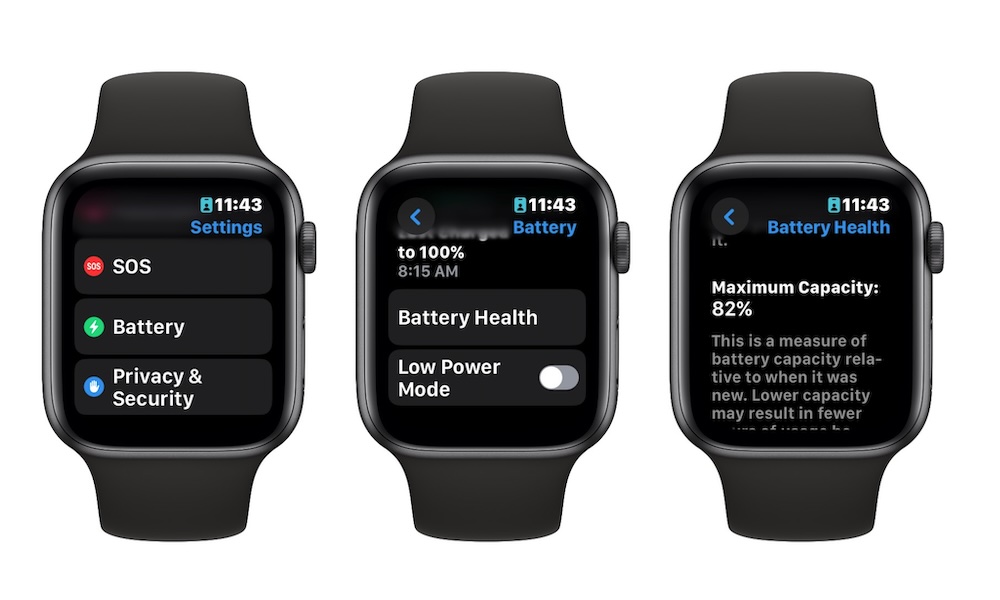
Okay, okay, I know this sounds extreme. But sometimes, the best way to save battery is to just turn it off.
Seriously. If you're going to be in a meeting all day, or camping in the wilderness, just power it down.
Embrace the analog life. Read a book. Talk to a human. Your watch will thank you for the break.
Update Regularly
Make sure you are always running the latest version of WatchOS.
These updates often include bug fixes and optimizations that can improve battery life.
Just like your phone, keep it up to date!
Consider Third-Party Apps Carefully
Some apps are more power-hungry than others. Be selective about the third-party apps you install.
Read reviews and check their power consumption before adding them to your watch.
Less bloatware, longer battery life!
Avoid Extreme Temperatures
Extreme heat or cold can negatively affect your Apple Watch battery's performance.
Don't leave it baking in the sun or freezing in the snow.
Treat it like a delicate flower!