
How To Make 3d Printer Models

Ever looked at a cool gadget, a quirky piece of art, or even a simple replacement part and thought, "Hey, I wish I could just make that myself?" Well, buckle up, because with 3D printing, you totally can! But before your printer can magically spit out your dreams in plastic, you need a 3D model. And guess what? Making those models isn't nearly as scary as it sounds. In fact, it's pretty darn cool and wonderfully accessible.
So, What Even IS a 3D Model?
Imagine a sculptor working with clay, but instead of physical clay, they're shaping digital bits and bytes in a virtual space. That's essentially what a 3D model is: a digital blueprint for a physical object. It's like a detailed instruction manual for your 3D printer, telling it exactly where to put every tiny layer of material. Think of it as designing a car on a computer screen before a single piece of metal is cut. Pretty neat, right?
Why Bother Making Your OWN?
This is where the fun really begins! Why dive into the world of 3D modeling?
Must Read
First, for the sheer joy of creation. You have an idea, a vision, and you can bring it to life! Want a custom cookie cutter shaped like your cat? Done. Need a specific adapter to mount your phone in your car? Design it. Lost a knob on your favorite appliance? Print a new one!
It's about problem-solving, personalization, and unleashing your inner inventor. You're not just buying things; you're making things fit your world perfectly. Plus, there's a unique satisfaction in holding something in your hand that only existed in your imagination moments before. It’s like being a digital wizard!
Okay, But HOW Do I Actually Make One?
This is the million-dollar question, and thankfully, there are several fantastic paths you can take. You don't need to be an engineer or a digital artist to get started.
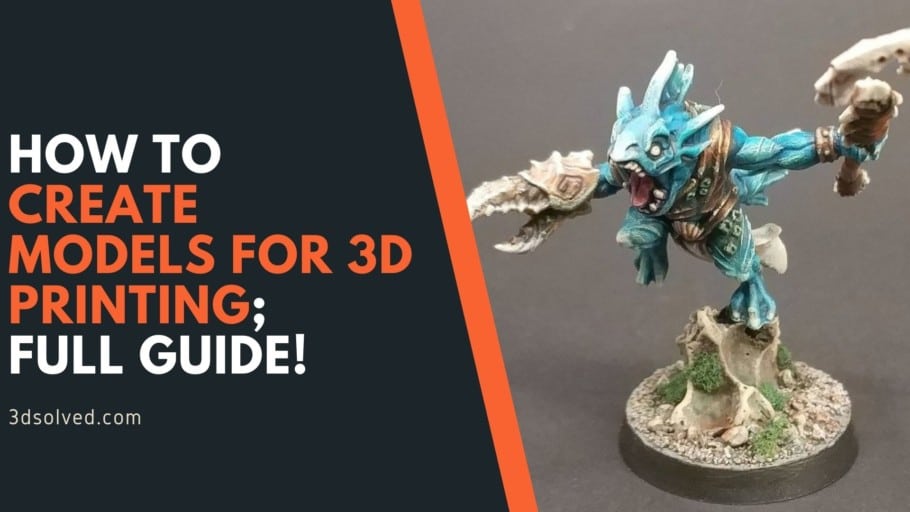
1. Dive into Digital Design Software (CAD)
This is perhaps the most common and powerful way. CAD stands for Computer-Aided Design, and it's basically software that lets you build objects virtually. Don't let the fancy name scare you!
For beginners, tools like Tinkercad are absolute gems. It's free, web-based, and incredibly intuitive. You drag and drop basic shapes (cubes, cylinders, spheres), combine them, subtract them, stretch them, and before you know it, you've got a surprisingly complex object. It’s like playing with digital LEGOs, but with infinite possibilities! You can go from zero to your first custom model in an afternoon.
Want to step it up a notch? Programs like Fusion 360 offer more advanced features and are also free for hobbyists. These tools allow for precise measurements and complex designs, perfect for functional parts. Or, if you're feeling artistic and want to sculpt organic shapes (think characters or intricate figurines), Blender is a free, open-source powerhouse used by professionals for everything from movies to game design. It has a steeper learning curve, but the results can be breathtaking!
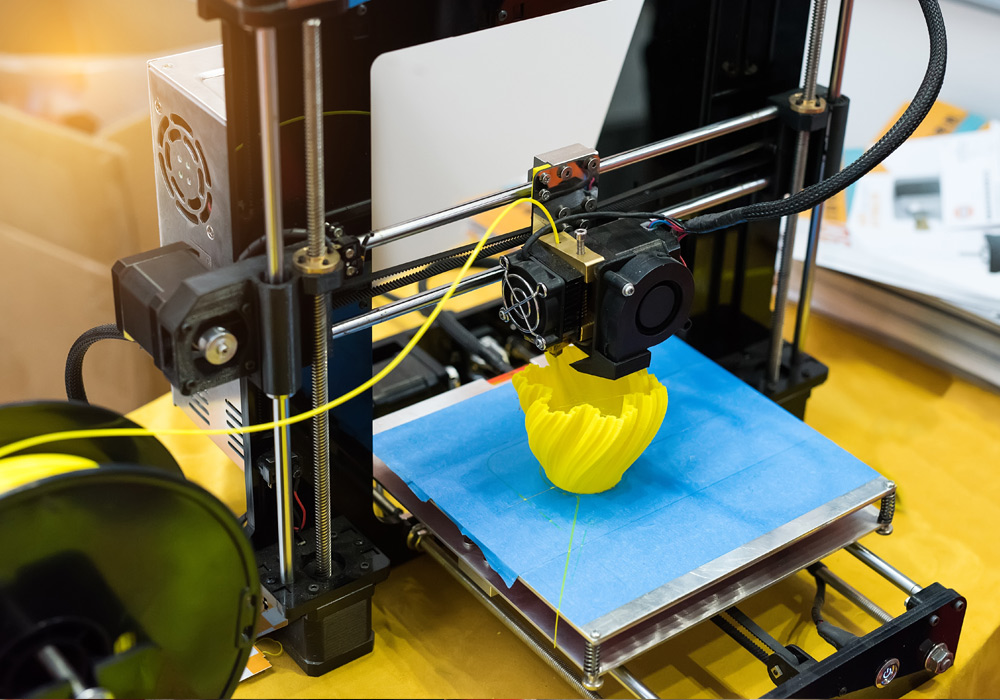
The beauty of these programs is that they teach you spatial reasoning and basic design principles. You learn to think about an object not just as a whole, but as a collection of shapes and features. It's a skill that's surprisingly useful, even outside of 3D printing.
2. Scan the World Around You (3D Scanning)
Ever wished you could just "copy and paste" a physical object into your computer? Well, 3D scanning lets you do just that! A 3D scanner (which can even be an app on your smartphone with varying degrees of accuracy!) captures the shape and often the texture of a real-world object, converting it into a digital 3D model.
Imagine scanning a broken figurine to repair it, or capturing a unique texture from nature to incorporate into your own design. It's like having a magic wand that turns physical things into digital data. While dedicated scanners can be pricey, the technology is becoming increasingly affordable and integrated into everyday devices.
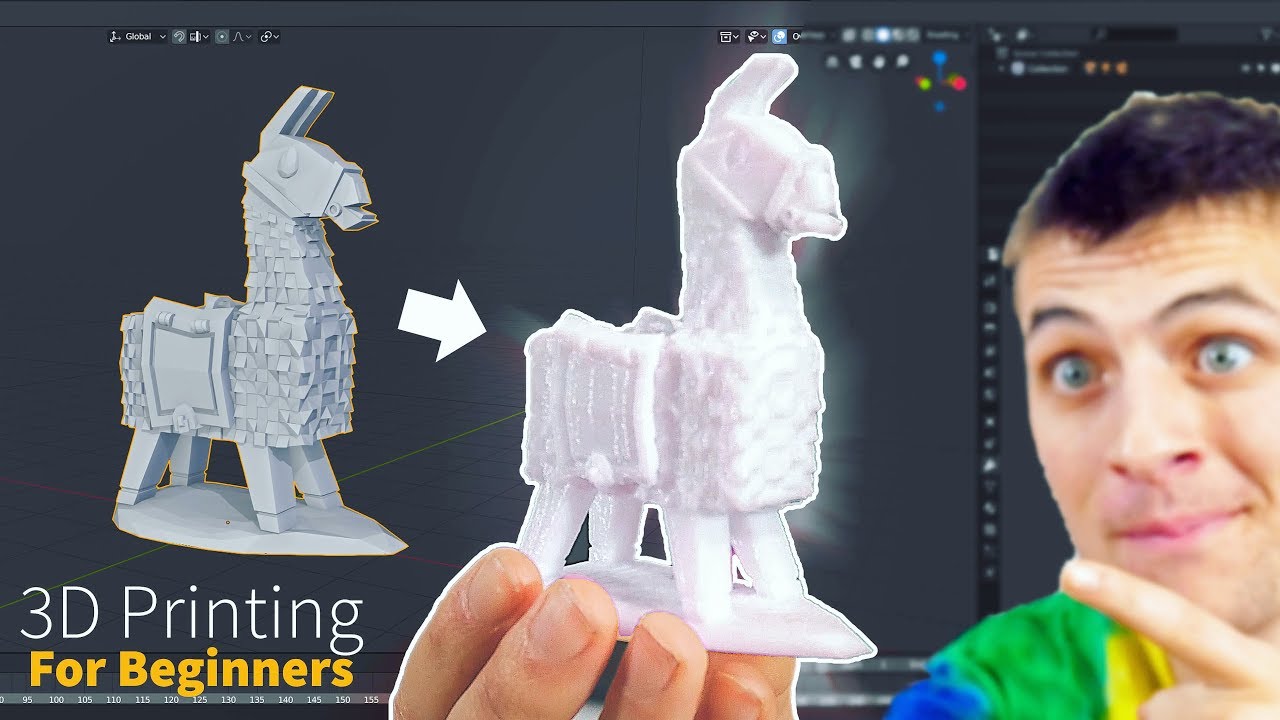
3. Remix and Customize Existing Models
Okay, technically you're not "making" it from scratch, but it's a fantastic entry point! Websites like Thingiverse, MyMiniFactory, and Cults3D are treasure troves of user-created 3D models. You can download these files (often for free!), and many are designed to be customizable.
Want a phone stand but with a different logo? Download the base model and add your flair in Tinkercad! This is a great way to learn the ropes of editing and modifying before you try to build something entirely new. It's like starting with a pre-built house and then adding your own extensions and renovations.
The Journey from Idea to Object
No matter which method you choose, the process often starts with an idea, a sketch, or a need. You open your chosen software, and slowly but surely, your idea takes shape. You push, pull, combine, and refine. It’s a bit like playing God with geometry!
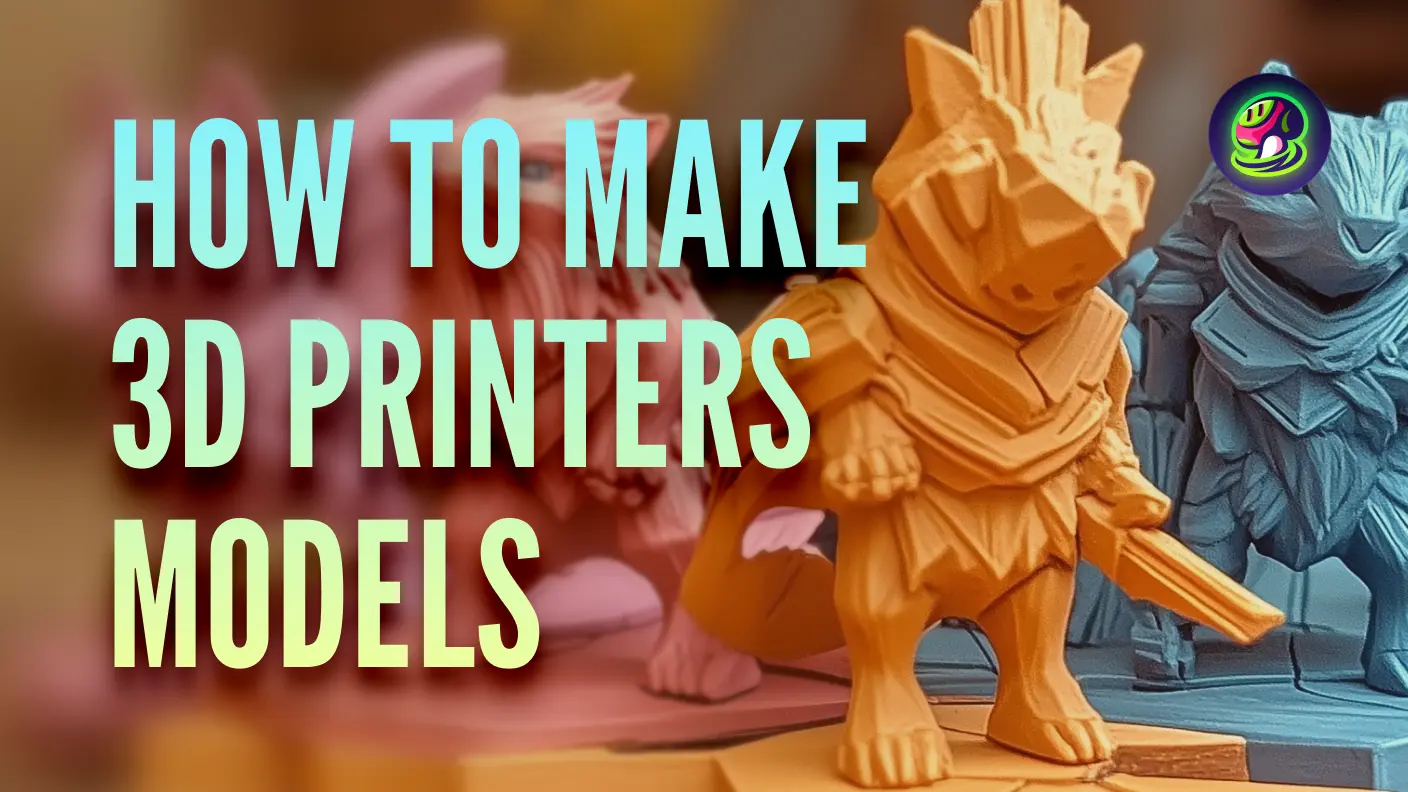
Once your digital masterpiece is complete, you'll usually save it as an STL file (that's the universal language for 3D printer models). Then, you'll feed that file into another piece of software called a "slicer," which essentially chops your 3D model into thousands of thin layers, creating the instructions your printer needs.
Then, the magic truly happens: your 3D printer whirs to life, layer by painstaking layer, bringing your digital creation into the physical world.
Ready to Create?
Making 3D models might seem like something for tech wizards, but it's genuinely accessible to anyone with a curious mind and a willingness to explore. It's a skill that opens up a whole new realm of personal manufacturing, creativity, and problem-solving.
So, next time you have a brilliant idea for a gadget, a unique gift, or just a fun little trinket, remember: you don't have to just wish for it. You can design it, model it, and then print it into existence. How cool is that? Go on, give it a try – you might just surprise yourself with what you can create!