
How To Know If A Security Camera Is On
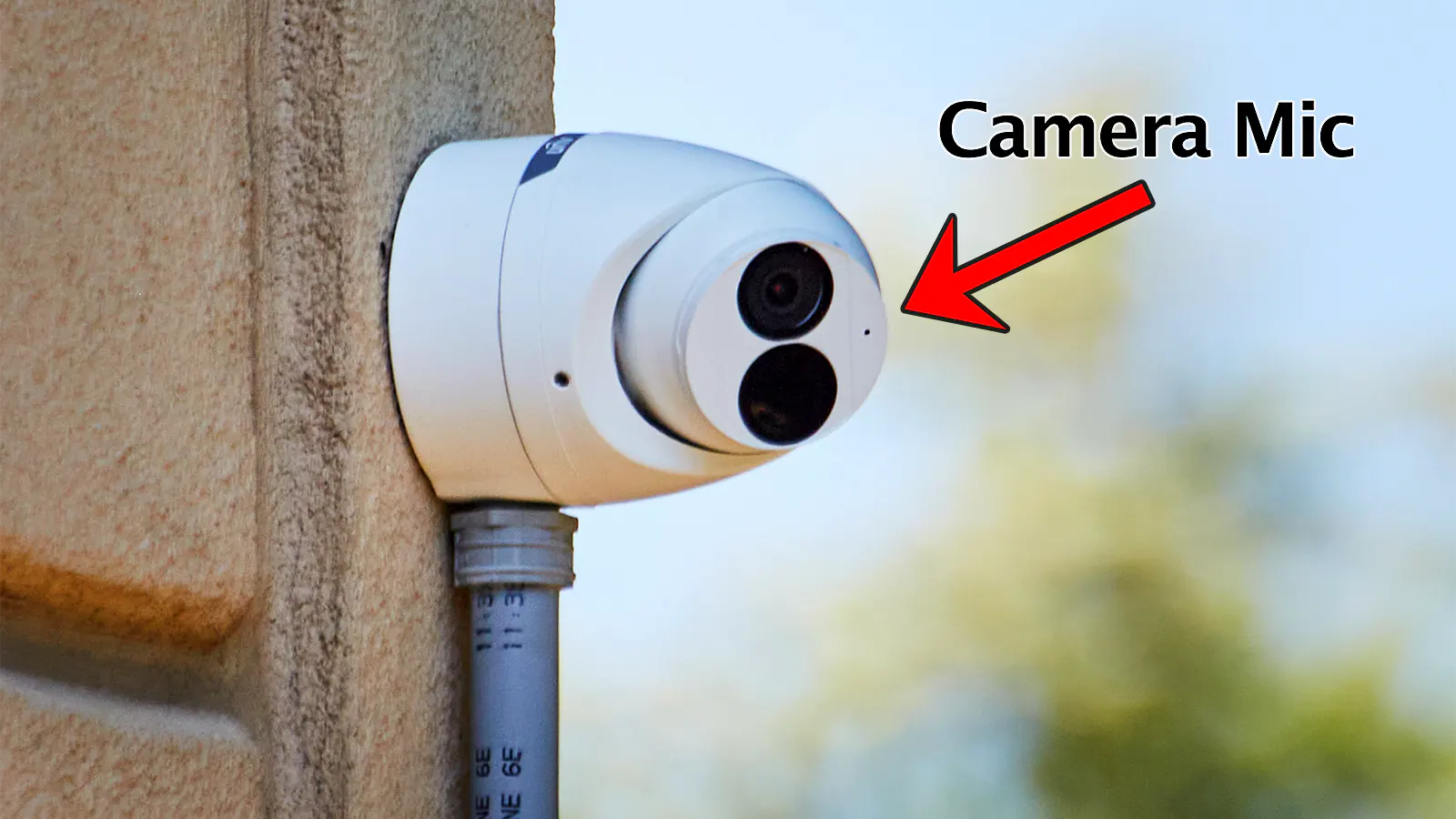
You know that feeling, right? You walk into a shop, a public building, or even sometimes just past your neighbor's fence, and you spot it: a little lens staring back. Instantly, your brain conjures up a tiny little thought bubble, like a cartoon character: "Is that thing actually on? Am I being watched? Should I stop doing that little happy dance I do when I think no one's looking?"
It’s a universally relatable moment, like wondering if your cat is actually plotting world domination or just intensely staring at a dust bunny. We’ve all been there, wondering if that plastic housing is merely a deterrent or if someone, somewhere, is seeing your questionable choice in snack foods. So, how do you play detective without looking like you’re about to commit a heist?
The Classic Red Light Debate: Friend or Foe?
Let’s kick things off with the most common assumption: the little red light. For years, we’ve been conditioned to think that if a camera has a blinking or solid red light, it’s definitely on and recording. And often, you’d be right! Many cameras, especially older models or those meant to be obvious, use a red LED to indicate power or recording status. It’s their way of saying, "Yep, I'm awake!"
Must Read
But here’s the kicker, folks: not all heroes wear capes, and not all active cameras have red lights. Some manufacturers design their cameras to be stealthy, leaving out the tell-tale glow. So, while a red light is a pretty good indicator it's active, its absence doesn't automatically mean you can start rehearsing your interpretive dance routine in peace. Think of it like a magician – the best tricks are the ones where you don't see the assistant!
Give it a Good (Subtle) Look: The Physical Cues
Alright, time for some observational prowess, without getting so close you look like you're trying to whisper secrets to the lens.

1. The Wiggle Room: Is It Moving?
This might sound ridiculously obvious, but if a camera is subtly panning, tilting, or even zooming, it’s a pretty sure bet it’s alive and kicking. Think of it like a curious meerkat peeking over the savanna. Active cameras often have motors that allow them to adjust their view. If it's swiveling like it's trying to find the best angle for your dramatic entrance, then bingo! It's on. If it’s frozen stiff like a forgotten garden gnome, it could still be recording, but it’s less overtly "on."
2. The Subtle Hum: Can You Hear It?
Some cameras, especially those with motors for movement or older models, can emit a very faint hum or click. This is a bit like trying to hear a mosquito fart in a library – challenging, but not impossible. If you're in a quiet environment and you lean in (again, subtly, don't press your ear against it!), you might pick up a soft mechanical buzz. It’s not common for all cameras, but if you hear it, consider it a little secret message that says, "Yup, I'm working."
3. The Wiring Situation: Connected or Just Hanging Out?
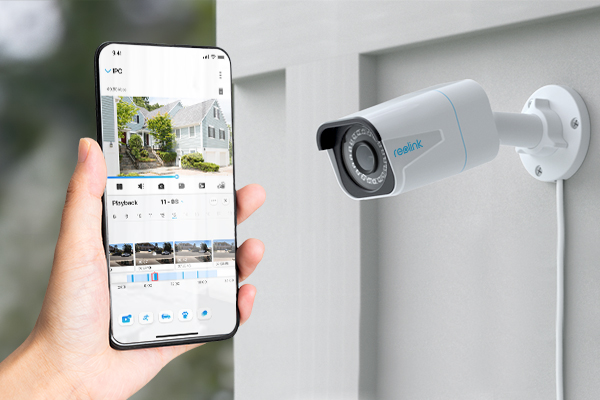
This is a dead giveaway. If a camera has no wires connected to it whatsoever, or the wires are clearly snipped, disconnected, or just dangling aimlessly like untied shoelaces, it's probably not functioning. A camera needs power and, usually, a connection to send its feed. No juice, no show. Unless it's one of those fancy wireless ones with a very visible battery pack, wires usually mean business.
The Stealth Mode: Invisible Clues & Tech Tricks
Now, for the really fun stuff – how to spot the cameras that are trying to be sneaky, especially in the dark.
1. The Infrared (IR) Secret: Your Phone is Your Friend!
This is probably the coolest trick in your detective toolkit. Many security cameras use infrared (IR) illuminators to "see" in the dark. These IR lights are invisible to the naked human eye. But guess what can see them? Your smartphone camera!
Here’s how: Open your phone's camera app (don't use the selfie camera, use the main one). Point it at the security camera, especially in low light conditions. If you see a faint, pulsating purple or white light coming from the camera lens area on your phone screen, congratulations! You’ve just spotted active IR illuminators. That camera is definitely awake and probably trying to get a good shot of your midnight snack run. It’s like having X-ray vision, but for tech geeks!
2. Network Activity: The Blinking Light on Smart Cams
For IP cameras or smart home security cameras, if you can spot the device itself, sometimes there's a small LED that indicates network activity. If it's blinking rapidly, it's likely sending data. This is less common in public settings where cameras are often tucked away, but in a home or office environment, it's a possibility. It’s like your Wi-Fi router blinking wildly – it means it’s busy gossiping with the internet!
So, Why Do We Care, Anyway?
Honestly, most of the time, knowing if a camera is on is less about nefarious plots and more about pure human curiosity. Are they watching me try to remember my PIN? Did they see me subtly adjust my shirt after that huge lunch? It’s the modern-day equivalent of wondering if someone heard you accidentally blurt out that embarrassing thing. It’s good to know, just in case you suddenly feel the urge to bust out some spontaneous air guitar.
Ultimately, whether you’re just curious or genuinely concerned about your privacy, these little tips can help you distinguish between a silent guardian and a glorified plastic decoy. Now go forth, observe, and remember: if you see yourself on a giant screen later, at least you’ll know they were watching!