How To Get Sand Out Of Phone

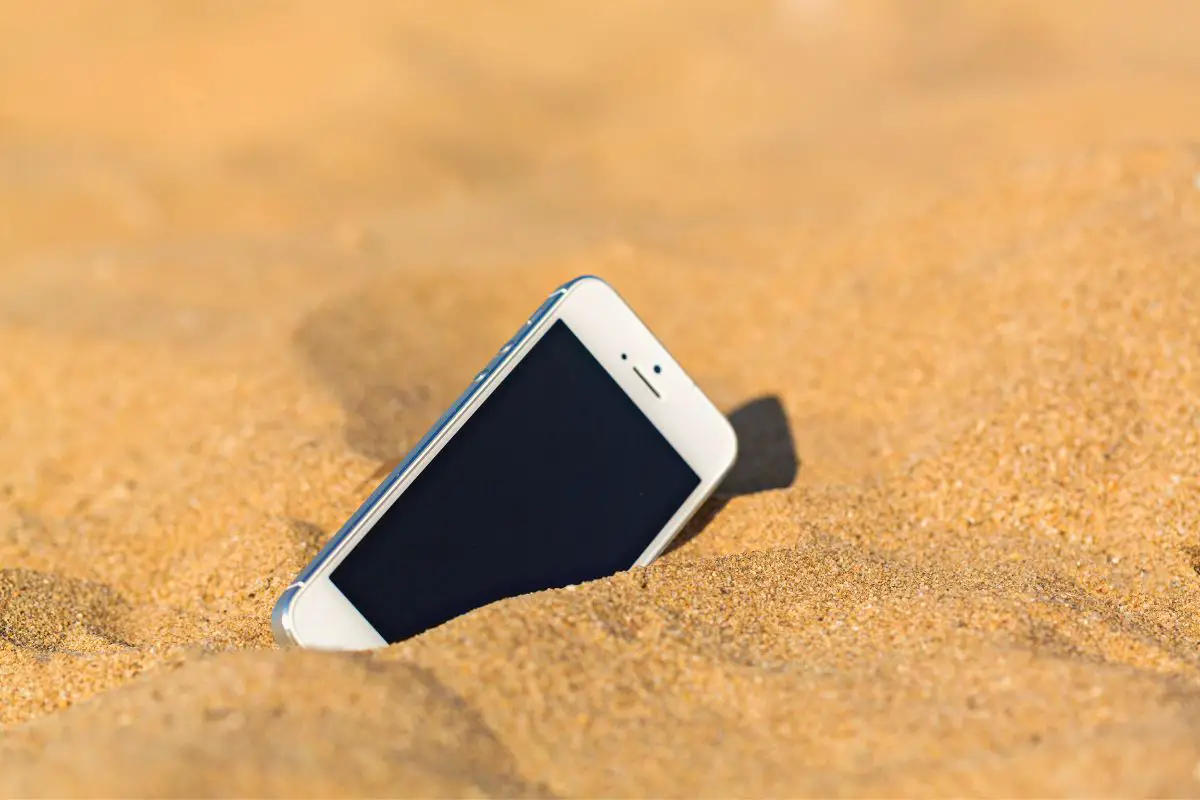
Beach days, park picnics, outdoor adventures – they're the stuff of summer dreams! But sometimes, those dreams come with a gritty, uninvited guest: sand inside your smartphone. It's a common, annoying, yet solvable problem that almost anyone enjoying the outdoors with their tech has faced. It’s like a tiny, sandy souvenir you definitely didn’t ask for!
So, why care about a few tiny grains? They can wreak surprising havoc. They can scratch your screen, clog ports and speaker grilles, and even work their way into internal components, causing buttons to stick or permanent damage. This guide's purpose: to help you safely evict those grainy squatters, protecting your phone's longevity. The benefit? A happy, healthy phone that continues to capture memories, unhindered by grit.
Before we dive in, let's talk about what not to do. Firstly, resist the urge to blow into the ports. Your breath contains moisture, which, combined with sand, creates a muddy paste that's harder to remove and can damage electronics. Secondly, don't use sharp metal objects like pins; you risk scratching internal components or the screen. Finally, avoid harsh chemical cleaners. Patience and gentle methods are key!
Must Read
Your first step: power off your phone immediately to prevent short circuits. Once off, hold your phone upside down and gently tap or shake it. Gravity is your friend! Often, loose sand will simply fall out from ports and crevices. You might be amazed how effective this initial shake can be.

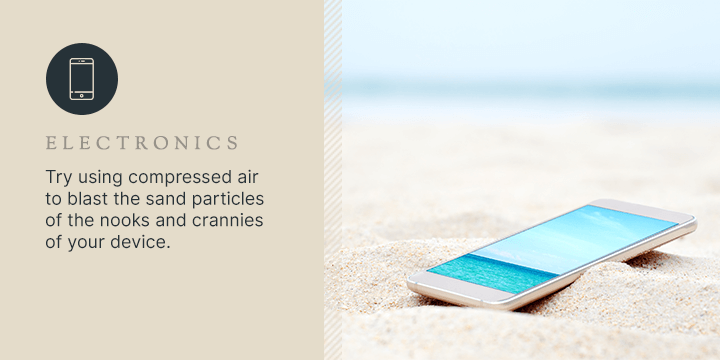
For more stubborn grains, compressed air can be a lifesaver, but with a big caveat. Use it sparingly and from a distance. Hold the can upright and spray in short, controlled bursts, several inches away. Angle the spray to push sand out, not further in. Focus on speaker grilles, microphone holes, and the charging port. Never turn the can upside down; it can release liquid propellant.
For sand clinging to the screen or camera lenses, low-tack painter's tape or Scotch tape works wonders. Gently press the sticky side onto the sandy area and lift; sand should adhere. Repeat. For tiny, stubborn grains in crevices, a soft-bristled toothbrush or a cotton swab can gently brush them away. A wooden toothpick, used with extreme caution, can dislodge larger grains in ports, but only if you can see what you're doing.
Now that your phone is sand-free, let's talk prevention! Invest in a waterproof or rugged phone case for beach days. Zippered pouches or even a simple plastic sandwich bag offer excellent protection against sand, dust, and splashes. Keep your phone in a bag or elevated off sandy surfaces. A little foresight saves a lot of hassle!
So, the next time your phone takes an unplanned trip to the sandbox or beach, don't despair! With patience, the right tools (mostly things you already have!), and this friendly guide, you can easily rescue your device from those tiny grains. Enjoy your adventures, capture those memories, and keep your tech clean and happy. Happy de-sanding!