
How To Do 50 Power On Microwave
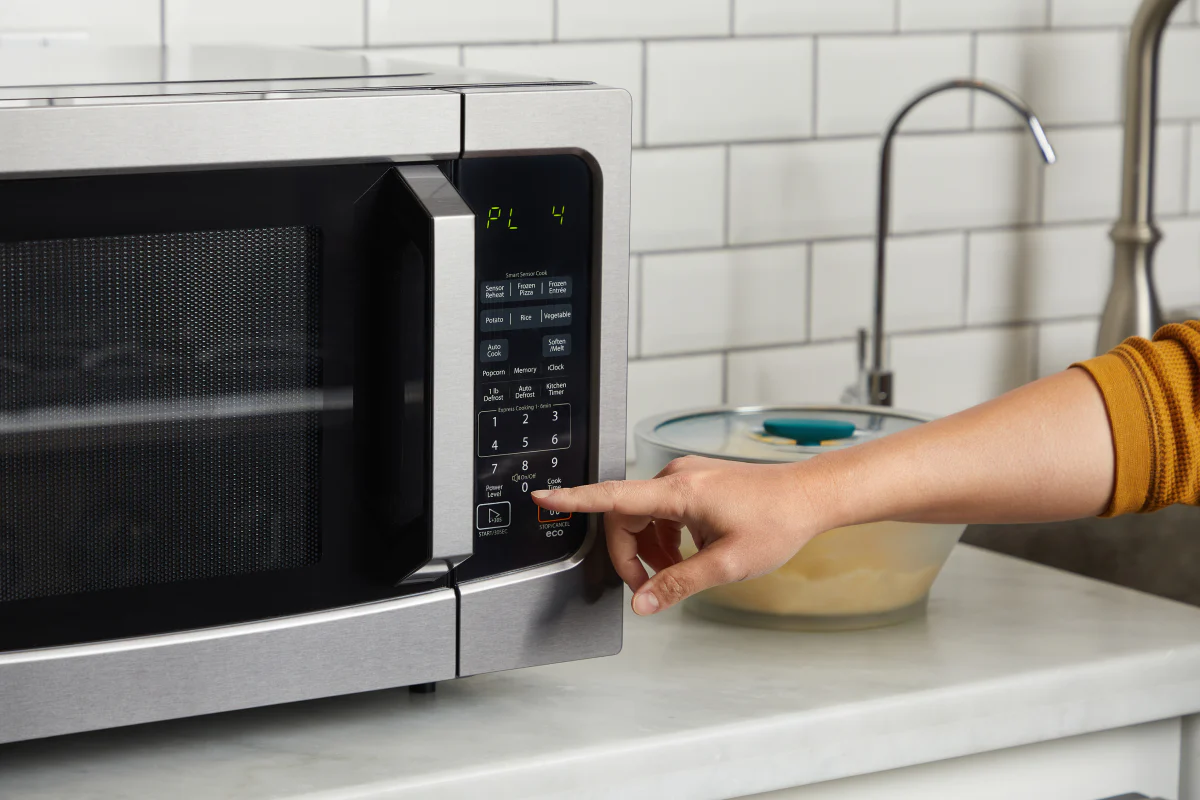
Alright, settle in, grab your metaphorical (or actual) coffee, because today we're cracking one of life's great, often overlooked, mysteries: how to make your microwave cook at… wait for it… half power. Yes, 50%. It sounds simple, right? Like telling a cat to fetch. But for many, it's a secret handshake, a hidden setting known only to ancient microwave shamans and those who actually read the manual (bless their patient souls).
You see, most of us treat our microwaves like a tiny, aggressive sun. We shove food in, hit "Start," and pray it doesn't emerge as a lava core surrounded by an ice fortress. We operate at 100% power, all the time, because, well, that's what the big, inviting "Start" button seems to suggest. But there’s a whole world of culinary finesse waiting just beyond that full-throttle blast-off. A world where your leftovers don't turn into rubber, and your butter melts into a gentle pond instead of a nuclear wasteland.
Why on Earth Would You Want 50% Power?
Excellent question, you discerning gourmet! Think of it like this: full power is a drag race. 50% power is a gentle, scenic drive. You need 50% power when you want to:
Must Read
- Gently Reheat: Say goodbye to dried-out pizza crusts and rock-hard bagels. 50% power allows heat to distribute more evenly, giving your food a second chance at deliciousness without turning it into a hockey puck.
- Melt Things Delicately: Chocolate, butter, cheese. Ever tried to melt chocolate on high and ended up with a burnt, crumbly mess? We’ve all been there. 50% power is your chocolate's best friend. It’s like a warm hug, not a fiery embrace.
- Soften Without Cooking: Need to soften cream cheese for a cheesecake? Or butter for baking? 50% power softens it to perfection without starting the actual cooking process. No more frantic scraping of the slightly-melted, slightly-raw edges.
- Defrost With Dignity: While many microwaves have a "defrost" setting, using 50% power for a longer time can often yield better, more consistent results than the standard setting's often violent thawing action.
It’s about control, my friends. It’s about being the
The Grand Reveal: How To Do It!
Okay, enough preamble. Let's get down to the nitty-gritty. This is where it gets slightly tricky because microwaves, like siblings, are all a little different. But don't worry, the core principle is usually the same.
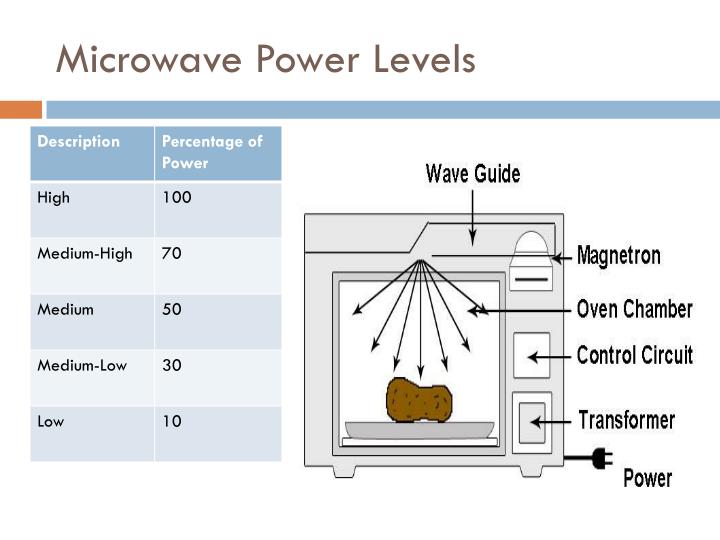
Most microwaves follow a similar pattern. Here’s the general dance:
Step 1: Get Your Food In There (Duh)
This isn't rocket science, but it's important. Place your item in the microwave. Close the door. You’re ready for the magic.
Step 2: Find the Magic Button
Look for a button labeled something like "Power Level," "Cook Power," "Power," or sometimes just a lone "P-Lvl." It might even be hidden under a "More Options" menu. This is your portal to a world beyond 100%. Press it.

Step 3: Tell It "50"
After pressing the power level button, your microwave will usually prompt you to enter a number. This is where you tell it what percentage you want. You want 50%, so you'll typically:
- Press "5" and then "0" (for 50%).
- Occasionally, some older or simpler microwaves might just require you to press "5" for 50%. If pressing "50" doesn't work or seems wrong, try just "5" and see what the display says. It usually shows "P-50" or just "50."
If you mess up, no biggie. Just hit "Cancel" and start again. It's a microwave, not a nuclear reactor (unless you're really trying to make popcorn and walk away for too long).
Step 4: Set Your Time
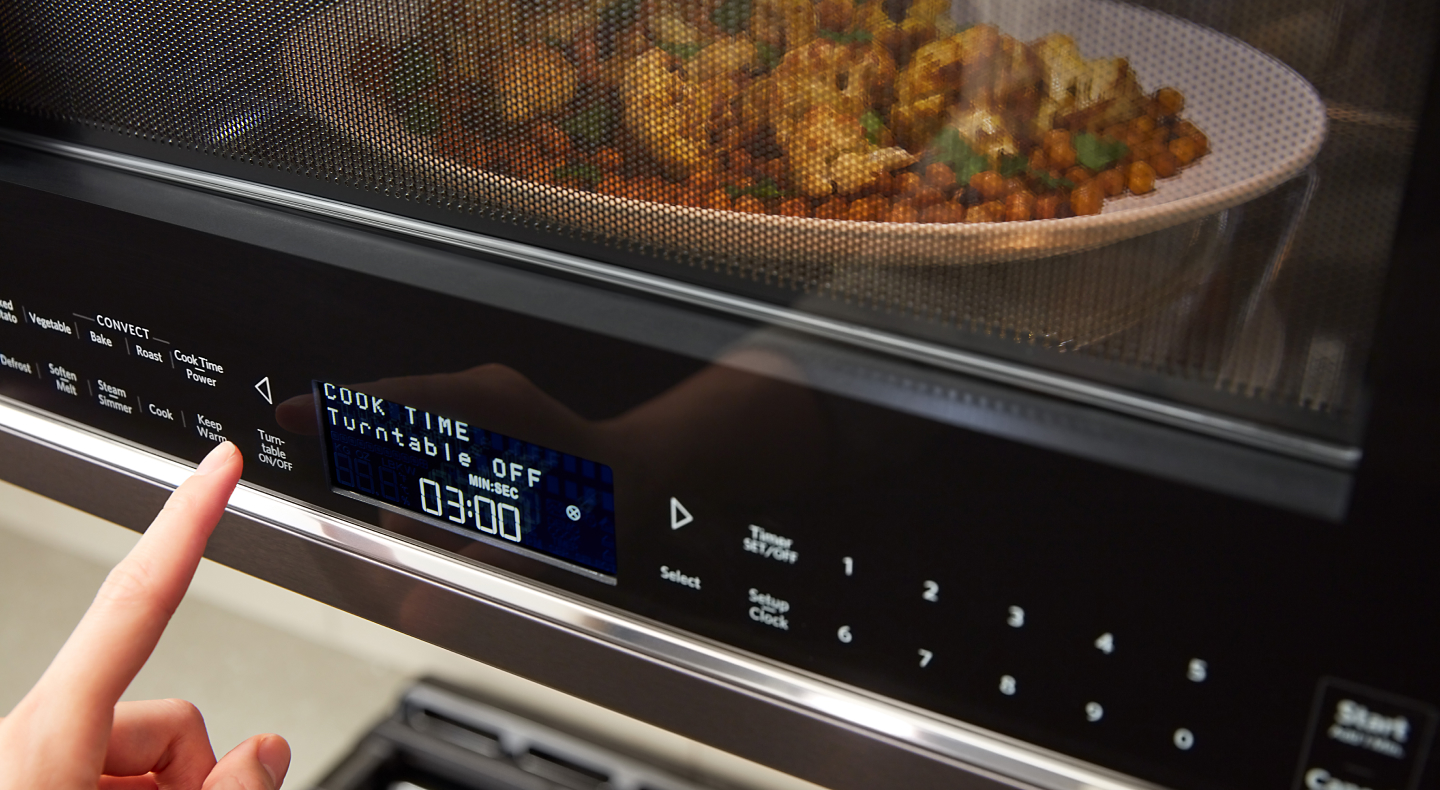
Now that you've tamed the power, tell it
Step 5: Press "Start"
And behold! Your microwave is now operating at a gentle, civilized 50% power. You're no longer a brute, but a culinary artist, wielding your microwave with precision and grace. You've earned your metaphorical chef's hat.

Microwave Variations & Quirks (The Fun Part)
Alright, a quick word of caution: if your microwave is a particularly enigmatic beast, you might encounter some variations.
- The "Power Level" button is missing! Don't panic. Some microwaves integrate power selection into other buttons. Consult your manual (or Google your specific model number).
- It shows "P-10" to "P-1" instead of percentages. This is just another way of saying 100% down to 10%. So, "P-5" would be 50%. You're still just pressing "5" after the power button.
- It's a dial! Some retro beauties have a dial for power. Simply turn it to 50% or the halfway mark. Easy peasy.
Remember, the goal is always to get that display to show "P-50" or "50" after you hit the power level button. It’s like finding the secret level in a video game, but instead of extra lives, you get perfectly melted cheese.
Embrace Your Inner Microwave Whisperer
Learning this simple trick opens up a world of possibilities beyond just avoiding exploding chocolate. You can defrost delicate berries without turning them into mush, warm up baby food to the ideal temperature, or slowly soften ice cream for that perfect scoop. It’s about understanding your appliance and making it work for
So go forth, my friends! Experiment. Be brave. Your microwave is now your ally, not just a high-energy box of mystery. Enjoy the perfectly heated, never-quite-scorched delights that await you at 50% power. You're welcome.