
How To Create A 3d Print File

Imagine holding something you dreamed up, something that existed only in your head, right there in your hand. That's the real magic of 3D printing. But before any printer whirs into action, there's a crucial, often overlooked, first step: creating the file.
You don't need to be an engineer or a digital wizard to do this. Think of it less like complex coding and more like playing with very smart, invisible digital clay. It's surprisingly accessible and utterly delightful.
The Spark of an Idea
Every great 3D print starts with a flicker of imagination. Maybe you lost a tiny piece to your favorite board game, or perhaps you want a custom cookie cutter shaped like your grandma's beloved cat. These are the sparks.
Must Read
The ideas often arrive unannounced, sometimes while you're daydreaming, or doodling idly during a long meeting. They can be wonderfully impractical, like a tiny hat for your rubber ducky, or genuinely useful, such as a bespoke phone stand.
Often, the most heartwarming creations come from simple needs. Think of a child's drawing, full of wobbly lines and pure joy, that you want to transform into a tangible toy. This process lets you capture that ephemeral wonder.
It's about asking, "What if?" What if this little plastic gadget could solve my minor annoyance? What if I could make that absurd drawing come to life? The journey begins the moment that question pops into your head.
Don't dismiss any idea as too silly or too small. The beauty of creating a 3D file is that your imagination is truly the only limit. Every quirky thought is a potential masterpiece waiting to happen.
Your Digital Drawing Board
Once you have your spark, you need a place to play. This is where 3D modeling software comes in, but don't let the word "software" scare you. Many tools are designed for absolute beginners, feeling more like digital Lego than a spaceship cockpit.
One popular entry point is a friendly platform called Tinkercad. It's free, browser-based, and built around the simple concept of adding and subtracting shapes. It genuinely feels like playing with virtual building blocks.
You can pull spheres, cubes, cylinders, and cones onto a workplane. Then, you stretch them, squish them, rotate them, and combine them. It's incredibly intuitive, like making something out of Play-Doh, but without the mess.

The surprising part is how quickly you can create something recognizable. Within minutes, you might have a wonky house, a simple figurine, or a custom button. It's an instant confidence booster.
Other tools exist, of course, offering more bells and whistles, but the fundamental idea remains the same: manipulating digital shapes to form your vision. The learning curve is often gentler than you'd expect, especially for basic creations.
It transforms your computer screen into a canvas for three-dimensional art. Suddenly, a flat drawing isn't enough; you crave depth, volume, and the ability to hold your creation. This digital space makes it possible.
Sculpting Your Dream with Digital Clay
Creating your object is a playful process of addition and subtraction. Want to make a hole in your block? Drag a "hole" cylinder through it. Need a curved edge? Use a curved shape to trim it away.
Imagine you're making a custom keyring shaped like a tiny dinosaur. You might start with a basic oval for the body, then add smaller ovals for legs and a tail. A stretched sphere could become its head.
The joy comes from seeing these simple geometries snap together, gradually forming a recognizable shape. It’s like watching a puzzle assemble itself, piece by satisfying piece.
Sometimes, your first attempt might look a bit lopsided or not quite right. That's part of the fun! There's no permanent mistake, just a chance to hit the undo button and try a new angle, a different stretch.
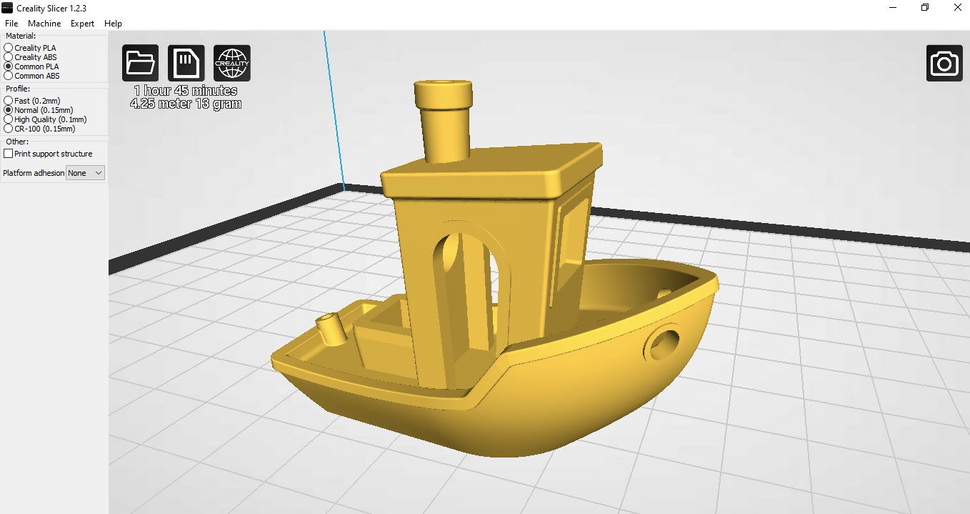
"The digital world offers endless chances for delightful imperfection, until it's just right."
This process can be surprisingly meditative. You focus on the tiny adjustments, the subtle shifts, and the gradual emergence of your object from the digital void. Time seems to melt away.
It’s a powerful feeling to take a flat idea and give it volume. You're not just drawing anymore; you're building a miniature world, one digital block at a time, for your eventual 3D printer to bring into being.
Perhaps you're crafting a unique stand for your favorite succulent, complete with little drainage holes. Each hole, each curve, is precisely placed by you, an architect of the digital realm.
Adding Your Personal Touch
Once the basic form is there, you can start adding the details that make it uniquely yours. Maybe you want to engrave your initials, or a tiny heart, onto your creation. Most software makes this surprisingly easy.
You can add textures, smooth out rough edges, or even emboss a tiny pattern. These small flourishes elevate your design from a simple shape to something truly special and personal.
Imagine crafting a custom tag for your beloved pet, complete with their name spelled out in bold letters. This personal touch transforms a generic item into a cherished keepsake.
This is where your creativity truly shines, making your design stand out. It’s the difference between a plain cookie and one adorned with colorful sprinkles, each placed with care.
![How to make your own 3D print designs [ Beginner Friendly ] - YouTube](https://i.ytimg.com/vi/w1v4PVsZU1U/maxresdefault.jpg)
These finishing touches are what connect your imagination directly to the tangible object. They are the whispers of your personality embedded within the plastic.
The "Is It Ready?" Check
Before you send your creation off to the printer, there's a quick, essential check. You need to make sure your digital object is "watertight." This simply means there are no invisible holes or gaps.
Think of it like making sure your favorite coffee mug doesn't have any hidden cracks. The printer needs a solid, complete model to build from. Most software has a simple tool to check for and fix these issues automatically.
It’s a moment of truth, a final glance to ensure everything is perfect. This step ensures that your imaginative creation translates perfectly from the screen to the physical world.
Sending It to the Future
With your masterpiece complete and checked, the final step is to export the file. This usually means saving it in a common format like STL (StereoLithography).
This STL file is the universal language that almost all 3D printers understand. It's like pressing a button to translate your intricate digital sculpture into a set of instructions a robot can follow.
It's a moment of exciting anticipation. Your idea, meticulously crafted, is now ready for its grand debut into the physical world. You've prepared the blueprint for future magic.

Beyond Your Desktop
What if you don't own a 3D printer? No problem! There's a vibrant, generous online community where you can share your STL files, or find services that will print them for you.
Imagine designing a thoughtful, personalized gift for a friend who lives far away. You can simply email them the file, and they can have it printed locally, bridging distances with creativity.
The joy of designing something and then sharing it with the world is immense. You might inspire someone else, or find others who want to collaborate on even grander projects.
This communal aspect adds another layer of warmth to the whole process. You're not just a creator; you're part of a global movement of makers, all dreaming up amazing things.
From custom board game pieces to unique desk organizers, your ideas can take on a life of their own, bringing smiles to faces near and far. It's a truly heartwarming side effect of digital design.
Unleash Your Inner Architect
Creating a 3D print file might sound intimidating, but it’s actually an accessible, fun, and profoundly rewarding experience. It's a chance to unleash your inner architect, sculptor, and problem-solver.
From a whimsical thought to a tangible object, you are the conductor of this magical orchestra. The surprising ease and the heartwarming outcomes make it an adventure worth taking.
So, next time you see a 3D printed object, remember the journey it took – from a simple idea, through digital clay, to a physical reality, all thanks to someone's imagination and a friendly piece of software.