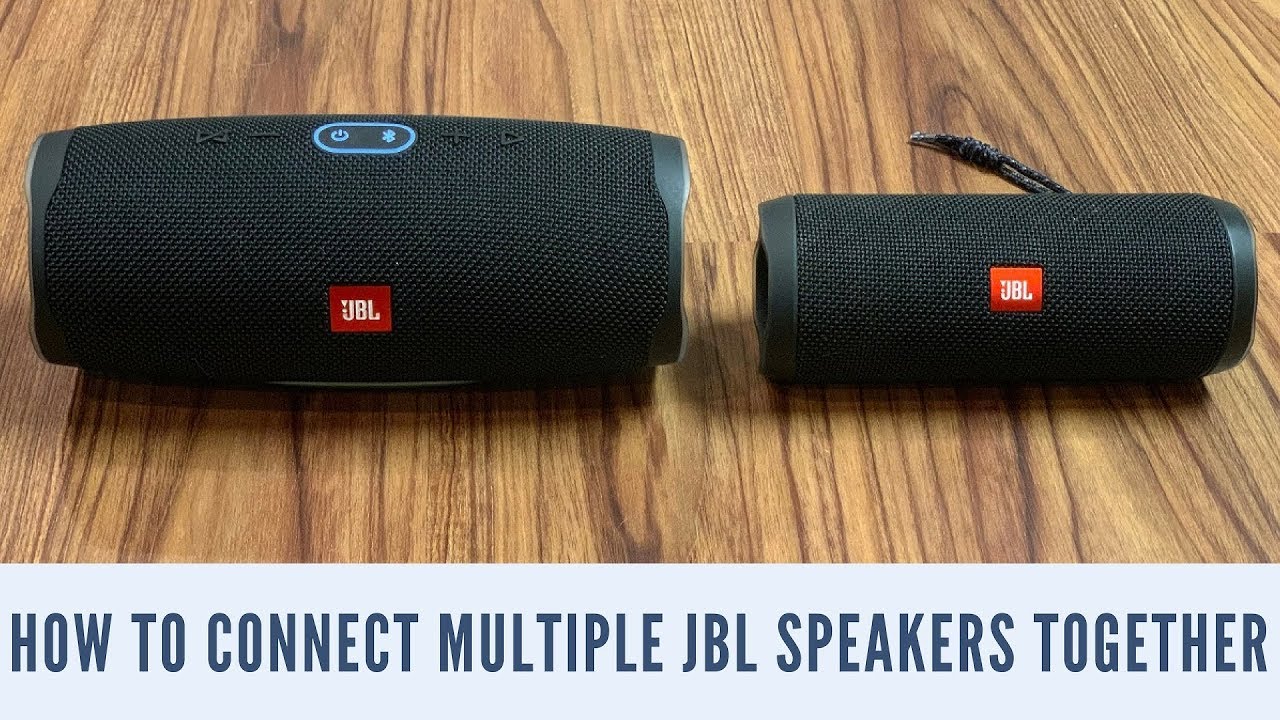
How To Connect Two Jbl Speakers
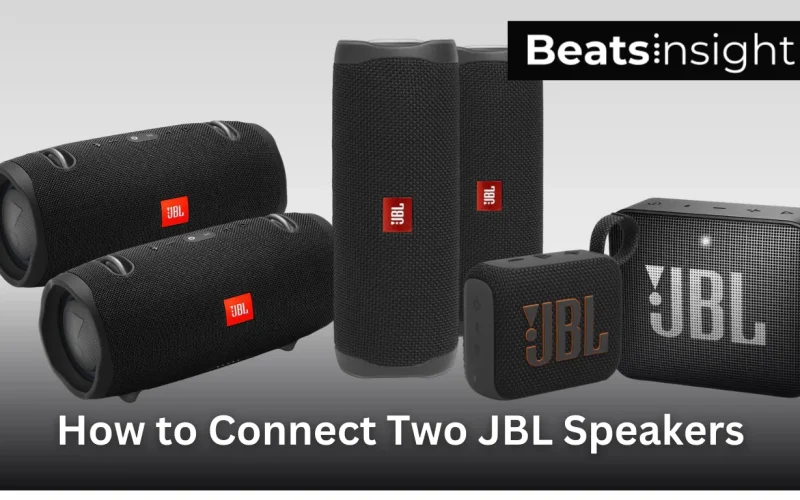
Let's face it, one JBL speaker is great, but two JBL speakers working together? That's a party waiting to happen! Connecting two JBL speakers is surprisingly easy and unlocks a whole new level of audio enjoyment. Whether you're aiming for immersive sound at home, pumping up the volume for a backyard BBQ, or just wanting a fuller soundscape for your favorite tunes, this is the guide for you.
Why bother connecting two speakers? For beginners, it's a fantastic introduction to the world of stereo sound and how audio imaging works. You'll immediately hear the difference between mono (one speaker) and stereo (two speakers). Families will appreciate how easily they can fill a living room or outdoor space with sound, creating a more engaging atmosphere for movie nights or family gatherings. And for hobbyists, connecting multiple JBL speakers opens up a playground of possibilities, from creating a multi-room audio system to experimenting with different speaker placements for optimal sound quality. The possibilities are endless!
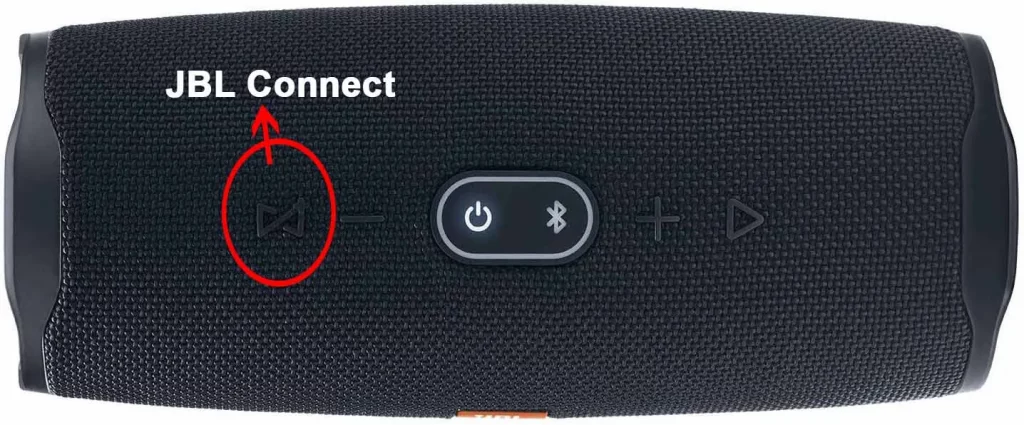
There are a couple of ways to connect your JBL speakers, and the best method depends on the models you have. The most common way is through JBL's PartyBoost or Connect+ technology. This allows you to wirelessly link compatible speakers for a powerful stereo or party mode experience. Think of it as a virtual audio cable connecting them! For example, you might pair two JBL Flip 6 speakers for a synchronized sound blast, or link a JBL Charge 5 with a JBL Pulse 5 for a combination of audio and light show magic.
Must Read
Alternatively, some JBL speakers (especially older models or larger portable ones) might use a wired connection. This usually involves using an auxiliary (AUX) cable, with one speaker acting as the "master" and the other as the "slave." While not as seamless as wireless pairing, it's a reliable method for achieving a wider soundstage.
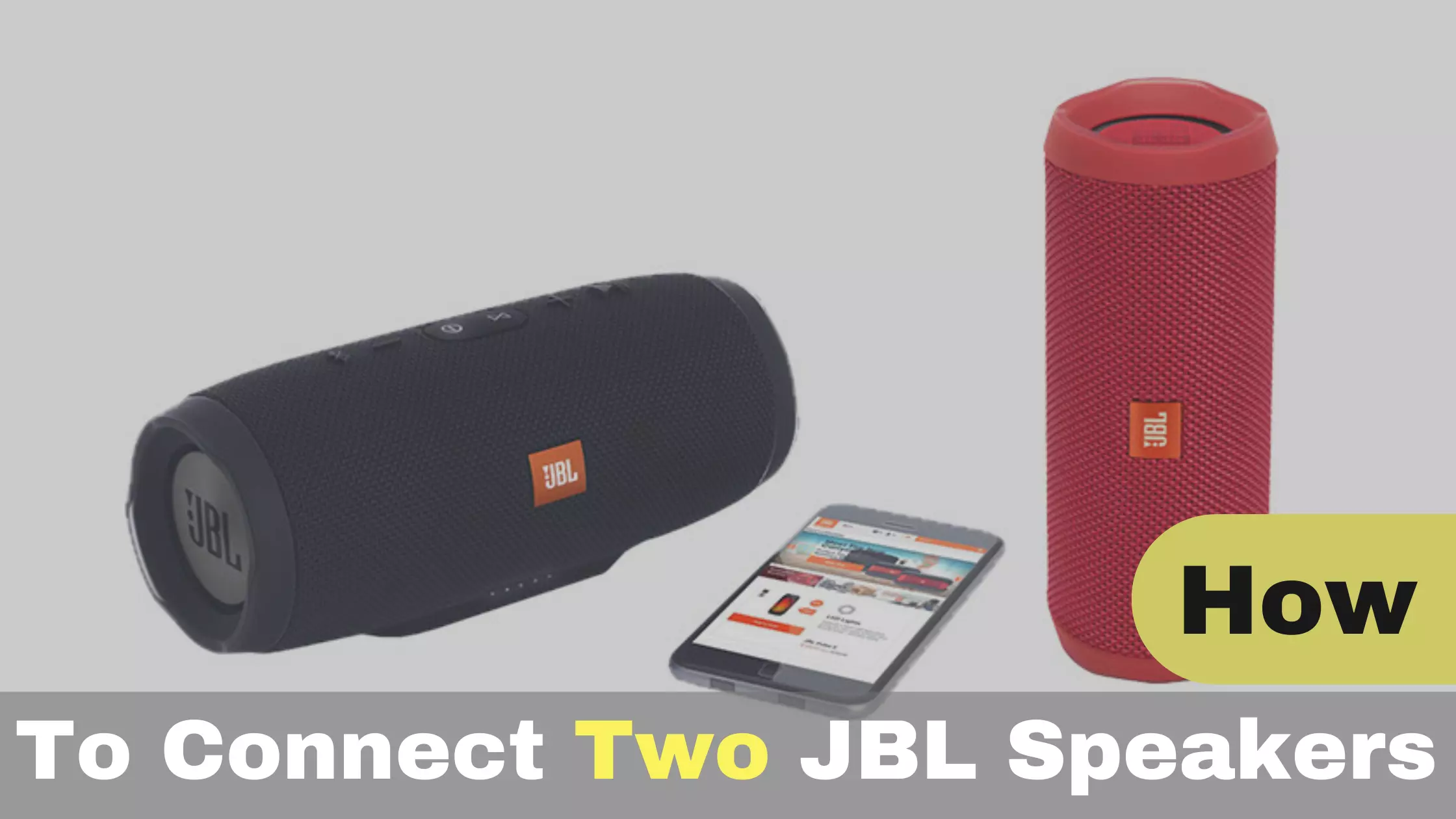
Ready to get started? Here are some simple, practical tips:
- Check Compatibility: First and foremost, ensure your JBL speakers are compatible with either PartyBoost, Connect+, or wired AUX connection. Consult your speaker's manual or the JBL website for compatibility information.
- Power Up: Make sure both speakers are fully charged or plugged into a power source. A low battery can interrupt the connection.
- Bluetooth Basics: For wireless connections, ensure Bluetooth is enabled on your smartphone or tablet. Then, put your primary speaker into pairing mode.
- Follow the Instructions: Use the JBL Portable app; the app will guide you through the pairing process step-by-step. Don't skip any steps!
- Experiment with Placement: Once connected, play some music and experiment with speaker placement to find the sweet spot for optimal sound quality.
- Read the Manual: When in doubt, read the manual! It's your best resource for understanding your specific speaker models and their features.
Connecting two JBL speakers is a simple way to significantly enhance your listening experience. Whether you're hosting a party, enjoying a movie night, or simply relaxing to your favorite tunes, the enhanced sound quality and immersive stereo imaging will transform the way you listen. So go ahead, pair up those speakers and get ready to crank up the fun!