
How To Connect Alexa To Lights
Alright, let’s talk about something truly magical. Forget pulling a rabbit out of a hat. We’re talking about making your lights dance to your every whim, all with a simple word. Yes, we’re diving into the ridiculously fun world of connecting Alexa to your lights!
Imagine this: You’re sprawled on the couch, wrapped in a blanket, deep into a binge-watching session. The credits roll, the next episode starts, and suddenly you realize the room is way too bright. What do you do? Get up? Walk all the way to the switch? Pfft! Not in this future. You just whisper, "Alexa, dim the lights," and poof! Instant cozy vibes. Pure genius, right?
Why is This So Awesome?
Because it’s the ultimate lazy-person hack, that’s why! But seriously, it’s not just about avoiding a few steps. It’s about convenience, comfort, and let’s be real, a healthy dose of showing off when friends are over. "Alexa, turn the living room purple!" Yeah, that always gets a reaction.
Must Read
Plus, it’s surprisingly empowering. You feel like a minor deity, controlling your environment with mere vocalizations. Who knew a smart speaker could deliver such a power trip?
What Do You Even Need?
Good question! Don’t panic, it’s not rocket science. You essentially need two things:
- An Amazon Echo device (your Alexa-enabled buddy).
- Smart lights (either smart bulbs or smart plugs).
That’s it! No crazy wiring, no summoning ancient spirits. Just modern tech making your life easier.
Step 1: Get Your Smart Gear!
This is where you make a crucial decision. Do you want smart bulbs or smart plugs? Both are fantastic, but they do different things.
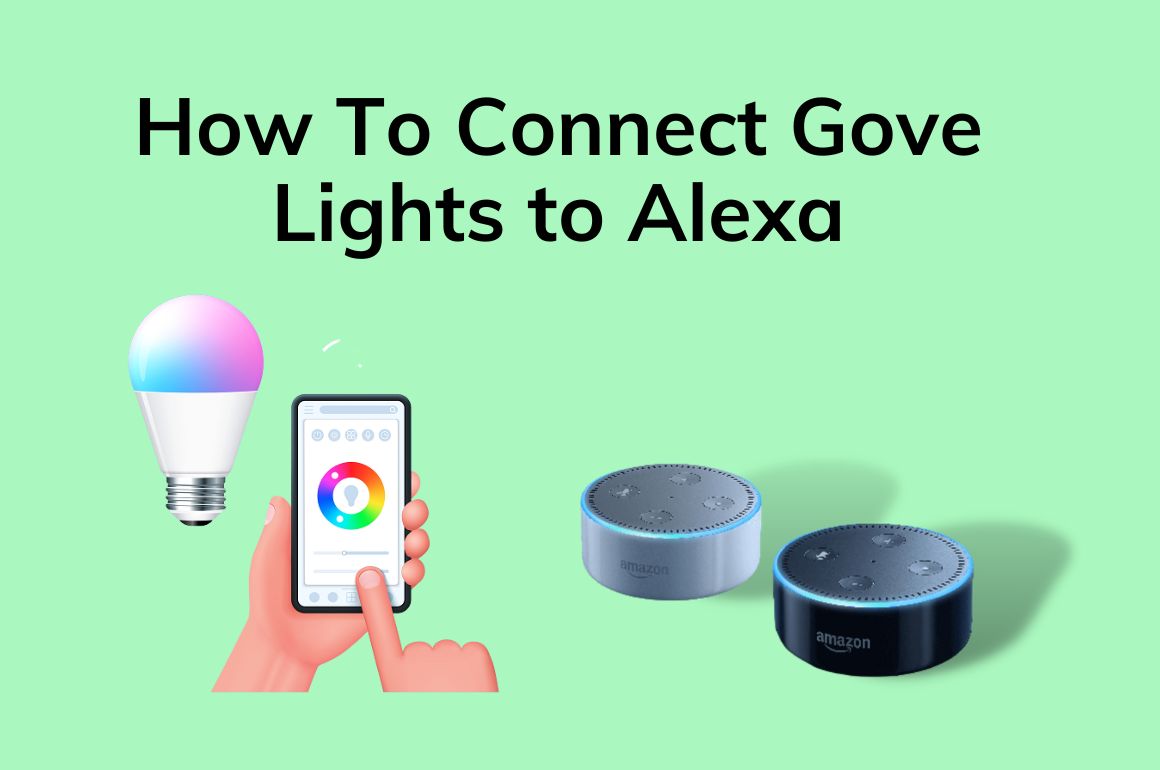
Smart Bulbs: These are bulbs that screw right into your existing lamps and fixtures. They often offer a rainbow of colors, dimming, and color temperature changes. Perfect for setting a mood – from "energetic morning" white to "romantic sunset" orange. Think Philips Hue, Govee, Sengled.
Smart Plugs: These little gadgets plug into your wall outlet. Then, you plug any regular lamp (or even a fan or coffee maker!) into the smart plug. This makes your dumb lamp smart. You won't get color changes, but you can turn it on/off and dim it (if the bulb supports dimming) with your voice. Super versatile! Great for that antique lamp you love but can't put a smart bulb into.
Pick your poison! Or, you know, pick both. We won't judge.
Step 2: Install Your Smart Lights
This is probably the most complex step, and it’s still pretty darn easy.

If you have smart bulbs, simply screw them into your chosen lamps. Then, usually, you'll need to download the bulb's specific app (like Philips Hue app). Follow their super quick setup to connect the bulbs to your home Wi-Fi. This usually involves blinking lights and a little patience. Once they're linked to their own app, you're golden!
For smart plugs, plug the smart plug into the wall, then plug your lamp (or whatever) into the smart plug. Download the smart plug's app (like Kasa or Gosund), and connect it to your Wi-Fi there. Easy peasy!
Pro Tip: Make sure your Wi-Fi is strong where your devices are located. Smart lights love a good signal!
Step 3: Open the Alexa App!
Your Alexa device is like the brain, but the app is the control panel. Grab your phone and open that Alexa app. If you don't have it, download it. It's free!

Step 4: Discover Devices – The Magic Moment!
Inside the Alexa app:
- Tap on "Devices" at the bottom right.
- Tap the + icon in the top right corner.
- Select "Add Device."
- Choose "Light" (or "Plug" if you went that route).
- Alexa will usually list a bunch of brands. Find yours! If you can't find your brand, sometimes "Other" works, or you might need to enable a "skill" for that brand first (which Alexa usually prompts you to do).
Now, this is the fun part: Alexa will start searching for your new smart lights. It feels a bit like she's sniffing them out. When she finds them, she'll say something like, "I found one new light!" or list them out. Victory!
Step 5: Name Your Lights (Get Creative!)
This is crucial for maximum fun. Don't call them "first light" or "switch 1." Give them personality!
- "Living Room Lamp"
- "Reading Nook"
- "Party Zone" (for that disco bulb!)
- "Kitchen Counter"
- "Relaxation Glow"
The more unique and easy to say, the better. You can group them too: "Downstairs Lights," "Bedroom," etc.

Step 6: Start Talking to Your Lights!
And that’s it! You're ready to unleash your inner light wizard.
- "Alexa, turn on the Living Room Lamp."
- "Alexa, turn off Party Zone."
- "Alexa, dim the Reading Nook to 50%."
- "Alexa, set Kitchen Counter to warm white." (If you have color-changing bulbs!)
- "Alexa, make the Bedroom lights blue."
Seriously, try saying "Alexa, make the Bedroom lights sultry red." See what happens. It's all about experimenting and having a laugh.
Beyond the Basics: Routines!
Want to go full sci-fi? Set up routines in the Alexa app!
- "Alexa, good morning." -> Lights slowly brighten, coffee maker starts (if it’s on a smart plug!).
- "Alexa, movie time." -> Living room lights dim, TV turns on.
- "Alexa, good night." -> All lights turn off.
It’s like having a personal assistant dedicated to your lighting whims. And trust us, once you start, you'll wonder how you ever lived without it.
So, go forth! Embrace the voice-controlled light revolution. Your fingers (and your inner wizard) will thank you!