
How To Clean Charging Port On Android Phone
Hey there, fellow Android enthusiast! Ever feel like your phone is playing hard to get when you try to charge it? Like it's suddenly developed a deep philosophical aversion to electricity? Chances are, the culprit isn't some existential crisis; it's probably just a dirty charging port. And cleaning it? Way easier (and cheaper!) than therapy.
Think of your phone's charging port like the tiny, neglected lint trap in your dryer. You know, that thing you're supposed to clean out regularly but probably...don't? Over time, it gets packed with all sorts of gunk – dust bunnies, pocket lint, microscopic crumbs from that donut you ate last week... You name it, it's probably in there.
Why Bother Cleaning It, Anyway?
Okay, so why is a clean charging port a big deal? Well, imagine trying to drink a smoothie through a straw filled with cotton candy. Not gonna happen, right? Similarly, a charging port crammed with debris can prevent a solid connection, leading to:
Must Read
- Slow charging: Your phone takes forever to power up.
- Intermittent charging: It charges, then it doesn't, then it charges again... infuriating!
- No charging at all: The ultimate nightmare. You plug it in, and... nothing.
- Port Damage: Built-up debris can put extra strain on the port, potentially causing physical damage over time.
Plus, let's be honest, a clean phone is a happy phone (and a happy owner!).
The Gentle Art of Charging Port Cleaning (No Surgery Required!)
So, how do we tackle this tiny, dusty battlefield? Don't worry, you don't need to be a tech wizard or a surgeon. It's all about being gentle and patient. Think of it as giving your phone a mini-spa day. Here’s your toolkit:
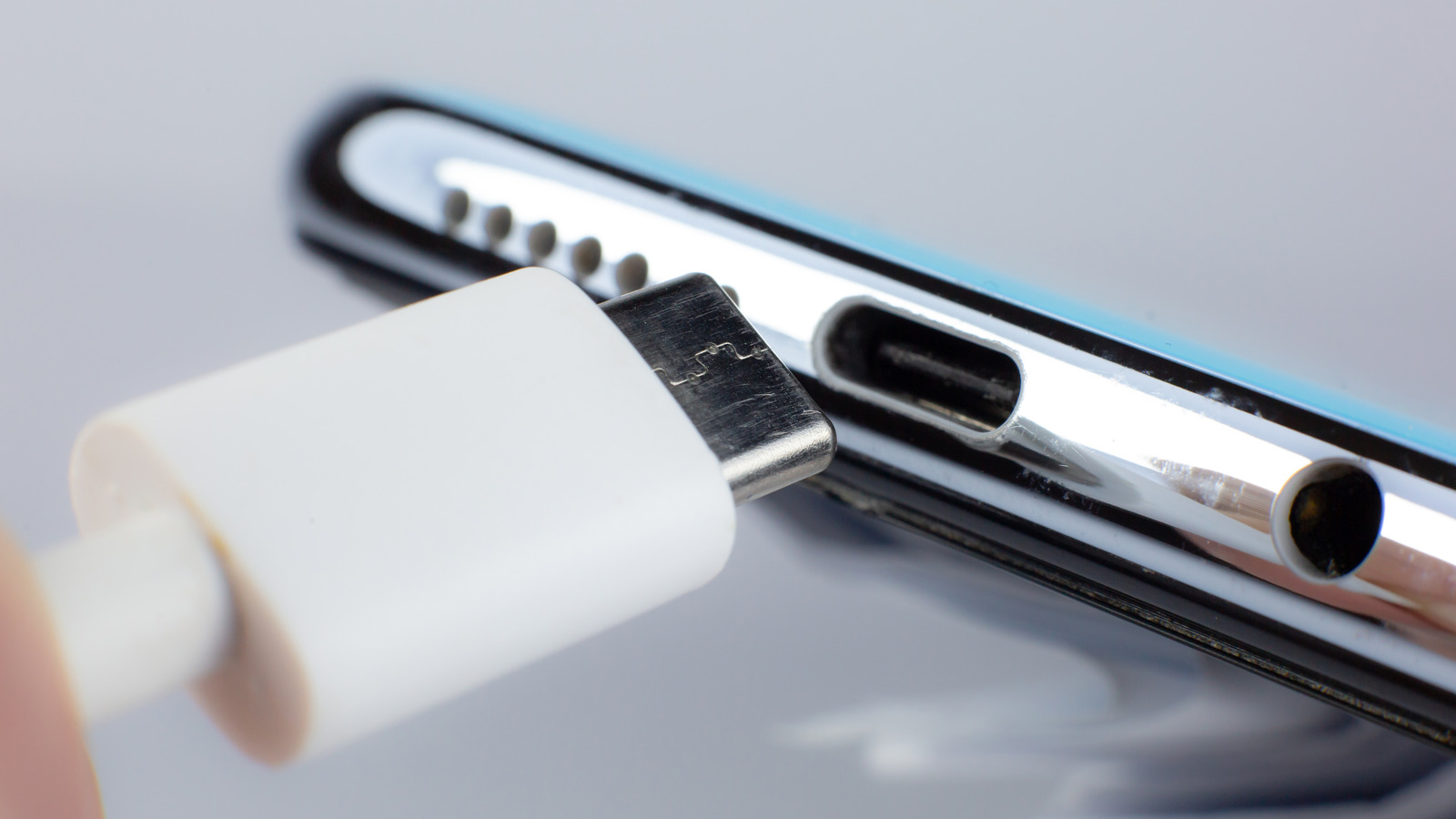
- Canned air: Your best friend in this endeavor! Short bursts are key. Think of it as a mini-tornado for dust bunnies.
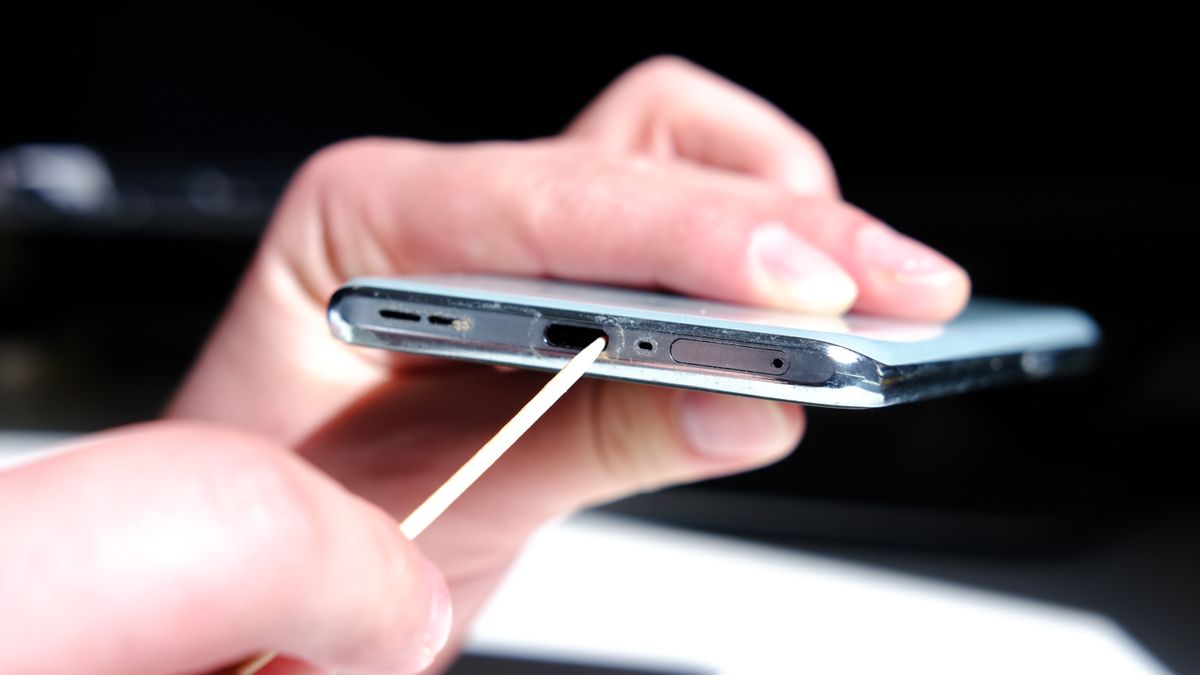
- A toothpick (wooden or plastic): For gently dislodging stubborn debris. Be careful not to apply too much pressure, we don't want to damage the port.
- An anti-static brush (optional): Like a tiny, soft broom for your phone's insides.
- Good lighting: You need to see what you're doing!
Important safety tip: Always power off your phone before you start cleaning. Imagine trying to vacuum a swimming pool while it's full of water... not a good idea!
Step-by-Step Cleaning: The No-Stress Guide
- Power down: Turn off your phone. Seriously.
- Canned air attack: Aim the nozzle of the canned air into the charging port and give it a few short, controlled bursts. This will dislodge loose dust and debris.
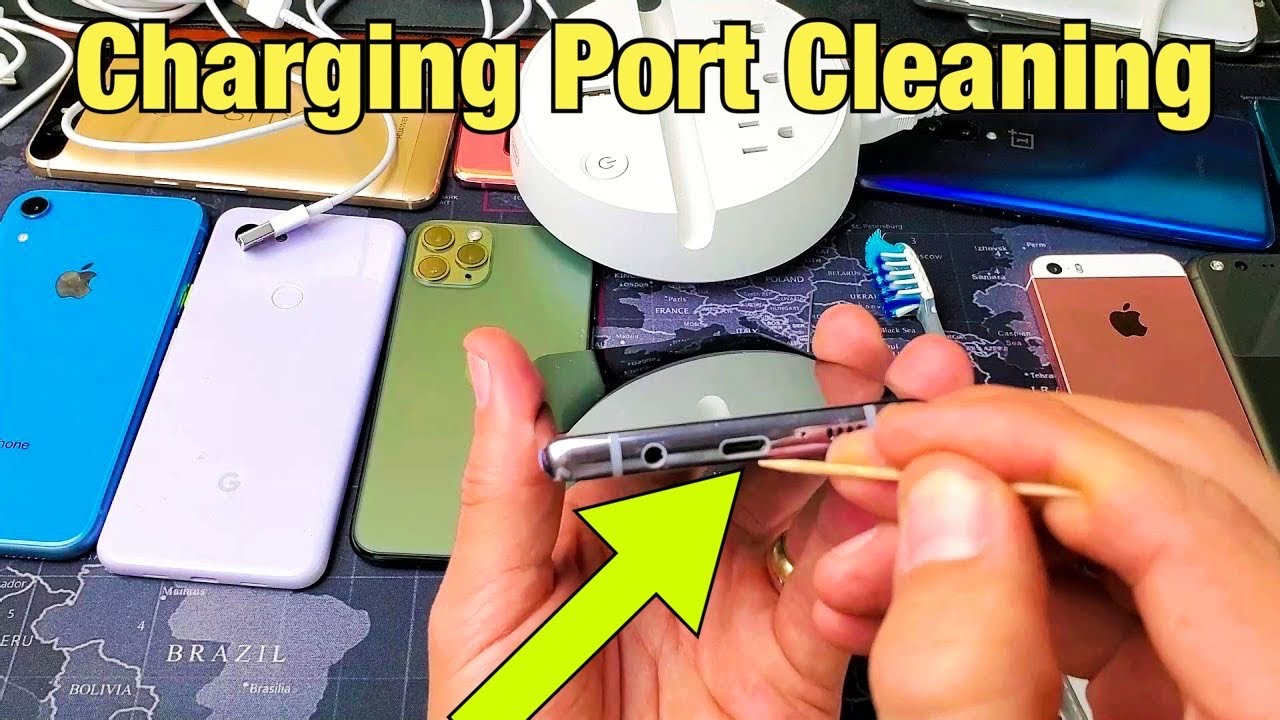
- Toothpick tango: Gently insert the toothpick into the charging port and carefully scrape along the edges. Don't dig too deep! The goal is to loosen any compacted lint or dirt. Think of it like delicately removing plaque from your teeth (except, you know, for your phone).
- Brush it off (optional): If you have an anti-static brush, gently brush the inside of the port to remove any remaining particles.
- Canned air encore: Give the port another blast of canned air to remove any debris you loosened with the toothpick or brush.
- Inspect: Use a flashlight or your phone's camera to inspect the port and see if you've removed all the visible debris. If not, repeat steps 3-5.
- Power up: Once you're satisfied that the charging port is clean, power on your phone and test the charging connection.
Pro tip: Don’t use metal objects to clean the port. You could short-circuit something or damage the pins inside. Stick to wood or plastic for safety!
Preventing Future Dust Bunnies: A Few Simple Tricks
Now that your charging port is sparkling clean, how do you keep it that way? Here are a few simple habits you can adopt:
- Keep your phone out of dusty environments: If you work in a dusty environment, try to keep your phone in a case or bag when you're not using it.
- Clean your pockets: Regularly empty your pockets of lint and debris before putting your phone in them.
- Use a charging port protector: These tiny plugs can help keep dust and debris out of your charging port. You can find them online or at most electronics stores.
- Occasional maintenance: Do a quick cleaning every few weeks to prevent build-up.
The Bottom Line
Cleaning your Android phone's charging port is a simple yet effective way to keep your device running smoothly. It's like giving your phone a little TLC, ensuring it gets the power it needs to keep you connected. So, grab your canned air, your trusty toothpick, and get cleaning! Your phone (and your sanity) will thank you.
Now, go forth and conquer those dust bunnies!

