How To Charge Microsoft Surface Without Charger

Ever been there? You're miles from home, deep into a project on your Microsoft Surface, and then… the dreaded low battery warning. But, horrors! You've forgotten your charger. It's a modern nightmare scenario! But don't panic just yet. Knowing how to charge your Surface without its official charger can be a lifesaver, and honestly, it's just plain cool to know. Think of it as a digital survival skill.
So, what's the big deal? Why bother learning alternative charging methods? The purpose is simple: power when you need it most. The benefits are equally clear: avoiding productivity shutdowns, staying connected during travel, and generally feeling like a tech-savvy wizard who can solve problems on the fly. It’s about having options and not being completely reliant on one specific power source.
One of the most common alternative methods involves using a USB-C power delivery (PD) charger. Most modern Surface devices, including the Surface Pro 7 and later, and Surface Laptop 3 and later, are equipped with USB-C ports that support charging. If you have a USB-C charger for your phone or another device, especially one that outputs a higher wattage (45W or more is generally recommended for optimal charging speed), there’s a good chance it will work. Simply plug it into the USB-C port on your Surface and see if it starts charging.
Must Read
This method is incredibly useful in educational settings. Imagine a student forgets their Surface charger before a crucial presentation. A classmate or the teacher with a USB-C PD charger can swoop in and save the day, ensuring the presentation goes off without a hitch. In daily life, it's equally relevant. You might be at a coffee shop or airport, and someone might have a compatible charger you can borrow. Knowing that USB-C PD charging is an option significantly expands your charging possibilities.

Another potential, though often slower, charging method involves using a USB-A to USB-C cable and a USB-A power adapter. This method is less reliable and might not work for all Surface models, particularly when the device is under heavy load. However, it can provide a trickle charge to keep your device from completely dying, buying you precious time to find a more suitable charging solution.
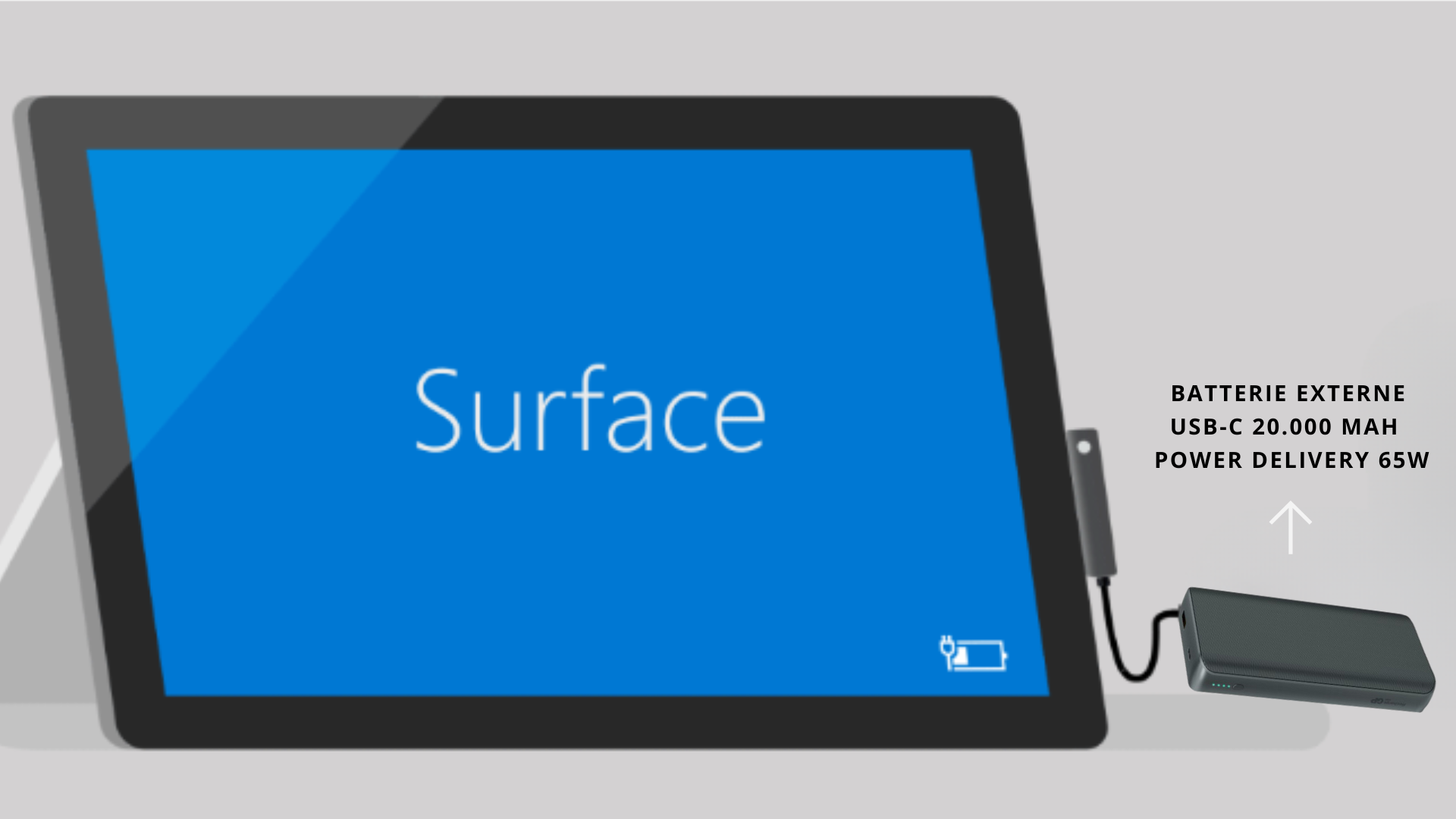
What about using a portable power bank? If your power bank supports USB-C PD, it's an excellent option. Even a standard USB-A power bank can offer some charging relief. Think of it as an emergency fuel tank for your digital life.

Practical tips: Firstly, always check your Surface model's specifications to confirm USB-C charging support. Secondly, try different chargers if the first one doesn't work – wattage and voltage can make a difference. Thirdly, when using alternative charging methods, try to minimize resource-intensive tasks to maximize the charging rate. Turn down screen brightness, close unnecessary applications, and avoid gaming or video editing.
Want to explore further? Start by experimenting with different USB-C chargers you have around the house. See which ones work best and take note of their wattage. Look for USB-C PD power banks with high capacities. Understanding how your devices charge empowers you to handle unexpected power situations with confidence. And remember, having these alternatives in your back pocket provides a level of digital freedom that’s hard to beat. Happy charging!