How To Charge Chromebook With Phone Charger
Hey there, tech explorers! Ever found yourself in a situation where your Chromebook is begging for power, and your official charger is nowhere to be seen? Don't panic! You might just be able to use that trusty phone charger of yours. But… can you? Let’s dive into the possibilities, shall we?
The Universal Standard: USB-C to the Rescue?
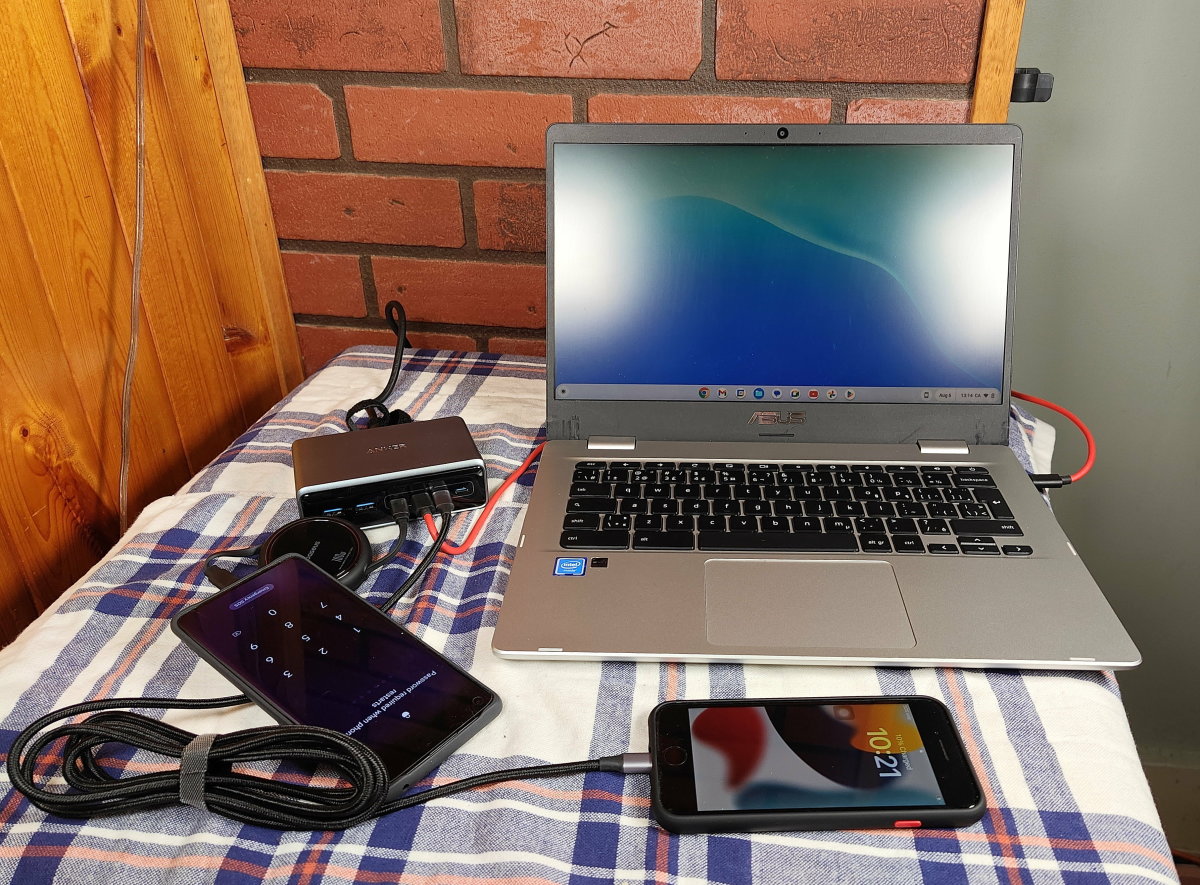
Okay, so here’s the deal. Most modern Chromebooks (and Android phones, for that matter) are embracing the magic of USB-C. Think of USB-C like the cool, reversible plug that always goes in right-side up. No more fumbling in the dark! This port is becoming the universal standard, which is awesome news for charging compatibility.
If your Chromebook and your phone both charge via USB-C, there’s a very good chance your phone charger will work. It’s like finding out two of your favorite LEGO sets can be combined – pure compatibility bliss!
Must Read
But… Power Delivery is Key!
Here's the catch: just because the plug fits doesn't guarantee it'll charge. This is where power delivery comes in. Think of power delivery as the water pressure in a pipe. A tiny straw can fill a glass, but it takes a bigger pipe to fill a swimming pool, right? Similarly, your Chromebook might need more power than your phone charger is designed to deliver.
Check the power output of both your Chromebook charger and your phone charger. Look for a number followed by a "V" (for volts) and an "A" (for amps). For example, you might see "5V/3A" or "9V/2A." Multiply those numbers together to get the wattage (Volts x Amps = Watts). Your Chromebook likely needs a charger with a higher wattage than your phone.
What happens if the wattage is too low? Well, your Chromebook might charge incredibly slowly, or it might just maintain its current battery level instead of actually charging. It’s like trying to fill a bathtub with a teaspoon – technically you are adding water, but you’ll be there all day!
The Slow and Steady Approach
So, your phone charger has a lower wattage than your Chromebook charger. Is all hope lost? Not necessarily! You can still use it in a pinch, especially if your Chromebook is turned off or in sleep mode. The slower charge will be better than no charge at all, right? It's like choosing a scenic route over no route at all.
Important Tip: Avoid using your Chromebook for demanding tasks (like gaming or video editing) while charging with a low-power charger. You'll likely drain the battery faster than it can charge, which is just frustrating.
What About USB-A to USB-C Cables?
Maybe your phone charger has a standard USB-A port (the rectangular one) on the power brick, and you're using a USB-A to USB-C cable to connect it to your phone. Can you use that to charge your Chromebook? Possibly, but it's even more likely to be a slower charge. USB-A generally delivers less power than USB-C, so you're really pushing the limits here.
Safety First! A Few Words of Caution
While using a phone charger on your Chromebook is often possible, always prioritize safety. Avoid using damaged chargers or cables. Using a charger that's not designed for your Chromebook could potentially damage the battery or other components. It’s like using the wrong type of fuel in your car – it might get you somewhere, but it’s not worth the risk!
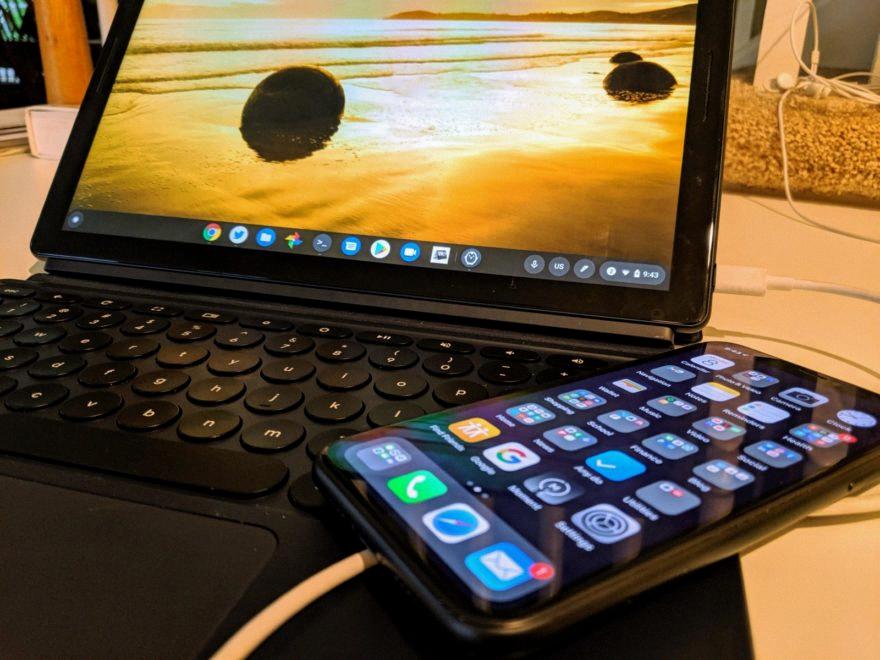
If your Chromebook gets unusually hot while charging, disconnect the charger immediately. It's always better to be safe than sorry. You can also check the manufacturer’s website or the user manual for specific charging recommendations for your Chromebook model.
The Verdict: Yes, But With Caveats!
So, to recap: Can you charge your Chromebook with a phone charger? The answer is usually yes, especially if both devices use USB-C. However, pay attention to the power output, be prepared for a potentially slow charge, and always prioritize safety. Think of it as a handy backup plan when your main charger is MIA. Happy charging!
Consider this a temporary solution, a quick top-up, or a method of charging when you're not actively using the Chromebook. It's not ideal, but it could save you in a pinch! And that, my friends, is tech ingenuity at its finest.