
How To Charge A Surface Pro Without A Charger

Okay, picture this: you're at that super important conference, you know, the one where everyone’s pretending to understand blockchain? Your Surface Pro is your lifeline, furiously taking notes (mostly doodles of the keynote speaker as a unicorn, let's be honest). Then BAM! Red light of doom. You glance around in a panic. No charger. Zip. Nada. You're officially stranded in battery-dead-ville. Sound familiar? Don't worry, we've all been there. (Seriously, I think forgetting the charger is a modern-day rite of passage.)
But fear not, fellow tech traveler! Losing your charger doesn't have to mean the end of your productive (or unicorn-drawing) day. There are a few tricks up our sleeves to juice up your Surface Pro without its proprietary power brick. Let's dive in!
Option 1: The USB-C Savior (If You Have It)
Many newer Surface Pro models (like the Surface Pro 7 and later) come equipped with a glorious USB-C port. This little port is a game-changer. Why? Because you can use a USB-C Power Delivery (PD) charger to charge your Surface Pro. Check your model specifications online to be absolutely sure if yours has it!
Must Read
What you need: A USB-C PD charger and a USB-C to USB-C cable. Preferably one that outputs at least 45W, although a lower wattage charger might work, it will likely charge slower. (Think: glacial speed.)
How it works: Simply plug the USB-C cable into the charger, then into the USB-C port on your Surface Pro. Your device should recognize the power source and start charging. Voilà! You're back in business. (Or back to drawing unicorns. No judgment here.)

Important Note: Not all USB-C chargers are created equal. Make sure your charger specifically supports Power Delivery (PD). Otherwise, it might not work at all, or even worse, damage your device. Safety first, friends!
Option 2: The Car Charger Caper
Stuck in a car on a long road trip with a dying Surface Pro? (Again, relatable.) If you have a car charger with a USB port, you might be in luck.
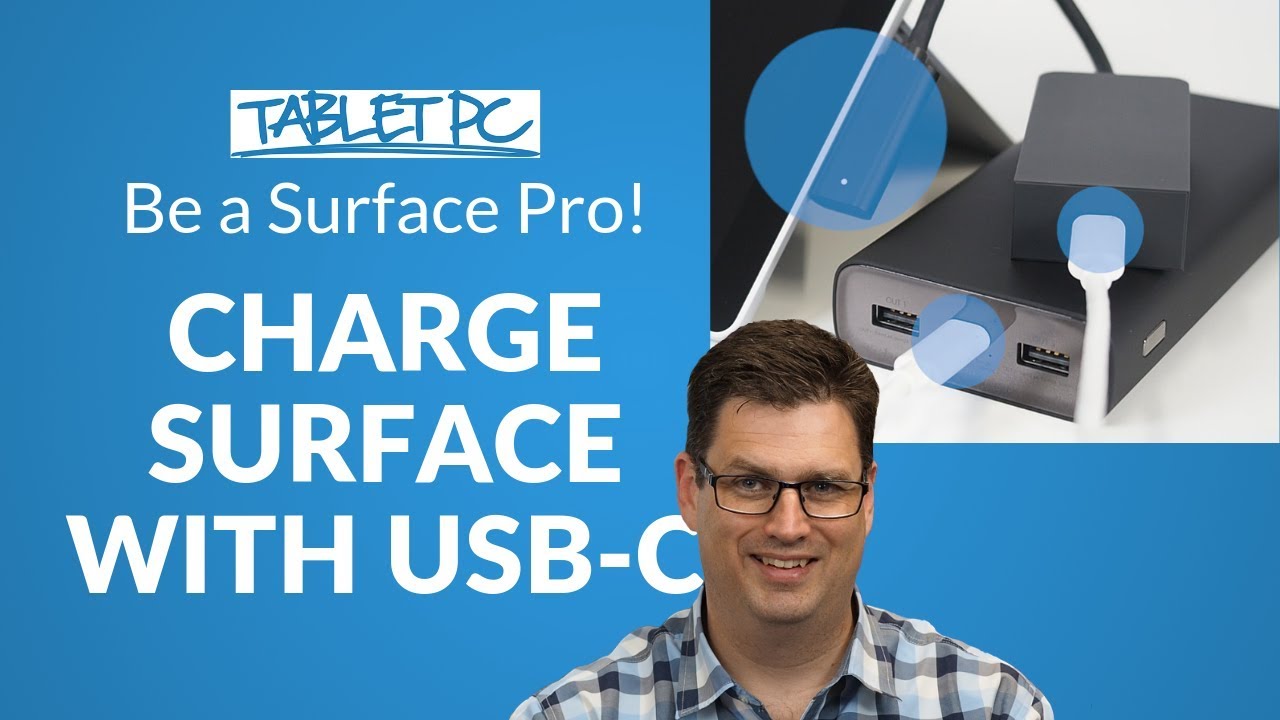
What you need: A car charger with a USB port and a USB to Surface Connect cable. This cable is key! (See option 3 below if you don’t have one.)
How it works: Plug the USB end of the cable into the car charger and the Surface Connect end into your Surface Pro. Be warned: this method is usually very slow. You're likely only getting a trickle of power, but it's better than nothing, right? Enough to at least finish that email before it shuts down completely.
Consider this: Car chargers often provide lower wattage than wall chargers. Don’t expect a rapid recharge. Think of it as a slow drip IV for your ailing Surface Pro.
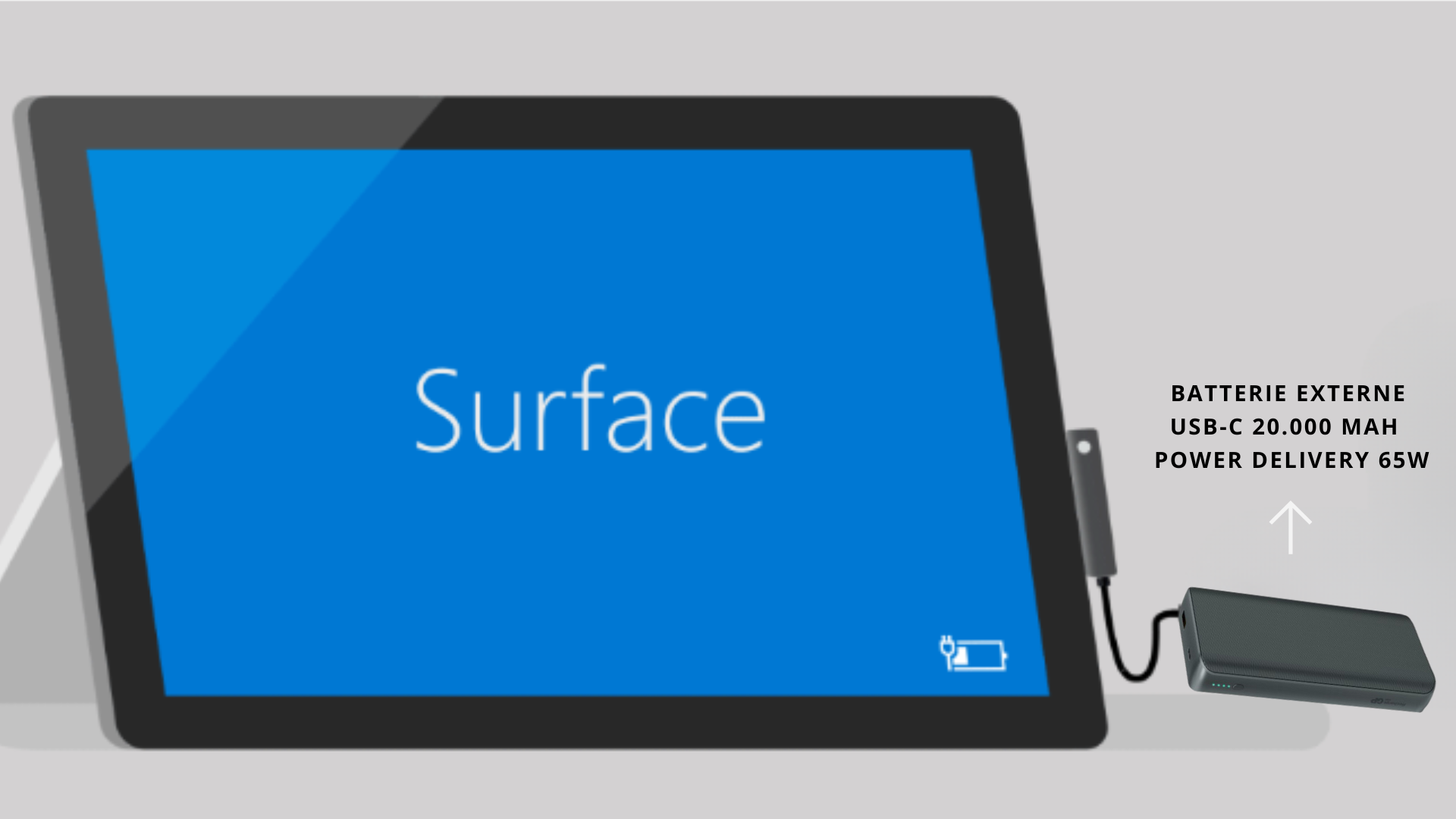
Option 3: The USB to Surface Connect Cable (The Hybrid Approach)
This is perhaps the most versatile solution, allowing you to leverage various power sources, even a power bank.
What you need: A USB to Surface Connect cable, and a power source with a USB port (like a power bank, a laptop, or even some wall chargers). You can find these cables online for a reasonable price. Think of it as a worthwhile investment against future charger-related disasters. (Like forgetting it at home...again.)

How it works: Plug the USB end into your power source and the Surface Connect end into your Surface Pro. Just like the car charger method, this usually charges slower than the official charger, but it's a lifesaver in a pinch. I've used this method extensively to charge my Surface Pro from a power bank while traveling. It works pretty well!
Pro-tip: Using a power bank with a higher output will result in faster charging. Look for power banks with at least 2.4A output.
Things to Keep in Mind (The Fine Print)
- Compatibility is key: Always double-check the compatibility of any charging method with your specific Surface Pro model.
- Charging speed varies: Charging speeds will vary depending on the power source and the cable used. Don't expect official charger speeds with these alternative methods.
- Quality matters: Invest in high-quality cables and chargers to avoid damaging your device. Cheap knock-offs can be tempting, but they're often not worth the risk.
- Heat is a warning: If your Surface Pro gets excessively hot while charging using an alternative method, unplug it immediately.
So there you have it! A few ways to breathe life back into your Surface Pro when you're charger-less. Remember, while these methods are helpful in emergencies, your official charger is always the best option for optimal charging performance and the overall health of your device. But hey, at least you’re prepared for the next charger-related apocalypse! Now go forth and conquer (or draw unicorns), powered by your newfound charging knowledge!