
How To Charge A Li Ion Battery
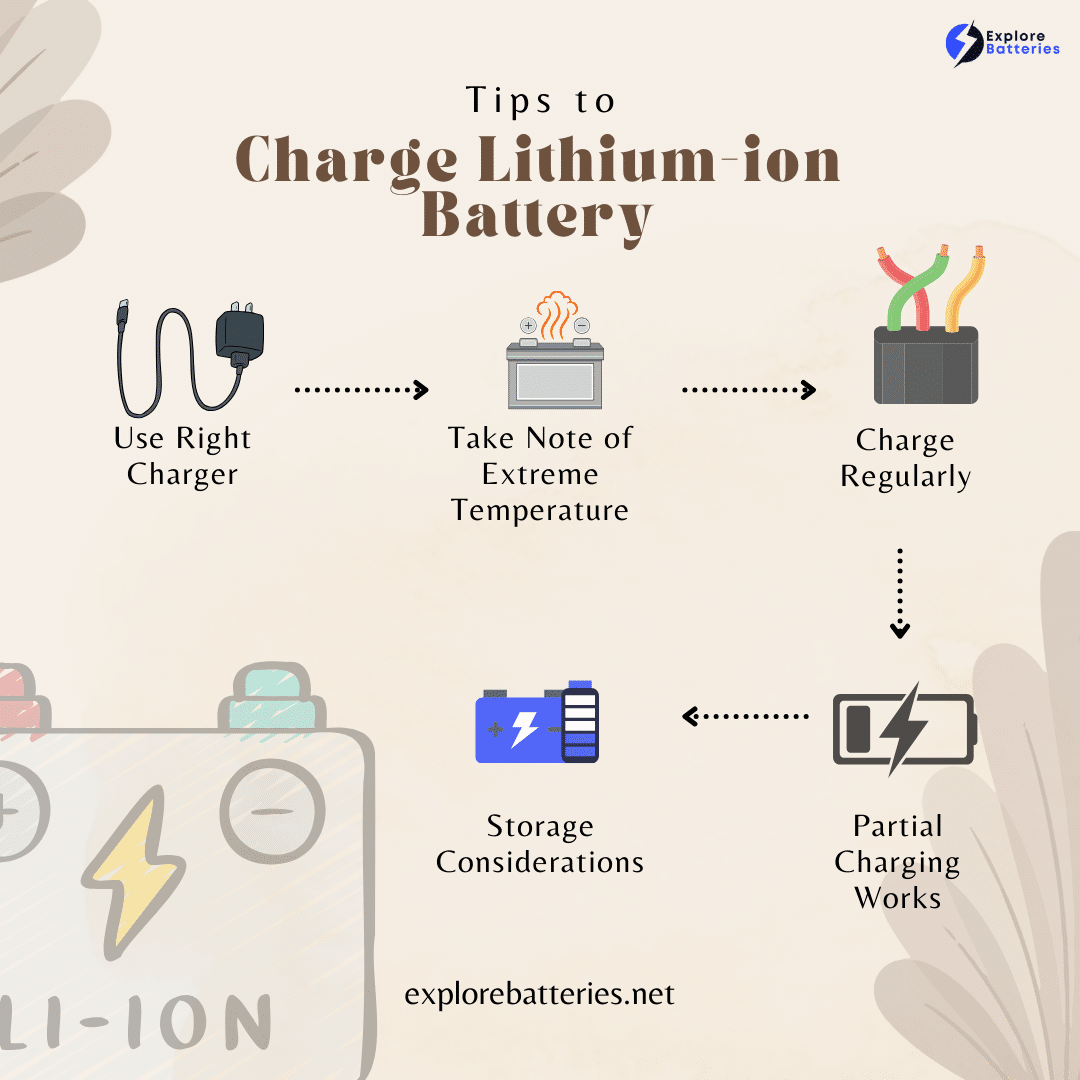
Hey there, tech buddy! Ever stare blankly at your phone, laptop, or electric toothbrush (yes, even those!) and wonder if you're charging it right? Well, you're not alone! Lithium-ion batteries are the unsung heroes powering most of our daily lives, and giving them a little TLC when it comes to juice-up time can really make a difference. So, let's ditch the tech jargon and chat like we're grabbing a coffee about how to keep those little power packs happy and humming!
The Golden Rule: Matchmaking Your Charger
First things first, this is probably the most important tip: use the right charger. I know, I know, we've all been there – scrambling for any cable that fits when your phone is gasping its last breath. But trying to charge your fancy smartphone with a dodgy, super-slow tablet charger from 2010 (or worse, a super-fast one it’s not designed for) is like trying to fit a square peg in a round hole, but with potentially more dramatic consequences for your battery. Not literally sparks, hopefully, but definitely not good for its long-term health!
Your device usually comes with a charger that's perfectly matched. If you need a replacement, try to get one from the original manufacturer or a reputable third-party brand. Look for the voltage (V) and current (A) ratings – they should ideally match your device's specifications. It’s like finding the perfect pair of shoes for your battery; comfort and compatibility are key!
Must Read
The Sweet Spot: Don't Be an Extremist!
Batteries, much like Goldilocks, prefer things just right. They don't like being totally empty, and they don't like being completely stuffed for ages. Think of it this way:
- Avoid going to 0% often: Letting your battery completely die and then reviving it from the dead all the time isn't great. It stresses the battery. Try to plug it in before it hits critical levels. Aim for around 20% if you can!
- Don't leave it at 100% for days: Similarly, keeping your device plugged in all the time, especially after it's reached 100%, can put a tiny bit of strain on the battery. Modern devices are smart and stop charging once full, but prolonged periods at maximum charge aren't ideal for longevity. Think of it like holding your breath for too long – not comfortable!
The sweet spot? Many experts suggest keeping your battery between 20% and 80% charged for optimal long-term health. It’s a happy medium that gives your battery a nice, comfortable life.

Temperature Talk: Keep Your Cool (Literally!)
Batteries are pretty sensitive to extreme temperatures. Charging your phone in direct, blazing sunlight on a summer day, or trying to juice up your laptop out in the freezing cold, is a big no-no. High heat can accelerate degradation, while extreme cold can reduce charging efficiency and potentially damage components.
So, try to charge your devices in a moderate temperature environment. If your phone feels hot to the touch while charging, that's a sign it's working too hard or the environment is too warm. Maybe kick off its case while it's charging if it tends to get a bit toasty!

Patience, My Friend: Fast Charging vs. Slow and Steady
Fast charging is a godsend when you're rushing out the door, right? But while convenient, it does put more stress on your battery compared to a slower charge. Think of it like a sprint versus a leisurely jog for your battery – the jog is less taxing over time.
For everyday charging, if you've got the time, a standard or slower charge can actually be kinder to your battery in the long run. Of course, use fast charging when you need it! Just don't make it your battery's only mode of operation, okay? Give it a break sometimes!

Listen to Your Device: The Smart Chargers Are Here!
Good news! Most modern devices and their chargers are incredibly smart. They have built-in circuits that manage the charging process, preventing overcharging and optimizing the current flow. This means you don't have to hover over your device like a hawk, ready to unplug it the second it hits 80%.
However, being aware of these simple tips empowers you to make better choices and understand what's happening under the hood. It’s like knowing the ingredients in your food – you don't need to cook every meal, but it's good to know what's going on!

The Red Flags: When to Worry (Just a Little!)
Most of the time, charging is a perfectly safe and mundane affair. But occasionally, batteries can act up. If you notice your battery pack or device:
- Is unusually hot to the touch
- Starts to swell or bulge (looks like a puffy pillow)
- Emits a strange smell
Then, my friend, unplug it immediately and consult a professional. These are rare occurrences but important to be aware of for safety!
Keep 'Em Juiced, Keep 'Em Happy!
So there you have it! Charging your Li-ion batteries doesn't have to be a mystery. By using the right charger, avoiding extreme charge levels, keeping an eye on temperature, and not relying solely on super-fast charging, you’ll be giving your devices the best chance at a long, productive life. Imagine all the extra cat videos you can watch, books you can read, and games you can play! Your devices will thank you with more uptime, less drama, and a future filled with reliable power. Happy charging, and may your battery indicator always be a comforting shade of green!