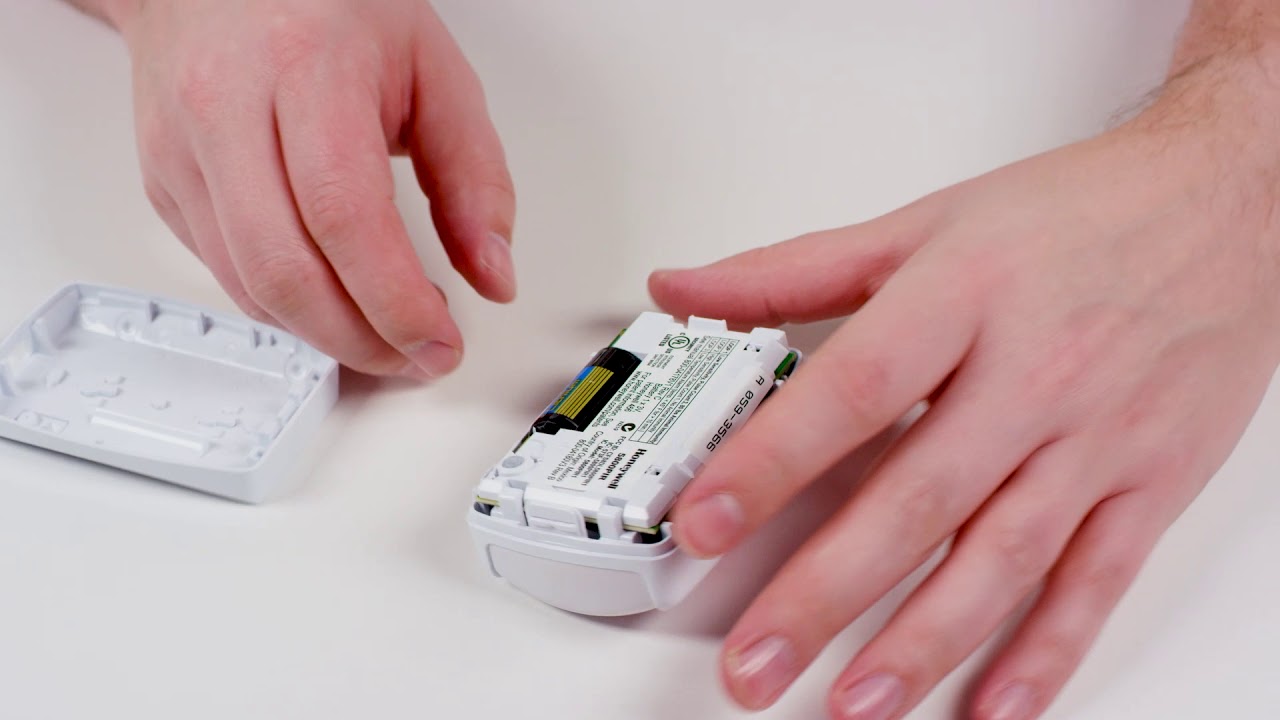
How To Change Battery In Motion Detector
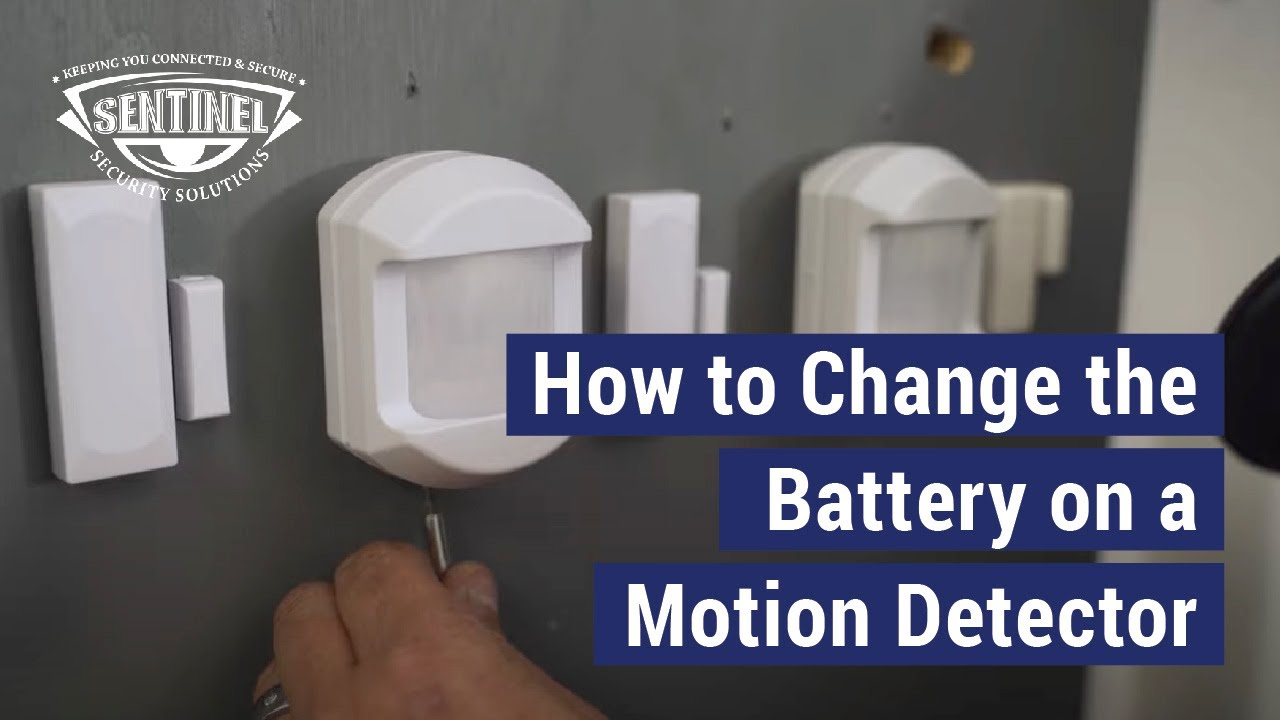
Ever had that little "chirp" or a sudden silence from your home security system? That's often your motion detector telling you it's running low on juice. It might not sound like the most thrilling weekend activity, but trust me, learning how to swap out a motion detector battery is a surprisingly empowering little life skill. It’s like being a mini-tech hero for your own home, keeping things running smoothly and saving you a service call fee. Plus, there's a certain satisfaction in knowing you can handle these small but important tasks yourself!
This simple task offers benefits for everyone. For beginners in home maintenance, it's a fantastic entry point into DIY – proving you don't need a toolbox full of specialized equipment to make a real difference. It builds confidence! For families, a functioning motion detector means peace of mind, whether it's for security lights illuminating the driveway or alarm sensors protecting your indoors. It keeps your home safe and responsive. And even for the budding hobbyist or smart-home enthusiast, understanding how these devices work at a fundamental level, right down to their power source, deepens your appreciation for the tech that keeps our lives humming along.
Motion detectors come in all shapes and sizes, and so do their batteries! You might be changing batteries in an outdoor security light that greets you at night, an indoor alarm sensor that keeps watch while you're away, or even a smaller smart home sensor that triggers automations. The common culprits for power are often standard AA or AAA batteries, but don't be surprised to find larger 9V batteries or even specific lithium cells like the CR123A, especially in more compact or long-lasting security devices. Each type usually has its own unique way of opening – some might have a simple sliding cover, others a small screw, or perhaps a tiny tab to press.
Must Read
Ready to dive in? Here are some simple, practical tips to get you started. First, identify the device. Is it part of an alarm system or a standalone unit? Often, low battery warnings appear on your main control panel. Second, before you touch anything, check your device's manual or even just look closely at the existing battery to determine the correct replacement type. Grab a small Phillips or flathead screwdriver – you might need it. Gently open the cover (look for small tabs or screws). Pay attention to the orientation of the old battery before you remove it, noting which end is positive (+) and negative (-). Pop in the new battery, making sure it's snug. Close the cover, and then test your motion detector to ensure it's working properly. A quick wave of the hand usually does the trick! If it's an alarm sensor, your control panel should confirm the battery change.
And there you have it! A small task, but one that brings a big sense of accomplishment. You've kept your home secure, saved a few bucks, and probably learned a thing or two along the way. So next time that motion detector starts acting up, remember: you've got this! Enjoy the satisfaction of keeping your little slice of the world running smoothly.