How To Change Battery In Co Detector

Ever felt that tiny thrill of accomplishment after fixing something small around the house? Or perhaps the immense satisfaction of knowing you've kept your loved ones safe? Well, get ready for a dose of both, because today we're tackling a task that's not just useful but genuinely life-affirming: changing the battery in your Carbon Monoxide (CO) detector! It might sound mundane, but it’s an act of vigilant self-care and home protection that everyone can master. Think of yourself as a home hero, quietly ensuring the ongoing safety of your sanctuary.
So, why is this so important? Your CO detector is an unsung guardian. It's designed to detect carbon monoxide, a colorless, odorless, and tasteless gas often dubbed the "silent killer." Produced by burning fuels (like from furnaces, water heaters, or cars), CO can be deadly, and without a working detector, you'd never know it was there. That's why keeping your detector powered up is absolutely crucial. A functional CO alarm provides peace of mind, ensuring that if this invisible threat ever enters your home, you'll be alerted immediately. It's a small investment in time for an immeasurable return in safety.
You’ll usually know it’s time for a battery change when your detector starts emitting a regular, annoying chirp. Don't ignore that sound! It's your detector's way of politely, but firmly, reminding you it needs attention. Ignoring it can leave your home vulnerable. So, let’s silence that chirp and restore full protection!
Must Read
Here’s your easy-peasy guide to becoming a CO detector battery-changing champion:
- Gather Your Tools: Most CO detectors use a standard 9-volt battery, though some newer models might use AA or AAA. Check your detector’s manual or the battery compartment for the specific type. You might also need a small screwdriver if your detector is wall-mounted and has a locking screw.
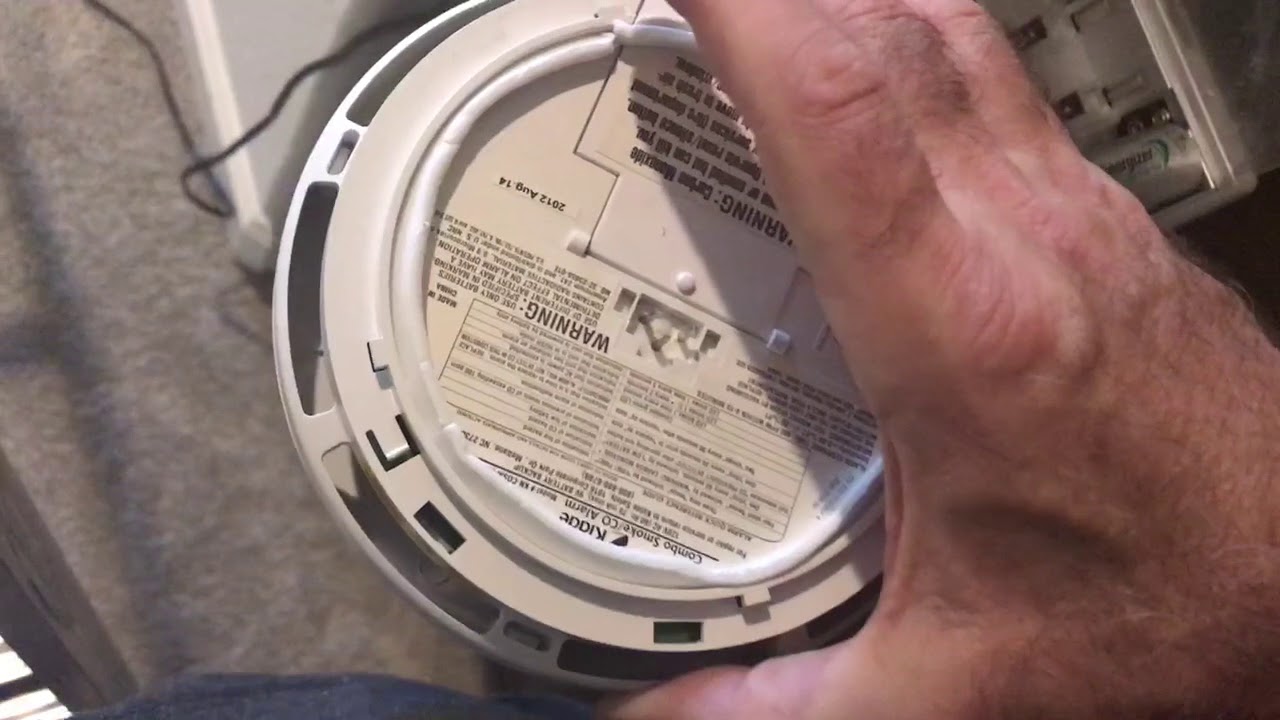
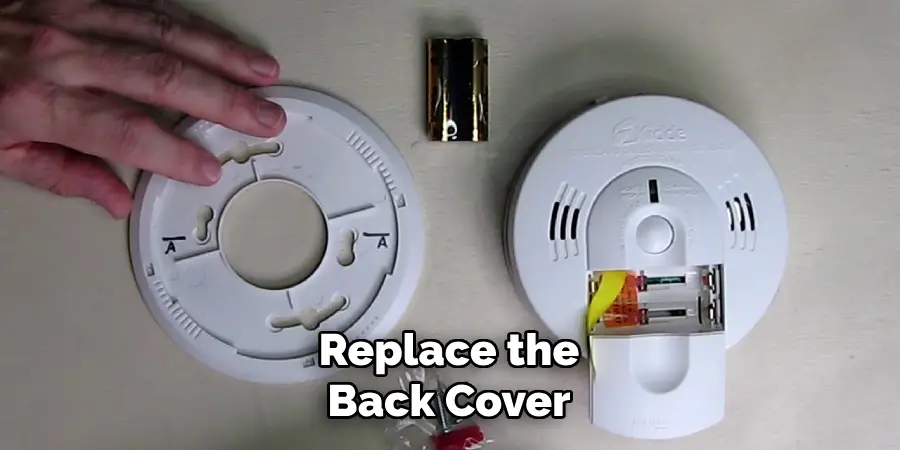
- Locate and Access: Your CO detector is likely mounted on a wall or ceiling. Carefully remove it from its bracket. Many have a simple twist-and-pull mechanism, while others might have clips or a latch. Some are even plug-in units with a battery backup.
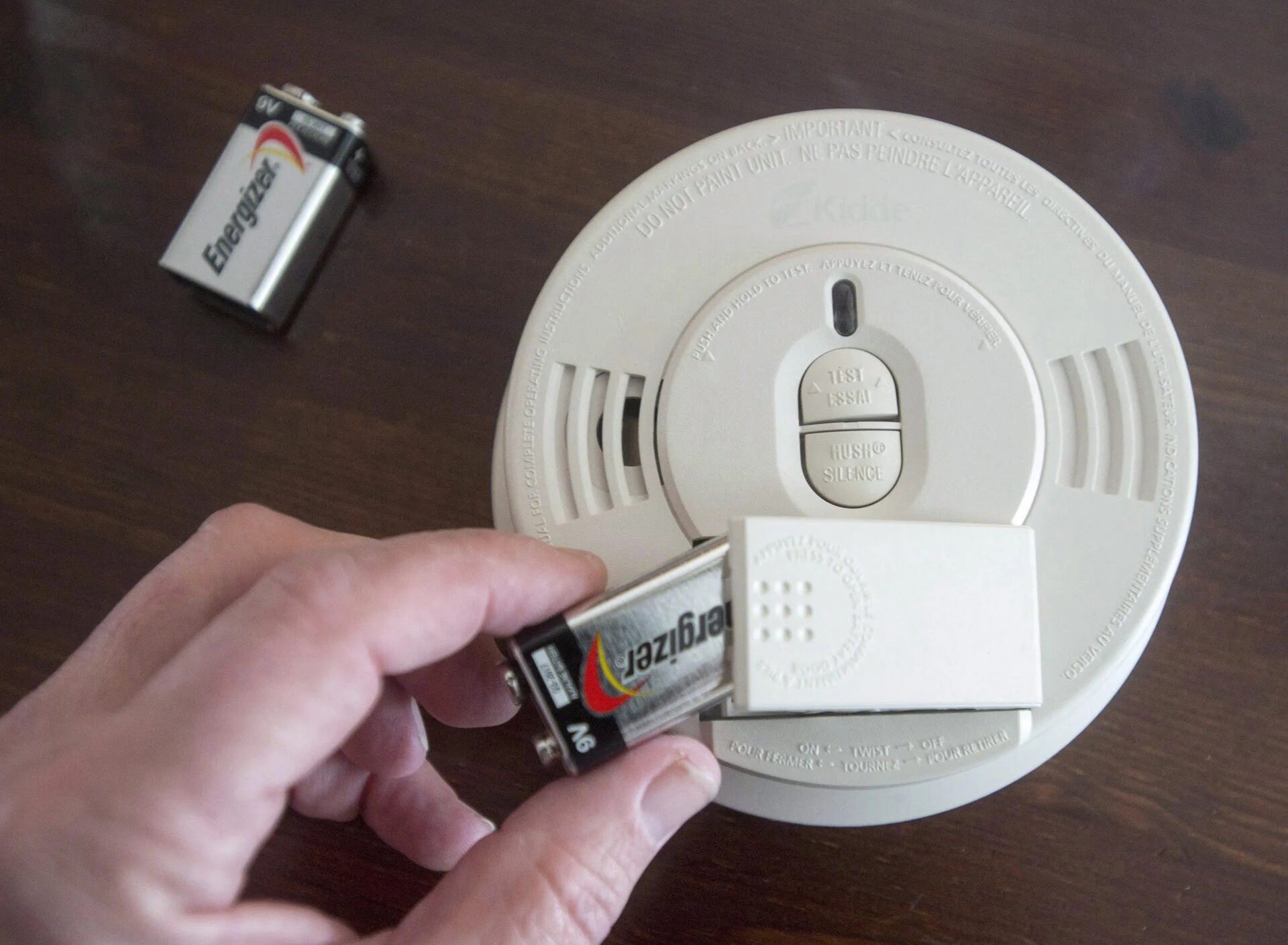
- Open the Battery Compartment: Once you have the unit in your hand, look for a small door or cover on the back or side. This is your battery compartment. It usually slides open, pops open, or unscrews.
- Remove the Old Battery: Take out the old battery. Pay attention to how it was oriented, especially the positive (+) and negative (-) terminals. While most battery compartments are designed to prevent incorrect insertion, it's good practice to note it.
- Insert the New Battery: Grab your fresh battery and insert it, matching the positive and negative terminals correctly. You should feel it snap securely into place.
- Close and Re-mount: Close the battery compartment securely. If you removed a wall-mounted detector, carefully place it back onto its bracket, ensuring it's firmly attached.
- Test It Out! This is a critical step. Almost all CO detectors have a "Test" button. Press and hold it for a few seconds. You should hear a loud, piercing alarm sound, often a series of beeps, indicating the alarm is functional. This confirms your new battery is working and the detector is ready to protect. If it doesn’t chirp or alarm, double-check your battery insertion or consult the manual.
- Schedule a Reminder: Make a note on your calendar or set a recurring phone reminder to check and change your CO detector batteries regularly. A good rule of thumb is to do it twice a year, perhaps when you change your clocks for daylight saving time.
And there you have it! In just a few simple steps, you've ensured your home's silent guardian is fully charged and ready for duty. Feel that satisfaction? That's the feeling of being proactive, responsible, and most importantly, safe. Go forth, home hero, and enjoy your newly chirpless, fully protected home!