
How To Calibrate A 3d Printer

Ever feel like your 3D printer is throwing a digital tantrum, leaving you with prints that look more like abstract art than the masterpiece you envisioned? You’re not alone! Just like a finely tuned instrument or a perfectly seasoned cast-iron pan, your 3D printer needs a little love and attention to perform at its best. We're talking about calibration, the secret sauce to consistent, beautiful prints. Think of it as giving your printer a spa day, ensuring every component is happy and harmonious.
It sounds intimidating, right? Like something only a mad scientist in a lab coat would tackle. But fear not, fellow makers! Calibrating your 3D printer is less about rocket science and more about mindful tinkering. It’s a bit like learning to bake – a few key adjustments can turn a lumpy disaster into a culinary delight. And trust me, the satisfaction of a perfect first layer is a joy akin to nailing that tricky guitar solo.
The Foundation: Bed Leveling is Your North Star
This is where your printing journey truly begins. A level print bed is absolutely non-negotiable. Imagine trying to build a LEGO castle on a wobbly table – chaos! The same goes for your printer. If your bed isn't perfectly flat and equidistant from your nozzle, your prints will either refuse to stick (the dreaded "spaghetti monster") or be squished beyond recognition.
Must Read
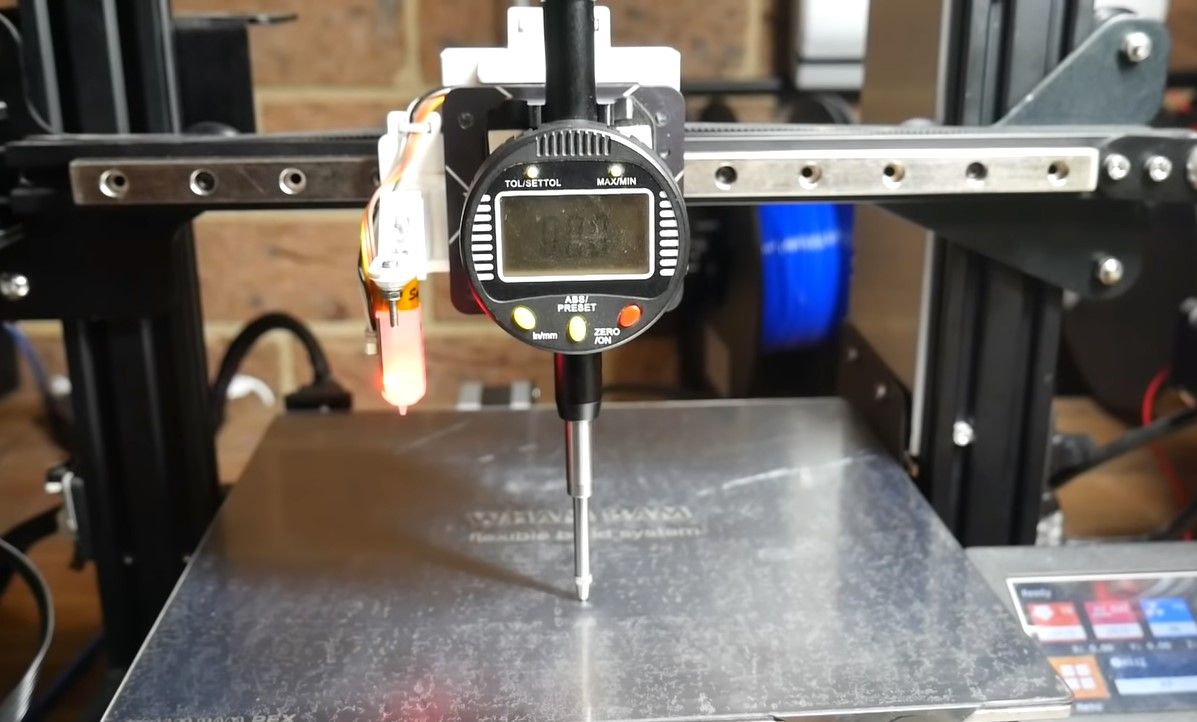
Practical Tip: The classic paper method still reigns supreme for manual leveling. Grab a standard piece of printer paper and slide it between your nozzle and the print bed. Adjust each corner until you feel a slight drag on the paper – like stroking a cat’s fur, just enough resistance. Some modern printers come with fancy auto-leveling sensors, which are a godsend, but even those often benefit from a manual check-up now and then. It’s like having cruise control, but you still need to know how to steer!
The Heartbeat: Extruder E-Steps Calibration
Next up, we need to teach your printer how much filament to push. This is called calibrating your E-steps (extruder steps per millimeter). It’s crucial because if your printer thinks it's pushing out 100mm of filament but is actually pushing 90mm, all your prints will be under-extruded and flimsy. This is where precision truly pays off.
Fun Fact: Most printers come with default E-steps, but manufacturing tolerances mean they're rarely perfect. It's like buying a measuring cup that's slightly off – you wouldn't know until you've baked a few wonky cakes!
Practical Tip: Mark 120mm of filament above your extruder, tell your printer to extrude 100mm, then measure how much actually moved. A simple online calculator can then give you the magic number for your new E-steps. It feels a bit like being a detective, doesn't it?

The Climate Control: Temperature Tuning
Different filaments (PLA, PETG, ABS, oh my!) behave differently at various temperatures. What works for one might lead to stringing or poor layer adhesion with another. Finding the optimal print temperature is like finding the perfect brewing temperature for your coffee – it just brings out the best in the material.
Practical Tip: Print a temperature tower. This clever little print changes temperature at different heights, allowing you to visually see which temperature produces the strongest, cleanest layers for your specific filament. It’s a bit like a scientific experiment, but with much cooler results than baking soda volcanoes.
The Finishing Touches: Retraction and Flow
Nobody likes prints covered in tiny "spiderwebs" of plastic. That’s where retraction settings come in. When your print head moves from one part of a print to another, retraction briefly pulls the filament back, preventing it from oozing out and creating those pesky strings. It's about neatness, like lifting your pen off the paper between words.
Finally, there's flow or extrusion multiplier. While E-steps tell your printer how much filament to push theoretically, flow adjusts how much plastic actually gets laid down on the print bed. This can compensate for slight variations in filament diameter or simply fine-tune the amount of plastic in your print lines. Think of it as micro-adjusting the volume knob on your favorite song.
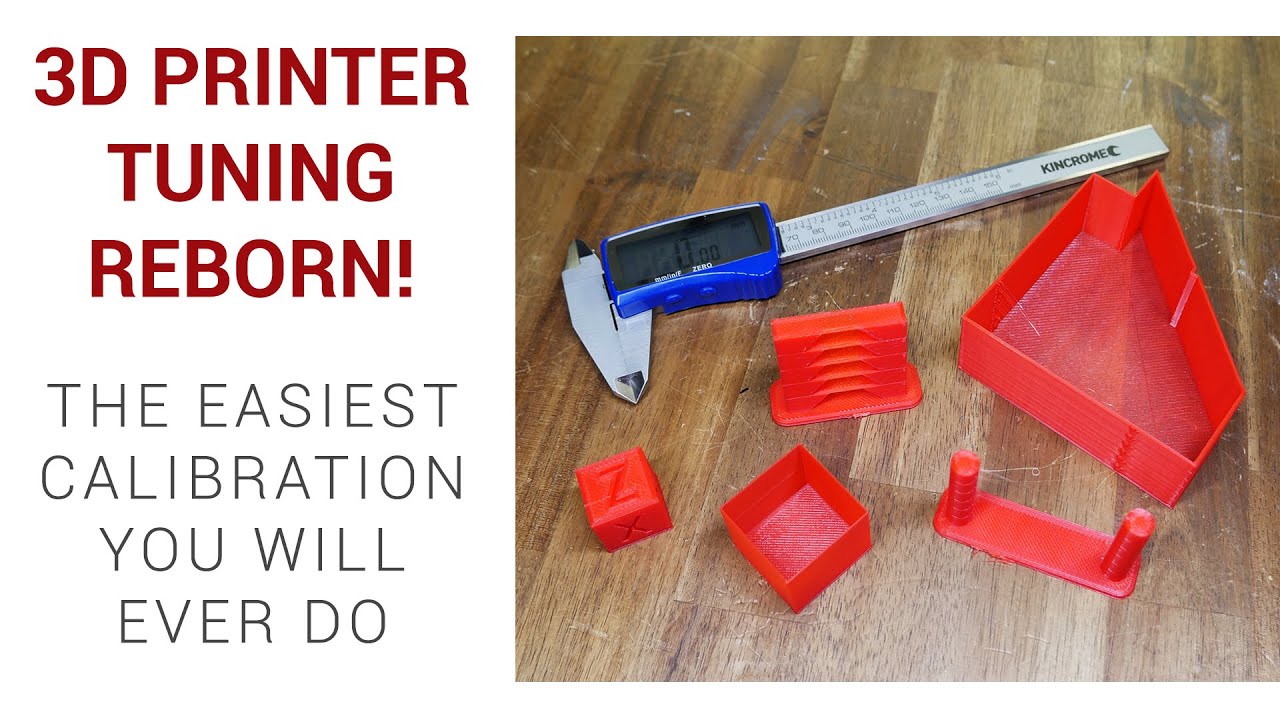
Practical Tip: Print retraction test models to dial in your retraction distance and speed. For flow, print a simple calibration cube (a hollow 20x20x20mm cube with a single wall) and measure the wall thickness. Adjust your flow percentage until it matches your nozzle diameter (e.g., 0.4mm for a 0.4mm nozzle).
Embrace the Journey, Not Just the Destination
Calibrating your 3D printer isn't a one-and-done deal. It's an ongoing relationship, a dance between you and your machine. Different filaments, environmental changes, or even simple wear and tear might require minor tweaks. The key is to be patient, make one change at a time, and most importantly, have fun with the process. It's like learning any new skill; the more you practice, the more intuitive it becomes.
In our fast-paced world, there's a unique satisfaction in slowing down, understanding a process, and meticulously refining it. Whether it's perfecting your morning coffee ritual, tending to a garden, or calibrating your 3D printer, these acts of focused attention connect us to the physical world and remind us of the beauty of precision. So, take a deep breath, embrace your inner engineer, and get ready to unlock a world of incredible 3D prints!