
How To Boost Wireless Internet Signal Strength
Ah, the modern dilemma: you settle in for a cozy movie night, about to stream your favorite show, and… buffer. Or you’re mid-boss fight in a game, milliseconds away from glory, and… lag. Sound familiar? We’ve all been there, staring blankly at a frozen screen, wondering if our Wi-Fi router is silently judging our life choices. But what if I told you that you don't have to be a tech wizard to turn your internet woes into Wi-Fi wins?
That’s right! Boosting your wireless internet signal strength isn't some mythical quest reserved for IT legends. It's actually a super achievable, surprisingly fun journey that can transform your daily digital life. Imagine smoother video calls, seamless streaming, lightning-fast downloads, and gaming without that infuriating delay. This isn't just about faster internet; it’s about more joy, less frustration, and unlocking a whole new level of digital freedom in your home. Let's dive in and make your Wi-Fi truly sparkle!
Location, Location, Location! Your Router's Happy Place
First things first: your router needs a good home. Think of your Wi-Fi signal like a gentle wave, radiating outwards. If your router is hidden away in a dusty cabinet, in the basement, or tucked behind a giant bookshelf, it’s like trying to shout across a crowded room while hiding behind a sofa. Not very effective, right?
Must Read
Give your router some breathing room! Find a central location in your home, ideally up high on a shelf or desk. This allows the signal to spread out evenly without encountering too many obstacles. Keep it away from thick walls, large metal objects (like fridges or filing cabinets), and other electronics that might cause interference, such as microwaves or cordless phones. These are like signal black holes! A little elevation and open space can make a huge difference, like giving your signal a megaphone!
Clear the Airwaves (and Your Neighbors' Wi-Fi)
Did you know that your Wi-Fi signal shares the airwaves with other networks, including your neighbors'? It's true! Sometimes, everyone's Wi-Fi is trying to use the same "digital highway," causing traffic jams and slowing things down. This is where Wi-Fi channels come into play. Most routers use either the 2.4 GHz or 5 GHz frequency band, each with several channels.
If your router is on the same congested channel as everyone else, you're going to experience slowdowns. Many routers auto-select a channel, but sometimes they pick a busy one. You can often check for less congested channels using a Wi-Fi analyzer app on your smartphone or computer (there are many free options!). Then, log into your router's settings and manually switch to a less crowded channel. It's like finding a secret, uncongested lane on the digital highway!
Firmware Updates: The Digital Spa Day for Your Router
We update our phones, our computers, even our smartwatches. But how often do we think about updating our router's firmware? Router firmware is essentially the operating system for your router, and like any software, it benefits from updates. These updates often include performance enhancements, crucial security patches, and even new features that can significantly improve your Wi-Fi's stability and speed.
Most modern routers make this process pretty straightforward, sometimes even automatically. If not, a quick visit to your router manufacturer's website will usually guide you. It's like giving your trusty digital companion a little spa day; it feels refreshed and works so much better afterward!
Upgrade Your Gear: Sometimes, Newer is Better!
Let's be honest: technology moves fast! If your router is a relic from the early 2010s, it might be struggling to keep up with today's demands. Older routers simply weren't designed for multiple 4K streaming devices, online gaming, smart home gadgets, and video calls happening all at once. Upgrading to a newer model, especially one that supports the latest Wi-Fi standards like Wi-Fi 6 (802.11ax) or even Wi-Fi 7, can be a game-changer.

These new routers offer faster speeds, better efficiency, and can handle more devices simultaneously without breaking a sweat. For larger homes or those with persistent dead zones, consider a mesh Wi-Fi system. These systems use multiple access points to create a single, seamless network that blankets your entire home in glorious Wi-Fi. Think of it as giving your internet a supercharged engine, with boosters in every room!
Antennas: Reach for the Sky (or at least, the Best Angle)
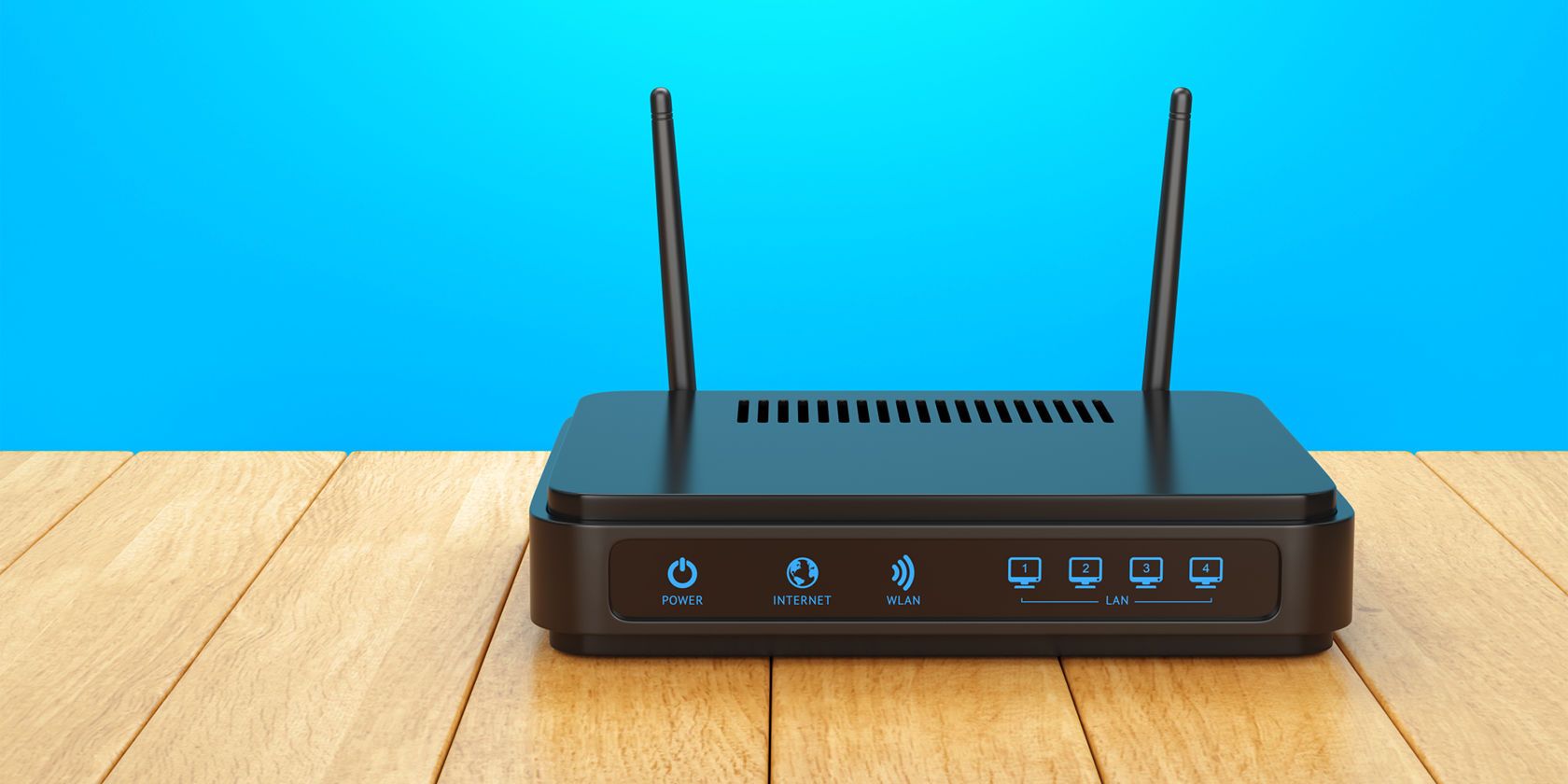
If your router has external antennas, don't just leave them pointing randomly! The way you position them can impact your signal coverage. A good rule of thumb is to position them perpendicular to each other – for example, one pointing vertically and the other horizontally. This helps optimize the signal for devices on different planes (think laptops on a desk vs. phones in your pocket).
Experiment! Adjusting the angle of your antennas, even slightly, can sometimes dramatically improve reception in certain areas of your home. It’s like fine-tuning the rabbit ears on an old TV to get the clearest picture – a little trial and error can go a long way.

Kick Out the Wi-Fi Hogs
Are certain devices or activities hogging all your precious bandwidth? High-definition streaming, large file downloads, online gaming, and even multiple video calls can collectively devour your Wi-Fi's capacity. If you have guests, consider setting up a guest network. This keeps their devices off your main network, both for security and to prevent them from inadvertently slowing down your crucial connections.
Some routers also feature a "Quality of Service" (QoS) setting, which allows you to prioritize certain types of traffic (like gaming or video streaming) over others. This means your important activities get preferential treatment, ensuring a smoother experience even when your network is busy. It's all about making sure everyone plays nice in the Wi-Fi sandbox!
The Power of a Good Password (and WPA3!)
Finally, a strong Wi-Fi password isn't just about security; it’s also about performance. If your Wi-Fi network is unprotected, or uses a simple, easily guessed password, you could have "freeloaders" secretly siphoning off your bandwidth. Every unauthorized device connected to your network is a drain on your signal strength and speed.
Make sure you're using a strong, unique password for your Wi-Fi network. Even better, check if your router supports WPA3 security, the latest and most robust encryption standard. A secure network ensures that only your devices are using your bandwidth, keeping your signal strong and your data safe. It’s like putting a digital deadbolt on your Wi-Fi door!
There you have it! From finding your router's sweet spot to kicking out bandwidth hogs, these simple steps can make a profound difference in your daily internet experience. No more buffering nightmares or lag-induced rage quits! You now have the knowledge to take control of your Wi-Fi and unlock its full potential.
So go ahead, try out a few of these tips. Tweak that antenna, check that channel, or give your router that much-needed update. You might be amazed at the difference it makes. Because a strong Wi-Fi signal isn't just a luxury; it's your gateway to a smoother, happier, and more connected life. This is just the beginning of your journey to digital empowerment – go forth and conquer those dead zones!