
How To 3d Model For 3d Printing
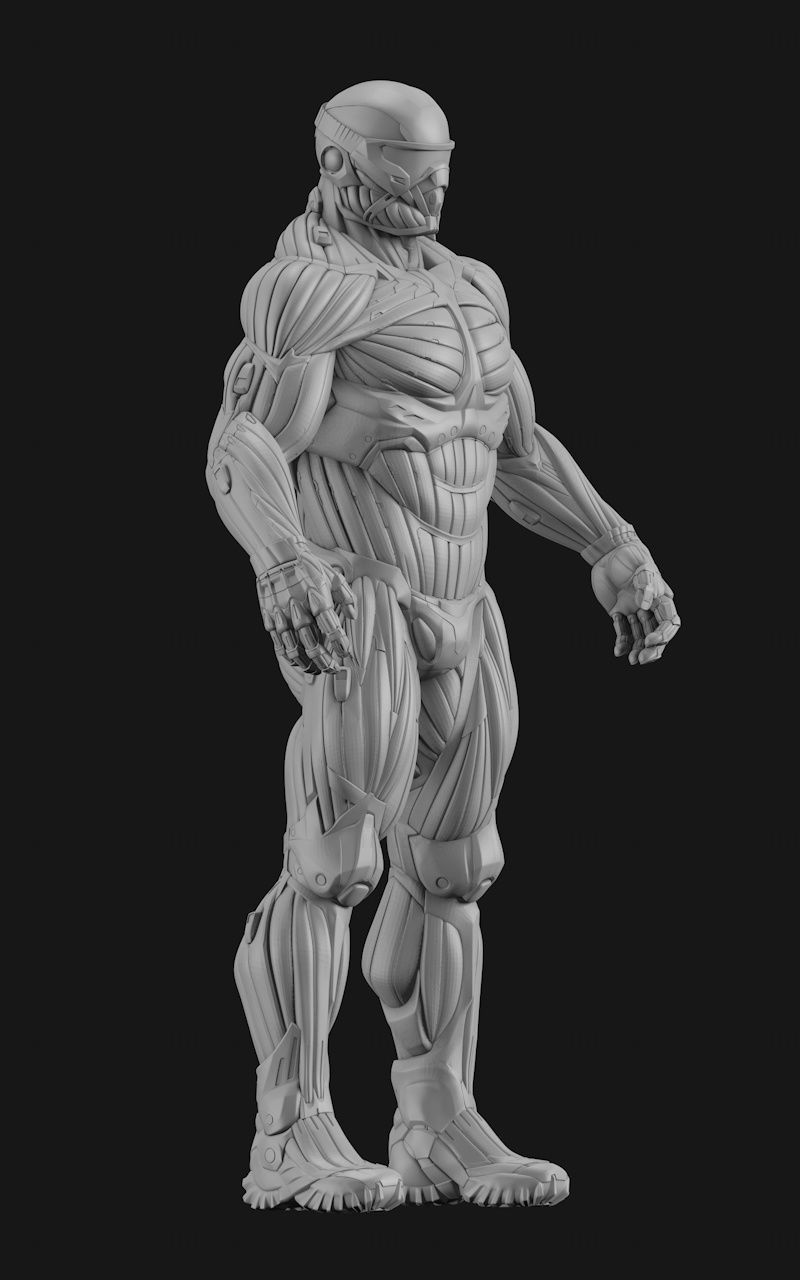
Imagine you've got this brilliant idea for a gadget. Maybe a tiny gnome for your garden or a custom stand for your phone. You see it perfectly in your mind's eye. Now, how do you get it into your 3D printer?
That's where the secret handshake, the ancient ritual, the dark art of 3D modeling comes in. It's the magical step before the plastic starts oozing. Some folks think it's for wizards only.
The Great Unpopular Opinion
Here's the really unpopular opinion, the one no one wants you to know:
Must Read
It's actually kind of ridiculous how accessible 3D modeling has become.
It used to be for engineering gurus and movie magic makers. Now, it's pretty much for anyone with a computer and a peculiar sense of humor.
Your first models might look like a potato wearing a hat. And that, my friends, is perfectly glorious. Embrace the potato. The goal isn't instant perfection, it's starting the journey.
Your Digital Paintbrushes: The Software
So, where do you begin your digital sculpting adventure? Think of software as your set of digital paintbrushes. You wouldn't hand a beginner a microscopic brush for a mural.
Tinkercad: The Digital LEGOs
For absolute newbies, there's Tinkercad. It's like playing with digital LEGOs, but you can also melt them together. You drag shapes, you combine them, you subtract them. It's wonderfully straightforward and surprisingly powerful for simple things.
You can make keychains, simple figures, or even design a custom cookie cutter. It's a fantastic place to dip your toes without feeling overwhelmed. Think of it as your modeling kindergarten.
Fusion 360: The Swiss Army Knife
Then, for those feeling a little bolder, you might peek at Fusion 360. This one is like the Swiss Army knife of modeling. It does everything, sometimes to the point of delightful confusion.
It's for when you want precision, not just pretty shapes. Designing mechanical parts or things that need to fit perfectly? Fusion 360 is your jam. It has buttons for days.
Blender: The Beast and the Beauty
And for the truly ambitious, the digital artists, there's Blender. This one is a beast, a beautiful, intimidating beast. It's free, it's powerful, and it will make your brain do gymnastics.
You might start with a cube and end up with an alien octopus. Or still a cube, but a very confused one. It's fantastic for organic shapes and intricate sculptures, if you have the patience of a saint.
The real trick is picking one and sticking with it for a bit. Don't fall into the "grass is greener" software trap. Your brain needs time to build muscle memory, like learning to juggle digital flaming torches.
The Process: From Brainwave to Blob
First, you have an idea. Maybe it's a tiny, custom dice tower. Or a holder for your ever-growing collection of tiny ducks. Usually, the idea comes with a side of "how hard can it be?"
Next, you dive into your chosen software. You start with basic shapes. A cylinder here, a cube there. You're essentially building a digital snowman, piece by piece.
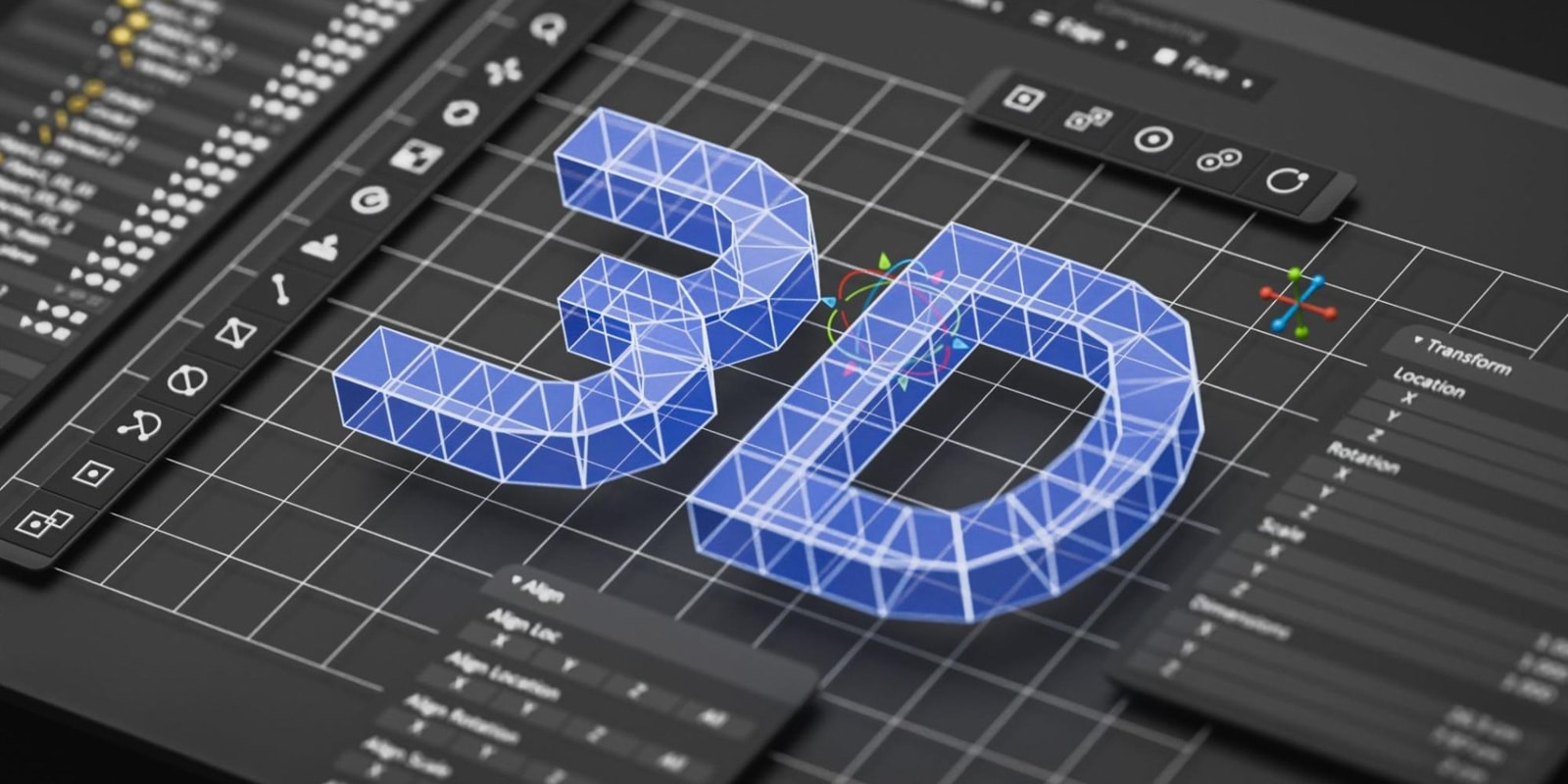
Then comes the fun part: pushing and pulling. This is called extruding or revolving. You take a flat shape and give it depth, like pulling taffy. Suddenly, your flat circle is a mighty column. Or a very short, stout column.
You'll spend ages combining shapes, cutting holes, and generally wrestling pixels. It feels a bit like trying to herd digital cats. Don't worry if it looks messy at first.
Refinement and The Potato Problem
Now, your creation looks less like a pile of primitive shapes and more like... well, a slightly better pile of primitive shapes. Time for refinement! You start smoothing edges. You add tiny details, like little bumps or indents.
This is where your potato starts evolving. It might become a lumpy turnip, then a slightly less lumpy carrot. The journey from rough idea to recognizable object is often full of surprising detours.
You'll also need to make sure your model is "watertight." This isn't about actual water. It just means there are no sneaky holes or gaps. Imagine trying to print a coffee cup with a microscopic crack; your printer would just spill digital coffee everywhere.
A lot of software has tools to check for these hidden gaps. It's like a digital X-ray for your masterpiece. Fixing them can feel like plugging tiny leaks in a virtual dam, only much less wet.
Common Pitfalls: The Humorous Hurdles
One common hiccup? Scale. You design a tiny, adorable miniature cat figurine. You hit print. Hours later, you have a cat the size of a small car. Oops. Always double-check your units. Millimeters, centimeters, inches – they all matter!
Another trap is over-detailing. You want every single whisker on that cat. Every pore. Every microscopic wrinkle. Your printer, bless its heart, might just give up. Or print a blurry mess. Simplicity often wins the day for 3D printing.
Then there's the "just one more tweak" loop. You adjust a curve. Then another. Then you realize you've been doing this for three hours and your model looks exactly the same, but you feel like you've done something. It's a powerful siren song, that loop.
And finally, the classic: "It looked so easy on YouTube!" Yes, the pros make it look like they just think something into existence. Don't compare your first wobbly steps to their decade-long marathons. They've printed a million potatoes before they got to their perfect sculpture.
The Joy (and the Frustration) of Creation
Despite the occasional digital tantrum, there's pure magic in 3D modeling. You start with nothing but an idea. Then, through clicks and drags, a form emerges. It's like giving birth to a digital twin, only less messy.
The first time you print something you modeled, it's a special kind of victory. It might be slightly flawed, maybe a little lopsided. But it's yours. You brought it into the world. You commanded the digital forces.
Failures aren't failures; they're valuable lessons wrapped in plastic. Your print failed? Now you know your model needed a flatter base. Your detail dissolved? Maybe that design was too ambitious. Each mishap teaches you a tiny, important secret about the digital realm.
It builds character, they say. Or at least, it builds a healthier relationship with the undo button. The journey from a blank screen to a physical object is incredibly rewarding. Almost as good as real magic.
Embrace the Weird, Ignore Perfection
Here's another "unpopular" truth for you:
Perfection is often the enemy of fun when you're starting out.
Don't strive for flawless. Strive for functional. Strive for "looks vaguely like what I intended." Your weird, slightly off-kilter creations are probably more interesting anyway.
They tell a story. They show the hand of the creator, not just the cold precision of a machine. These quirky little imperfections are your digital fingerprints. Plus, they make great conversation starters.
So, go forth! Open up a modeling program. Start with a cube. See what happens. Don't be afraid to make something wonderfully strange. The digital world is your oyster, and it's full of potatoes waiting to be modeled.
Remember, the goal isn't to become a master overnight. It's to enjoy the process, learn a little, and maybe, just maybe, print something truly unique. Something that began purely in your own glorious, creative brain. Now go make some digital dust!