
How Much Electric Does Xbox Use
Hey there, ever found yourself mid-combo, absolutely crushing it in your favorite game, when a tiny little thought zips through your brain? "Am I totally bankrupting myself with this thing?" It's a classic gamer anxiety, right? That looming electric bill, whispering sweet nothings about your Xbox single-handedly powering a small city. Spoiler alert: it's probably not that dramatic. But let's pull back the curtain, shall we?
The Great Electric Bill Conspiracy (Spoiler: It's Not That Bad)
You know the drill. You plug it in, hit that power button, and boom! Worlds explode, dragons are slain, goals are scored. All while your meter spins like a tiny, terrified hamster on a wheel, right? Well, yes, but also, not really. Your Xbox, while certainly not running on hopes and dreams, is actually a lot more efficient than you might think. It's not a power-guzzling monster, I promise. More like a moderately hungry, very entertaining beast.
So, let's get down to brass tacks, or rather, watts and kilowatt-hours (don't worry, we'll keep it super chill). We're talking about how much juice your beloved console sips, not gulps.
Must Read
Which Xbox Are We Talking About, Anyway?
First off, not all Xboxes are created equal. Your shiny new Series X is a different beast from your trusty old Xbox One, and definitely from that venerable Xbox 360 gathering dust in the basement. Newer consoles, especially the current generation, are actually pretty clever. They're designed with efficiency in mind, even when they're pushing those jaw-dropping 4K graphics.
- Your Xbox Series X? The current champ, pushing serious pixels.
- The leaner, meaner Xbox Series S? A bit more modest in its power demands.
- The previous generation Xbox One (S or X)? Still pretty good, but might be a bit thirstier than its successors.
- And the old guard like the Xbox 360? Bless its heart, it was built in a different era.
So, the newer, the generally more efficient. But let's dive into the juicy details.
What Are You Even Doing With It?
This is probably the biggest factor, honestly. Are you:

- Pushing those 4K pixels in a graphically intensive epic like "Starfield" or "Cyberpunk 2077"?
- Chilling with some Netflix or Disney+?
- Just idling on the dashboard, maybe downloading a huge update?
Big difference, my friend! When your Xbox is working hard, rendering complex worlds and handling intense physics, it's going to draw more power. Think of it like a car: cruising on the highway uses less gas than flooring it on a race track.
For a Series X, when it's really humming along, pushing those glorious graphics, you might be looking at something in the ballpark of 160-200 watts. That's its peak performance, its Beyoncé moment, if you will. But if you're just streaming a movie? It drops significantly, sometimes to as low as 30-50 watts. Even less for an Xbox Series S, which might peak around 80-100 watts for gaming.
Compare that to an Xbox One X, which could hit 180-200 watts for gaming, or an original Xbox One at 110-120 watts. See? There's a spread!

The Instant-On vs. Energy-Saving Showdown
This is where things get interesting. You know those "Instant-On" and "Energy-Saving" modes? They're not just fancy buttons; they're like two different personalities for your console, each with its own power habits.
The Instant-On mode (or "Standby" on older consoles) means your Xbox is always a little bit awake, ready to spring to life at a moment's notice, download updates in the background, and generally be super convenient. But convenience comes at a small cost. It's constantly drawing a trickle of power, maybe 10-15 watts, even when you think it's "off." Over a year, that can add up.
The Energy-Saving mode, on the other hand, means your Xbox truly powers down. It takes a little longer to boot up, sure, but it draws almost zero watts when off. Like, seriously close to nothing. If you're not in a hurry to jump into a game and don't mind a 20-30 second boot-up, this is your power-saving champion.
So, How Much Does That Actually Cost?
Alright, let's talk real money, because that's what we all secretly care about, right? Electricity prices vary wildly depending on where you live, but let's use a common average, say 15 cents per kilowatt-hour (kWh). (Do a quick Google for "average electricity cost [your city/state]" for a more accurate number!)
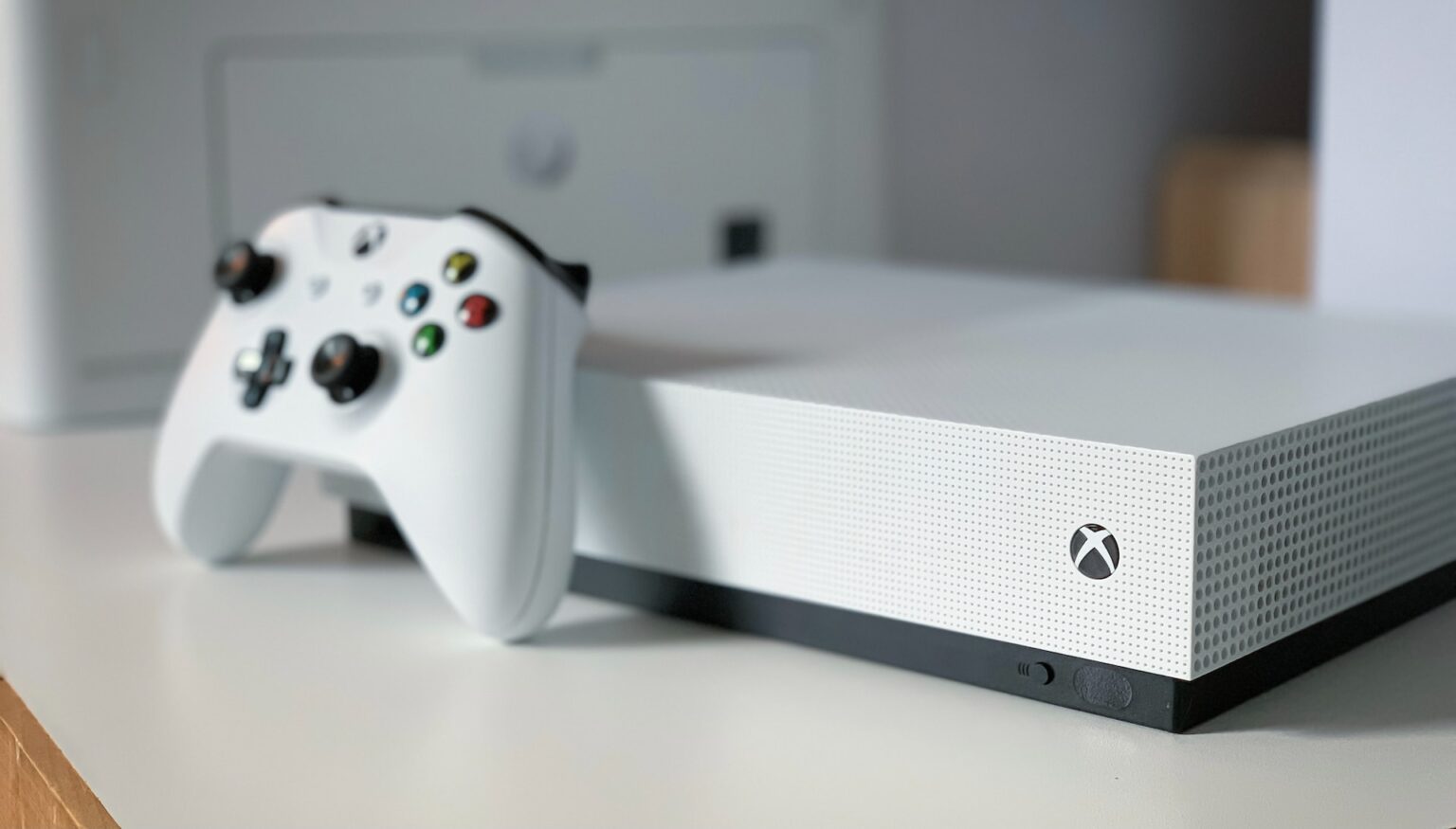
If your Xbox Series X is gaming for, say, 3 hours a day at 180 watts, that's 0.18 kWh per hour. Over 3 hours, that's 0.54 kWh. At 15 cents/kWh, that's about 8 cents a day. Not exactly breaking the bank, is it?
Even if you leave it in Instant-On mode 21 hours a day (the other 3 spent gaming) at 10 watts, that's 0.01 kWh x 21 hours = 0.21 kWh. At 15 cents/kWh, that's about 3 cents a day. So, the convenience costs you roughly a dollar a month. Not terrible, but it's there!
So, for even a fairly heavy gamer, your Xbox is probably adding something like $5-$10 a month to your bill. Maybe a bit more if you game all day, every day, or have a super old, super inefficient console. But it's usually not the villain you've pictured.
Putting It In Perspective: Other Household Stuff
Think about it. Your hair dryer? Probably 1500 watts. Your toaster? Easy 1000 watts. Your fridge? Runs all day, every day, right? Your big-screen TV alone might draw 80-150 watts while it's on. Your washing machine? A huge spike when it heats water.
Compared to these common household appliances, your Xbox is actually quite reasonable. It's a luxury, sure, but it's not the biggest power hog in your house, usually.
Want To Be A Power-Saving Ninja?
If you're still keen to trim those pennies, here's the lowdown:
- Switch to Energy-Saving mode: Seriously, it's the easiest win. Just takes a few extra seconds to boot.
- Turn it OFF: When you're done, properly shut it down. Don't just leave it idling or in Instant-On if you're not going to use it for hours.
- Unplug it (if you're super hardcore): If you're going away for a long weekend, unplugging it completely eliminates phantom draw.
- Adjust auto-off settings: Make sure your Xbox automatically shuts down after a period of inactivity.
The Bottom Line: Don't Sweat It Too Much!
So, next time you're deep into a gaming marathon, don't sweat the small stuff too much. Your Xbox is probably not the supervillain of your electric bill. Enjoy those immersive worlds, rack up those achievements, and maybe consider the Energy-Saving mode if you want to be a tiny bit kinder to your wallet and the planet. But mostly? Just have fun. That's what it's there for!