How Long Should The Battery Last On My Apple Watch
Okay, let's talk Apple Watch battery life. I know, it's not the most thrilling topic, but trust me, knowing the ins and outs of your wearable's power reserves can save you from that dreaded "low battery" notification at the worst possible moment. Think about it: you're halfway through a marathon (okay, maybe just a brisk walk to the coffee shop), and suddenly your watch dies, leaving you navigation-less and achievement-untracked. No bueno!
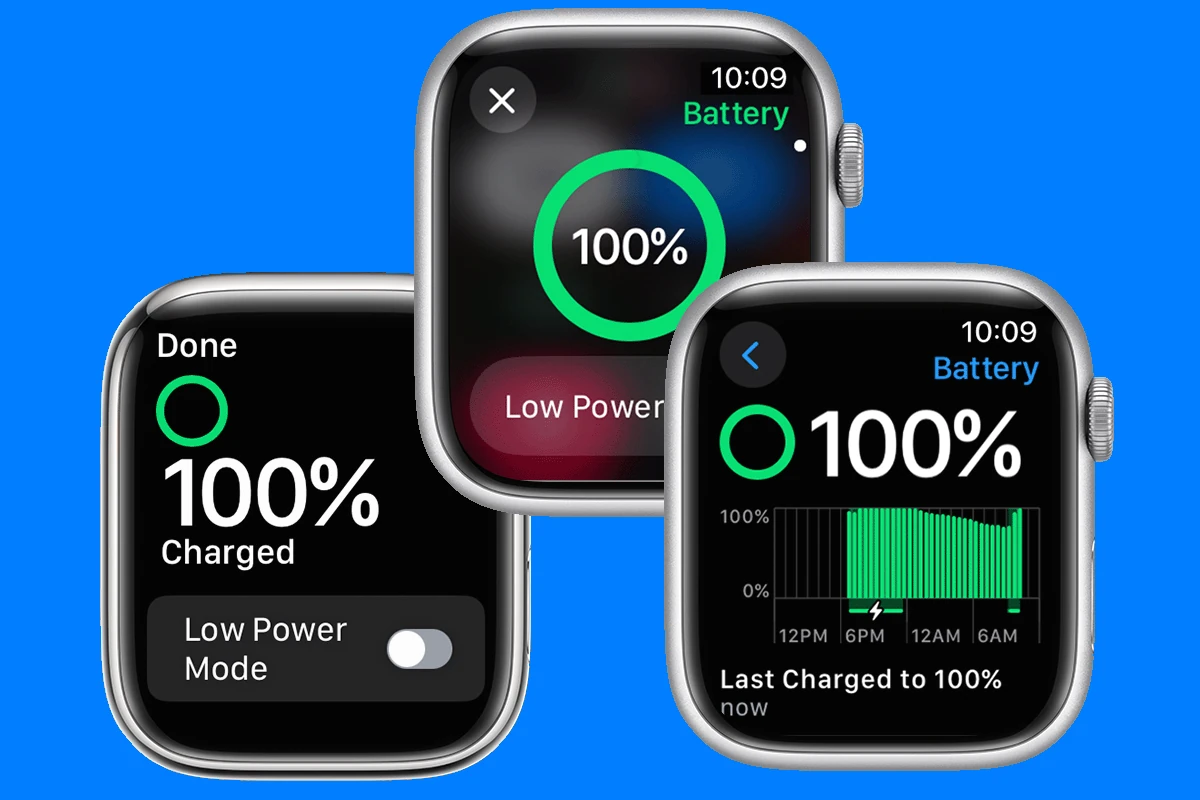
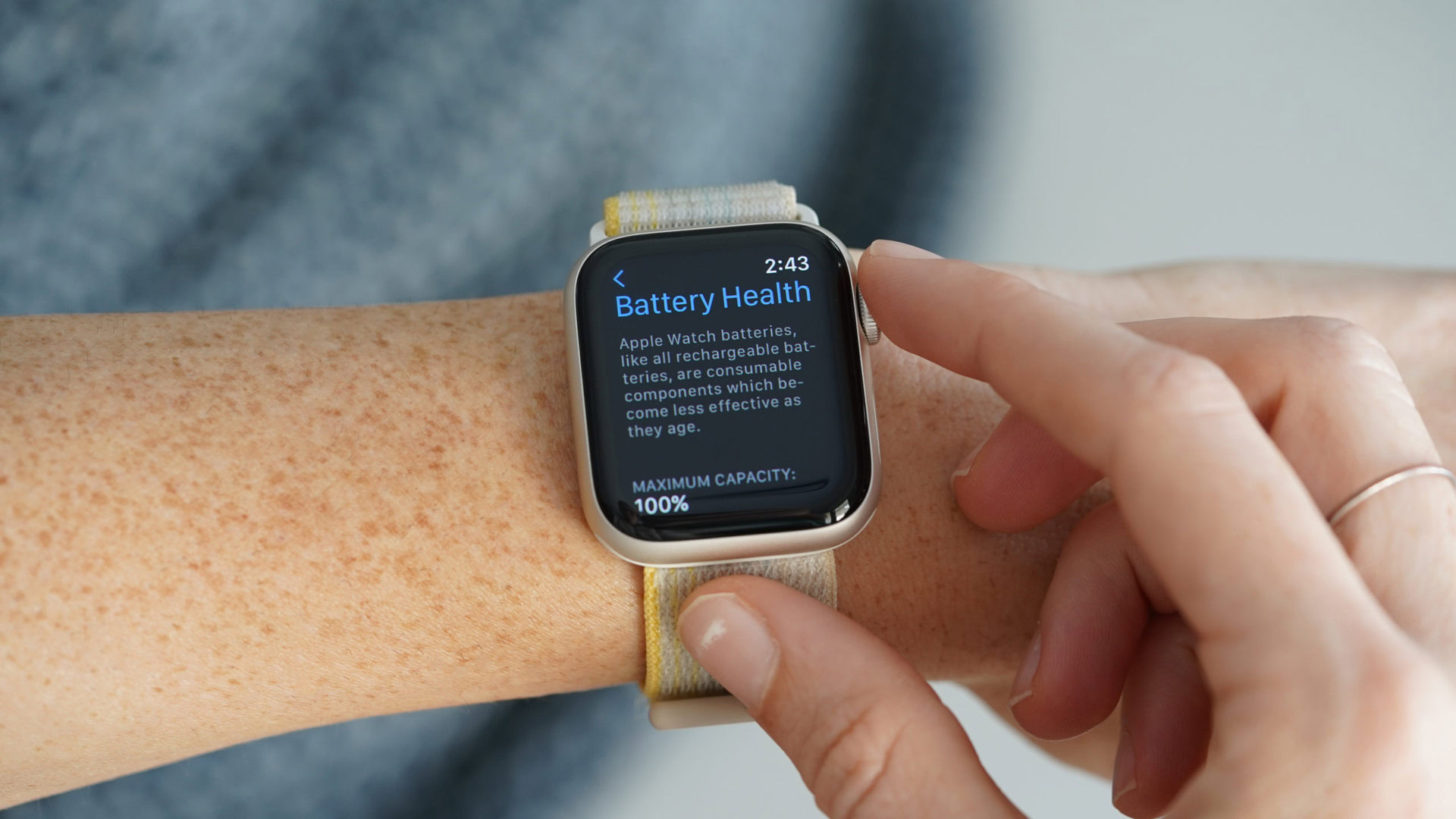
So, how long should your Apple Watch battery last? The official line from Apple is around 18 hours on a single charge. But that's like saying a car gets 30 miles per gallon – your mileage may vary, and drastically so. It all depends on how you use it.
Decoding the 18-Hour Myth
Think of that 18-hour estimate as the "ideal" scenario. Imagine it's a Sunday afternoon. You're mostly lounging, occasionally checking the time, maybe responding to a few texts. You're basically treating your Apple Watch like a fancy wrist-worn clock with a few extra bells and whistles. In that situation, 18 hours is totally achievable. But let’s be real, most days aren’t like that, are they?
Must Read
Here’s the thing: your Apple Watch is capable of doing so much. From tracking your workouts to making phone calls, playing music, and even unlocking your front door, it’s a tiny powerhouse strapped to your wrist. And all that functionality draws power. So, if you're actively using these features, expect that battery life to dip. And quickly.

The Battery-Draining Culprits
Let’s identify some of the biggest battery hogs. Knowing these can help you make informed choices about how you use your watch and, ultimately, how long it lasts.
- GPS Workouts: Running, cycling, hiking – anything that relies on GPS to track your location is a major battery drain. Imagine your watch is constantly pinging satellites to pinpoint your position. That takes a lot of energy! Think of it as constantly shouting "Where am I?! Where am I?!" into the vast expanse of space.
- Always-On Display: That beautiful display that constantly shows you the time? Yeah, that's eating into your battery. While convenient, constantly keeping the screen active requires power. Turning it off can make a surprisingly big difference.
- Cellular Connectivity: If you have a cellular Apple Watch and you're using it to make calls or stream music without your iPhone nearby, you're definitely impacting battery life. Imagine your watch is hosting its own mini-party, complete with music, lights, and a constant stream of conversation.
- Notifications Galore: Constant buzzing and alerts from every app imaginable? Each notification lights up the screen and activates the haptic engine, both of which use battery. Think of it like a tiny tap dance on your wrist every time you get an email.
Extending Your Apple Watch's Lifeline
Alright, so your watch isn't going to last forever on a single charge. What can you do about it? Don't despair! There are plenty of tricks to squeeze more juice out of your wearable.
- Disable Always-On Display: This is one of the easiest and most effective ways to conserve battery. You’ll still see the time when you raise your wrist.
- Tame Your Notifications: Go through your notification settings and turn off alerts for apps you don't really need constant updates from. Do you really need to know every time someone likes your Instagram post?
- Turn Off Background App Refresh: This prevents apps from updating in the background, saving battery.
- Use Low Power Mode: When your battery gets low, enable Low Power Mode. This disables some features, like the always-on display and heart rate monitoring during workouts, but can significantly extend your watch's runtime. Think of it as putting your watch into energy-saving mode, telling it to chill out and conserve power.
- Limit Cellular Usage: If you have a cellular model, try to keep your iPhone nearby so your watch can use Bluetooth instead.
- Update Your WatchOS: Apple often includes battery life improvements in software updates, so make sure your watch is running the latest version.
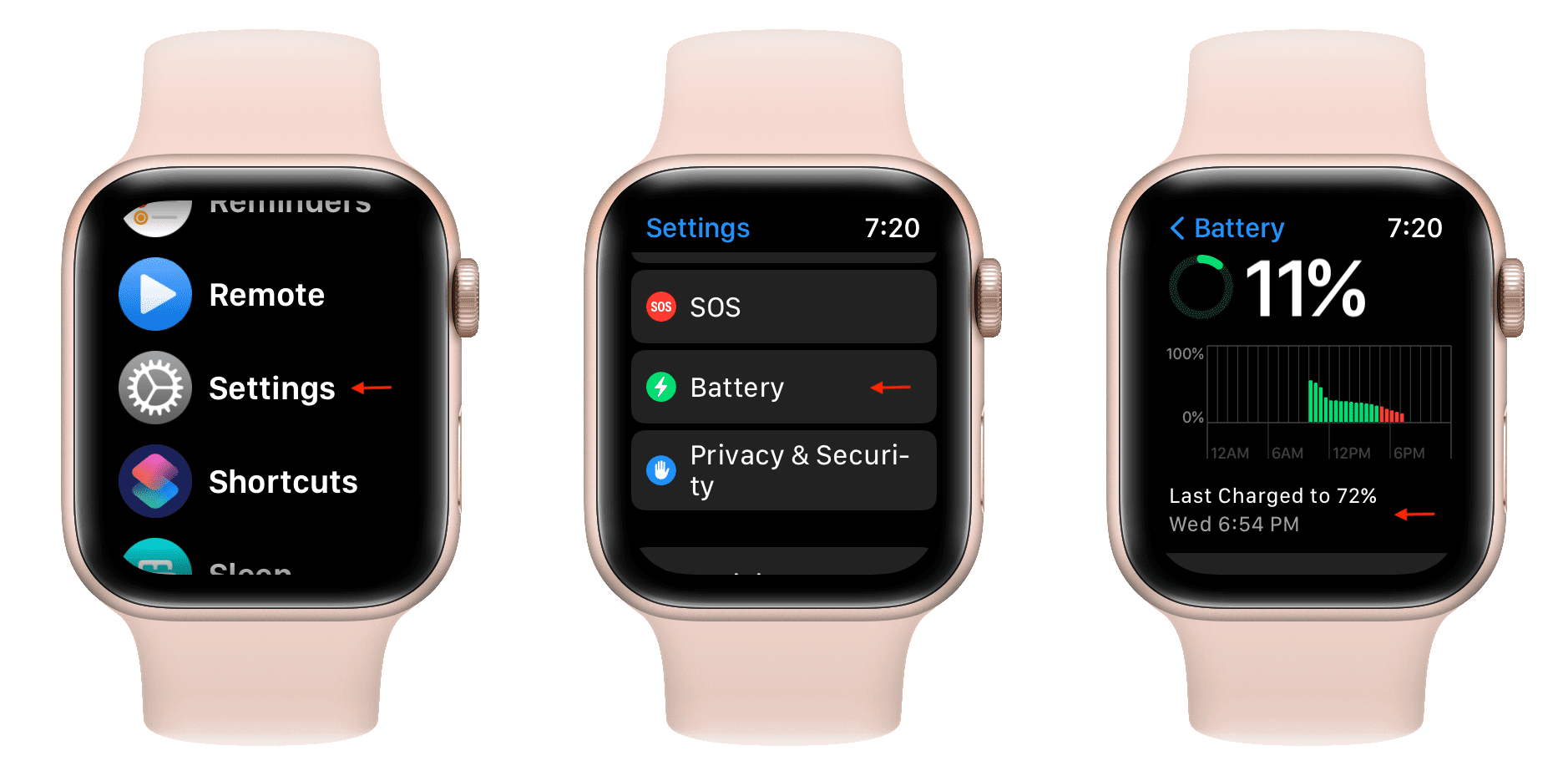
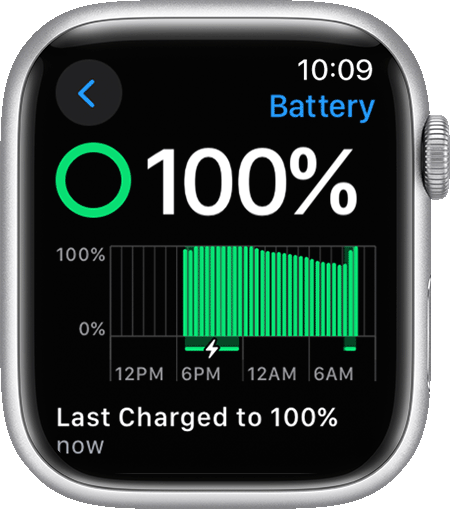
Ultimately, the best way to understand your Apple Watch's battery performance is to track your usage. Pay attention to what activities seem to drain the battery the most and adjust your habits accordingly. Are you crushing that daily workout and barely making it to dinner? Or are you mostly just checking the time and receiving emails, and still struggling to get through the day? Knowing your personal usage pattern is key.
Remember, Apple Watch battery life is a marathon, not a sprint. Small adjustments to your habits can make a big difference in keeping your wearable powered up and ready to go, so you’re never caught short in your day. Now go forth and conquer your schedule, armed with the knowledge of how to keep your Apple Watch ticking!