
How Long Should My Apple Watch Battery Last
So, you've joined the Apple Watch club! Welcome! Now, let's talk about something every Apple Watch owner obsesses over (at least a little): battery life.
The Great Battery Expectation
Apple says your Apple Watch should last "all day." But what does that even mean? Is it from sunrise to sunset? Or just long enough to track your morning jog and a quick check of your emails?
Think of it like a pizza. Apple promises you a whole pie, but how much you eat (or do with your watch) determines how quickly it disappears!
Must Read
Real-World Usage: It's All About You
Here's the truth: your Apple Watch's battery life is as unique as your fingerprint. It depends entirely on how you use it. Are you a power user, constantly checking notifications and tracking workouts?
Or are you more of a casual glance-at-the-time-and-occasionally-answer-a-call kind of person? Big difference!
Imagine your watch is a tiny, adorable puppy. If you shower it with constant attention and play (using lots of apps, GPS, and the screen), it'll get tired faster.
The Usual Suspects: Battery Drain Culprits
Let's identify the usual suspects behind that dwindling battery icon. These are the features and activities that tend to suck the most juice.
GPS: The Adventurer's Dilemma
GPS is a big one. Love tracking your runs, bike rides, or hikes with precise location data? Great! But know that GPS is a battery hog.
It's like having a tiny satellite constantly communicating with your wrist. Cool, but draining!
If you're planning an epic all-day adventure, consider charging your watch beforehand or bringing a portable charger.
Cellular: Staying Connected (and Drained)
Got a cellular Apple Watch? Sweet! You can leave your phone at home and still take calls and texts. However, cellular connectivity eats battery faster than Wi-Fi.
Think of it as constantly shouting across a crowded room to be heard. It takes effort!
If you're in an area with weak cellular signal, your watch will work even harder, further draining the battery.
Always On Display: Beauty Comes at a Price
The Always On Display is convenient. A quick glance and you know the time, no wrist-raising required. But it keeps the screen partially lit, which, you guessed it, uses more battery.
It's like leaving a small light on in your house all day. Convenient, but not exactly energy-efficient.
Turning off Always On Display can significantly extend your battery life.
Notifications: The Constant Buzz
A barrage of notifications can take a toll. Every buzz, ding, and vibration wakes up your watch, using precious battery power.
It’s like being constantly tapped on the shoulder. Annoying for you, and exhausting for your watch.
Consider streamlining your notifications to only receive the truly important ones.
Workouts: Pushing Your Limits (and Your Battery's)
Tracking workouts is one of the best things about an Apple Watch. But extended workouts, especially those using GPS and heart rate monitoring, can drain the battery quickly.
It's like asking your watch to run a marathon alongside you. It needs fuel!
For long workouts, consider turning off unnecessary features like cellular data or Always On Display.
Tips and Tricks for Extending Battery Life
Okay, so you know what drains the battery. Now, let's talk about how to squeeze more life out of that little wrist computer.
Low Power Mode: The Emergency Savior
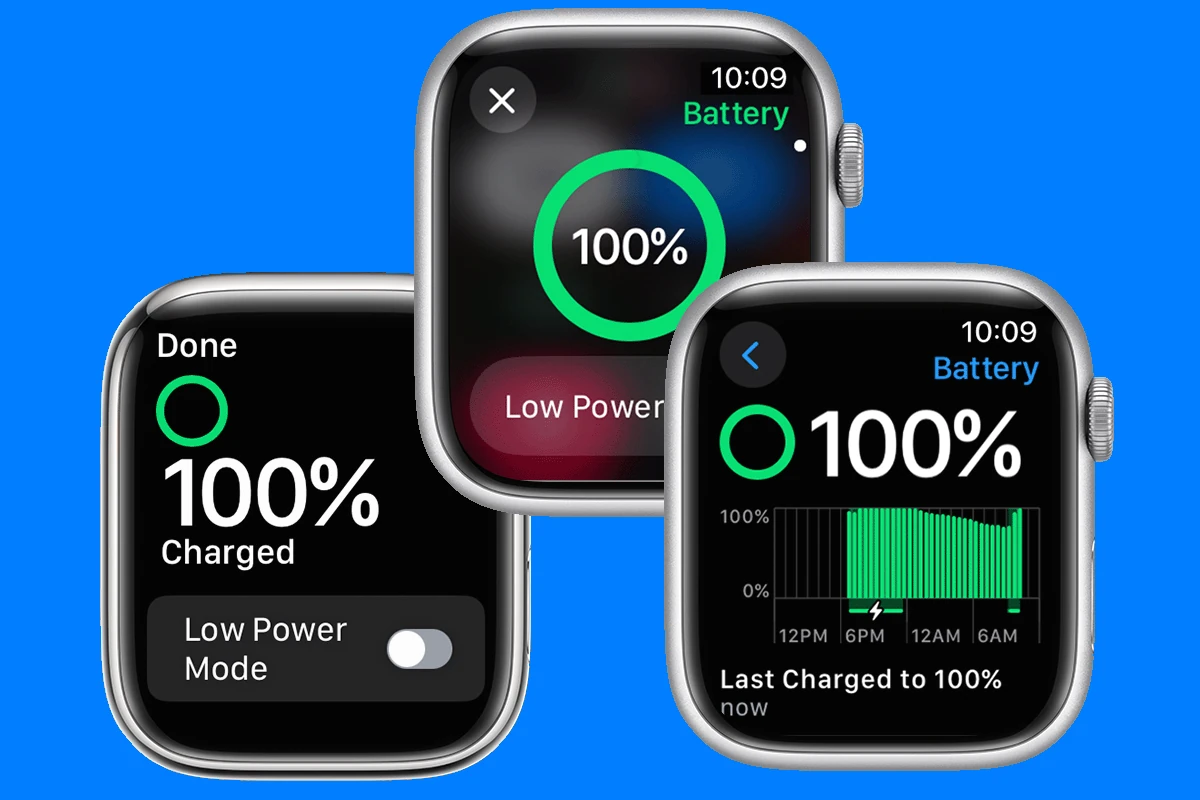
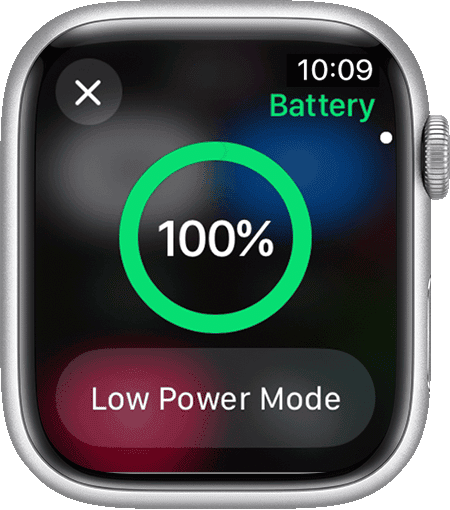
Low Power Mode is your best friend when your battery is running low. It disables some features (like Always On Display and heart rate monitoring) to conserve power.
Think of it as putting your watch into hibernation. It's still functional, but much less active.
You can usually trigger it manually, or your watch will prompt you when the battery reaches a certain level.
Manage Notifications: Be Selective
As mentioned earlier, streamline your notifications. Do you really need to know every time someone likes your Instagram post?
Think of it as decluttering your digital life. Less noise, more peace of mind (and battery life!).
Go to the Watch app on your iPhone and customize your notification settings.
Turn Off Always On Display (If You Dare)
This might be a tough one for some, but disabling Always On Display can make a big difference. A flick of the wrist isn't that hard!
It's like trading a constant glimmer for a longer, more reliable burn.
You can find this setting in the Display & Brightness section of the Watch app.
Update Your WatchOS: Keeping Things Efficient
Apple regularly releases updates to WatchOS that often include battery optimizations. Make sure you're running the latest version.
It's like giving your watch a tune-up. Keeping everything running smoothly and efficiently.
You can update your WatchOS through the Watch app on your iPhone.
Check Your Battery Health: Time Takes Its Toll
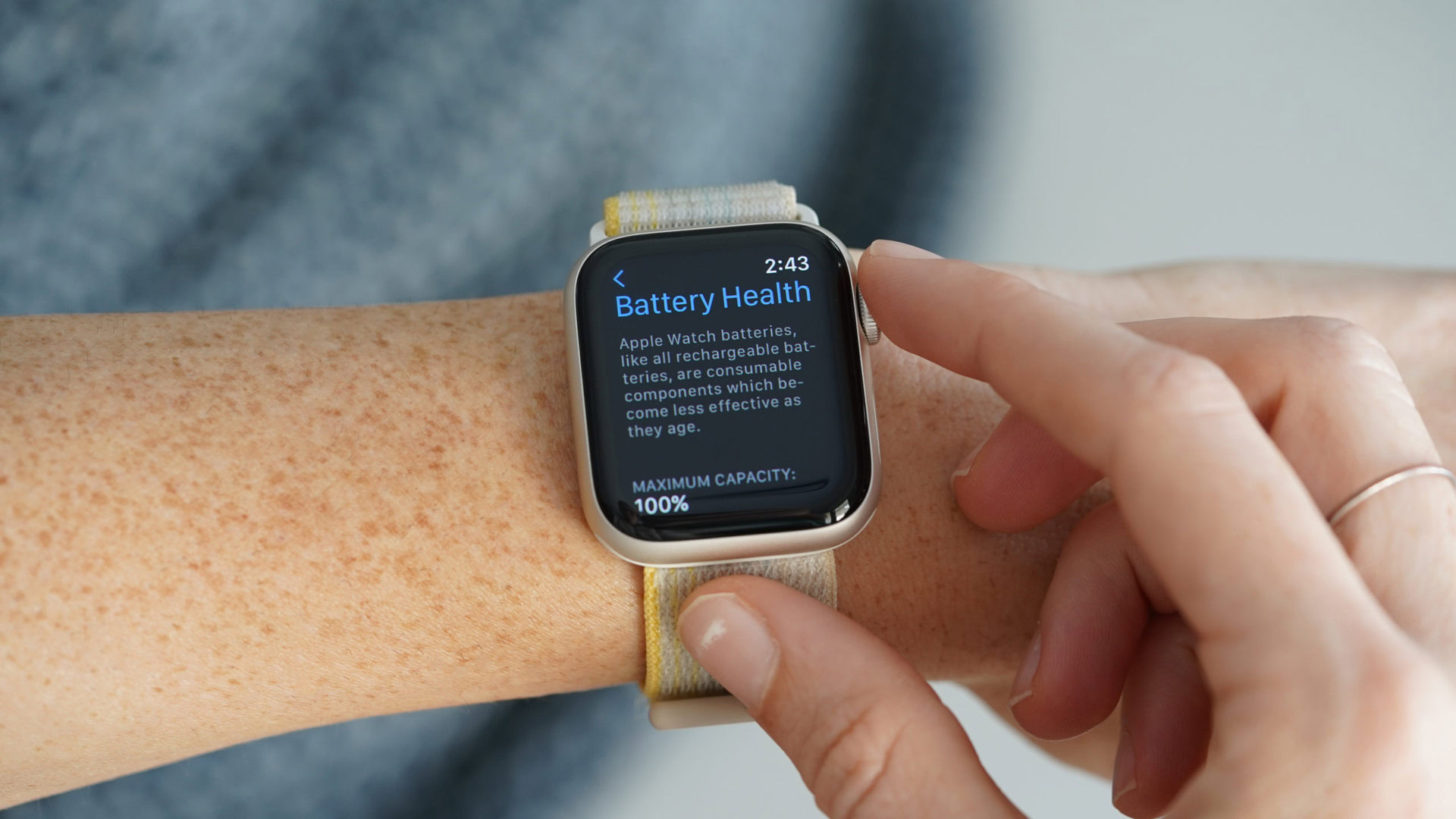
Like any rechargeable battery, your Apple Watch's battery will degrade over time. You can check its maximum capacity in the Battery Health settings.

It's like checking the mileage on a car. The more you use it, the more wear and tear it experiences.
If your battery health is significantly reduced, you might consider replacing the battery.
Is It Time for an Upgrade?
If you're constantly struggling to get through the day on a single charge, and you've tried all the battery-saving tips, it might be time to consider upgrading to a newer Apple Watch model.
Newer models often have improved battery life and more efficient processors.
Think of it as trading in your old, gas-guzzling car for a sleek, fuel-efficient hybrid.
The Final Word: Don't Stress Too Much!
Ultimately, don't let battery life anxiety ruin your Apple Watch experience! Experiment with different settings, find what works best for you, and enjoy the convenience and features that your watch offers.
A little planning can alleviate most concerns. Like remembering to charge your phone the night before a big trip.
Your Apple Watch is a tool to enhance your life, not to stress you out. Embrace it!
Remember, a happy Apple Watch owner is one who finds the balance between using all the features they love and keeping that battery alive just long enough.