
How Long Does It Take To Charge Beats Headphones
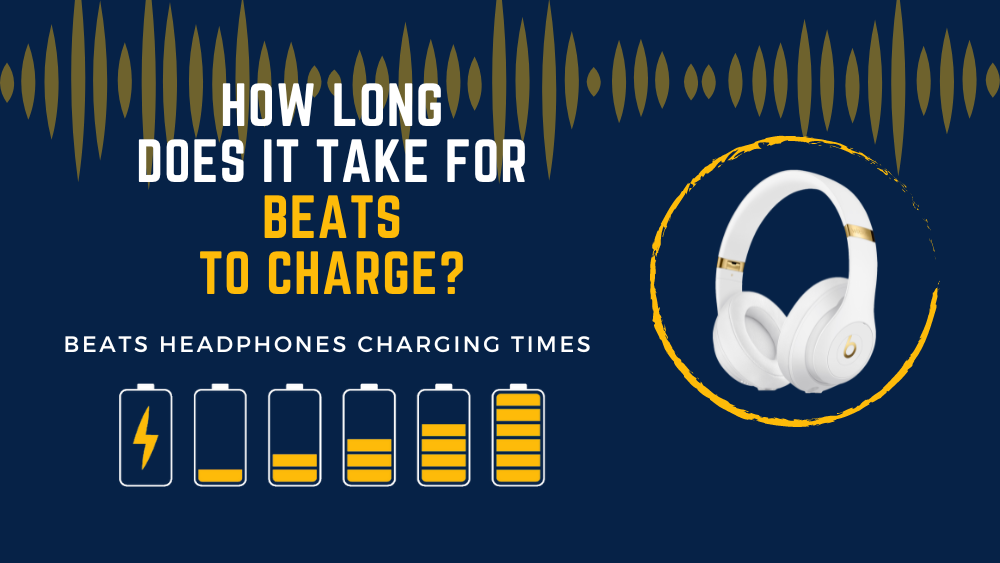
So, you've got yourself a pair of Beats headphones. Awesome! You're ready to pump up the jams, drown out the world, and maybe even look a little cooler doing it. But then, disaster strikes. You get that dreaded low battery beep. Uh oh. Time to plug in. But how long are you going to be tethered to the wall? Let's dive in!
The Charging Lowdown: Quick and Dirty
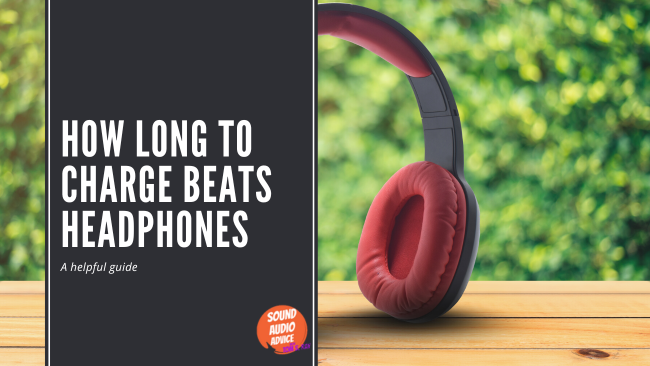
The good news? Beats headphones are pretty speedy when it comes to charging. We're not talking hours and hours here. In most cases, you’re looking at a reasonable wait. Think of it like waiting for your coffee to brew. Not ideal if you're rushing out the door, but totally manageable if you plan ahead a little.
Generally, a full charge on most Beats headphones models takes around 2 to 3 hours. Yeah, that's it! Of course, this can vary slightly depending on the specific model you own. Some of the older versions might take a little longer. But hey, even those aren’t going to keep you waiting all day!
Must Read
And here's the really cool part. What if you're really in a rush? Beats has you covered with what they call "Fast Fuel."
Fast Fuel: Your Battery Savior
Fast Fuel is seriously a lifesaver. Imagine you're about to head out, and you realize your headphones are practically dead. No problem! Plug them in for just 5-10 minutes. Yep, you read that right. 5-10 minutes. And you'll get a few hours of playback. It's like magic! Seriously, it's one of the best things about owning a pair of Beats.
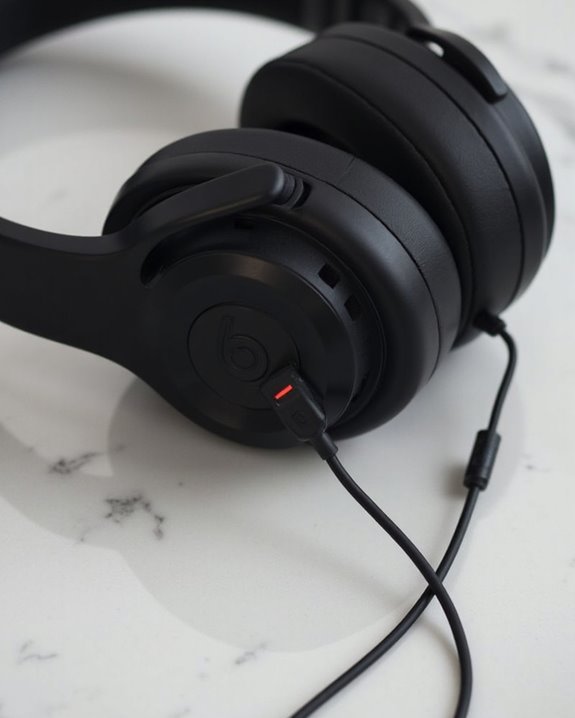
Think of it as a quick pit stop for your headphones. Enough juice to get you through your commute, your workout, or that study session at the library. It’s incredibly convenient and a huge stress reliever.
Model Matters: Knowing Your Beats
While the charging times are generally similar, it's always a good idea to check the specs for your specific Beats model. You can usually find this information on the Beats website, in the user manual, or even on the packaging. Knowing your headphones is like knowing your car – it helps you get the most out of them!
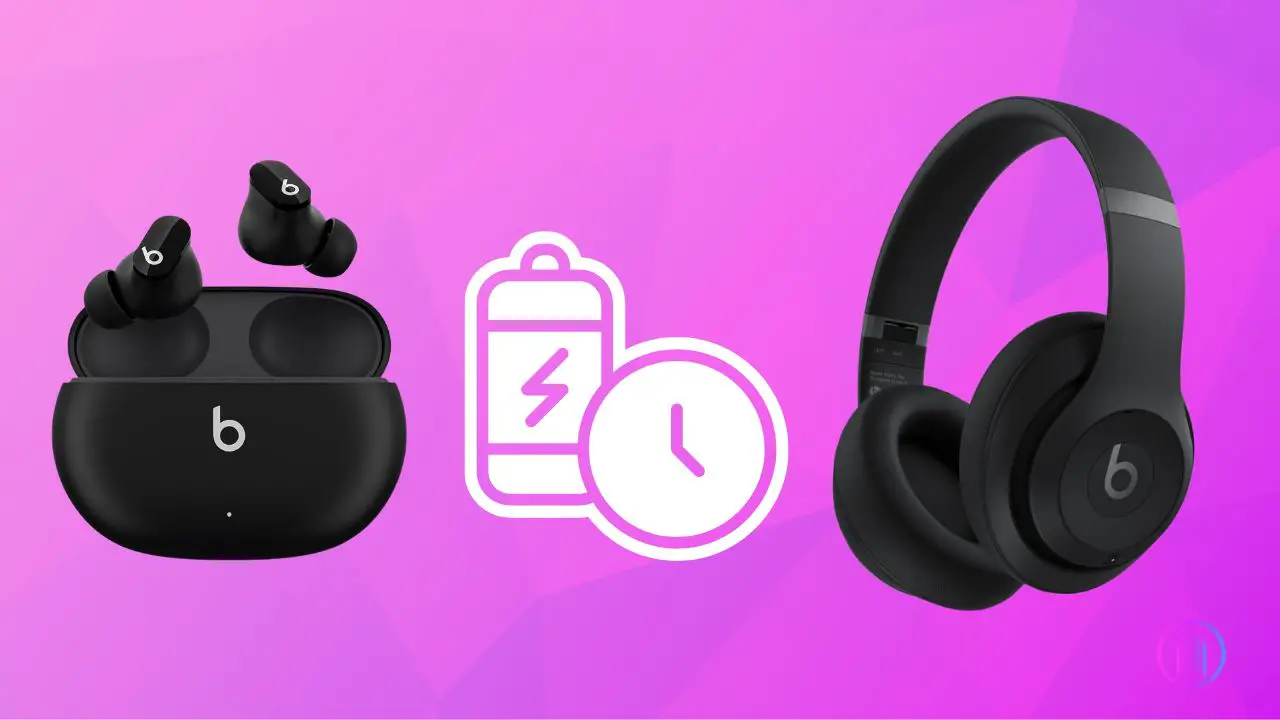
Different models, like the Beats Solo, Beats Studio, or Beats Fit Pro, might have slight variations in their battery life and charging times. But the general rule of thumb is that you're looking at a quick and efficient charging experience.
And while we're on the topic of models, let's not forget the importance of using the right charging cable. Most Beats headphones use a standard USB cable, but it's always best to use the cable that came with your headphones. This will ensure optimal charging and prevent any potential problems.
Tips for Charging Like a Pro
Want to maximize your Beats charging experience? Here are a few tips:
- Use the original cable: As mentioned before, the cable that came with your headphones is usually the best option.
- Charge from a wall outlet: Charging from a wall outlet is generally faster than charging from a computer's USB port.
- Don't let them die completely: It's generally better to charge your headphones before they completely run out of battery. This can help prolong the overall lifespan of the battery.
- Keep them cool: Avoid charging your headphones in extremely hot or cold environments.
By following these simple tips, you can keep your Beats charged and ready to go whenever you need them!
So there you have it! Charging your Beats headphones is quick, easy, and relatively painless. With Fast Fuel, you can even get a boost of power in just a few minutes. Now go forth and enjoy your music, podcasts, and audiobooks without the worry of a dead battery!
"Music gives a soul to the universe, wings to the mind, flight to the imagination and life to everything." - Plato, probably listening to Beats.
Seriously, though. Enjoy your Beats! They’re awesome.
