
How Do You Program A 3d Printer
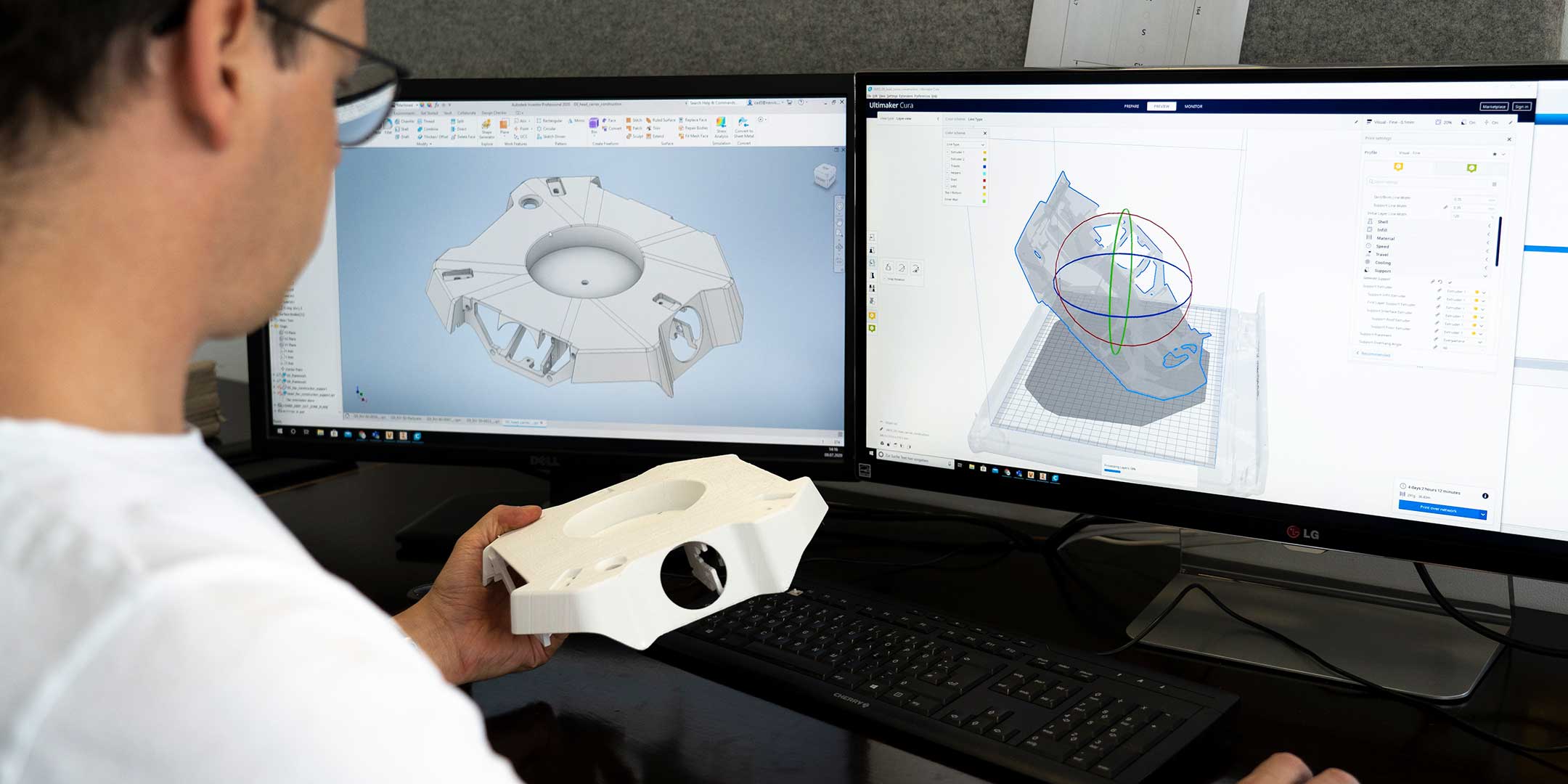
Ever gazed at a cool 3D printed gadget and wondered, "How on earth do they tell that machine what to make?" Maybe you've pictured someone hunched over a keyboard, typing away lines of complex code, à la a Hollywood hacker. Well, dear reader, I'm here to tell you that programming a 3D printer is actually a whole lot less "Matrix" and a whole lot more "magical art project"!
Forget the scary coding nightmares. For most of us, getting a 3D printer to bring our wildest ideas to life is less about learning a new language and more about showing it what we want. Think of it as a creative collaboration, where you're the visionary and the printer is your incredibly diligent, plastic-extruding assistant.
Step 1: Design Your Dreams (The CAD Magic!)
This is where the fun truly begins! Before a printer can print, it needs to know what it's printing, right? This is where CAD software comes in – that's short for Computer-Aided Design. And no, it's not some arcane software only for engineers. There are incredibly user-friendly options out there that feel more like playing with digital LEGOs or Play-Doh!
Must Read
Take Tinkercad, for instance. It's free, web-based, and ridiculously intuitive. You drag and drop basic shapes – cubes, cylinders, spheres – combine them, subtract them, stretch them, until you've sculpted your masterpiece. Want to design a custom cookie cutter? A tiny holder for your earbuds? A unique gift for a friend? Tinkercad makes it feel like child's play.
For those feeling a bit more adventurous, tools like Fusion 360 or Blender offer incredible power to create intricate, complex models. But the core idea remains: you are designing visually. You're shaping your idea in a digital space, giving it form, dimensions, and all the details that make it uniquely yours. Isn't that empowering?

Step 2: Translate to "Printer Speak" (The Slicer Wizardry!)
Okay, so you've got your dazzling 3D model. Now, how do you tell a machine that literally melts plastic and squirts it out in thin layers how to build that model? This is where a fantastic piece of software called a slicer enters the scene. This is arguably the closest you get to "programming" in the traditional sense, but trust me, it's still super accessible.
Popular slicers like Cura or PrusaSlicer take your beautiful 3D model (usually a `.STL` file, for the tech-curious) and perform a crucial task: they slice it into hundreds, sometimes thousands, of thin horizontal layers. Imagine taking a loaf of bread and slicing it evenly – that's what a slicer does, virtually!
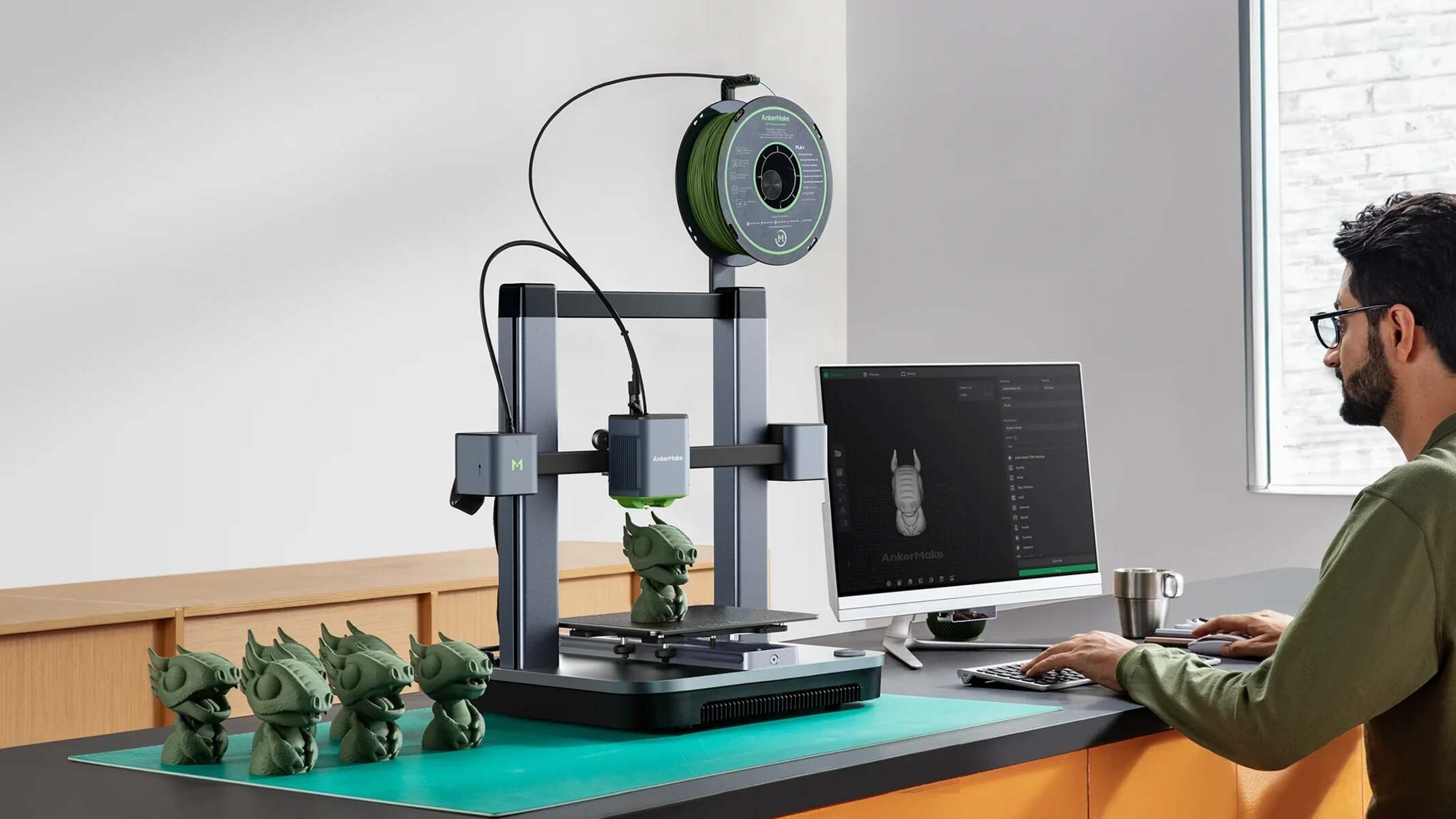
But it does so much more! It also generates the specific instructions for the 3D printer for each layer. These instructions are called G-code. Think of G-code as a super-detailed recipe or a conductor's score for the printer. It tells the printer things like: "Move to this X, Y, Z coordinate," "Extrude plastic at this rate," "Heat the nozzle to this temperature," "Move up one layer."
Here's where you get to be the director! In the slicer, you set parameters. Do you want your object to be super strong and dense? Adjust the infill percentage. Want a smooth finish? Fine-tune the layer height. Does your model have overhangs that need support? The slicer will automatically generate temporary support structures that you can easily snap off later. You're not typing code; you're adjusting settings in a friendly graphical interface. It's like tweaking the perfect recipe for your robotic chef!
G-Code: The Language of Robots (But You Don't Have To Speak It Fluently!)
While the slicer spits out G-code, you typically won't ever need to write it yourself. It's fascinating to peek at, though! A line might look something like `G1 X10 Y20 Z0.2 E10` – which roughly translates to "Move to X coordinate 10, Y coordinate 20, Z coordinate 0.2 (that's your layer height), and extrude 10 units of material."
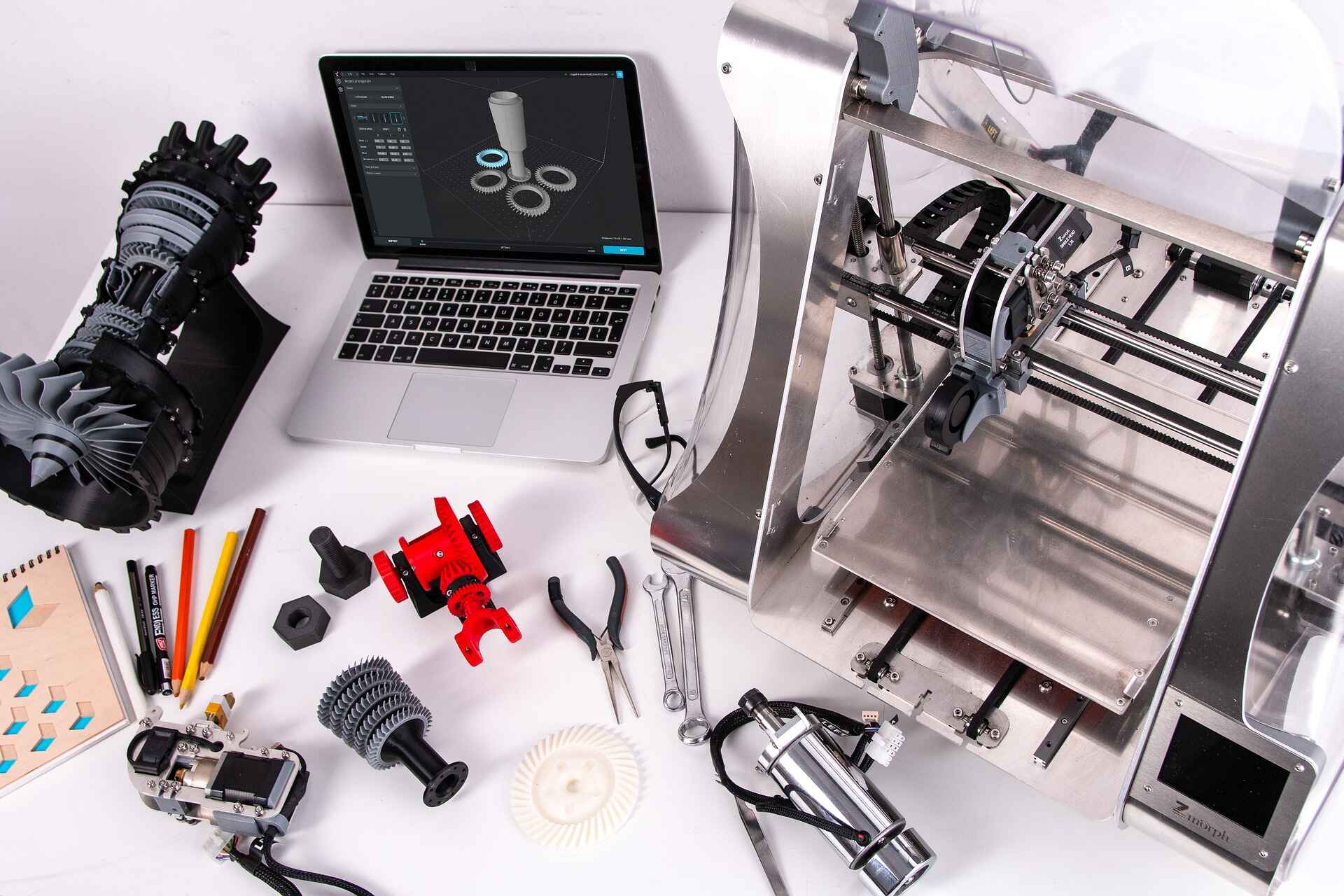
It's the printer's native tongue, but thanks to the slicer, you're interacting with it through a much friendlier interpreter. You're the brilliant architect, and the slicer is your trusty foreman, translating your blueprint into precise instructions for the construction crew.
Why This Is Your Next Fun Adventure!
Learning to "program" a 3D printer (in this accessible way!) opens up a universe of possibilities. Imagine being able to:
- Fix broken household items by printing a replacement part.
- Personalize gifts with custom-designed names or shapes.
- Create functional prototypes for your brilliant new invention idea.
- Design unique home decor that perfectly matches your style.
- Simply bring your wildest creative ideas to life, right on your desk!
It’s incredibly satisfying to see a digital concept materialize into a physical object you can hold. It's problem-solving, creativity, and a touch of modern magic all rolled into one. And the best part? The 3D printing community is vibrant, friendly, and bursting with resources to help you learn!
Ready to Unleash Your Inner Maker?
So, how do you program a 3D printer? You design. You slice. You print! It’s a journey from idea to tangible reality that is far more intuitive and rewarding than you might have imagined. There are countless free tutorials on YouTube, accessible CAD programs, and supportive communities waiting to guide you.
Don't let the word "program" intimidate you. Think of it as painting with plastic, or sculpting with light. This isn't just about making things; it's about empowering your creativity, making life a little more fun, and literally building the future with your own hands. So, what amazing thing will you create first? The only limit is your imagination!