
How Can I Fast Charge My Phone
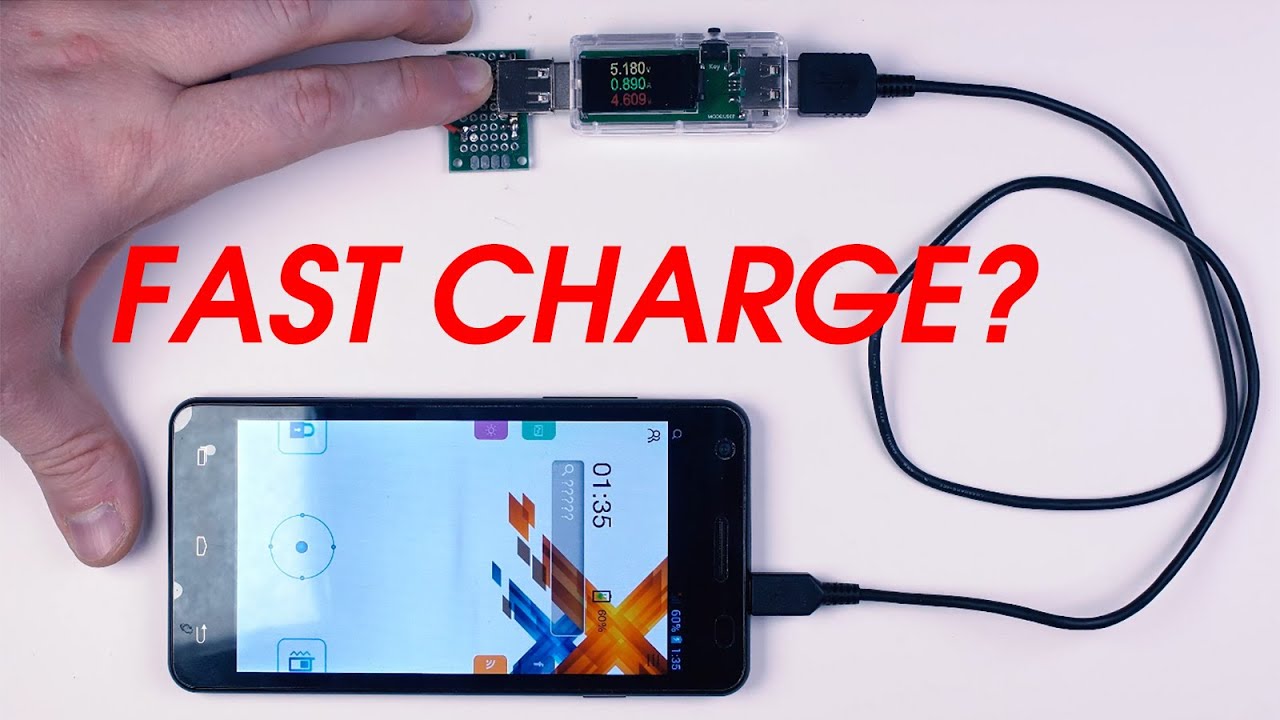
Alright, settle in, grab a coffee (or whatever gets your internal battery buzzing), because we’re about to unravel the great mystery of the modern age: how to make your phone go from 1% to “I can actually make that call without anxiety” faster than you can say “oh crap, I forgot to charge it last night!”
You know the drill. You’re racing out the door, phone in hand, only to see that terrifying sliver of red, mocking you with a measly 5% battery life. Your heart sinks. Your life flashes before your eyes – all those Instagram scrolls you’ll miss! It’s enough to make you want to plug it into a literal lightning bolt, isn't it?
Forget The Lightning Bolt, Let’s Talk Watts!
The secret to super-speedy charging isn’t some ancient wizardry or a secret handshake. It’s mostly about watts, baby! Think of watts like the sheer volume of water coming through a hose. A skinny garden hose (your old, tiny charger) slowly trickles water into your bucket (your phone battery). A fire hose (a high-wattage fast charger)? WHOOSH! Bucket full in no time.
Must Read
Your old phone charger, the one that came with your flip phone back when Myspace was cool, probably pushes a paltry 5 watts. That’s like trying to fill an Olympic swimming pool with an eyedropper. Modern fast chargers, though? We’re talking 20W, 45W, 65W, even 120W+! That’s enough juice to make your battery sing a happy little power ballad.
The Holy Trinity of Fast Charging
To truly achieve charging nirvana, you need three things to be in perfect harmony. Miss one, and you’re back to the sloth race.
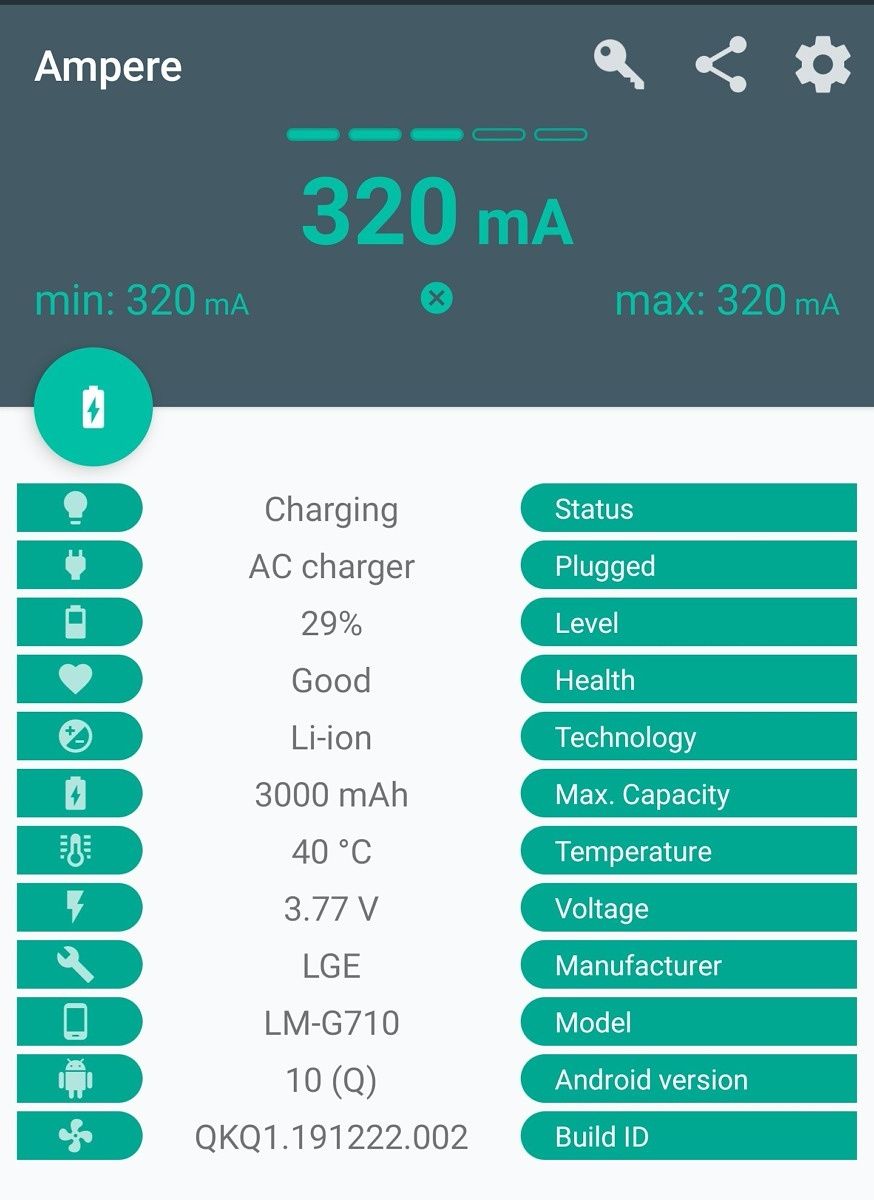
1. The Charger (The Brick, The Wall Wart)
This is where the magic starts. Look for a charger with a high watt rating. But here’s the kicker: it also needs to speak your phone’s fast-charging language. The most common ones are USB Power Delivery (PD) and Qualcomm Quick Charge (QC). Most modern phones, especially iPhones and many Androids, love PD. Always check your phone's specs!
And no, just because it’s big and bulky doesn’t mean it’s fast. Some chargers are all brawn, no brains. You need smart chargers that can communicate with your phone to deliver the optimal, safest power.
2. The Cable (The Leash, The Lifeline)
This is where many people mess up. You’ve got a super-powerful charger, a super-fast phone, and then you use a dollar-store, flimsy cable you found under the couch. That’s like putting premium fuel in a sports car but trying to deliver it through a straw.
You need a quality cable that can handle the increased power flow. For USB-C, look for cables rated for higher wattage (e.g., 60W or 100W). Some cheap cables literally cannot carry enough current, creating a bottleneck that slows everything down. Invest in a good, sturdy, data-supporting cable. It’s not just for charging; it’s for peace of mind!

3. Your Phone Itself (The Thirsty Beast)
Even if you have the world’s most powerful charger and a diamond-plated cable, your phone still needs to support fast charging. An ancient phone might only accept 10W of power, no matter how much you try to shove into it. It’s like trying to pour a gallon of water into a shot glass – it’s just going to overflow (or in this case, refuse to take it).
Most modern smartphones made in the last few years do support some form of fast charging. Just check your phone’s specifications; it’ll usually list the maximum charging wattage it can handle.

Pro Tips for Maximum Speed (and Minimal Meltdown)
- Turn it off (or Airplane Mode): Your phone isn't performing processor-intensive tasks or searching for signal, so it can dedicate all its energy to charging. It's like trying to fill up your car's gas tank while doing donuts – inefficient!
- Don’t use it: Seriously, put it down! If you’re scrolling through TikTok while it’s charging, you’re basically making it charge and discharge simultaneously. That’s a recipe for slow charging and a hot phone.
- Keep it cool: Heat is the enemy of battery life and charging speed. If your phone gets too toasty, it will deliberately slow down charging to protect itself. Keep it out of direct sunlight and off soft surfaces that trap heat.
- Avoid wireless charging for speed: While incredibly convenient, wireless charging is generally slower than wired fast charging. Think of it as a gentle, leisurely stroll compared to a full-on sprint.
The Myths Debunked (No, It Won’t Explode)
A common fear is that fast charging will "destroy" your battery or make your phone spontaneously combust. Relax! Modern phones and chargers have smart chips that constantly communicate. They negotiate the optimal power delivery, monitor temperature, and prevent overcharging.
While any charging contributes minimally to battery degradation over its lifespan (that's just physics, folks), fast charging doesn't accelerate it significantly more than slow charging, thanks to these clever safety mechanisms. Your phone isn't dumb; it knows its limits!
So, there you have it. No more staring longingly at that 1% battery icon, wishing for a miracle. With the right charger, a sturdy cable, and a phone that knows its stuff, you can juice up your device faster than ever before. Now go forth, charge quickly, and never miss another cat video again!