How Can I Charge My Iphone Without A Charger

Let's face it: We've all been there. You're out and about, living your best life, when that dreaded low-battery warning pops up on your iPhone. Panic sets in. Your charger is at home, patiently waiting on your nightstand. But fear not, dear reader! This isn't a technological horror movie. There are ways to juice up your iPhone even without its trusty charging brick. Learning how to charge your iPhone without a charger is not just a fun party trick; it’s a super practical skill that can save you from digital doom.
The purpose of exploring these alternative charging methods is simple: to keep your iPhone powered when you're in a pinch. The benefits are numerous. Imagine being able to navigate with Google Maps when you’re stranded, capturing that perfect sunset photo, or simply staying connected with friends and family. Mastering these techniques provides peace of mind and ensures you’re always prepared, no matter where life takes you.
So, how can you resurrect your phone from the brink of battery death without its usual charger? Here are a few options:
Must Read
1. Embrace the Power Bank: Your Portable Lifesaver. A power bank is essentially a portable battery. Charge it at home, throw it in your bag, and you're good to go. They come in various sizes and capacities, so choose one that suits your needs. Think of it as your iPhone's personal charging station on the go.
2. USB to the Rescue: Cars, Laptops, and More. Most modern cars have USB ports. Plug your iPhone into one of these ports, and you'll start charging, albeit slowly. Similarly, your laptop or desktop computer can also provide a trickle charge through its USB port. It might not be as fast as a wall charger, but it's definitely better than nothing. Just remember to unlock your iPhone and select "Trust This Computer" if prompted when plugging into an unfamiliar device. Using a USB port from a computer or car is a convenient option.

3. Friend in Need (or a Stranger with an Android!). This might seem a bit cheeky, but if you’re truly desperate, ask a friend or even a friendly stranger if they have a portable charger or a compatible charging cable. Many Android phones now use USB-C, which is the same port as some iPads. Just be sure to exercise caution when borrowing from strangers and never leave your phone unattended.
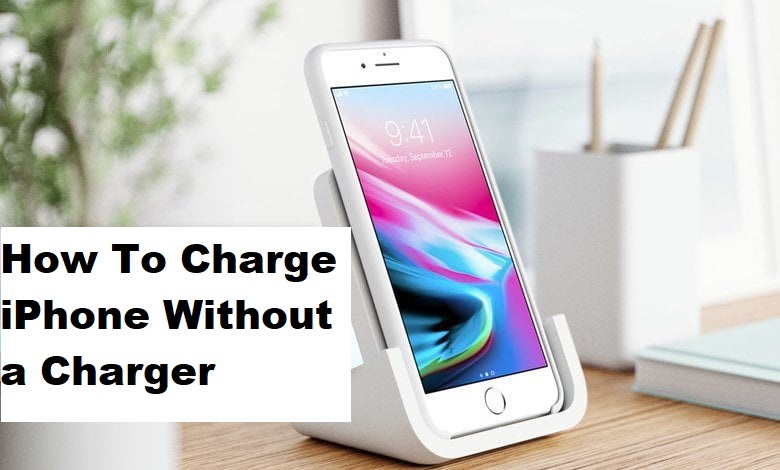
4. Wireless Charging Pads: The Modern Miracle. If you have a newer iPhone model, it likely supports wireless charging. Many coffee shops, airports, and even some furniture now incorporate wireless charging pads. Simply place your iPhone on the pad, and it'll start charging wirelessly. While usually slower than wired charging, it's a stylish and convenient option if available. Wireless charging is becoming increasingly common.

5. Battery Cases: A More Permanent Solution. If you constantly find yourself running out of battery, consider investing in a battery case. These cases essentially have a built-in battery that can recharge your iPhone on the go. It adds some bulk, but it's a reliable way to extend your battery life significantly.
So, there you have it! Several ways to charge your iPhone even when your charger is nowhere to be found. With a little planning and these alternative methods, you can keep your iPhone powered and stay connected, no matter what life throws your way.