Honeywell Thermostat How To Turn On Ac
Ever walked into your home on a scorching summer day and felt that instant wave of relief as the cool air kicks in? It’s a small miracle, really, and often, the unsung hero behind it is your trusty thermostat, especially if it's a Honeywell. We often take these little boxes for granted, assuming they just "work." But learning how to properly command your Honeywell thermostat to turn on the AC isn't just about escaping the heat; it's about truly mastering your home's comfort zone and perhaps even discovering a fun little piece of everyday technology.
At its heart, your thermostat is the brain of your home's HVAC system – that's Heating, Ventilation, and Air Conditioning. Its primary purpose, particularly when summer rolls around, is to act as your personal climate controller. When you tell it to cool, it sends a signal to your air conditioning unit, kicking off the process of bringing down the indoor temperature to your desired setting. The benefits are clear: uninterrupted comfort during heatwaves, potentially lower energy bills if you use it efficiently, and the sheer convenience of a home that’s always just right.
Think about how this plays out in daily life. Imagine coming home after a long day, knowing your house will be a crisp 72 degrees Fahrenheit because you've set your Honeywell to "cool" mode. Or perhaps you're planning a small gathering, and you want to pre-cool the house a bit extra before guests arrive. While less direct in formal education, understanding your thermostat teaches us about basic control systems, energy consumption, and even the simple mechanics of cause and effect. It's a practical lesson in home management and understanding how our comfort is orchestrated by simple yet effective technology.
Must Read
So, how do you go about coaxing that cool air from your Honeywell? Here are some simple, practical tips to explore:
- Identify Your Model: Honeywell makes many thermostats, from basic digital ones to advanced smart models. Look for a model number, often on the back or inside the cover.
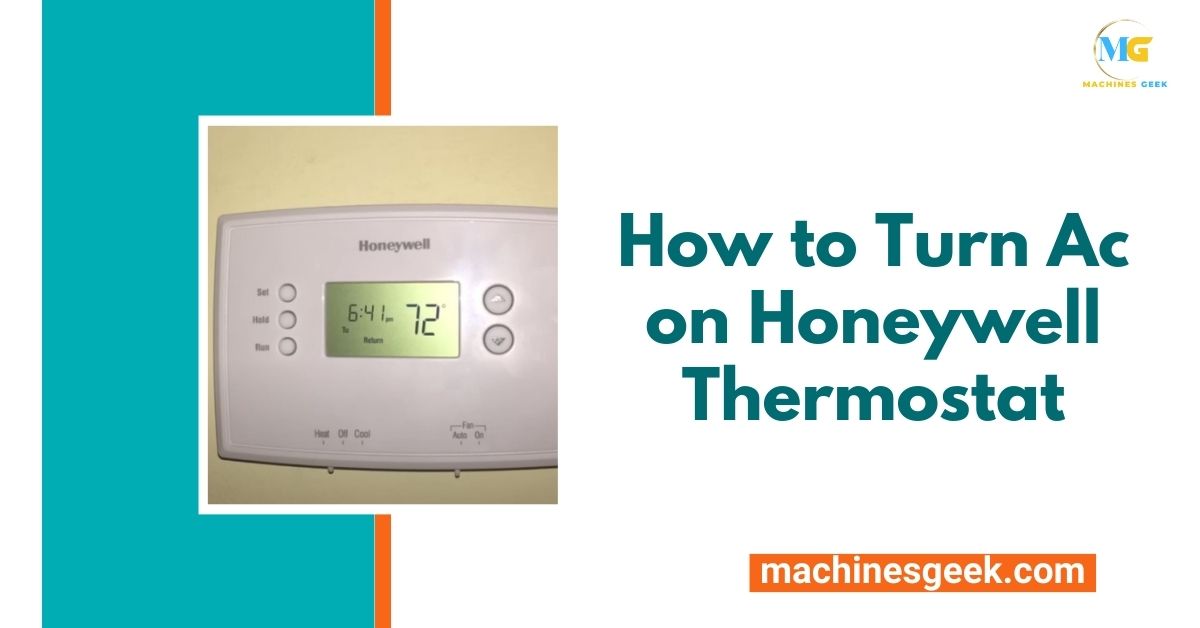
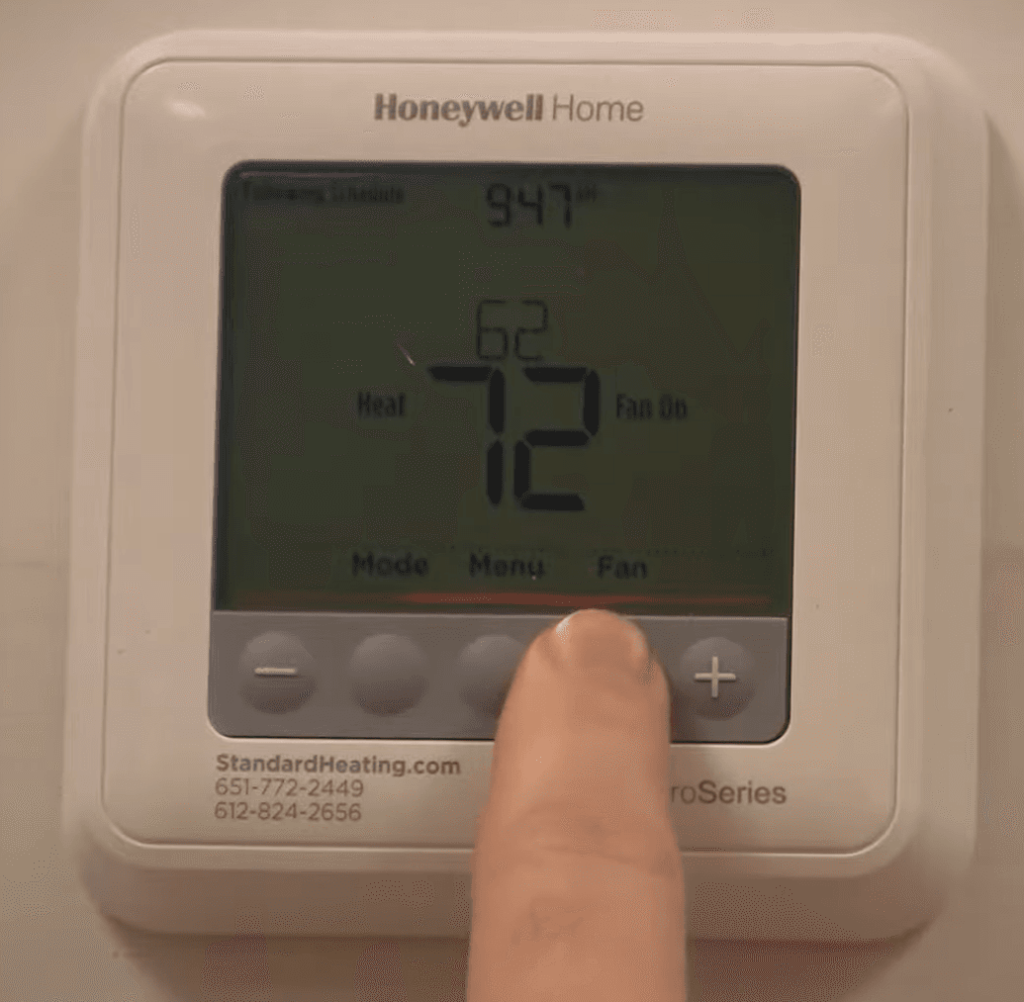
- Find the "System" or "Mode" Button: This is your key. Press it repeatedly until you see "Cool," "AC," or an icon resembling a snowflake appear on the display. This tells your thermostat to switch from heating or off mode to cooling mode.
- Set Your Desired Temperature: Use the up and down arrows (or a dial) to adjust the temperature. Remember, it might take a few minutes for the AC unit outside to kick on.
- Check the "Fan" Setting: Most Honeywell thermostats have a "Fan" button. You'll typically want to set it to "Auto." This means the fan only runs when the cooling system is actively working. If you set it to "On," the fan will run continuously, even when not cooling, which can be noisy and less energy-efficient.
- "Hold" vs. "Run Schedule": If you have a programmable thermostat, you might see "Hold" or "Run Schedule." "Hold" typically overrides your programmed schedule and maintains your current setting indefinitely. "Run Schedule" will follow your pre-set temperatures throughout the day.
- The Manual is Your Friend: Seriously! A quick search online for your specific Honeywell model's manual will provide detailed, step-by-step instructions and troubleshoot common issues.
Don't be afraid to experiment a little with these settings. A Honeywell thermostat is designed to be user-friendly, and understanding its functions gives you the power to create a truly comfortable environment. It’s a small step in home automation, but a giant leap for your personal comfort!