
Garage Door Keypad Not Working After Changing Battery

Alright, gather 'round, folks, and let me spin you a yarn about the existential crisis that is a garage door keypad. You know the drill, right? One day, you walk up, punch in your sacred numbers, and… nothing. Zip, zilch, nada. The little lights might flicker mockingly, or maybe they just give you the silent treatment, which is arguably worse.
Your first thought, naturally, is, "Ah, the battery! The sneaky culprit!" You're practically a hero, diagnosing the problem with the precision of a seasoned surgeon. You trot off to the store, grab a fresh pack of AAA Duracells (because anything less would be an insult to your garage door’s dignity), and return victorious. You pop open the keypad, swap out the old, presumably drained battery for the new, shiny one, feeling a surge of DIY pride.
You punch in your code, a hopeful twinkle in your eye, a little triumphant jig already forming in your head… and the door remains resolutely shut. Not a peep. Not a whir. It just sits there, a stoic, unmoving titan, silently judging your efforts. Your triumphant jig dissolves into a confused shuffle. "But… I changed the battery!" you wail to the heavens, clutching the spent battery like a cursed relic. This, my friends, is where the real fun begins.
Must Read
The Great Battery Betrayal: It's Not Always What You Think
Now, before you go accusing your newly installed battery of being a dud – or, worse, suspecting a tiny gremlin has moved into your garage door opener – let's pause. While a dead battery is the most common reason a keypad stops working, replacing it sometimes doesn't fix the problem. And that, my dear friends, is because your garage door keypad is a lot like a grumpy old man who forgets everything after a nap.
Many keypads, especially the more venerable models, are a bit sensitive. When you remove the battery, even for a few seconds, they lose their precious memory. It’s like unplugging a 90s-era VCR – all your carefully programmed settings vanish into the ether. Your specific, super-secret, totally unguessable PIN code (which is probably just "1234" or your birth year, let's be honest) simply evaporates.
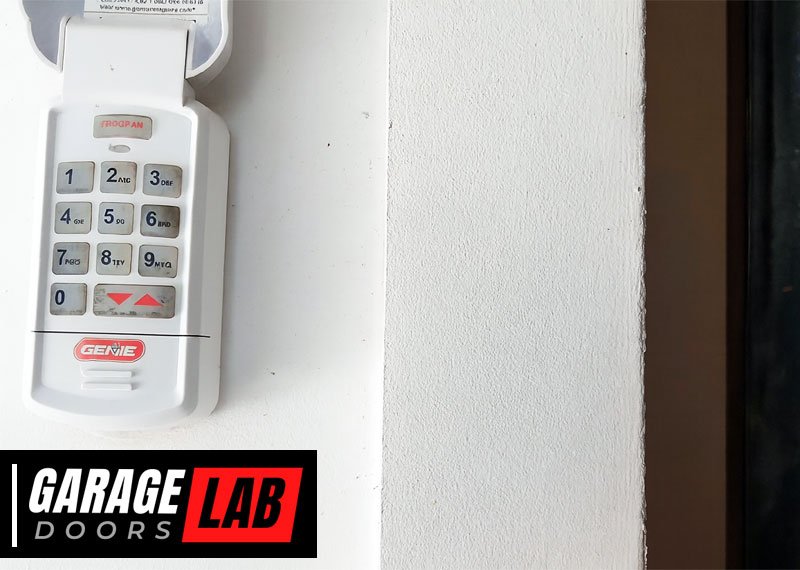
So, the new battery is supplying power, alright, but the keypad itself is staring at you blankly, having no idea what sequence of numbers you're trying to whisper into its metallic soul. It’s essentially reset itself to factory settings, which means it no longer recognizes you, its rightful owner. Rude, right?
"Learn" This One Simple Trick (Garage Door Techs Hate It!)
Don't despair! The solution, thankfully, is usually quite simple and doesn't require sacrificing a small appliance to the garage door gods. What you need to do is reprogram your keypad. Think of it as reintroducing yourself to your forgetful friend after they've had a particularly long nap.
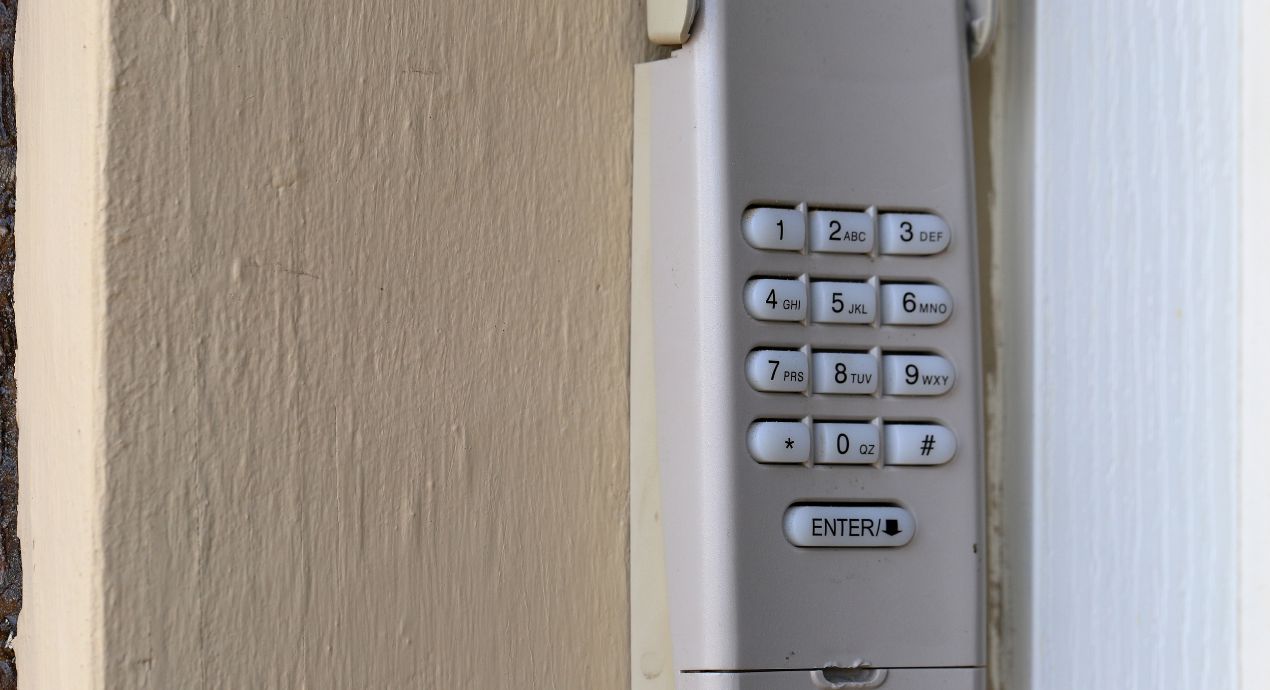
The key to this whole operation lies with a mystical button usually found on your actual garage door opener unit. This isn't the little keypad on the wall; this is the big box hanging from your ceiling that actually does the heavy lifting. We’re talking about the motor unit itself. Prepare for an epic quest!
You're looking for the "Learn" button. Sometimes it’s called "Smart" or "Program," but "Learn" is the most common. It's usually a brightly colored button – red, orange, green, yellow, or purple – standing out like a disco ball at a funeral. It might be hiding under a light cover or on the back panel, so be prepared to get a little dusty. Bring a flashlight; it's practically a treasure hunt!
Your Reprogramming Safari: Step-by-Step
Once you’ve located this elusive "Learn" button, you’re halfway there. Here’s the ritual:

- First, make sure your new batteries are firmly seated in the keypad. Double-check. Triple-check. We're not making amateur mistakes here!
- Now, back to the opener unit. Press and immediately release the "Learn" button. Do not hold it down. Holding it down usually wipes all previous programming, which is like hitting the "format" button on your brain. You'll know you did it right because a small LED light next to the button will usually illuminate or start flashing. This light is your signal: "I am ready to learn, Master!"
- Within about 30 seconds (the keypad has a short attention span), rush back to your keypad.
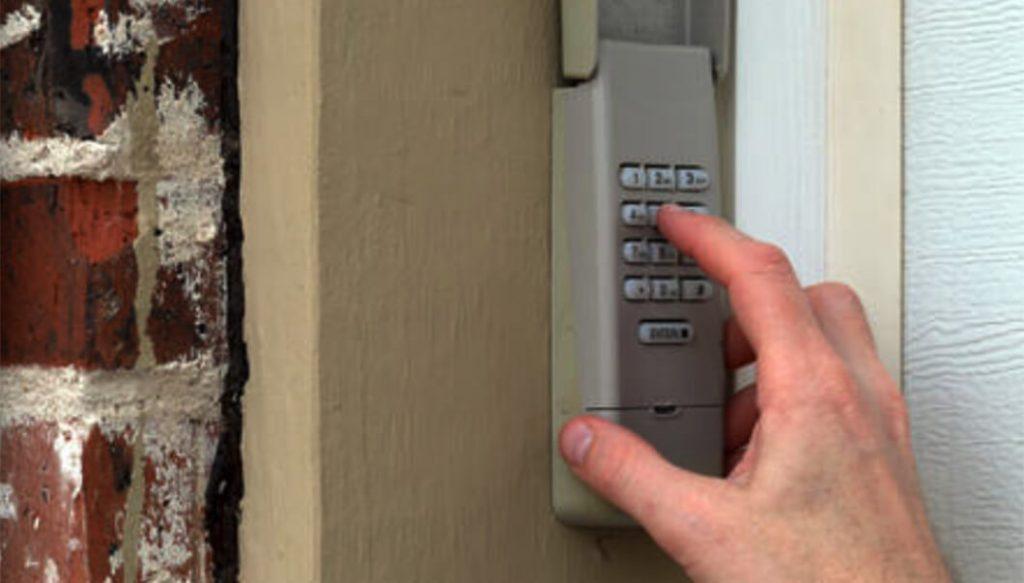
- Enter your desired PIN code (the one you totally didn't forget), and then press the "Enter" button (or "Up/Down" button, depending on your model).
- You should hear a click from the opener unit, or the light on the opener unit will flash once. This is the sound of success! It means your keypad and opener have finally had a heart-to-heart and are now reacquainted.
- Test it out! Press your PIN code again, followed by "Enter." Your garage door should spring to life, moving with all the grace and enthusiasm of a puppy seeing its owner after a long day.
Voila! The door opens! You've successfully navigated the treacherous waters of post-battery-change oblivion. Take a bow, you magnificent problem-solver, you!
But Wait, There's More! (The Plot Thickens)
Now, what if, after all that heroic effort, your keypad still won't cooperate? Don't throw it into a volcano just yet. Here are a few other curveballs life might throw:
- Old Keypad, New Opener? If you’ve recently replaced your entire garage door opener unit but kept the old keypad, they might not be compatible. Technology moves fast, folks! It's like trying to get a dial-up modem to stream 4K video.
- Range Issues: Sometimes, even with a fresh battery, the signal isn't strong enough. Maybe there’s new interference (a neighbor's Wi-Fi, a rogue alien signal, who knows!). Try standing closer to the door when you enter the code.
- Stuck Buttons: Give your keypad a once-over. Are any of the buttons physically stuck or worn out? A little grime or wear can make a button unresponsive, even if the rest of the unit is powered up.
- Water Damage: Did your keypad get a good soaking during a recent downpour or a particularly enthusiastic car wash? Electronics and water are not exactly best friends.
For these trickier scenarios, you might need to consult the sacred texts (aka, the owner's manual – remember that dusty tome buried in a drawer somewhere?), or, if all else fails, call in a professional. Sometimes, the wisest move is to admit defeat and let a garage door wizard work their magic.
The Moral of the Story
So, the next time your garage door keypad gives you the cold shoulder after a battery swap, remember: it’s not always the battery itself that’s the problem. It’s often a case of digital amnesia. A quick reprogram with the "Learn" button is usually all it takes to remind it who’s boss.
You'll save yourself a headache, a potential call to a technician, and the existential dread of being locked out of your own garage. Now go forth, brave adventurers, and conquer those temperamental keypads! May your garages always open on command, and may your DIY spirit forever shine!