
Editing Stl Files In Fusion 360
Ever downloaded a super cool 3D model, maybe from a place like Thingiverse or Printables, and thought, "Man, this is almost perfect… but I wish that little part was a tiny bit different"? Or maybe you've printed something, and it came out with a small imperfection you'd love to fix digitally? If you've tinkered with 3D printing or design even a little, you've probably encountered the ubiquitous STL file. And let's be honest, for a long time, STLs felt a bit like digital read-only scrolls – great for sharing the final vision, but not so much for editing.
Well, get ready to have your mind gently blown, because we're going to dive into how Fusion 360 lets you roll up your sleeves and get downright curious and creative with those seemingly unchangeable STL files. It's like taking a finished cake and magically being able to re-shape a frosting swirl without messing up the whole thing!
What's the Deal with STL Files Anyway?
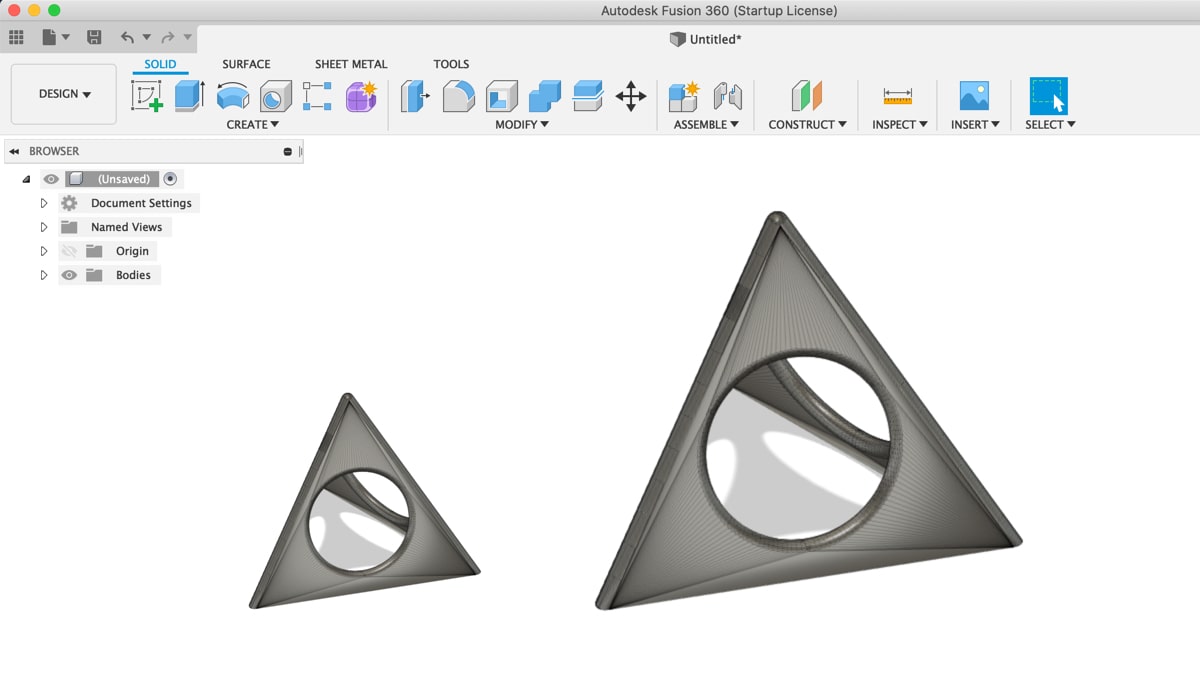
Think of an STL file as a digital sculpture made up of a zillion tiny triangles. It's a "mesh" of surfaces, defining the outer shell of an object. It tells your 3D printer where to lay down plastic, but it doesn't contain any of the juicy design history or parameters that a CAD (Computer-Aided Design) file, like a Fusion 360 project, usually has. It's the final exported product, not the editable blueprint.
Must Read
Because of this triangular nature, traditional CAD software often treats STLs with a bit of a cold shoulder. They're great for viewing or sending to a slicer, but trying to modify them can feel like trying to re-sculpt a statue with a spoon. You just don't have the right tools, right?
Enter Fusion 360: Your Digital Swiss Army Knife
This is where Fusion 360 steps in with a big, friendly grin. While it's primarily known as a powerhouse for parametric and solid modeling (the kind where you build with sketches, extrusions, and precise dimensions), it also has some seriously clever tricks up its sleeve for handling mesh files. It's like having a dedicated sculptor's studio and a high-tech engineering lab all in one app.
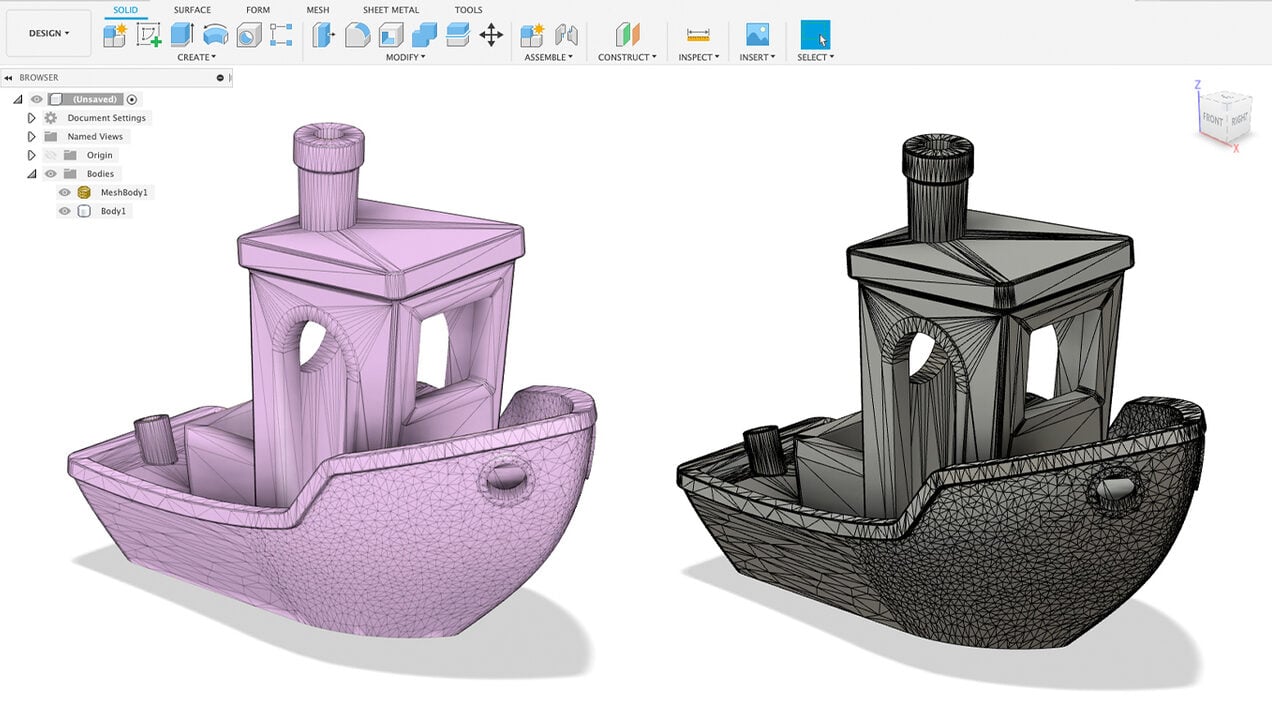
So, how does it do this magic? It offers a few different approaches, each suited for different levels of "digital surgery."
The "Direct Tweaks" Approach: Mesh Workspace
For lighter edits, Fusion 360 has a dedicated "Mesh" workspace. This is where you can do things like repairing a broken mesh (filling holes, removing stray triangles), reducing the triangle count (making the file smaller, sometimes at the cost of detail), or even smoothing rough surfaces.
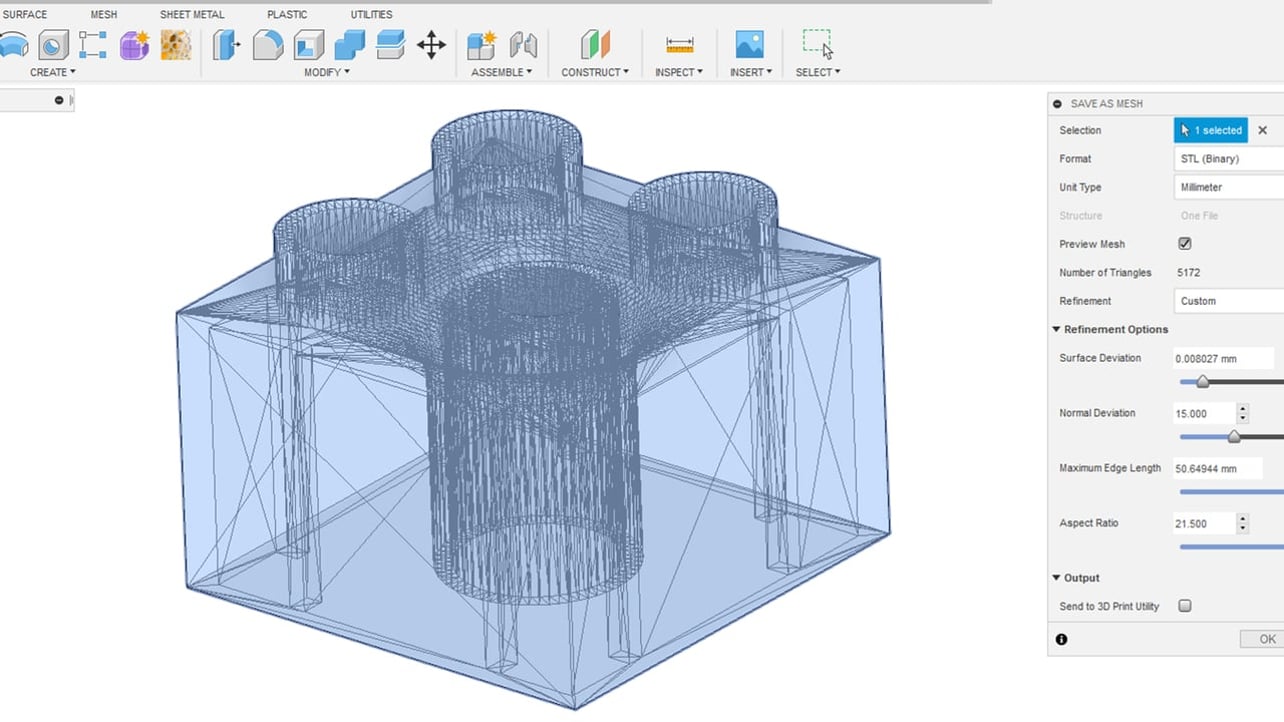
It's great for quick clean-ups, like fixing a model that didn't export perfectly or trimming off an unwanted support structure that somehow got baked into the model itself. Think of it as patching up a sweater with a few loose threads – you're working directly on the existing fabric.
The "Surgical Strike" Approach: Volumetric Mesh Tools
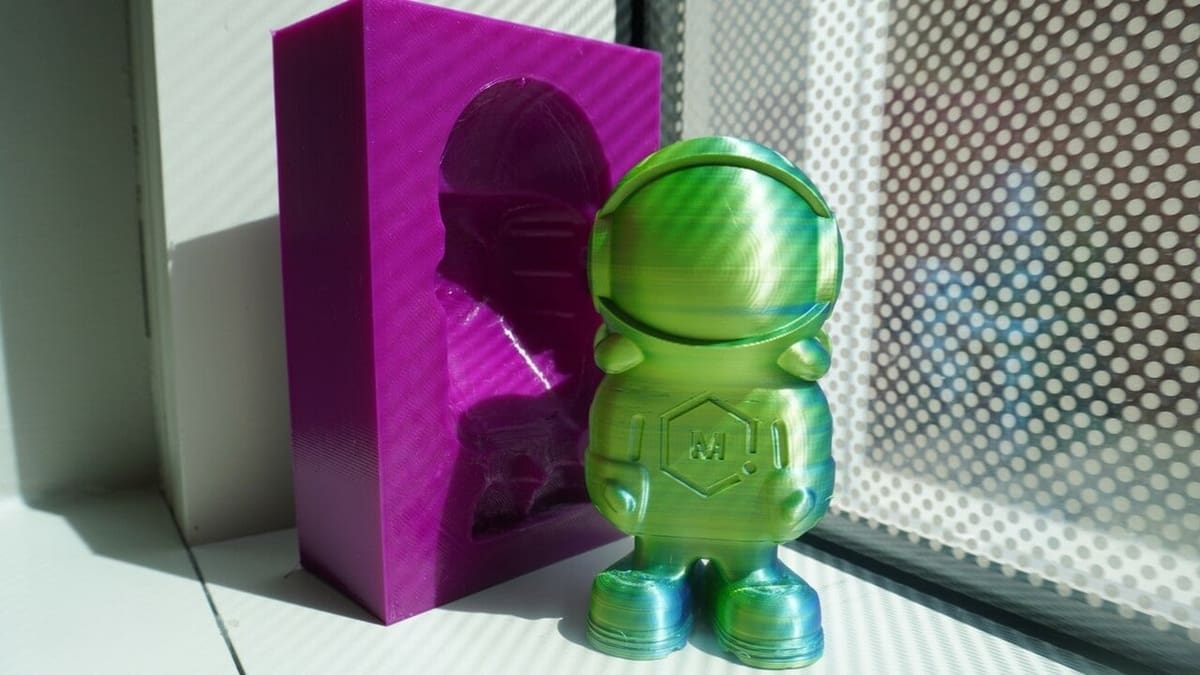
This is where things get really fun. Fusion 360 allows you to treat mesh bodies almost like solid bodies. What does that mean? You can use your traditional CAD tools to create a new solid shape (say, a perfectly circular hole) and then use it to cut into or combine with your STL mesh.
Imagine you have an STL of a cool robot head, but you need to add a perfectly sized mounting hole for an LED. You can draw a circle, extrude it into a cylinder (a solid body), and then use that cylinder to subtract material from your mesh robot head. Poof! A perfectly clean, CAD-accurate hole appears in your mesh model. It's like using a precise cookie cutter on a lump of play-doh – the play-doh doesn't become a cookie; you just made a perfect cookie shape in it.
The "Full Transformation" Approach: Mesh to BRep or Form
This is the big one, the true game-changer for serious STL editing. Fusion 360 has features that let you convert that mesh of triangles into something more akin to a traditional CAD body.
One powerful method is Mesh to BRep (Boundary Representation). This attempts to convert the triangular mesh into solid, editable faces. This works best on meshes that started life as CAD models and have relatively clean, flat, or smoothly curved surfaces.
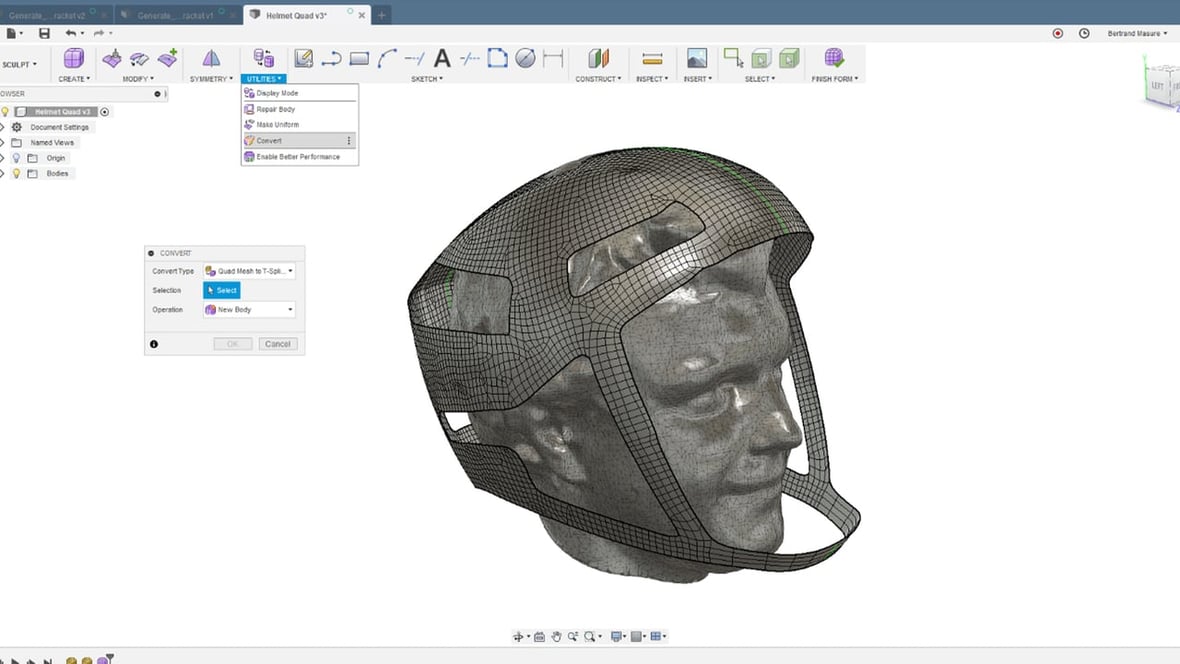
Even cooler, especially for more organic or complex shapes, is the ability to convert a mesh into a T-Spline body (Fusion 360's "Form" environment). This is like taking that pile of digital triangles and turning it into a flexible, clay-like object that you can push, pull, and sculpt with incredible fluidity. It's a completely different way of modeling, where you're manipulating a smooth, flowing surface rather than individual triangles. Imagine taking a grainy photo and somehow making it high-resolution and fully editable. That's the vibe!
Why Is This So Awesome?
- Personalization Power: Suddenly, those "almost perfect" downloaded models become actually perfect. You can resize parts, add your own logos, or adapt them for specific needs.
- Repair & Refine: Got a 3D scan that's a bit rough around the edges? Or an old STL model with some issues? Fusion 360 lets you clean them up and make them print-ready or re-purpose them.
- Hybrid Designs: Combine the best of both worlds. Start with a cool organic STL and then add precise, functional CAD features to it. The possibilities are endless!
- Learning & Growth: Exploring these tools deepens your understanding of 3D modeling and opens up new creative avenues you might not have considered. It's a fantastic skill to add to your maker toolkit.
Is It Always a Walk in the Park?
Let's be real – sometimes converting a super complex, high-triangle-count mesh into an editable form can be a bit like trying to perfectly re-assemble a shattered vase. It requires some patience, and the results might not always be flawless, especially if the original mesh isn't very clean. But for many common scenarios, Fusion 360 offers genuinely powerful and accessible solutions.
So, if you've ever felt limited by those "fixed" STL files, I highly encourage you to poke around Fusion 360's mesh tools. You might just discover a whole new dimension of creativity and control over your digital models. It's an exciting journey, and the ability to truly edit an STL is nothing short of liberating for any digital maker. Go on, give it a try – you might surprise yourself!