Ecording A Dvr Or Nvr To Ftp On Your Nas

Ever feel like your DVR is hoarding episodes of your favorite show like a squirrel prepping for a nuclear winter? Or maybe your NVR is brimming with security footage that you're convinced will one day make you a viral meme (in a good way, hopefully)? You're not alone! We all crave control over our digital treasures.
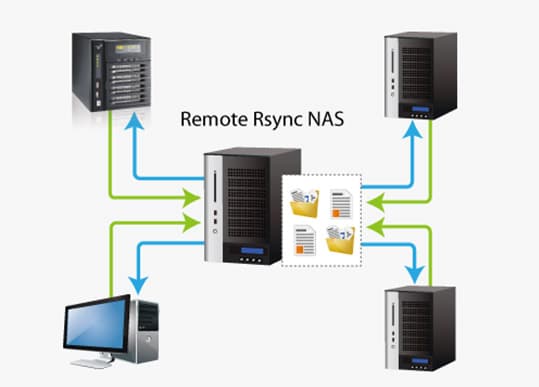
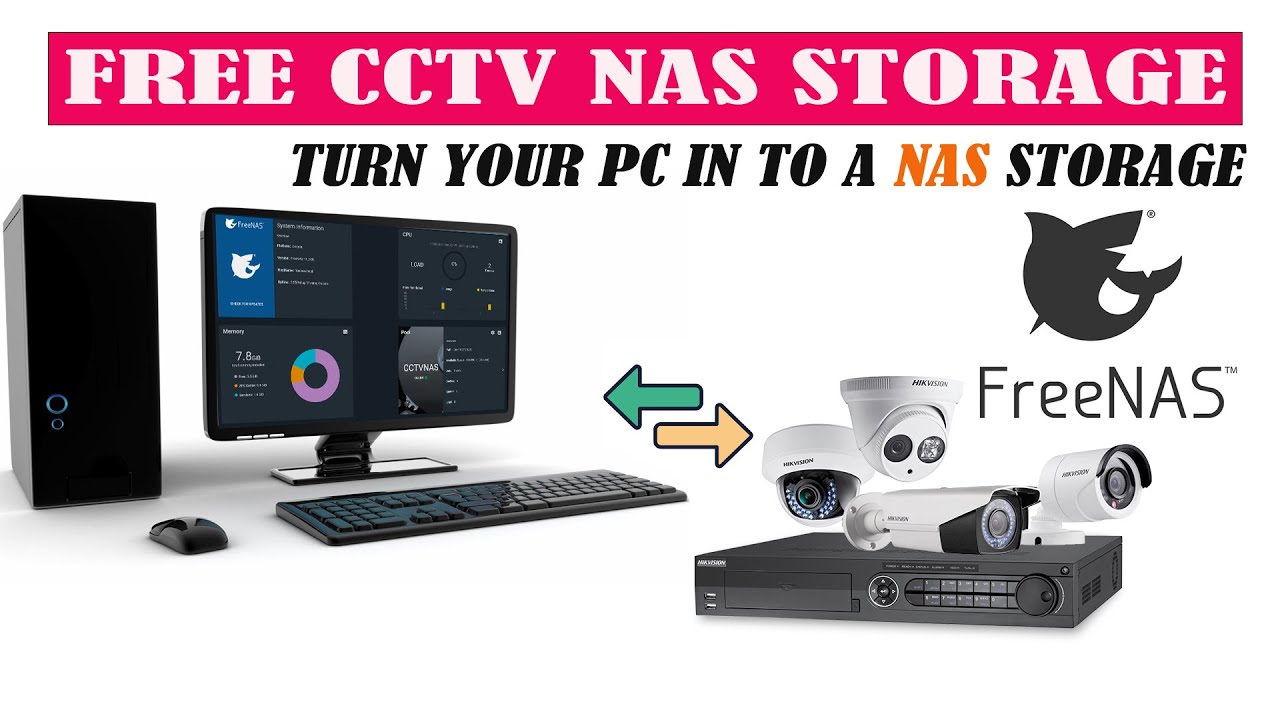
That's where the magic of FTP (File Transfer Protocol) and your NAS (Network Attached Storage) comes in. Think of your NAS as your own personal digital Fort Knox, and FTP as the secret agent delivering all your precious video cargo. Sounds complicated? Relax! It's easier than assembling IKEA furniture (and way less likely to result in a meltdown).
Why Bother, Though?
Let's face it, DVRs and NVRs aren't exactly known for their user-friendliness. Navigating their menus can feel like trying to decipher ancient hieroglyphics. And storing your recordings directly on the device? Risky business! One power surge and poof! All those hilarious cat videos you meticulously recorded... gone. Vanished. Reduced to digital dust.
Must Read
A NAS, on the other hand, offers a safer, more organized, and often larger storage space. Plus, with FTP, you can automatically back up your recordings, saving you from the heartbreak of losing that pivotal sports moment or the time your dog chased its tail for a solid five minutes.
FTP'ing Like a Pro (Even if You're Not)
The basic idea is to tell your DVR/NVR, "Hey, instead of keeping everything here, send it over to this special folder on my NAS using this secret code (username and password)." The process varies depending on your specific devices, but the core steps usually look something like this:
- Prep Your NAS: Make sure FTP is enabled in your NAS settings. Think of this as unlocking the door to your digital Fort Knox. You'll also need to create a user with FTP access and a designated folder for your recordings. Give it a catchy name like "DVR_Gold" or "Security_Shenanigans."
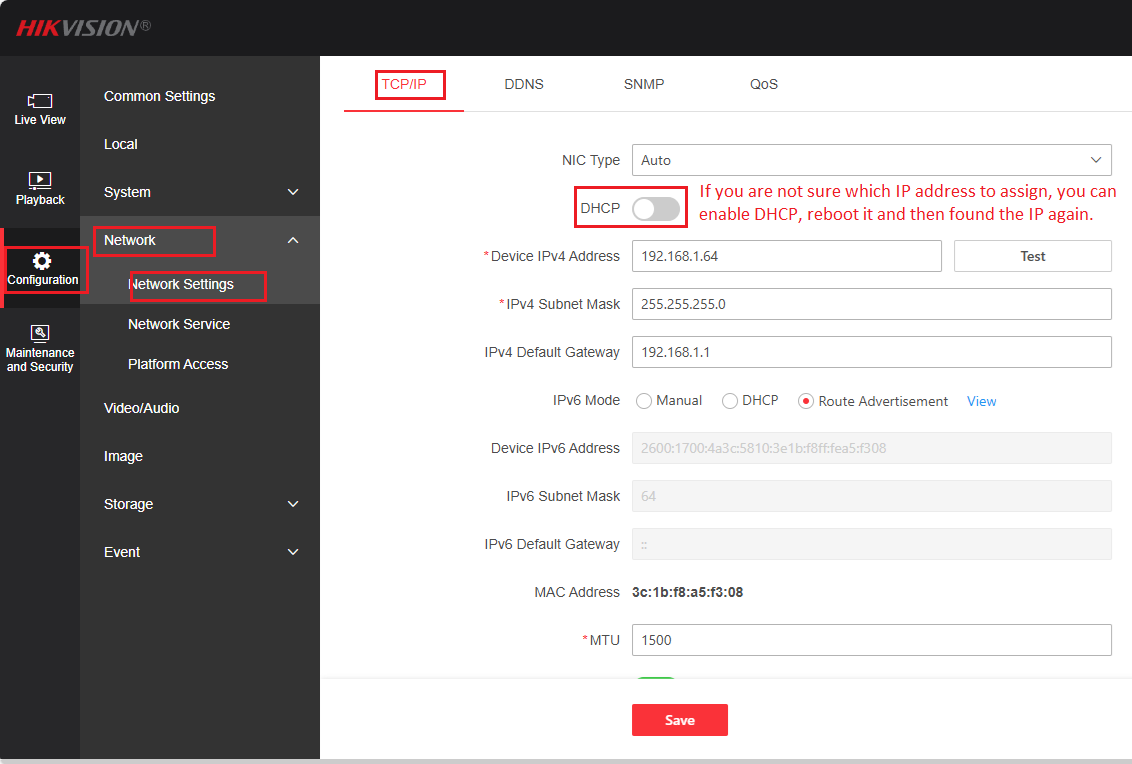
- Dive into Your DVR/NVR Settings: This is where things get a little device-specific, so consult your manual (gasp!). Look for settings related to "Network Storage," "FTP Upload," or something similar.
- Enter the Secret Code: This involves plugging in the IP address of your NAS (like its home address on the internet), the FTP username and password you created, and the path to the folder you designated for recordings. It's like giving the secret agent the correct directions to your Fort Knox.
- Test the Connection: Most devices offer a "Test Connection" button. Click it and cross your fingers! If all goes well, you'll get a "Connection Successful" message. If not, double-check your settings and try again. It's okay to feel frustrated; even James Bond messes up sometimes.
Common Pitfalls and How to Avoid Them
Like any good adventure, there are potential roadblocks. Here are a few common issues and how to navigate them:

- Firewall Frenzy: Your firewall might be blocking the FTP connection. Make sure to allow FTP traffic through your firewall on both your NAS and your DVR/NVR.
- Username/Password Puzzles: Double-check that you're using the correct username and password for your NAS FTP user. A simple typo can cause a world of frustration.
- Folder Path Fumbles: Make sure the folder path you're entering in your DVR/NVR exactly matches the path on your NAS. One wrong slash or character and the connection will fail.
The Sweet, Sweet Reward
Once you've conquered the FTP beast, you'll be rewarded with a seamlessly automated backup system. No more manually transferring files or worrying about losing your precious recordings. You can access your videos from anywhere on your network, create a home media server, and finally feel like you're in control of your digital destiny.
So, go forth and conquer! Embrace the power of FTP and your NAS, and may your recordings live long and prosper!