
Carbon Monoxide Detector Beeping After Battery Change

Ah, the sweet symphony of silence… broken by that infernal, persistent BEEP-BEEP-BEEP! You know the sound. It's the carbon monoxide detector, a crucial guardian of your home, making its presence known. And just when you thought you were a domestic hero, having diligently swapped out the old batteries for fresh ones, it starts beeping again. What gives?
We’ve all been there. You swap the batteries, the indicator light gives a reassuring flash, and you mentally high-five yourself for a job well done. Then, moments later (or sometimes an hour later, just to really test your patience), the dreaded chirping resumes. It’s like your detector is saying, "Nice try, human, but you're not done yet!"
The Post-Battery Swap Beep: What's Happening?
First things first, let’s acknowledge the star of the show: your carbon monoxide (CO) detector. Often overlooked until it demands attention, this unassuming gadget is literally a lifesaver. CO is an invisible, odorless, tasteless gas – a true silent killer – making these detectors absolutely non-negotiable in any modern home. Think of it as your home’s highly sensitive nose, constantly sniffing out danger.
Must Read
So, why is it acting up right after its battery spa day? Usually, it's not a sign of immediate danger (though you should never completely rule that out). More often, it's one of a few common scenarios:
- It Needs a Reset (or a Moment to Think): Many detectors, especially after a full power cycle (like a battery change), need a manual reset. They're a bit like a computer that needs to be rebooted to fully register changes.
- The Low Battery Warning Lingers: Some units are a little slow on the uptake. Even with new batteries, the low battery warning can persist for a few minutes while the internal system re-calibrates.
- It's Reached Its Expiration Date: This is a big one that often catches people off guard! CO detectors, like milk or your favorite face cream, have an expiration date. They typically last 7-10 years from the date of manufacture. The "low battery" beep you thought you were fixing might actually be the unit’s end-of-life warning, signaling that its internal sensors are no longer reliable.
- A Faulty Sensor or Unit: Less common, but possible. Sometimes the unit itself is just on the fritz, or a dust bunny found its way into a critical spot.
Decoding the Chirp: Your Troubleshooting Playbook
No need to panic! Most of the time, this little mystery can be solved with a few simple steps. Channel your inner DIY guru:
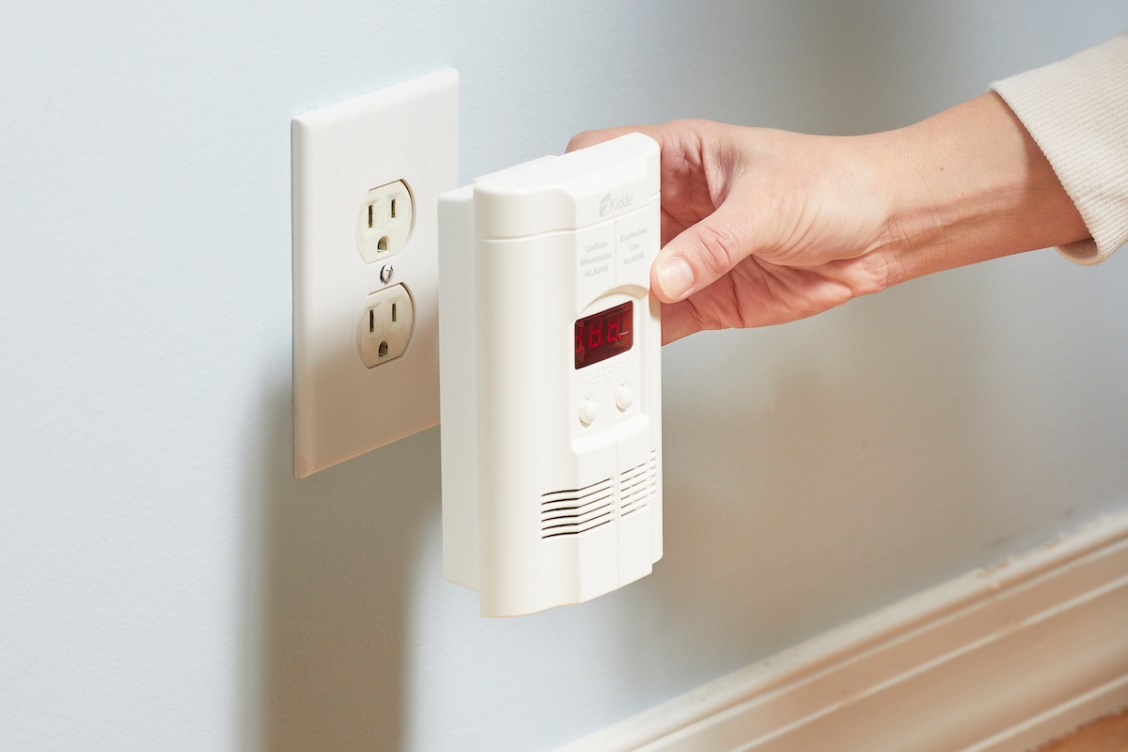
1. The Reset Ritual: This is often the magic bullet. After installing the new batteries, find the Test/Reset button on your detector. Press and hold it for 5-10 seconds until you hear a clear chirp or sequence of chirps, and then release. This tells the unit, "Hey, new power! Let's get back to work!" Sometimes, pressing it once quickly is enough.
2. Double-Check Those Batteries: Are they in correctly? Positive to positive, negative to negative? It sounds obvious, but even seasoned pros make this mistake. Also, make sure they are brand-new, high-quality alkaline batteries. Using old batteries from the junk drawer, or cheap off-brand ones, can sometimes lead to issues.
3. Give It Five Minutes: Seriously. Like a moody teenager, sometimes your detector just needs a little space to process. Pop the batteries in, reset it, and then walk away for a few minutes. If the beeping doesn’t stop after a few minutes, move to the next step.
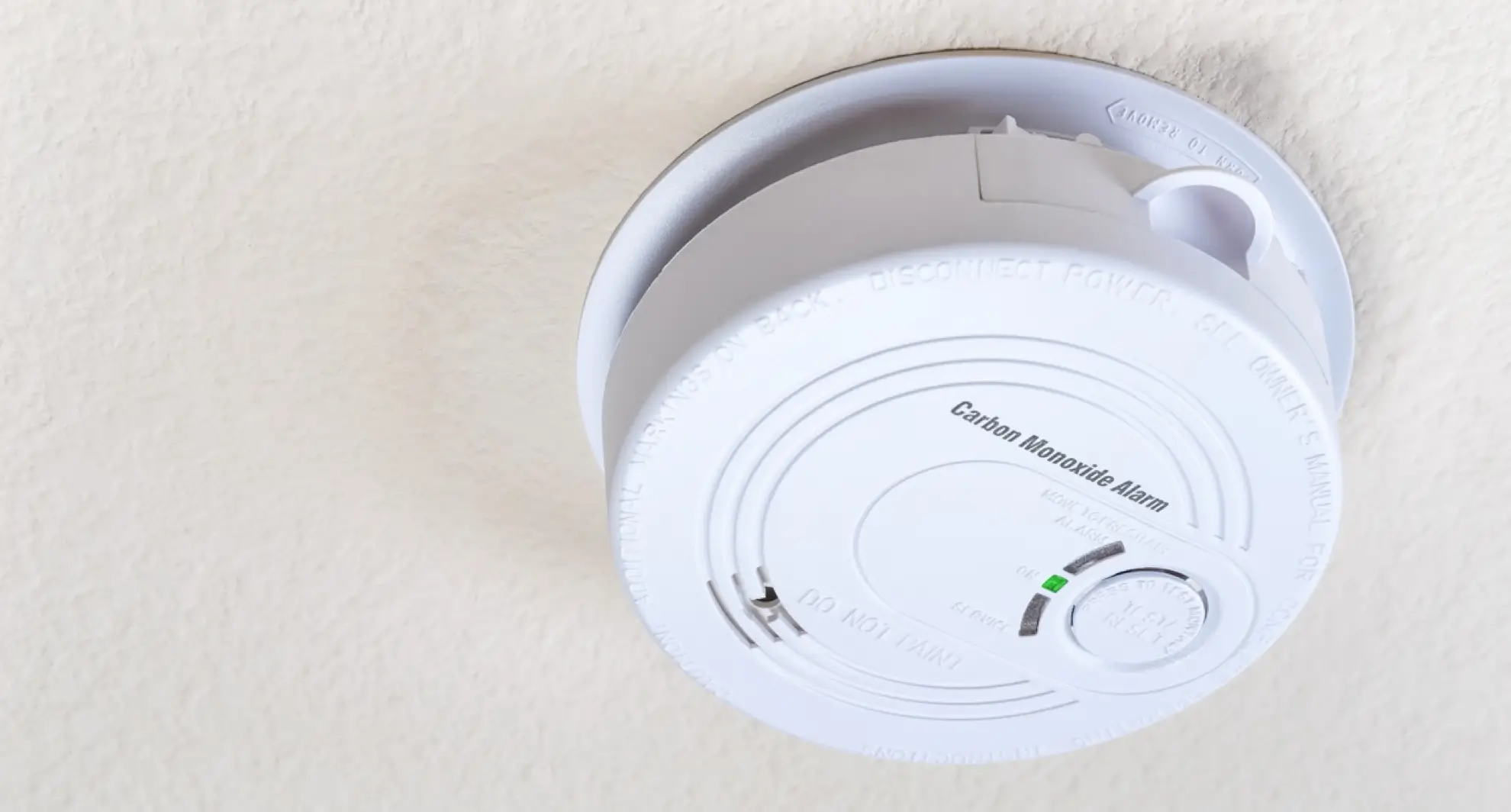
4. Unmasking the Expiration Date: Flip your detector over. Somewhere on the back or side, you'll find a "Manufacture Date" (MFG) or "Install By" date. Add 7-10 years to that date (check your manual for the exact lifespan). If your detector is past its prime, that beep isn't a low battery warning; it's a farewell salute. Time for a replacement!
5. A Little Dusting Never Hurt: Use a soft brush attachment on your vacuum or a can of compressed air to gently clean the vents and openings on your detector. Dust can sometimes interfere with sensor function.
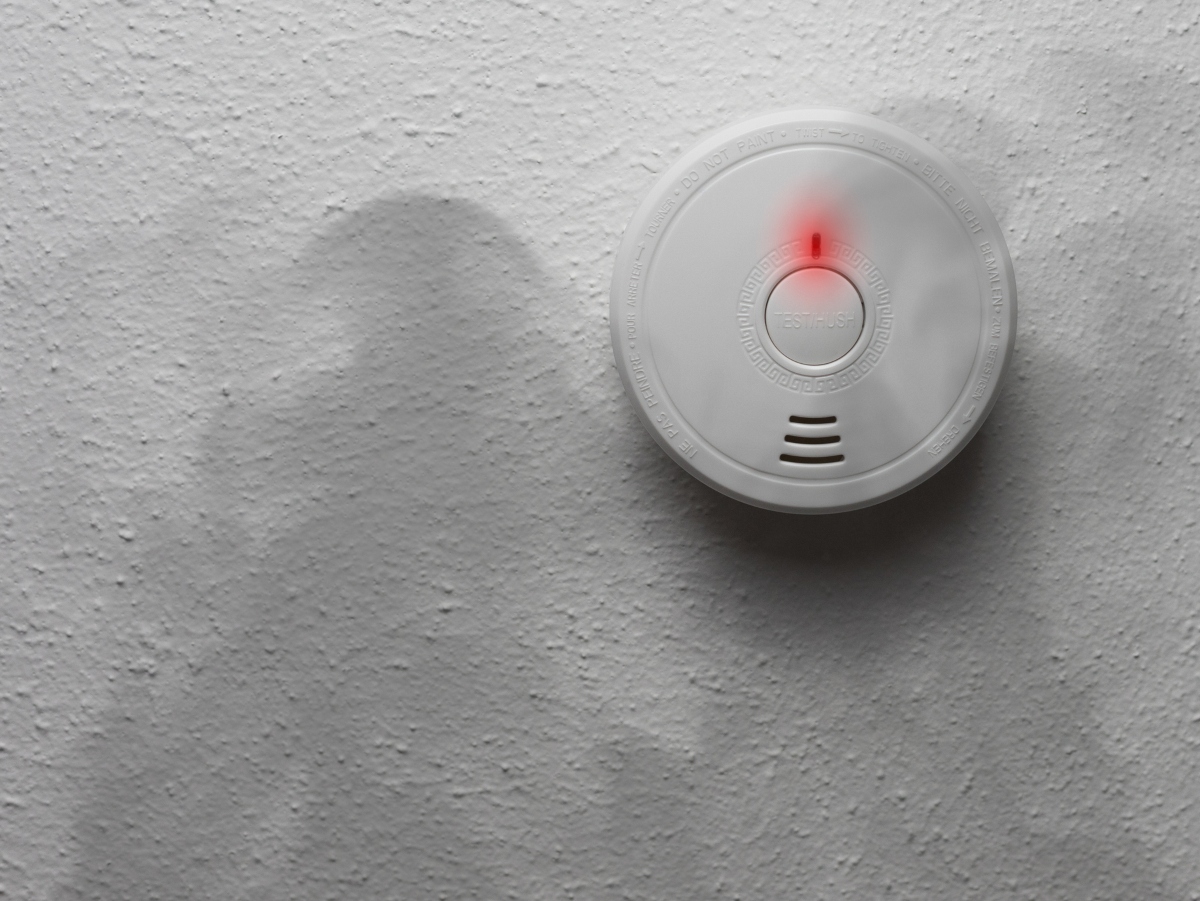
When in Doubt, Shout (or Replace!)
If you've tried all of the above and your CO detector is still serenading you with its incessant beeps, it's time to consider a few things:
- Is it a True Alarm? While unlikely if you just changed batteries, if you have any lingering doubt about a possible CO leak (burning smells, dizziness, nausea in family members), evacuate immediately and call 911 or your local emergency services. Better safe than sorry!
- Replace the Unit: If the unit is expired, or if it's new and simply faulty despite new batteries and resets, it’s time to invest in a new one. Think of it as a small investment for colossal peace of mind. Many modern units even have digital displays that show CO levels, adding an extra layer of reassurance.
Remember, CO detectors are designed to be annoying when they need attention – it’s part of their job! Regular maintenance, like testing them monthly (press that Test button!) and replacing them when they expire, keeps your home safe and sound.
So, the next time that persistent chirp rattles your zen, you’ll be armed with the know-how to silence it efficiently. It’s not just about stopping an annoying sound; it’s about understanding your home’s guardians and ensuring they’re always ready to protect what matters most. Here's to quiet evenings and safe homes!
