
Can You Charge Phone With Laptop Charger Usb-c
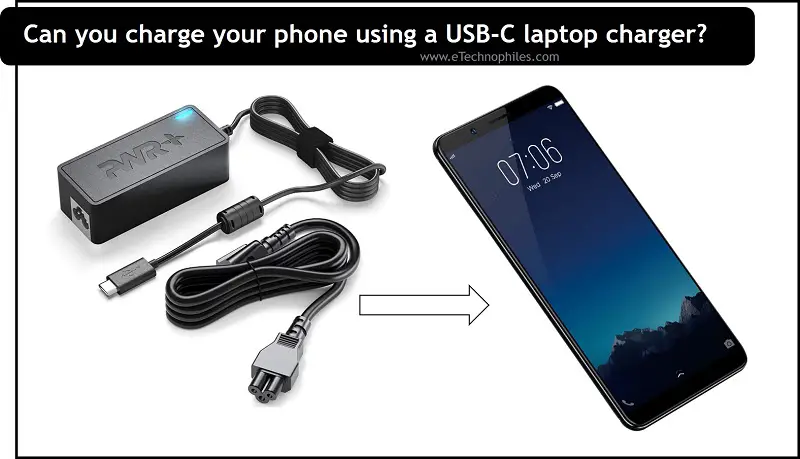
Hey there, tech adventurer! Ever found yourself in that dreaded situation? Phone battery blinking red, charger mysteriously vanished (again!), and all you've got is your trusty laptop charger? Don't panic! Let's dive into whether you can actually use that laptop charger to juice up your phone. And spoiler alert: the answer is often a resounding YES!
But before we go all-in, let's address the elephant in the room: Is it safe? I mean, we wouldn't want to fry your precious phone, right? Generally, using a laptop charger with a USB-C port is perfectly safe for your phone, especially if both devices adhere to the USB Power Delivery (USB-PD) standard.
Understanding USB-C and Power Delivery
Okay, a little tech talk – but I promise to keep it simple! USB-C is the connector type – that small, oval-shaped port that’s become increasingly common on phones, laptops, and all sorts of gadgets. Think of it as the cool and modern replacement for the older, rectangular USB-A.
Must Read
Now, USB Power Delivery (USB-PD) is a charging protocol that allows devices to negotiate the optimal voltage and current for safe and efficient charging. This is the real magic behind why you can often use a laptop charger for your phone. The charger and your phone "talk" to each other and agree on the best power level. Pretty neat, huh?
But here's a key point: not all USB-C ports and chargers are created equal. Some older or cheaper chargers might not fully implement the USB-PD standard. So, what does this mean for you?

Checking Compatibility: A Quick Guide
Before plugging in willy-nilly, let’s do a quick compatibility check. First, does your phone have a USB-C port? If it’s a relatively recent smartphone, chances are high that it does.
Next, check the output specifications on your laptop charger. You'll usually find this information printed somewhere on the charger itself (often in tiny print, so grab your reading glasses!). Look for the voltage (V) and current (A) ratings. For example, you might see something like "5V/3A, 9V/2A, 12V/1.5A."
Most phones can handle a range of voltages and currents. If your laptop charger's output ratings include something that your phone can accept (likely 5V), you're probably good to go! Think of it as finding a common language between your charger and your phone. If they can understand each other's 'voltage talk,' they can work together.
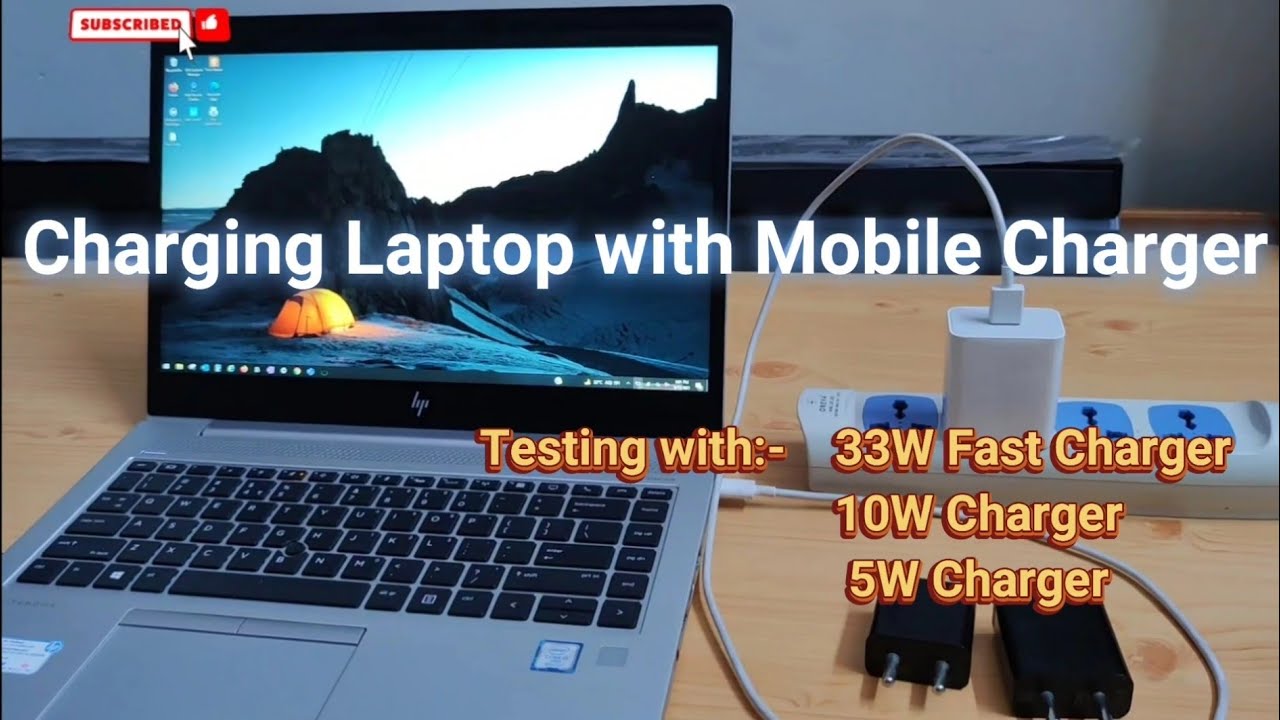
However, If you are unsure, consult your phone's user manual or the manufacturer's website. Better safe than sorry!
The Benefits of Charger Versatility
Why is this all so great? Well, imagine you're traveling. Do you really want to lug around separate chargers for your laptop, phone, and other devices? Nah! The ability to use a single USB-C charger for multiple devices streamlines your life and reduces clutter. More room in your bag for souvenirs!

Plus, having a spare charger around is always a good idea. If your phone charger bites the dust, your laptop charger can be a lifesaver. It’s like having a backup plan, a safety net in the chaotic world of gadgetry.
Charging Speed: What to Expect
Okay, let's be realistic. While using a laptop charger is often safe and convenient, it might not always be the fastest way to charge your phone. Laptop chargers are designed to provide power to laptops, which typically require more power than phones. So, while your phone will charge, it might take a bit longer than with your dedicated phone charger. Patience, young grasshopper!
However, if both your phone and laptop charger support USB Power Delivery (USB-PD), you might actually get faster charging than with a standard phone charger! USB-PD allows for higher power levels, which can significantly reduce charging times.

A Word of Caution
Even though it's usually safe, there are a few situations to be cautious about:
- Knock-off chargers: Avoid using cheap, unbranded chargers from unknown manufacturers. These chargers may not adhere to safety standards and could potentially damage your devices.
- Damaged cables: If your USB-C cable is frayed, bent, or damaged in any way, don't use it. A damaged cable can cause short circuits or other electrical problems.
- Overheating: If your phone or charger gets excessively hot during charging, disconnect them immediately. This could indicate a problem with the charger or your phone's battery.
The Future is USB-C!
The trend towards USB-C and USB Power Delivery is only going to continue. As more and more devices adopt these standards, we'll see even greater charger compatibility and convenience. Imagine a world where you only need one charger for all your gadgets! Sounds pretty sweet, right?
So, the next time you're in a charging pinch, remember that your laptop charger might just be the superhero you need. Just do a quick compatibility check, exercise a little caution, and enjoy the convenience of charging versatility. And don't be afraid to experiment and learn! The world of tech is constantly evolving, and there's always something new to discover. Go forth and explore!