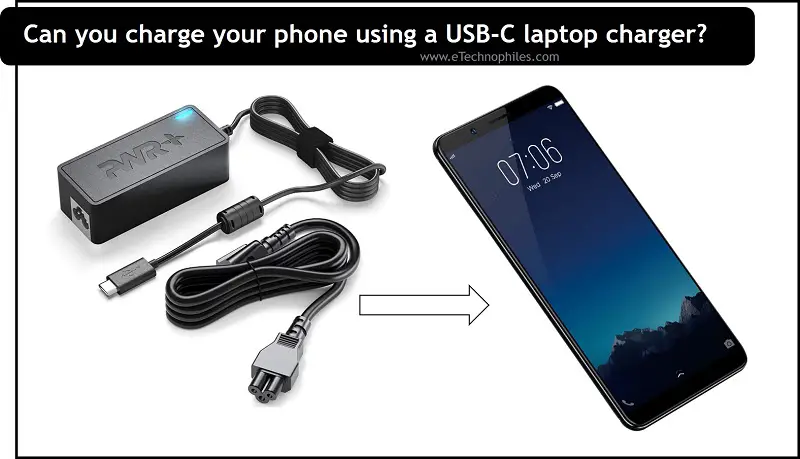
Can You Charge A Computer With A Phone Charger
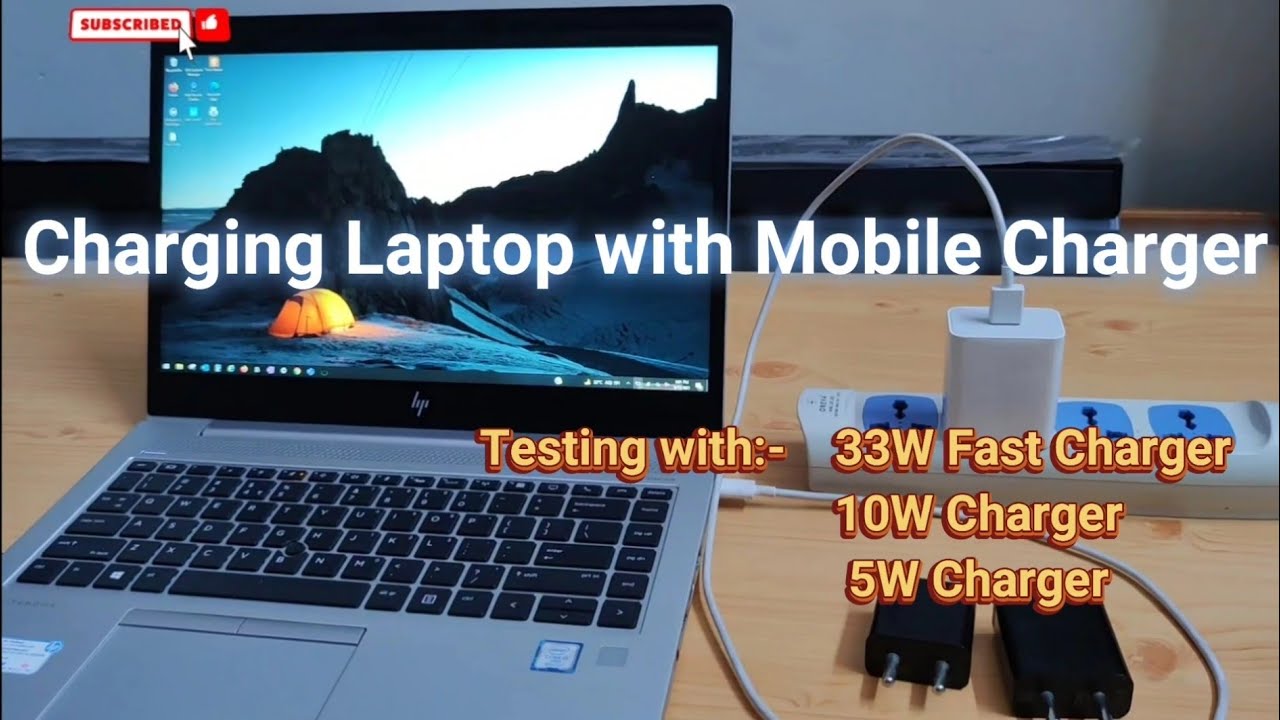
Okay, let's talk about something we've all probably wondered while staring at a blinking low-battery icon: Can I just plug my phone charger into my laptop and call it a day?
The short answer is… it depends! Think of it like this: you wouldn't try to fill up a swimming pool with a garden hose, would you? You could, technically, but it would take forever, and might not even work if the pool's leaking faster than the hose can fill it. Charging your laptop with a phone charger is a bit like that.
The Power Play: Watts, Volts, and Amps – Oh My!
Don't worry, we're not going to get all technical here! But understanding a tiny bit about power is key. Think of power like water flowing through a pipe. Watts are the amount of water flowing, Volts are the pressure of the water, and Amps are the pipe's size. Your laptop needs a certain amount of "water" (watts) to function properly.
Must Read
Your phone charger is designed to deliver a small amount of "water" - enough for your phone. Your laptop, on the other hand, is a thirsty beast that needs a lot more. That's why laptops typically come with much larger chargers.
So, you see that little print on your charger? That tells you how many watts it delivers. Your phone charger might say something like "5W" or "18W". Your laptop charger? Probably something more like "45W", "65W", or even "100W".

The USB-C Revolution (and Why It Matters)
Here's where things get a little more interesting. Thanks to the magic of USB-C, the newest type of USB connector, the answer to our question is becoming less of a "no" and more of a "maybe".
USB-C is like a super-powered USB port. It can handle a much higher flow of "water" (watts) than the older USB types. This means that some laptops can actually charge (albeit slowly) using a USB-C phone charger.
Imagine you're on a long flight, and your laptop is about to die. You only have your phone charger. Plugging it in might keep your laptop from completely shutting down. It might even slowly charge it, giving you enough juice to finish that important presentation or watch one more episode of your favorite show. Think of it as a slow drip rather than a full refill.

When It Might Work (and When It Definitely Won't)
So, when can you get away with using your phone charger? Here are a few scenarios:
- Your laptop uses USB-C charging: This is the most important factor. If your laptop has a USB-C port specifically for charging, you have a chance.
- Your laptop is very low power: Some smaller laptops, like Chromebooks or ultra-thin notebooks, don't need as much power as larger, more powerful laptops.
- You're just trying to maintain the battery level: If your laptop is already on and you just want to prevent it from dying completely, a phone charger might be enough to keep it going.
And when should you just forget about it?
- Your laptop charger uses a barrel connector (the round plug): Phone chargers won't work with these.
- You're trying to charge a completely dead laptop: A phone charger probably won't have enough power to kickstart a completely drained battery.
- You're doing something power-intensive: Gaming, video editing, or running demanding software will drain your battery faster than a phone charger can replenish it.
Why You Should Care (Beyond Battery Anxiety)
Knowing this stuff isn't just about avoiding a dead laptop. It's also about understanding how technology works and making informed decisions about your devices. Plus, you can be the hero who saves the day when a friend's laptop is about to die and you just might have the right charger for the job! Imagine the bragging rights!
Think of it as a tiny superpower in your tech arsenal. You might not use it every day, but when you need it, you'll be glad you have it.
Ultimately, always check your laptop's power requirements and use the charger that came with it whenever possible. But now you know the secrets (and limitations) of using a phone charger in a pinch. Go forth and charge responsibly!