Can I Use My Phone Charger To Charge My Laptop
Ever found yourself with a dying laptop and a phone charger within reach, wondering if you could cheat the system? You're not alone! It's a question that pops into everyone's mind eventually, and the answer, while not always a simple yes or no, can be surprisingly useful. Figuring out the power dynamics between your gadgets is like unlocking a tech superpower, saving you from low-battery anxiety in a pinch. So, let's dive into the world of cross-device charging!
Why does this matter to you? Well, for beginners, understanding this means less confusion and potential damage to your devices. It's about knowing your power limits. For families juggling multiple devices, it could be a lifesaver on road trips or during power outages. Imagine being able to keep the kids' tablets running just a little longer with a spare phone charger. And for the hobbyist, the tinkering type, understanding power delivery opens doors to portable power solutions and custom charging setups. It's about maximizing your existing gear.
The core issue revolves around USB standards and power delivery. Your phone charger likely uses USB-A or USB-C, and your laptop might also use USB-C or a dedicated barrel connector. While USB-A is generally lower power, USB-C can handle significantly more. The key is to check the voltage (V) and amperage (A) ratings on both the charger and your laptop. These are usually printed on the devices themselves. Your laptop needs a certain amount of power (V x A = Watts) to charge effectively, or even at all.
Must Read
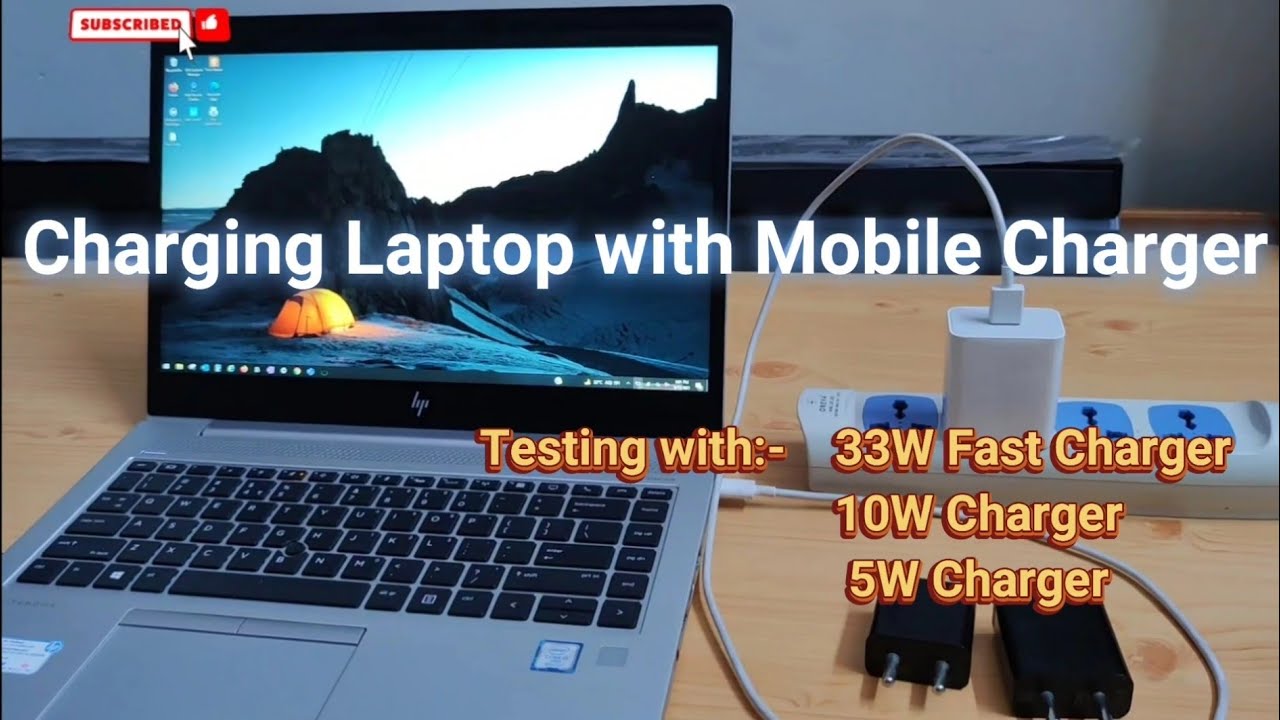
Examples and Variations: A standard 5W (5V, 1A) phone charger plugged into a laptop probably won't do much. It might maintain the battery level if the laptop is off, but it won't charge it quickly, if at all. However, a USB-C charger designed for a newer smartphone might output 15W, 25W, or even 45W. This could charge some smaller laptops, like Chromebooks or lightweight ultrabooks, albeit slowly. And then there are dedicated laptop chargers. These provide significantly more power, often 65W or more. Trying to charge a gaming laptop with a phone charger? Forget about it!

Here are some simple, practical tips to get started:
- Check the Ratings: Find the voltage (V) and amperage (A) on both your charger and laptop.
- Use USB-C if Possible: USB-C is generally more versatile and can handle higher power levels.
- Experiment (Carefully): If the ratings seem compatible, try plugging in your phone charger to your laptop while it's turned off. Monitor the battery level. If it's not charging after a reasonable time, it's not going to work.
- Don't Force It: Never force a connector that doesn't fit easily.
Ultimately, understanding whether you can charge your laptop with your phone charger is a fun little puzzle. It's about knowing your tech, understanding power, and getting a little more life out of your devices when you need it most. And who doesn't love feeling a little bit tech-savvy?