Can I Charge A Laptop With A Usb

Hey there, tech adventurer! Ever found yourself staring at that clunky, often annoyingly proprietary laptop charger and thought, “There’s got to be a better way?” Or maybe you’ve just wished you could, I don't know, use your phone charger to power up your laptop in a pinch?
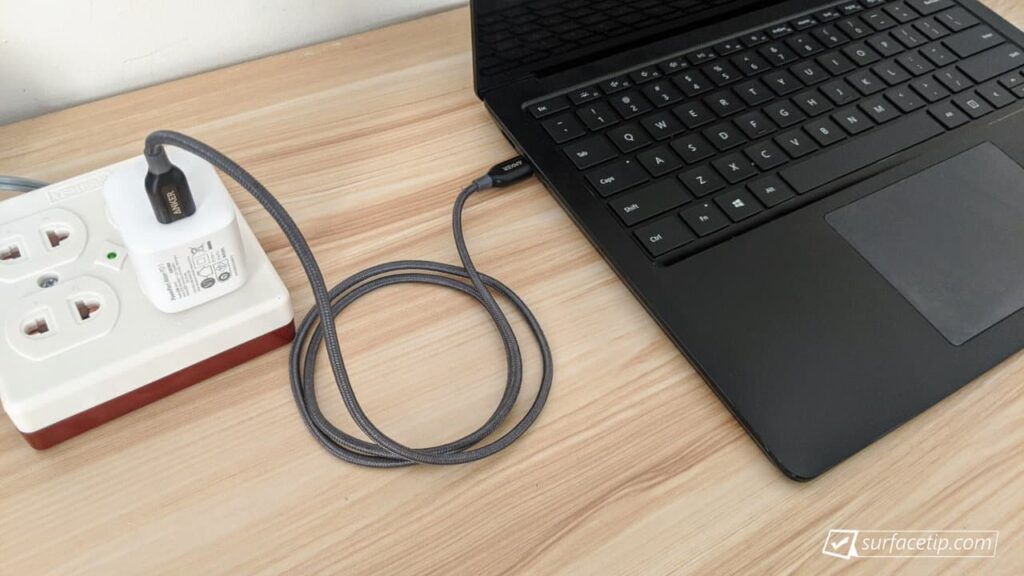
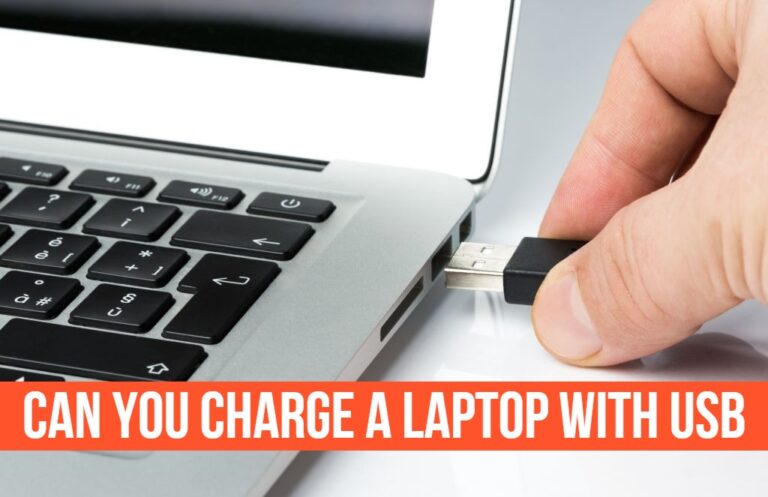
Well, buckle up, because what seemed like a sci-fi dream a few years ago is now very much a reality. We’re talking about charging your laptop with a simple USB cable. Yep, you heard that right! It's not just for phones and tablets anymore; our trusty laptops are getting in on the universal power party.
The Old vs. The New: A Tale of Chargers
Remember the dark ages? Each laptop came with its own unique, often heavy, power brick. It was like a secret handshake for electricity. Lose it, and you were out of luck. Travel? You needed a separate adapter for every single device. It was a tangle of wires and a symphony of "oops, wrong plug!" moments.
Must Read
But then, something amazing started to happen. A little port called USB-C began popping up everywhere. At first, it was just for transferring data, speedy fast. Then, it started carrying video. And now? It's the new champion of power delivery, turning that dream of a single, universal charger into a beautiful reality.
USB-C: More Than Just a Pretty Face (or Port!)
So, what makes USB-C so special when it comes to juice? It’s not just its reversible design (though seriously, no more fumbling to plug it in the right way – phew!). The real magic lies in something called USB Power Delivery (PD). This isn't just about putting power through a cable; it's about smart power.
Think of it like this: your old chargers were like a fixed-size hose, always pumping out the same amount of water, regardless of what you were trying to fill. USB-C with Power Delivery is like a smart tap that can negotiate with your device. It asks, "How much power do you need?" and then delivers just the right amount, whether it's a tiny trickle for your earbuds or a gushing river for your hungry laptop.
This "negotiation" is key. A phone might only need 10-15 watts, while a laptop could demand 45W, 60W, or even 100W! USB-C PD allows the charger and the device to talk to each other and agree on the optimal power level. Pretty clever, right?

Can MY Laptop Do It? The Million-Dollar Question!
Alright, so this sounds awesome, but how do you know if your beloved machine can join the USB-C charging revolution? Here’s a quick checklist:
- Look for the Port: First, does your laptop even have a USB-C port? Most modern laptops do, especially ultrabooks and MacBooks.
- Check for the Power Icon: Next, not all USB-C ports are created equal. Some are just for data. Look for a tiny lightning bolt, a battery icon, or the letters "PD" next to the USB-C port. This is your sign that it’s capable of receiving power.
- Wattage Matters: This is crucial. Your laptop still needs enough power to charge effectively. If your laptop usually sips 60 watts, plugging it into a 15-watt phone charger isn't going to do much. It might slowly trickle charge, or not at all, especially if the laptop is in use. You’ll need a USB-C charger that matches or exceeds your laptop’s typical power draw. Many laptops require at least 45W or 60W via USB-C PD.
- The Right Cable: And don't forget the cable! Not all USB-C cables are built to handle high power. You need a good quality USB-C to USB-C cable that explicitly states it supports USB Power Delivery and the wattage you need (e.g., 60W, 100W). Cheaper cables might only handle data or low power, and using them for high-wattage charging could even be risky.
The Sweet, Sweet Benefits of USB Charging
If your laptop is on board, the benefits are clear:
- One Charger to Rule Them All: Imagine packing just one small, powerful USB-C charger for your phone, tablet, and laptop. Less clutter, less weight, more joy!
- Travel Freedom: No more hunting for obscure power outlets or carrying multiple heavy bricks.
- Emergency Power: If you’ve got a beefy power bank with USB-C PD, you can now give your laptop a much-needed boost on the go. Talk about a lifesaver when you're far from an outlet!
- Borrow a Buddy's Charger: If a friend has a compatible USB-C PD charger, you're golden!
A Few Friendly Caveats (Because We Like Our Devices Safe)
While this is super cool, a couple of things to keep in mind:
- Speed Check: As mentioned, if your USB-C charger's wattage is lower than your laptop's original adapter, charging might be slower, especially during heavy use. It's like trying to fill a swimming pool with a garden hose – it'll get there eventually, but it'll take a while!
- No Damage Done (Usually): As long as you're using a quality charger and cable, charging your laptop with USB-C PD won't harm your battery. The smart negotiation system prevents your device from taking too much power.
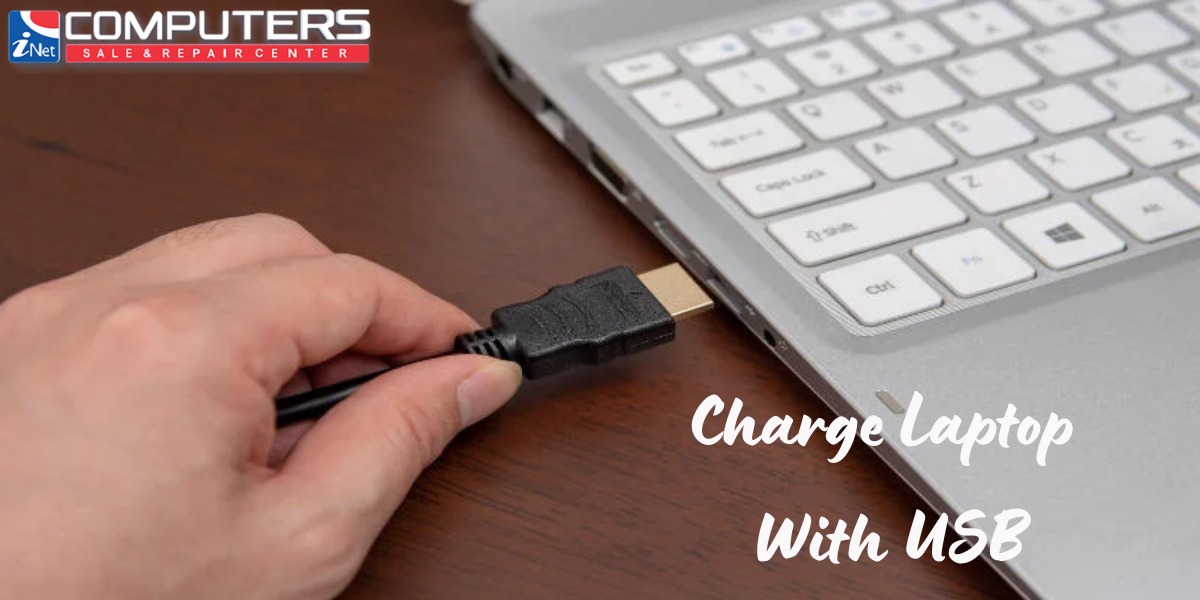
- Older Laptops Are Out (Mostly): If your laptop only has the older, rectangular USB-A ports, or only has a dedicated barrel-style charging port, then unfortunately, this USB-C magic isn't for you without some sort of adapter, which might not be practical or safe for charging.
The Future is Now (And It's Pretty USB-C Shaped!)
It's genuinely exciting to see how far USB technology has come. What started as a simple way to connect peripherals has evolved into a powerful, universal standard for data, video, and now, charging our biggest portable devices. It’s a huge step towards making our tech lives simpler, cleaner, and much more convenient.
So next time you're eyeing a new gadget, or just curious about your current setup, take a peek at those USB-C ports. They might just be holding the key to a much less cluttered and more flexible charging experience. Happy charging, fellow tech enthusiasts!