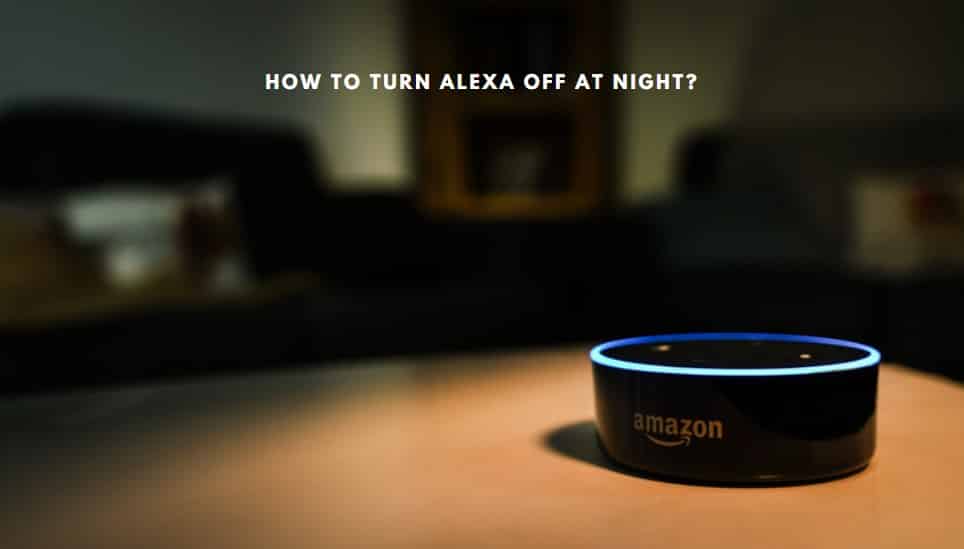
Ah, Alexa. Our ever-present, ever-helpful digital assistant. She plays our tunes, tells us the weather, and even reminds us to buy milk. But sometimes, especially when the day winds down and you're seeking a moment of peace, that cheerful glowing ring can feel less like a friendly presence and more like… well, a persistent nightlight you didn’t ask for.
You’re not alone if you’ve ever wondered, "How do I make that thing just… *turn off*?" In our increasingly smart homes, finding ways to reclaim a little tranquility from our gadgets is becoming a delightful form of digital self-care. Let's dive into the wonderfully simple world of taming Alexa's luminous personality.
The Great Glow-Down: Why Less Light is More
Before we get into the nitty-gritty, let's acknowledge why you might want Alexa to dim her shine. For starters, there’s the obvious: sleep hygiene. Even a tiny sliver of light can disrupt your precious REM cycle, turning your bedroom into a subtle, unintended light show. Then there's the aesthetic – sometimes that glowing ring just doesn’t quite match your carefully curated minimalist decor.
And let's be honest, there's also a touch of control involved. In a world full of always-on devices, taking charge of how and when our smart gadgets announce their presence feels empowering. It's about making your tech work for *you*, not the other way around.
Commanding Darkness: Your Alexa Light Off Playbook
Good news! You have several easy ways to encourage Alexa to embrace the darkness, ranging from temporary fixes to more permanent adjustments. No complex coding required, promise!
1. Embrace the Silence with Do Not Disturb
This is your go-to for instant peace. Think of it as putting your Alexa device into a mini-vacation mode. When enabled, Do Not Disturb mutes notifications, silences incoming calls, and crucially, turns off most of the light indicators (except for a brief flash if you interact with it).
- Voice Command: Simply say, "Alexa, turn on Do Not Disturb." She'll confirm, and the ring will go dark. When you're ready for her to be fully active again, say, "Alexa, turn off Do Not Disturb."
- Alexa App: Open the Alexa app, go to your device's settings, and toggle on "Do Not Disturb." You can even schedule it for specific times, like bedtime, ensuring a consistent nightly ritual of digital calm.
Fun Fact: The concept of "Do Not Disturb" dates back to physical signs on hotel doors, long before our digital lives needed a similar boundary. It's a classic for a reason!
2. The Privacy Push: Muting the Microphone
If you're seeing a solid orange light, that means your microphone is muted. While this isn't about turning *off* the device's default light, it's a direct command to Alexa to stop listening for your wake word. It's an excellent visual cue for privacy and certainly ensures no unexpected blue rings appear from accidental triggers.
- Physical Button: On most Alexa devices, there’s a microphone button (often with a microphone icon or a circle with a slash through it). Press it, and the orange light will appear, indicating the mic is off. Press it again to reactivate.
Remember, when the mic is muted, Alexa won't respond to voice commands. It's the ultimate "I need a break from talking" signal for both of you.
3. Taming the Wake Word Flash with Brief Mode
The blue light that briefly spins or illuminates when Alexa hears her wake word can't be *permanently* turned off while the device is active and listening. However, you can make her responses, and her visual cues, much less intrusive with Brief Mode.
- Alexa App: Go to "Settings," then "Voice Responses," and enable "Brief Mode."
With Brief Mode on, Alexa will use a simple chime instead of a full verbal confirmation for some requests, and her light responses will be more subdued. It's like she’s whispering instead of shouting, both verbally and visually.
4. Clearing Notifications: The Yellow & Green Ring Mystery
If your Alexa device is sporting a yellow spinning light or a pulsing green light, those are notifications! Yellow usually means you have a message or notification to check (like a package delivery update), while green signals an incoming call or Drop In message.
- Voice Command: To clear a yellow light, simply ask, "Alexa, what are my notifications?" She’ll read them out, and the light should then disappear. For a green light, you can say, "Alexa, answer" or "Alexa, ignore."
- Alexa App: You can also manage notification settings for various skills and features within the app, choosing which alerts you want to receive and which you’d rather keep silent.
Think of it as tidying up your digital mailbox – clear out the messages, and the "new mail" light goes off!
5. The Ultimate Solution: Unplug It!
Sometimes, you just need a full digital detox. If you're going on vacation, or simply want your room to be entirely free of any potential light or sound, the simplest and most effective solution is to unplug your Alexa device. It’s a bit drastic for daily use, but for complete peace of mind, nothing beats it!
Finding Your Digital Zen
In our always-on world, taking a moment to control the little things – like a glowing light on our smart speaker – can make a surprising difference. Whether you're aiming for better sleep, a cleaner aesthetic, or simply a quieter digital existence, knowing how to turn off Alexa's light is a small but mighty step. It's about curating your environment, embracing a bit of digital minimalism, and ensuring your smart home truly feels like your sanctuary. So go ahead, dim the lights, silence the notifications, and enjoy a moment of unilluminated peace.

/002_how-to-fix-it-when-the-alexa-app-is-offline-4685517-4a4fff8ee0994703ac411dda1454d94a.jpg)