Ever found yourself looking at your trusty old TV – the one that still has a fantastic picture, doesn't make any weird noises, and frankly, you just *like* – and wished it could do all those fancy smart TV tricks? You know, the streaming apps, the voice commands, the effortless access to a world of entertainment? Maybe you’ve even thought about ditching it for a brand new, shiny smart model, but then you think, “Why? My TV is perfectly good!”
Well, here’s a little secret: you absolutely don't have to buy a whole new TV to get all those cool smart features. It’s like giving your beloved, slightly vintage car a brand new, high-tech engine without changing the classic body. Pretty neat, right?
Why Bother Making Your TV Smart?
Before we dive into the "how," let's just quickly touch on the "why." What's so great about a smart TV anyway? Imagine this:
- No more fiddling with your laptop and HDMI cables just to watch Netflix on the big screen.
- Access to virtually *any* streaming service you can think of: Disney+, Hulu, Peacock, Max, Prime Video, YouTube, and hundreds more, all at your fingertips.
- Playing music directly through your TV's speakers for a mini home concert.
- Browsing photos, sharing videos from your phone, or even checking the weather, all from the comfort of your couch.
- And often, the magic of voice control – just tell your TV what you want to watch!
It's all about convenience, choice, and making your living room the ultimate entertainment hub. So, how do we sprinkle this smart dust onto your current setup?
The Super Simple Option: Streaming Sticks & Dongles
This is probably the easiest and most popular way to turn your "dumb" TV into a genius. Think of these little gadgets as tiny, mighty brains that plug right into your TV's HDMI port. They're usually no bigger than a USB stick or a small candy bar.
Popular contenders here include the Amazon Fire TV Stick, Roku Streaming Stick, and Google Chromecast. Each has its own flavor, but they all do essentially the same thing:
- They come with their own remote (except for Chromecast, which often uses your phone or voice).
- They connect to your home Wi-Fi.
- They give you a user-friendly interface to download all your favorite streaming apps.
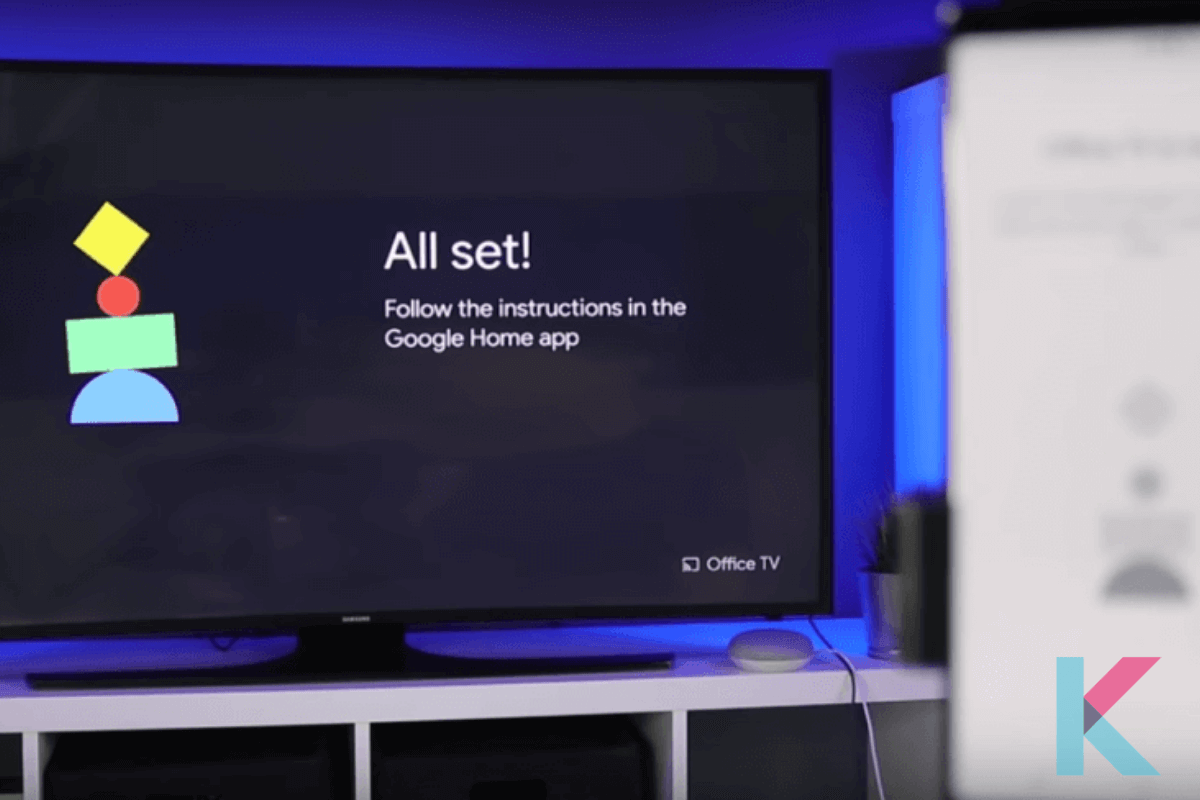
It’s truly a plug-and-play experience. You literally plug it in, follow a few on-screen instructions, and boom – your TV is now a streaming powerhouse! They're also incredibly affordable, often costing less than a fancy dinner out. It's like giving your TV a tiny, but very powerful, smartphone brain.
Stepping Up: Streaming Boxes
If you're looking for a bit more oomph, perhaps better performance, more storage for apps, or even some light gaming capabilities, then a streaming box might be more your speed. These are small boxes, usually the size of a coaster, that also connect via HDMI.
The big names in this category are the Apple TV, Roku Ultra, and the Nvidia Shield TV. What makes them different from their stick cousins?
- Often have faster processors for smoother navigation and quicker app loading.
- Might offer more advanced features like Ethernet ports for a more stable internet connection.
- Better sound support (think Dolby Atmos!).
- Some, like the Nvidia Shield, are serious gaming machines too, blending the lines between a console and a streaming device.
Think of these as giving your TV a dedicated mini-computer. They're usually a bit pricier than sticks, but they offer a more robust and premium experience, especially if you're a heavy streamer or dabble in digital media.
The Unexpected Smartifier: Gaming Consoles
Got a PlayStation or an Xbox hooked up to your TV? Congrats, you already have a smart TV! While primarily designed for gaming, modern consoles are absolutely fantastic media hubs.
From the PlayStation 5 to the Xbox Series X|S (and even their previous generations), these machines come pre-loaded or can easily download all the major streaming apps. Want to switch from slaying dragons to binging your favorite show? No problem at all! They offer powerful performance and often excellent visual and audio capabilities for your movies and shows.
So, if you already own one, you might not even need to buy anything extra. Your TV is already rocking a pretty sophisticated brain!
Other Ways (Less Common, But Still Options!)
While streaming sticks and boxes are the go-to, there are other devices that can also lend their smarts:
- Smart Blu-ray Players: Some Blu-ray players, especially those made in the last decade, often come with built-in apps like Netflix and YouTube. If you already have one, check its features!
- Connecting a PC or Laptop: The simplest (though perhaps least elegant) method is simply connecting your computer via an HDMI cable. Your TV becomes a giant monitor, and your computer does all the smart lifting. Great for occasional use, less so for daily TV watching.
Making the Smart Choice for Your TV
So, there you have it! Turning your existing TV into a smart TV doesn't require a degree in rocket science or a hefty investment. It’s all about choosing the right little helper that fits your needs and budget. Whether you opt for a super-simple stick, a powerful streaming box, or just leverage your existing gaming console, you're just a few steps away from unlocking a whole new world of entertainment.
It’s a fantastic way to extend the life of a perfectly good TV, reduce electronic waste, and save some cash, all while enjoying all the modern conveniences. Pretty cool, huh? Happy streaming!