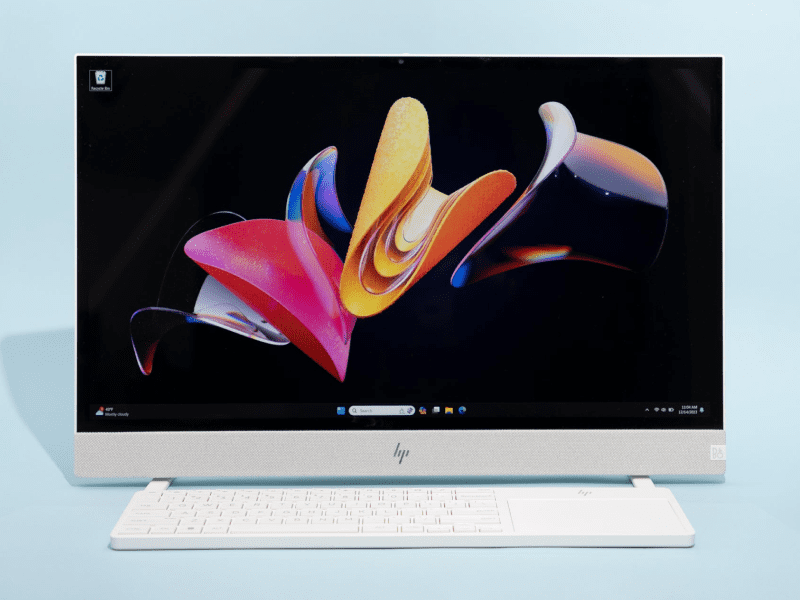
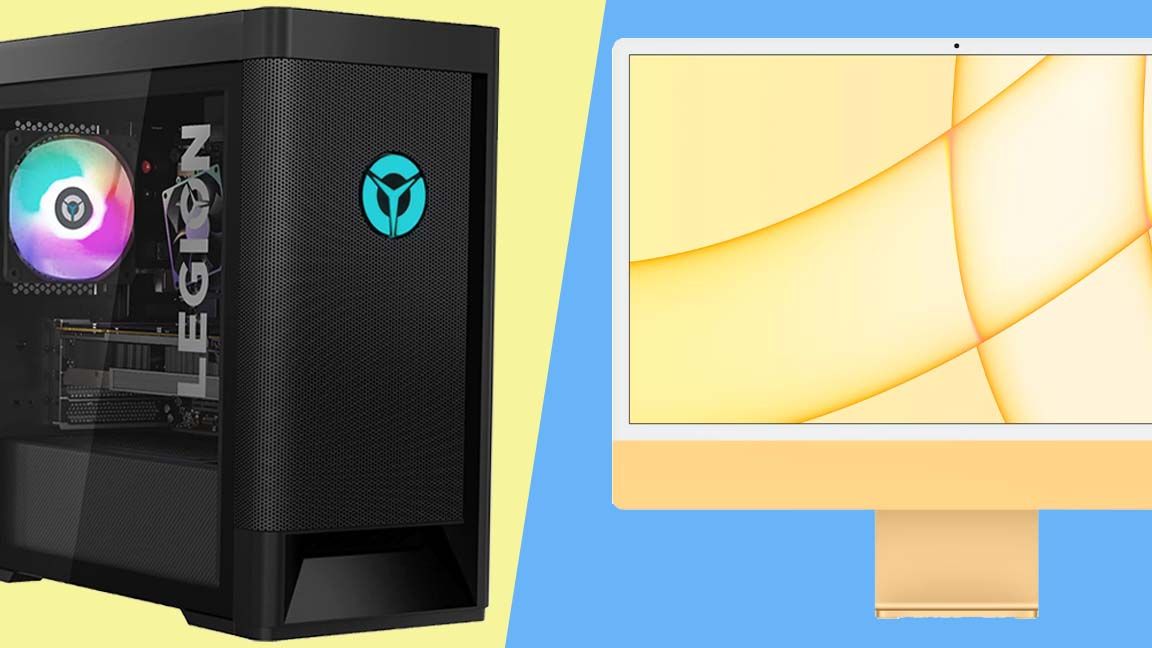
Remember the days when setting up a new computer felt like wiring a small power station? Cables snaking everywhere, a hulking tower squatting under your desk, and enough dust bunnies to start a small farm. It was a rite of passage, sure, but not exactly a picture of modern elegance. Fast forward to today, and we have a sleek, minimalist hero that’s captivated countless homes and offices: the All-in-One (AIO) PC.
People flock to AIOs for one simple reason: simplicity. They crave the power and functionality of a desktop without the associated clutter and complexity. Imagine a computer where the monitor *is* the computer – a single, beautiful slab of technology that just needs a power cord and maybe a keyboard and mouse. It’s like magic, turning a chaotic desk into a serene command center. This isn't just about aesthetics; it’s about a more streamlined, less stressful digital life.
The primary benefit of an AIO PC in everyday life is its incredible space-saving design. Living in a cozy apartment? No problem. Want a tidy home office? Done. It integrates crucial components like a high-quality display, powerful processors, decent speakers, and often an excellent webcam, all into one elegant package. This makes setup a breeze – plug it in, turn it on, and you’re ready to go. No more deciphering port diagrams or wrestling with rogue cables. For families, it serves as a fantastic shared hub in the living room or kitchen, perfect for homework, video calls with grandparents, managing recipes, or streaming entertainment without dominating the space.
You’ll find AIOs everywhere. From the stylish home office setup where video conferencing and productivity are key, to the family’s main internet browser and media consumption device. They’re increasingly popular in student dorms where space is a premium, and even in certain retail environments as sleek point-of-sale systems. They offer a sophisticated look that traditional desktops simply can’t match, making them a design statement as much as a workhorse.
However, no hero is without its Achilles' heel. The very integration that makes AIOs so appealing can also be their biggest limitation. When it comes to upgradability, AIOs often fall short. Want a new graphics card or processor? Chances are, you're out of luck, as most components are custom-fitted or soldered. This also translates to higher repair costs; if the screen goes, the whole unit often needs servicing. While initially appealing, their generally higher price tag for equivalent internal specifications compared to a traditional desktop can also be a hurdle, especially if you’re a budget-conscious power user needing top-tier gaming or intensive video editing capabilities.
So, how can you enjoy your AIO PC more effectively and make an informed choice? Firstly, assess your needs realistically. If you're a casual user, student, or professional needing a clean workspace, an AIO is perfect. But if you're a hardcore gamer or video editor requiring frequent upgrades and maximum power, a traditional desktop might be a better fit. Secondly, prioritize screen quality – since it's an integrated part of your computer, make sure you love the display. Check the available ports to ensure compatibility with your existing peripherals. Finally, while upgradability is limited, invest in enough RAM and storage upfront to future-proof your purchase as much as possible. Keep that elegant surface clean, and enjoy the sleek, powerful simplicity that an All-in-One PC brings to your digital life!