Best Free 3d Modeling Software For Beginners
Ever tried explaining to someone exactly how you want your birthday cake decorated? You wave your hands around, describing swirls and rosettes, and they look at you like you’re speaking Klingon. That’s kind of how designing something in 2D feels when you really need to see it in three dimensions. Luckily, there’s a whole world of 3D modeling software out there... and some of it's even free! Think of it as graduating from stick figures to, well, realistic-ish figures.
Why Bother With 3D Modeling Anyway?
Okay, so maybe you’re not planning on designing the next Batmobile. But 3D modeling skills can actually be surprisingly useful. Want to visualize what that funky new couch will really look like in your living room before you lug it home? 3D model it! Planning a garden and want to avoid planting that giant sunflower right in front of your prized petunias? 3D model it! It’s like playing Sims, but with actual real-world consequences (and hopefully less fire).
The Freebie A-Team: Our Top Picks
Now, let's dive into the good stuff: the free software that won't require you to sell a kidney. These are some of the easier-to-learn, beginner-friendly options out there. Don't worry, you don't need a PhD in Computer Science to use them, although a strong cup of coffee might help.
Must Read
TinkerCAD: The Lego of 3D Modeling
If you’ve ever played with Legos (and who hasn’t?), you’ll feel right at home with TinkerCAD. It's browser-based, which means no downloading huge files, and uses simple shapes that you combine, subtract, and manipulate. It's perfect for absolute beginners and even kids. Seriously, if a 10-year-old can design a working prosthetic hand with this (and they do!), you can definitely model a coffee mug.

Blender: The Surprisingly Approachable Powerhouse
Okay, Blender might look a little intimidating at first glance. It’s a powerful, professional-grade software used for everything from animated movies to video game assets. But don't let that scare you! The Blender community is huge and incredibly supportive. There are countless free tutorials online, and plenty of people willing to help you navigate the interface (which, admittedly, does look like the cockpit of a spaceship at first).
FreeCAD: For the Engineering-Minded
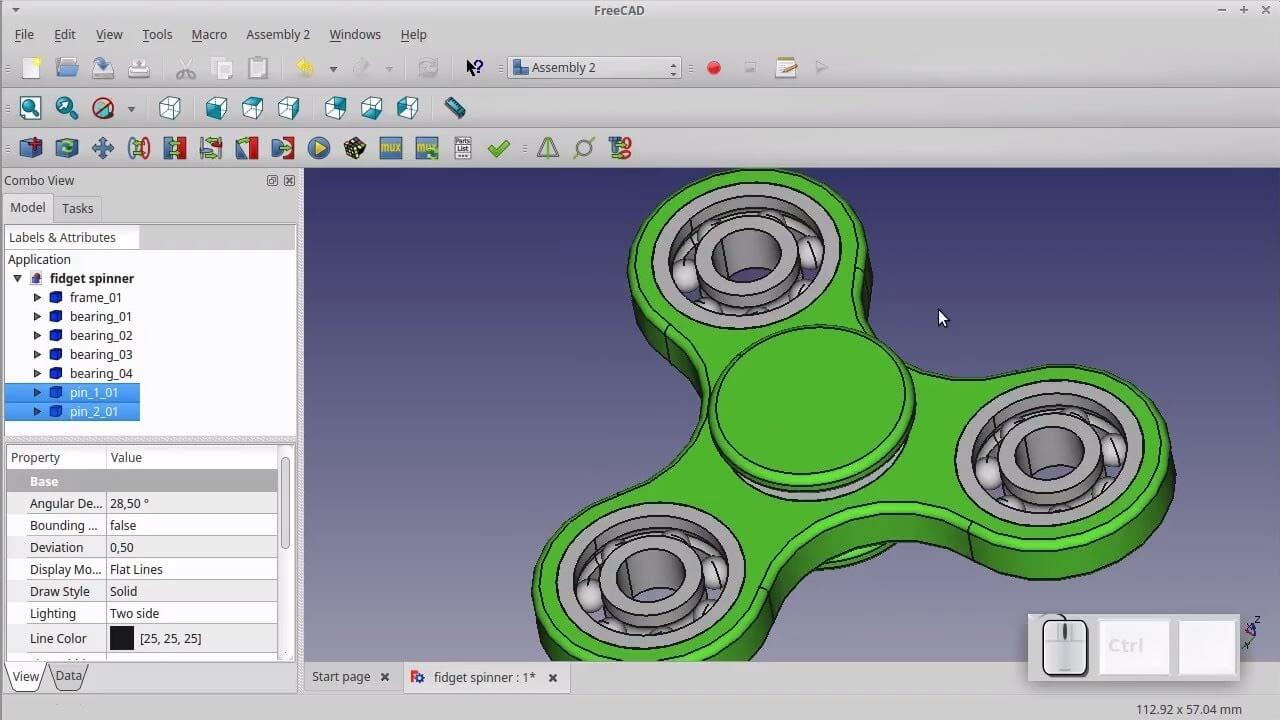
FreeCAD is the choice if you like precision. This is not for making cartoon characters; this is for making things with accurate dimensions. Think designing replacement parts, architectural models, or anything that needs to be, well, geometrically sound. It's like TinkerCAD's serious, slightly nerdy older sibling. But don't let the "CAD" part scare you; with a bit of practice, you can get the hang of it!
SculptGL: Digital Clay for Everyone
Want to feel like a digital Michelangelo? SculptGL lets you directly sculpt your models as if they were made of virtual clay. This is great for creating organic shapes, characters, and anything that benefits from a more artistic, less rigid approach. It’s browser-based and surprisingly intuitive, making it a fun way to experiment with 3D modeling without getting bogged down in technical details.
Getting Started: Tips for the Aspiring 3D Modeler
So, you've picked your weapon of choice. Now what? Here are a few tips to get you started:
- Start small. Don’t try to recreate the Taj Mahal on day one. Model a simple cube. Then maybe a slightly more complex cube. Baby steps, people!
- Watch tutorials. YouTube is your friend. Seriously, there are tutorials for everything.
- Don't be afraid to fail. You will make mistakes. Your models will look wonky at first. That’s part of the learning process. Embrace the weirdness!
- Join a community. Find online forums or groups where you can ask questions, share your creations, and get feedback.
- Practice, practice, practice! The more you use the software, the more comfortable you'll become.
Ultimately, the best free 3D modeling software for beginners is the one you actually use. So download a program, fire it up, and start creating. Who knows, you might just surprise yourself with what you can build. And hey, if all else fails, you can always go back to drawing stick figures. But trust us, 3D is way more fun.