
Are All Type C Cable The Same
Ever found yourself in that all-too-familiar dance with your gadgets? You know the one: you reach for a USB-C cable, plug it into your phone, tablet, or laptop, and... sometimes it works perfectly, sometimes it charges slower than a snail crossing a marathon finish line, and sometimes it just outright refuses to do what you want, like connect to that fancy monitor. It's enough to make you sigh, scratch your head, and wonder: "Are all these Type C cables even the same?"
The Short Answer (and a Little Story)
Picture this: You’re invited to a swanky party, and the dress code is "smart casual." You show up in jeans and a t-shirt. Someone else arrives in a sharp blazer and designer jeans. Both are "smart casual," right? But one clearly brings a different vibe.
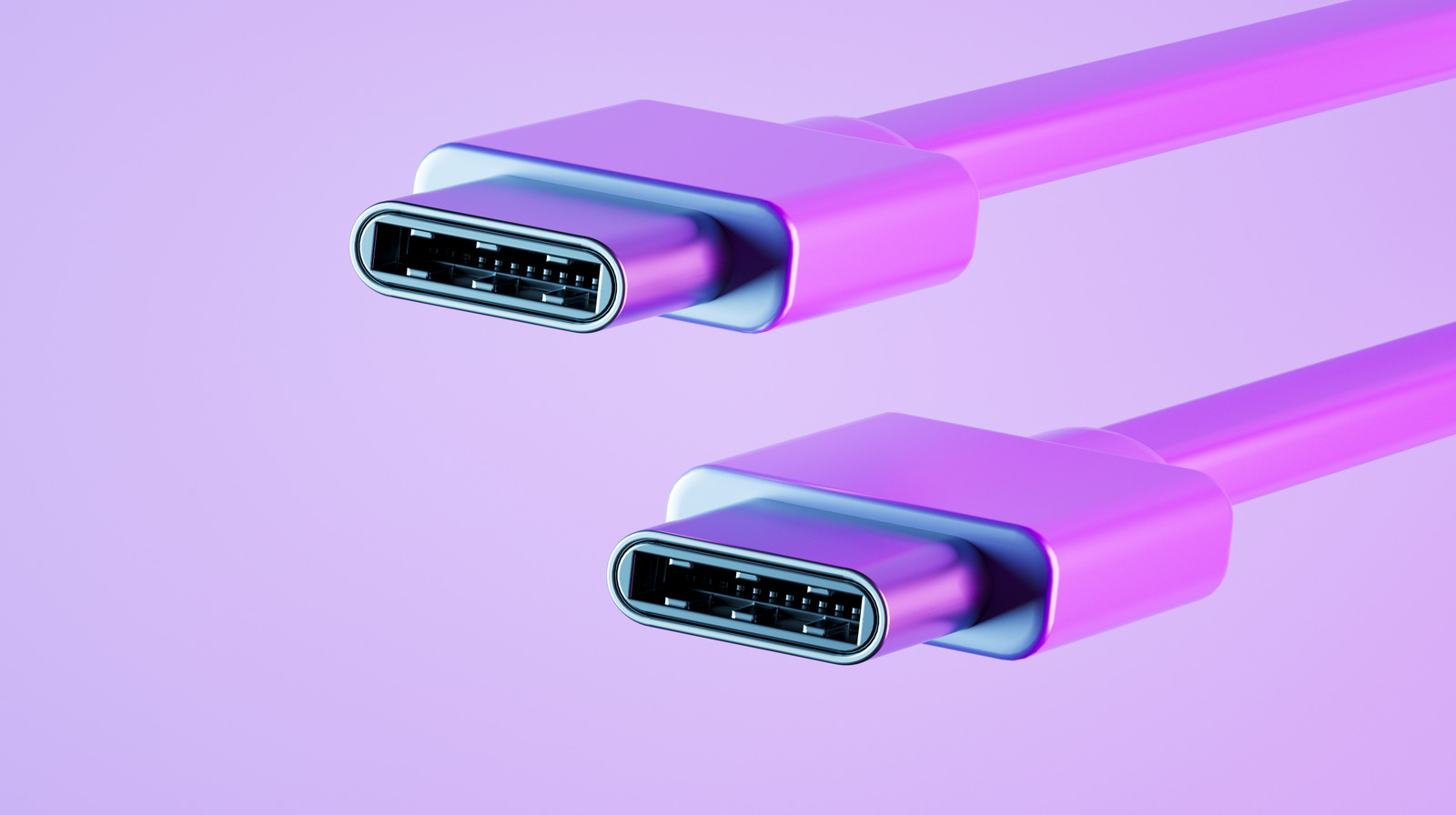
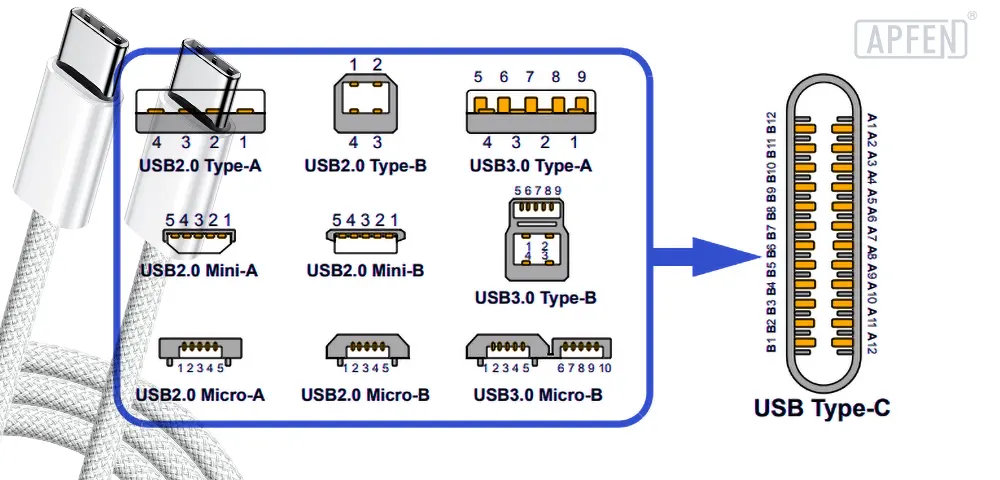
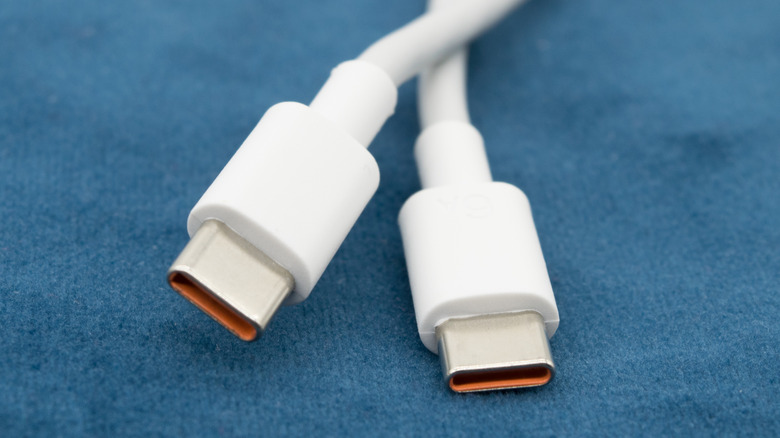
Well, with USB-C cables, it’s a bit like that. They all look the same on the outside – that lovely reversible oval plug that fits no matter which way you try to jam it in (hooray for that!). But on the inside? Oh boy, that's where the party gets complicated. So, the short answer is a resounding: Nope! Absolutely not!
Must Read
Why the Sneaky Differences?
Think of it like different types of cars. They all have wheels and an engine, and they all get you from A to B. But a tiny Smart car is very different from a speedy sports car, which is also very different from a huge pickup truck. All "cars," but for very different jobs!
1. Charging Power: From Trickle to Turbo!
This is probably the most common one. You plug in your phone, and it says "Charging slowly." Grrr! Some USB-C cables are like a gentle garden hose – perfectly fine for topping up a small device. Others are more like a fire hose, ready to blast power into your hungry laptop or fast-charging smartphone.
This is all about Power Delivery (PD) and wattage. A basic cable might only handle 15W, while a robust one can push 60W, 100W, or even 240W! Using a low-power cable for a high-power device is like trying to fill a swimming pool with an eyedropper. It’ll get there eventually... maybe. So, for faster charging, you need a cable that can handle the oomph!
2. Data Speed: Snail Mail vs. Hyperloop!
Ever tried to transfer a massive video file from your camera to your computer and felt like you could go make a cup of tea, drink it, and knit a scarf before it finished? That's probably a data speed issue.
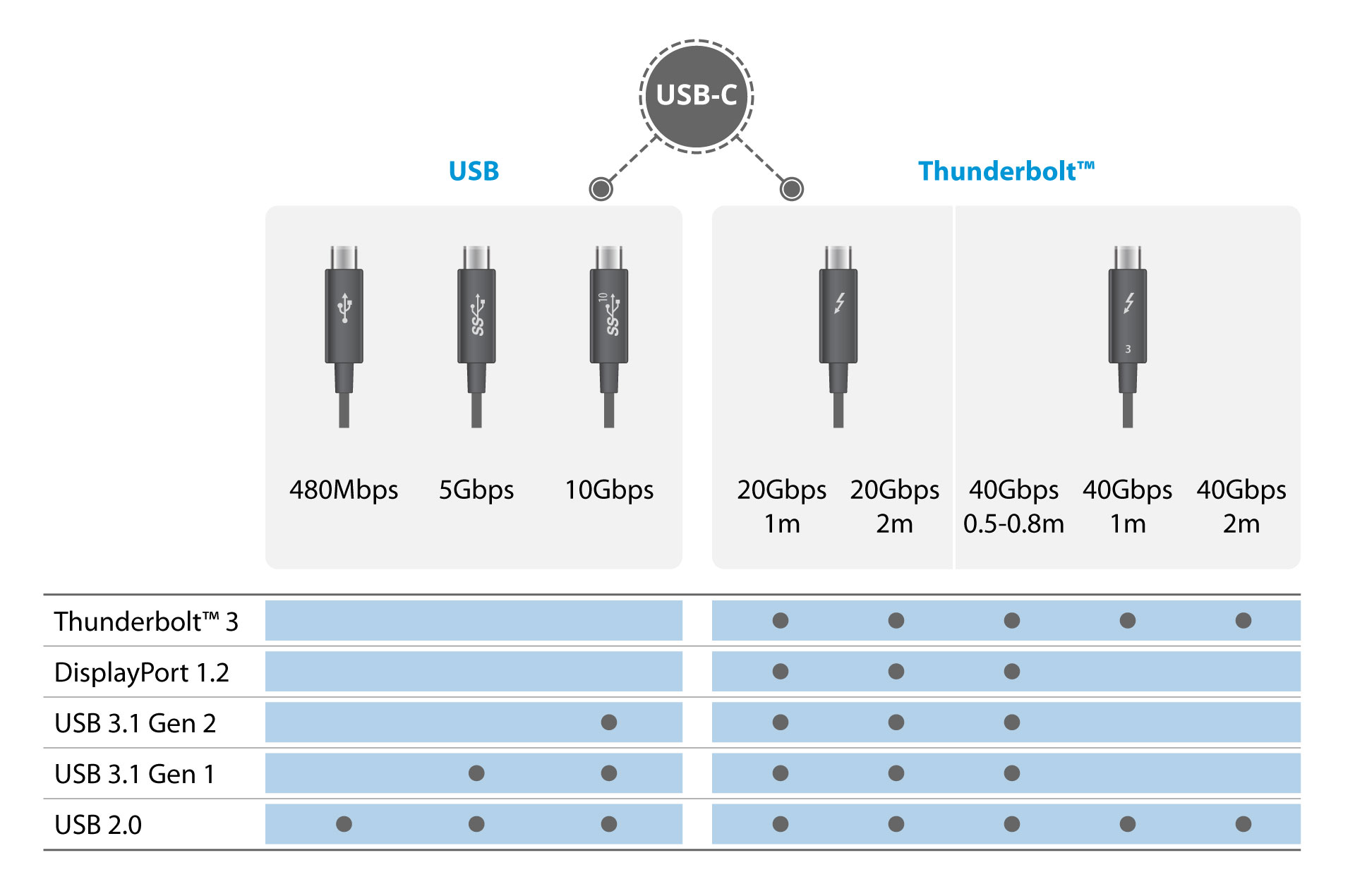
Some USB-C cables are designed for basic data transfer – think old-school USB 2.0 speeds, which are perfectly fine for syncing tiny files or charging. But then there are the super-speedy ones, like USB 3.0, 3.1, 3.2, and the ultra-fast Thunderbolt cables. These are like digital freeways, letting gigabytes of data zoom by in seconds. If you're transferring big files or using external SSDs, a slow cable will feel like you're stuck in rush-hour traffic.
3. Video Magic: Small Screen to Big Screen
Here’s a fun one: you want to hook your tablet up to a big monitor for a movie night, or maybe connect your laptop to a projector for a presentation. You plug in your trusty USB-C cable, and... nothing. Just a blank screen, or maybe your device complains it can't detect a display.
Not all USB-C cables are built to carry video signals. Some are just for power and data. The ones that can handle video have special capabilities (often called "DisplayPort Alt Mode" or similar tech) that let them transmit beautiful images to an external screen. If your cable doesn't have this, it's like trying to watch a movie on a radio – it just won't work!
So, Why Should YOU Care? (The Fun Part!)
Okay, this isn't just techy mumbo-jumbo. Knowing a little bit about your cables can genuinely make your life easier and save you some head-scratching moments:
- Save Your Sanity: No more wondering why your brand-new fast charger feels slow, or why your monitor isn't working. It often comes down to the cable!
- Save Time: Faster charging means less waiting. Quicker data transfer means less twiddling your thumbs. Time is precious, even for charging!
- Save Money (Eventually): You won't accidentally buy an expensive, high-speed Thunderbolt cable when all you need is a basic charging one. Or, conversely, you won't buy a super cheap cable that just frustrates you because it doesn't do what you need.
- Future-Proofing Fun: As more devices adopt USB-C for everything, having the right cable means you're ready for whatever new gadget comes your way.
How to Spot the Good Guys (and Gals!)
You don't need to be a tech wizard. The easiest way to tell the difference is to:
- Check the Packaging: Look for labels. Do they mention wattage (e.g., "100W PD")? Do they mention data speed (e.g., "USB 3.1 Gen 2" or "10Gbps")? Do they say "Video Output" or "DisplayPort"?
- Look for Logos: The little lightning bolt symbol means it's a Thunderbolt cable (super fast!). You might also see USB SuperSpeed logos.
- Consider the Price: While not a guarantee, a super cheap cable probably isn't a super-duper, do-it-all cable. Quality often costs a little more.
The Grand Finale!
So, next time you reach for a USB-C cable, take a tiny moment to consider its superpowers. They might all look like identical twins, but deep down, some are athletes, some are scholars, and some are just happy little chargers. Understanding their unique talents will save you from gadget-related grumbles and help you get the most out of your beloved tech. Happy connecting!
