
Why Is My Usb Port Not Working

Ah, the humble USB port. The unsung hero of our digital lives, faithfully connecting everything from our external hard drives to our beloved ergonomic mouse. It's the silent workhorse, the universal language of our gadgets. Until, one day, it decides to stage a silent protest. You plug in your phone, expecting that familiar charging icon, or your trusty flash drive, anticipating a pop-up window. Instead… nothing. Just a blank stare from your screen and a growing sense of mild, tech-induced frustration.
Before you declare your laptop a lost cause or your desktop an ancient relic, let's embark on a little troubleshooting adventure. Think of it as a tech spa day for your port – a journey to re-establish harmony between your devices. Most of the time, the fix is simpler than you think, often hiding in plain sight.
The Classic "Have You Tried…?" Steps
Let's start with the absolute basics, the tech equivalent of checking if a light is plugged in. Don't roll your eyes; these are often the culprits!
Must Read
1. The Ol' Restart Trick: It's cliché for a reason. Often, your operating system (Windows, macOS, Linux) just needs a gentle reset to iron out minor glitches or driver conflicts. A full system restart can magically resolve countless issues, including a stubbornly unresponsive USB port. Give your computer a good, refreshing nap.
2. Switch It Up! Try Another Port: Not all USB ports are created equal, and sometimes one just has an off day. If your device isn't working in one port, try another. If you have a desktop, try the ports on the back of the tower, as they're often directly connected to the motherboard and tend to be more reliable than front-panel ports.
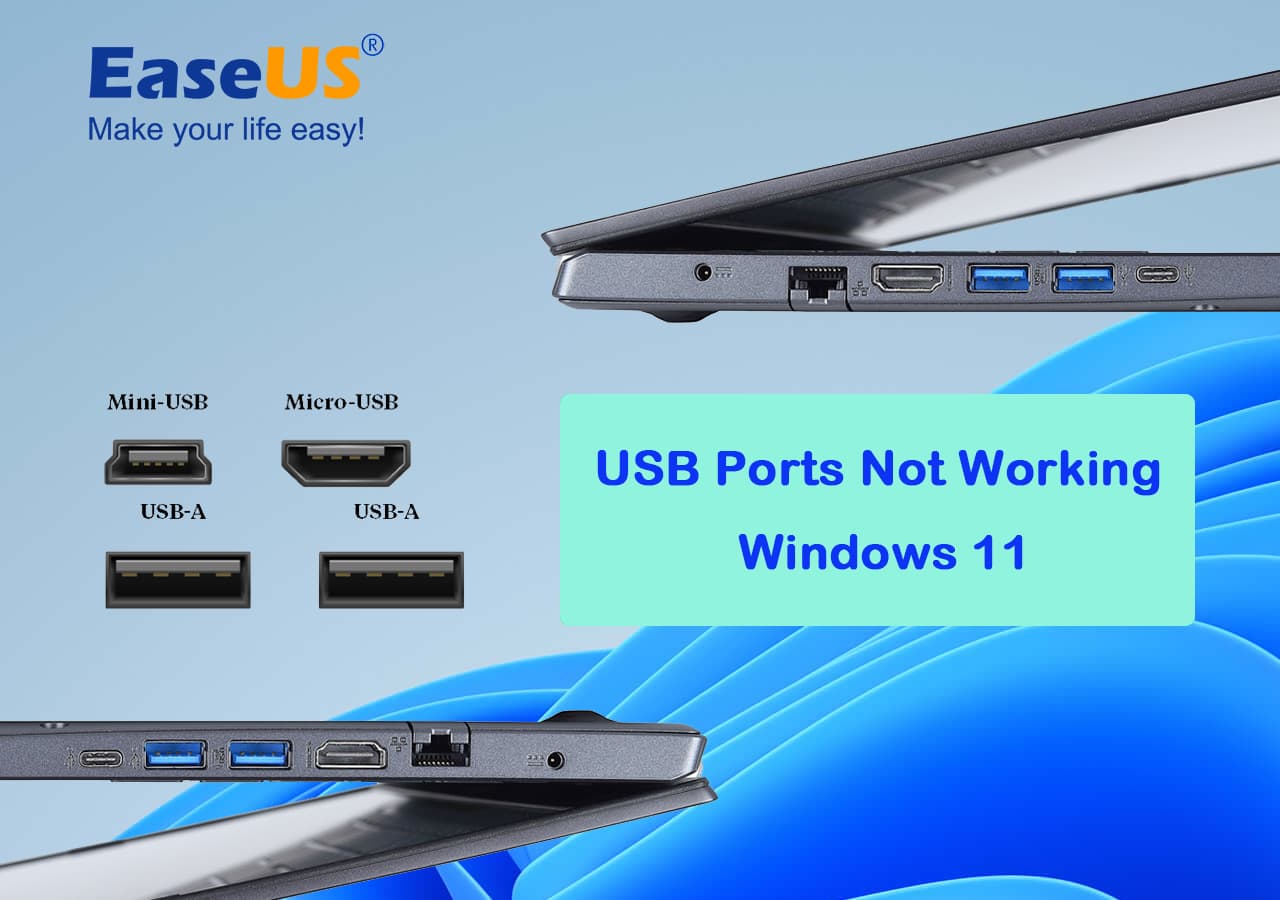
3. Is It the Device, or the Port? This is crucial for narrowing down the problem. Plug the same device (e.g., your phone) into a different computer or another working USB port. Does it work there? If so, the problem is likely with your original computer's port. If it still doesn't work, the device itself (or its cable) might be the issue.
4. The Unsung Culprit: Your Cable: We often forget about the humble cable, but it's a critical bridge. Cables get worn, bent, or internally damaged. Ever heard of the USB-C standard? It’s fantastic, but even the mighty USB-C cable can fray. Try using a different USB cable with your device. A faulty cable can mimic a dead port perfectly.
Diving Deeper: Software Shenanigans
If the easy fixes didn't work, it might be a software hiccup. Don't worry, we're not going to ask you to code anything!
1. Drivers, Drivers, Everywhere: Your computer uses "drivers" – small software programs – to communicate with hardware like your USB ports. Sometimes these drivers get corrupted or outdated.
- On Windows, search for "Device Manager". Look for a section called "Universal Serial Bus controllers." If you see any yellow exclamation marks, it's a sign of trouble. You can right-click these entries and select "Update driver" or "Uninstall device." If you uninstall, restart your computer, and Windows will usually reinstall the driver automatically.
- On macOS, driver issues are less common, but ensuring your OS is updated is the best bet.
2. Update Your Life (and Your OS): Keeping your operating system up-to-date is like giving your computer its vitamins. Major updates often include critical bug fixes and new drivers that can resolve hardware compatibility issues. A quick check for pending Windows Updates or macOS updates is always a good idea.
The Physical World: When It's Not Just Software
Sometimes, the issue is purely physical. Our ports lead tough lives, exposed to the elements of our desks and bags.
1. A Dusty Affair: Take a peek into the port itself. Is it full of dust bunnies, lint from your pocket, or crumbs from that late-night snack? Accumulated debris can prevent the USB connector from making proper contact. A blast of compressed air (the kind for electronics, not for tires!) can often dislodge these unwelcome guests. Just be gentle and avoid sticking anything metallic inside.
2. The Subtle Tragedy: Bent Pins: Especially on older USB-A ports, which you always plug in the wrong way the first time (it’s a universal law, pre-USB-C!), tiny metal pins can sometimes get bent or broken. Shine a flashlight into the port. If you see any misshapen pins, that port is likely compromised. It's a tricky fix, often requiring professional help.
3. Power Play: Are Your Ports Getting Enough Juice? High-power devices like external hard drives sometimes need more power than a single USB port can provide, especially on older laptops or through unpowered USB hubs. Try connecting such devices directly to a powered port on your computer, or use a powered USB hub (one with its own power adapter).
When to Call in the Pros
If you've tried all these steps and your USB port remains stubbornly unresponsive, it might be time to wave the white flag and seek professional help. It could be a deeper hardware issue, like a faulty chip on the motherboard or a physical detachment of the port itself, which is best left to technicians.
A Little Reflection on the Digital Life
In our increasingly interconnected world, we expect technology to simply "just work." When a humble USB port fails, it reminds us that even the most universal standards can hit a snag. It's a small lesson in patience, in problem-solving, and in knowing when to dig deeper versus when to ask for a helping hand. So, the next time your USB port plays hard to get, remember: it's not always a crisis, but often just a puzzle waiting for a little logical, easy-going attention.