Why Is My Iphone 12 Not Charging
Ah, the iPhone. For many of us, it's not just a phone; it's an extra limb, a digital familiar, a pocket-sized portal to pretty much everything. We love our iPhones because they keep us connected, informed, and entertained with astonishing ease. From waking us up with a gentle alarm to guiding us through unfamiliar streets, from capturing life's most precious (and silly) moments to paying for our morning coffee, our iPhones are the unsung heroes of modern living.
Think about it: your iPhone lets you video call your grandkids across continents, ensuring you never miss a milestone. It’s your trusty co-pilot, navigating you through rush hour with real-time traffic updates. It’s your mobile office, allowing you to fire off that urgent email while waiting for your dentist appointment. It’s your personal DJ, providing the perfect soundtrack for a workout or a quiet evening. It's truly a marvel of convenience, seamlessly integrating into the fabric of our daily routines and making life just a little bit easier, a little bit smarter, and a lot more connected.
But then, the unthinkable happens. You plug in your beloved iPhone 12, ready for its nightly juice-up, and… nothing. No reassuring chime, no little battery icon glowing green. Just a blank screen, perhaps the dreaded low-battery symbol, staring back at you like a judgmental emoji. Panic sets in. How will you check tomorrow's weather? How will you scroll through endless cat videos? Most importantly, how will you survive without your digital lifeline?
Must Read
Fear not, fellow iPhone enthusiast! Before you spiral into tech despair, let's troubleshoot why your iPhone 12 might be playing hard to get with its power source. Here are some practical tips to get your phone back in the charging game:

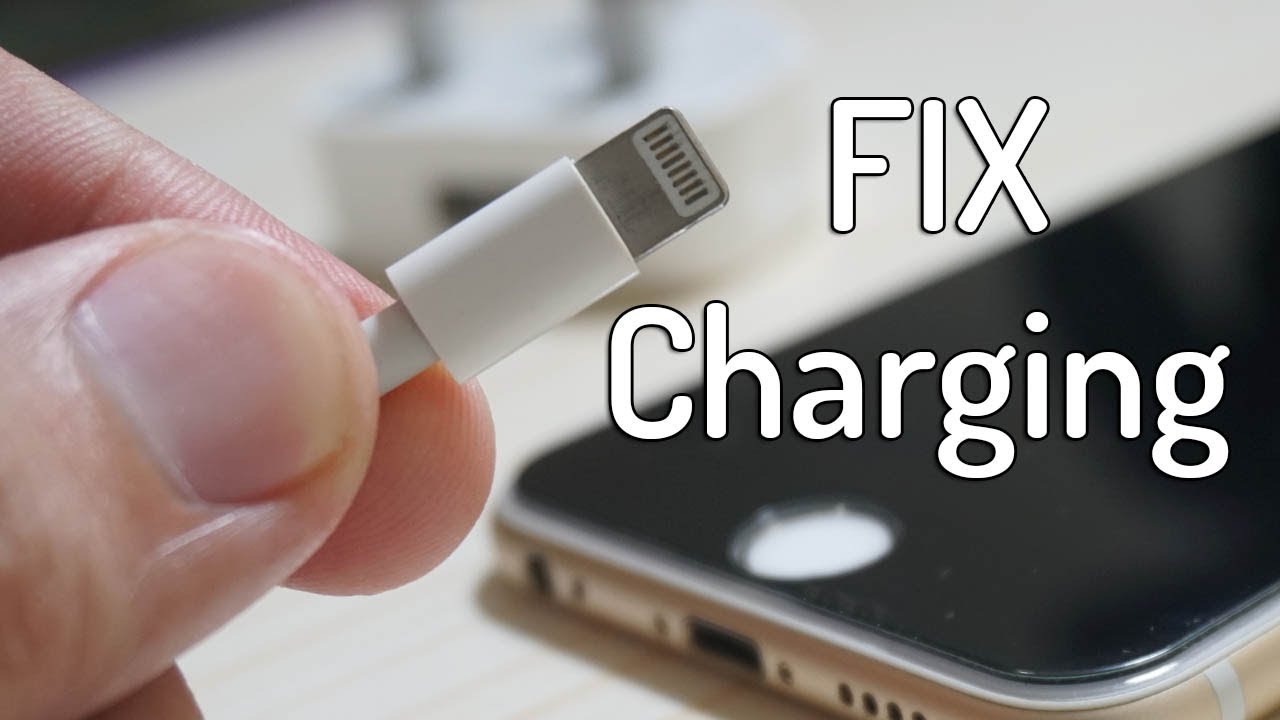
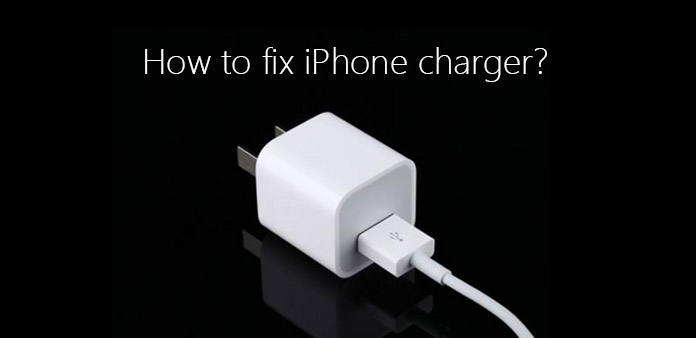
First, the obvious but often overlooked: check your accessories. Is the lightning cable fully inserted into both your iPhone and the power adapter? Is the power adapter firmly seated in the wall outlet? Try a different outlet – sometimes the issue isn't your phone, but a grumpy socket. Also, inspect your cable and adapter for any visible damage. Frayed cables are a common culprit and can be surprisingly deceptive. If you have a spare, try swapping them out. A different cable or adapter often reveals the true villain.
Next, take a peek at the charging port itself. Grab a flashlight and carefully examine the charging port on the bottom of your iPhone 12. Over time, lint, dust, and other pocket debris can accumulate in there, creating a tiny, fluffy barrier between your cable and the charging pins. Gently use a non-metallic tool, like a wooden toothpick (be incredibly careful not to damage the pins!), to clear out any gunk. You’d be surprised how often this simple cleaning does the trick!

Sometimes, it’s a software hiccup. A quick restart can work wonders. If your phone has enough residual power, try performing a forced restart: quickly press and release the Volume Up button, then quickly press and release the Volume Down button, then press and hold the Side button until you see the Apple logo. This can clear minor software glitches that might be preventing charging.
Finally, if you have a wireless charger, give that a try. The iPhone 12 supports MagSafe and standard Qi wireless charging. Place your phone on a known working wireless charger to see if it responds. If it charges wirelessly but not via the port, you've narrowed down the problem significantly to the charging port itself. If none of these steps work, it might be time to call in the professionals. Your local Apple Store or authorized service provider can perform a diagnostic to get your beloved iPhone 12 back to full health. Happy charging!