
Why Does My Phone Say Its Charging But It's Not
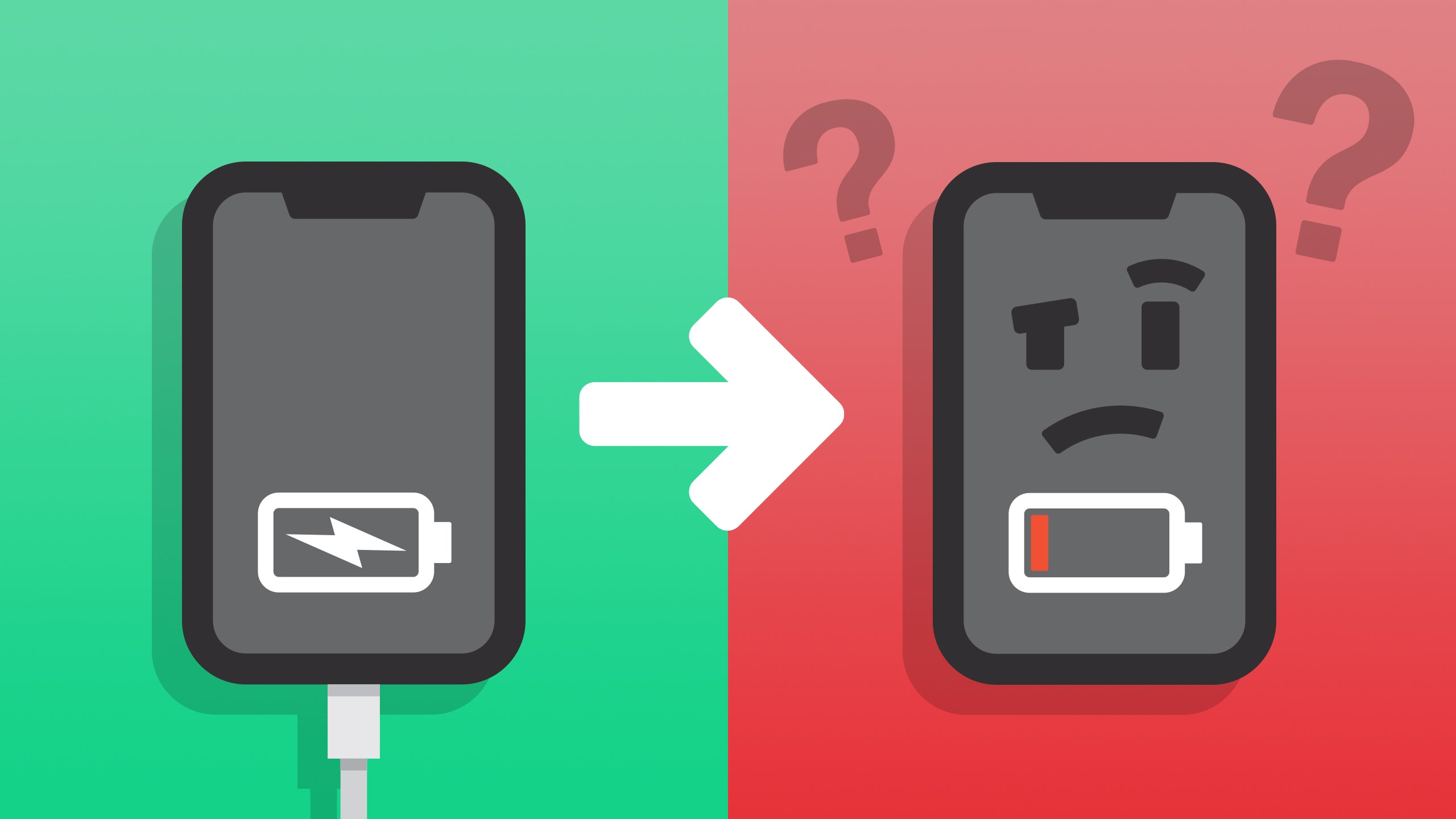
Okay, let's be real. We've all been there. You plug your phone in, see that lightning bolt icon, and breathe a sigh of relief. "Ah, charging! I'm saved!" But then... hours later... you check back and... what?! The battery percentage is exactly the same, or even lower! What gives? Why does your phone lie to you?
It's like your phone is a friend who promises to bring pizza but shows up empty-handed. Annoying, right? But don't worry, before you start contemplating phone homicide, let's explore the surprisingly common reasons behind this digital deception.
The Usual Suspects: Cable Chaos
First, let’s talk about your trusty charging cable. Or, maybe not so trusty? Cables are the unsung heroes (or villains) of the charging world. They get bent, twisted, stepped on, and generally abused. Think of them like the plumbing in your house. A tiny crack can cause a massive leak – or in this case, a charging failure. Is your cable frayed? Does the connector wiggle a bit? If so, that's a HUGE red flag!
Must Read
The internal wires could be damaged, preventing the full flow of electricity. It's like trying to water your garden with a kinked hose – you see some water, but not nearly enough. Try a different cable! Borrow one from a friend (the good kind, who actually shares their pizza), or grab a new one. You'd be surprised how often this solves the problem.
And speaking of cables, make sure you're using the right type! A cheap, generic cable might not be capable of delivering the necessary amperage to properly charge your phone. It's like trying to fill a swimming pool with a garden hose – technically, you're adding water, but it's going to take forever (and might not even keep up with evaporation!).
![[4 Ways] How to Fix Samsung Phone Not Charging 2022 — All Samsung](https://i.ytimg.com/vi/oTiluhN-7Os/maxresdefault.jpg)
Dirty Deeds: Port Problems
Next up: the charging port itself. This little opening is a magnet for lint, dust, and all sorts of pocket debris. Think of it as a tiny black hole in your phone, sucking in everything it can find. All that gunk can block the connection between the cable and the charging pins. It's like trying to plug a lamp into an outlet that's been filled with cotton balls. Doesn’t work, does it?
Grab a can of compressed air (the kind you use for cleaning keyboards) and give your charging port a good blast. You can also use a toothpick (gently!) to dislodge any stubborn bits of debris. Just be careful not to damage the pins inside. A little cleaning can make a huge difference!
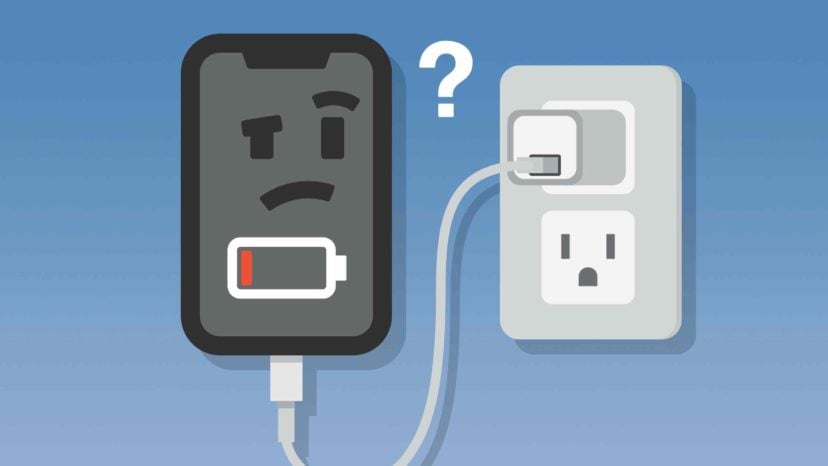
Power Play: The Adapter Adventure
Don't forget about the adapter (the part that plugs into the wall). Not all adapters are created equal. Some are weak sauce, barely putting out enough juice to power a nightlight, let alone a modern smartphone. Using a low-powered adapter is like trying to power a skyscraper with a AA battery. It just ain't gonna happen.
Make sure you're using an adapter that's specifically designed for your phone. Check the output voltage and amperage. Your phone's manufacturer usually provides recommendations. Using the wrong adapter can lead to slow charging, or even damage your phone's battery in the long run. It’s best to use the one that came with your device.

Software Shenanigans: The Buggy Bug
Sometimes, the problem isn't with the hardware, but with the software. A glitch in the operating system can cause your phone to misreport the charging status, or even prevent it from charging properly. It's like your phone is speaking a different language than the charger. Confusing, right?
Try restarting your phone. Sounds simple, but it often works! It's like giving your phone a fresh start, clearing out any temporary glitches that might be causing the problem. Also, make sure your phone's operating system is up to date. Software updates often include bug fixes that can address charging issues. Think of it as giving your phone a software tune-up.

Battery Blues: The Aging Athlete
Finally, let's talk about the battery itself. Like all things, phone batteries age. Over time, they lose their capacity and ability to hold a charge. It's like an athlete who's past their prime – they can still perform, but not as well as they used to.
If your phone is several years old, its battery might simply be worn out. You might notice that it drains quickly, or that it doesn't charge to 100% anymore. In this case, you might need to replace the battery (if possible) or consider upgrading to a new phone. Sad, but true.
So, next time your phone pretends to charge but doesn't, don't despair! Start by checking the cable, port, and adapter. Then, try restarting your phone and updating the software. With a little detective work, you can usually track down the culprit and get your phone back on the charging track. And remember, a little bit of preventative care can go a long way in keeping your phone (and its battery) happy and healthy!