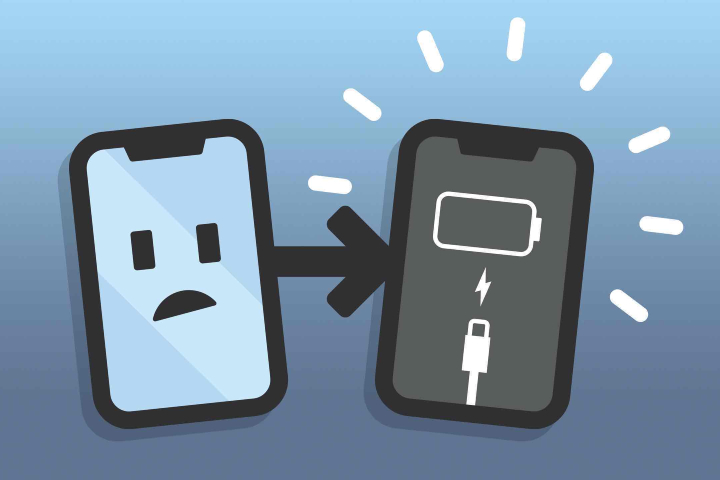
Why Does My Phone Keep Powering Off By Itself
Ever had that heart-stopping moment when your phone, seemingly out of nowhere, just… shuts down? You’re in the middle of an important call, meticulously crafting the perfect Instagram story, or even just trying to navigate using Google Maps, and poof, black screen. It's frustrating, disorienting, and can leave you feeling utterly disconnected. Understanding why this happens isn't just about fixing the problem; it's about understanding a little more about the intricate dance between hardware and software that makes our digital lives possible.
Think of your phone's operating system as a highly skilled air traffic controller, managing a constant flow of information and energy. When things are running smoothly, it's a seamless ballet of apps, processors, and battery life. But when something goes wrong, it can throw the whole system into chaos, sometimes resulting in a sudden, unexpected shutdown. Knowing the potential culprits empowers you to troubleshoot and even prevent these digital disruptions.
One of the most common reasons for spontaneous shutdowns is a failing battery. Over time, phone batteries degrade. They lose their capacity to hold a charge, and more importantly, their ability to deliver power consistently. This degradation can be accelerated by extreme temperatures – leaving your phone baking in the sun or freezing in the snow. When the battery can't provide the required voltage, especially during power-intensive tasks, the phone might simply shut down to protect itself. A battery health check, often found within your phone's settings, can give you valuable insights into its condition.
Must Read
Another culprit could be software glitches. These can range from rogue apps consuming excessive resources to operating system errors that trigger unexpected shutdowns. Think of it like a typo in a computer program causing the whole thing to crash. Keeping your operating system updated and regularly closing unused apps can help minimize these issues. Sometimes, a simple restart can resolve minor software conflicts.
Hardware problems beyond the battery can also be responsible. A damaged charging port, internal components jostled loose from a drop, or even a manufacturing defect could lead to intermittent power failures. Imagine a loose wire in a lamp – sometimes it works, sometimes it doesn't. Unfortunately, these issues often require professional repair.

The benefits of understanding these potential causes extend beyond simply fixing your phone. In education, for instance, a student experiencing sudden shutdowns during an online exam could quickly troubleshoot potential software issues before seeking more drastic solutions. In daily life, recognizing the signs of a degrading battery can prevent inconvenient disruptions during travel or important meetings. You can proactively adjust your usage habits, like avoiding extreme temperatures or optimizing app settings, to extend your phone's lifespan and reliability.
Here are some practical tips to explore this further: Start by observing when the shutdowns occur. Are they happening during specific activities, like playing a graphics-intensive game or using a particular app? Check your battery health in your phone's settings. Try performing a soft reset (simply restarting your phone) and a hard reset (returning it to factory settings - back up your data first!). Consider uninstalling recently installed apps, especially if the shutdowns started after the installation. If these simple solutions don't work, it might be time to consult a professional. By understanding the potential causes and taking proactive steps, you can keep your phone, and your digital life, running smoothly.