
Why Does My Phone Die So Fast

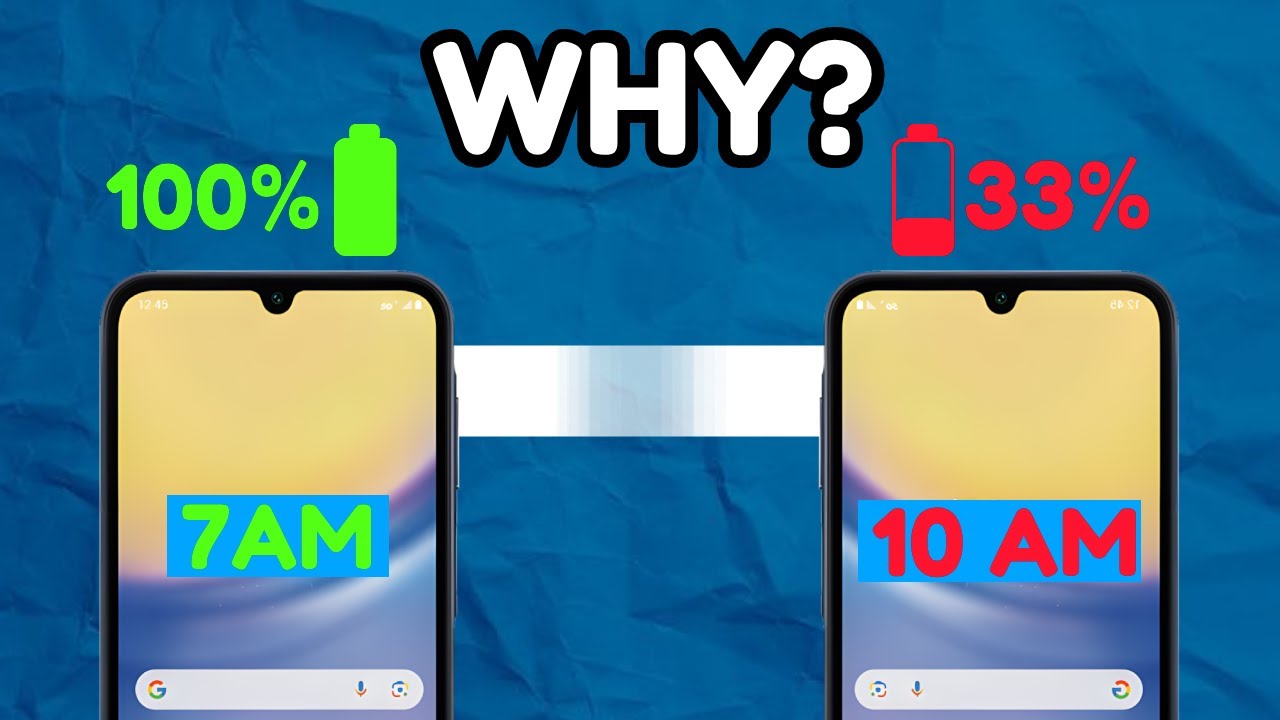
Ever had that moment? You're out and about, maybe trying to show your friend that hilarious cat video, or frantically looking up directions to avoid getting lost (again). You reach for your phone, confidence high, only to be greeted by that dreaded, blinking red icon. One percent. And then… darkness. Silence. A digital void where your lifeline used to be. It’s like your phone has a sixth sense for inconvenience, specifically designed to die at the most inopportune moment possible.
You stare at it, betrayed. "But I just charged you!" you protest, as if the phone can hear your pleas. Why does this happen? Is there a tiny, mischievous gremlin inside, cackling as it siphons away your battery life? Or is it something more… scientific? Let's pull up a chair, grab a metaphorical coffee, and unpack this mystery, shall we?
The Usual Suspects: Brightness and Background Shenanigans
First up, let’s talk about your phone's biggest attention hog: the screen itself. Your phone's screen is basically a tiny, personal sun, and it loves to shine bright. The brighter it is, the more power it guzzles. It’s like leaving all the lights on in your house while you're out – completely unnecessary and a total energy vampire. Dimming your screen is probably the easiest and most impactful thing you can do to extend battery life. But who wants a dim phone when you’re trying to impress someone with your dazzling photography skills?
Must Read
Then there are the background apps. Ah, the sneaky culprits! You close an app, right? Well, sometimes it doesn't actually close. It just goes to the back, like a party guest who pretends to leave but then just hangs out in the kitchen, raiding your fridge. These apps are silently refreshing, checking for updates, and generally having a grand old time, all while sipping on your precious battery juice. It’s a digital conspiracy, I tell you!
The Digital Snoopers: Location, Notifications, and Connectivity
Next on our list are location services. GPS is amazing, don't get me wrong. It helps you find that new ramen place and avoids awkward wrong turns. But when every single app wants to know exactly where you are, all the time, your phone is basically running a bloodhound on a constant search mission. That constant pinging for your whereabouts is a major battery drainer. It's like asking someone for directions every five minutes – exhausting for everyone involved.

And let's not forget the symphony of notifications. Ding! Buzz! Flash! Your phone is basically an anxious, oversharing friend who needs to tell you every single thing that happens, from a new email to someone you vaguely know liking a post from three years ago. Each one of those little pings wakes up your phone, lights up the screen, and takes a tiny sip from the battery cup. Turn off those non-essential notifications, unless you really need to know about Brenda's latest Candy Crush high score.
Our phones are also social butterflies, constantly trying to connect. Wi-Fi, Bluetooth, and cellular data are always scanning, always searching for a better signal, a new friend. This incessant networking requires a surprising amount of energy. If you're not using Wi-Fi or Bluetooth, switch them off! Otherwise, your phone is essentially shouting into the void, "Hello? Is anyone there?!" and that takes a lot of effort.
The Environmental Factors and The Inevitable Truth
Ever notice your phone dying faster in certain places? A weak cell signal is a battery killer. When your phone has trouble finding a strong signal, it works extra hard to try and latch onto one, boosting its internal radio power. It’s like trying to have a conversation in a really noisy room – you have to shout, and that's tiring for your phone. If you're in a known dead zone, consider airplane mode to save what little juice you have left.
Your phone is also a bit of a Goldilocks when it comes to temperature. It likes things just right. Extreme heat or cold can drastically affect battery performance. Leaving your phone baking in the sun or freezing in your car is a terrible idea for its longevity. It’s like trying to run a marathon in a sauna or an ice locker – the battery just isn't designed for those kinds of conditions.

And then, there's the inevitable, melancholic truth: your battery is getting old. Like us, batteries age. After hundreds of charge cycles, their capacity to hold a charge diminishes. That once-mighty power cell slowly becomes a grand old dame of the circuit board, only able to hold a fraction of its former glory. It’s not your fault, it's not the phone's fault, it's just the cruel march of time and technology.
Power-Hungry Pastimes and Pesky Updates
Let's be honest, we all love a good Netflix binge or an epic gaming session on our phones. But these high-octane activities are battery murderers. Streaming video and graphically intensive games demand a huge amount of processing power and keep that bright screen lit, draining your battery faster than a vampire at a blood bank. It's fun, but it comes at a cost.

Finally, sometimes the problem isn't you or your habits, but the phone itself. Software updates and even bugs can sometimes cause unexpected battery drain. A poorly optimized update might inadvertently keep a component active, or a rogue app could be misbehaving. If your phone suddenly starts dying fast after an update, you're not alone. It's the tech world's way of saying, "Surprise! We 'improved' it!"
So, there you have it. Your phone isn't dying fast out of spite (probably). It's a complex little gadget trying to juggle a million tasks, contend with its environment, and eventually, just getting old. It’s not you, it’s… well, it’s pretty much everything.
The next time you see that 1% blinking, instead of despair, maybe just nod knowingly. You understand its struggles now. And perhaps, just perhaps, you'll remember to dim that screen next time. Or maybe not. Some cat videos are just too important to watch on low brightness.