
Why Does My Nest Thermostat Keep Changing The Temperature

Alright, friend, picture this: You walk into your living room, expecting a cozy 72 degrees, only to be met with... well, something entirely different. Maybe it’s an arctic blast, or perhaps a tropical heatwave. You stare at your Nest thermostat, eyebrows furrowed, whispering, “What are you doing to me?!” If this sounds familiar, take a deep breath. You’re not alone in this chilly (or toasty) mystery!
Your Nest thermostat isn't secretly plotting against you, I promise. It’s actually a pretty clever little gadget, but sometimes its cleverness can feel a bit... well, overly enthusiastic. Let’s unmask the main culprits behind your Nest’s temperature tango.
The Smarty-Pants Features (aka Nest's Brain)
First up, let’s talk about Nest’s core superpower: its smart features. This thermostat is designed to learn, adapt, and save you energy. It’s like having a super-attentive, albeit sometimes overbearing, personal assistant for your home climate.
Must Read
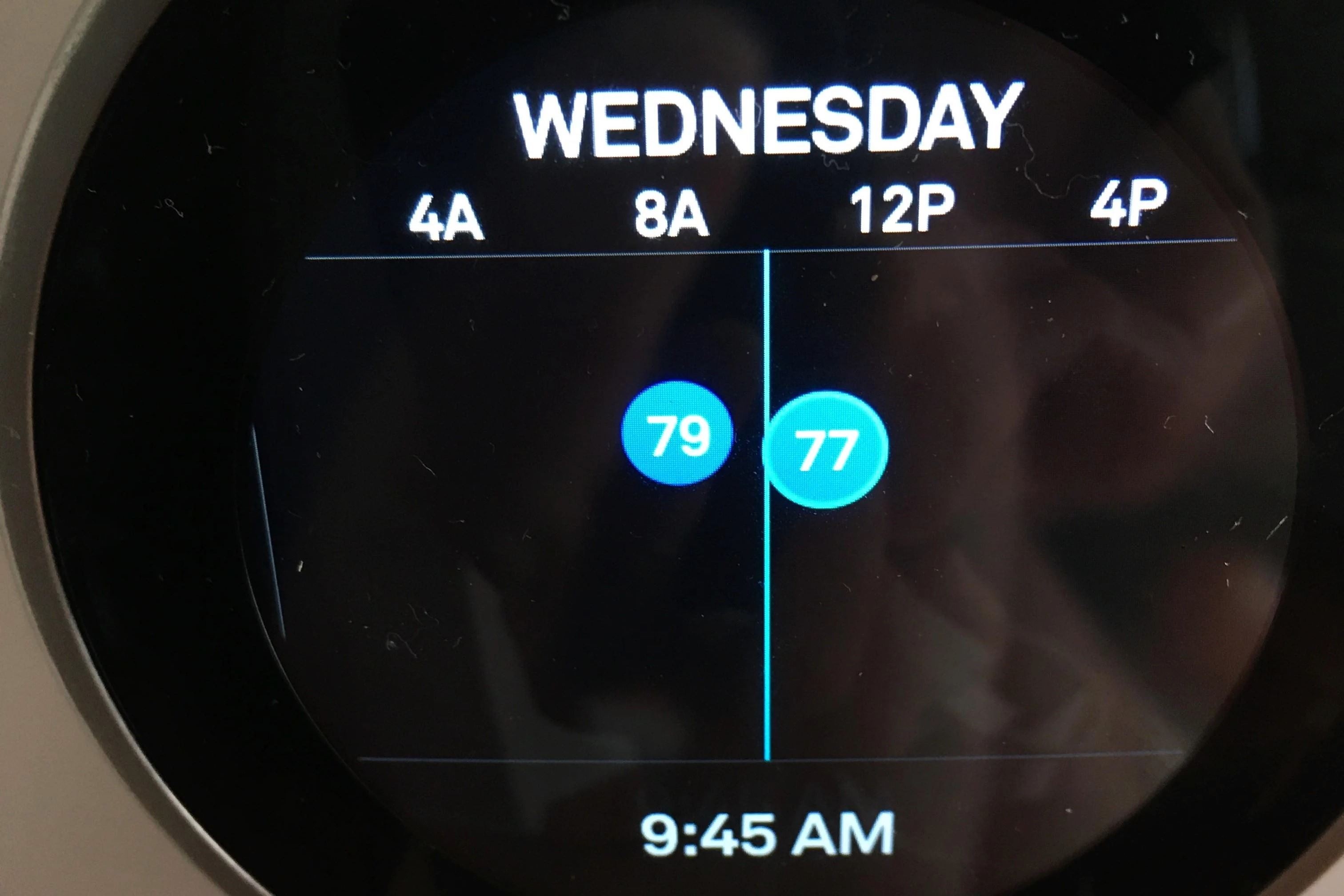
Ever heard of Auto-Schedule? This is Nest’s star pupil. It watches your temperature adjustments for about a week, trying to figure out your preferred patterns. If you consistently turn it down at night, it’ll eventually start doing that on its own. Pretty neat, right? But sometimes, it learns something that isn't quite right, or you change your habits, and suddenly, it’s off on its own little adventure.
Then there's Eco Temperatures. This kicks in when your Nest senses you've left the house (thanks to Home/Away Assist, which we'll get to in a sec) or when you manually enable it. It shifts to energy-saving temperatures to keep your wallet happy and the planet healthier. So, if you come home to a slightly different temp, it might just be Nest being a responsible citizen!
Speaking of Home/Away Assist, this is Nest’s internal detective. It uses sensors, your phone's location, and even Wi-Fi activity to figure out if anyone is home. If it thinks the house is empty, it'll often switch to those Eco Temperatures. Sometimes it gets a little confused – maybe your phone died, or you’re just sitting really, really still, convincing it you’ve vanished!

Ghost in the Machine? Or Just a Draft?
Your thermostat isn't just a pretty screen; it's got eyes and sensors! And these sensors are constantly monitoring the world around them.
Is your Nest located near a window that gets a lot of direct sunlight in the afternoon? Or perhaps close to a drafty door or a vent? A sudden blast of cold air from a window or a sunbeam directly hitting the device can trick its internal temperature sensor into thinking the room is warmer or colder than it actually is. Sneaky sunlight!
Dust and debris can also sometimes interfere with the sensors, giving inaccurate readings. Think of it as your Nest needing a little spring cleaning to see things clearly.
The Human Factor (It's Not Always the Thermostat's Fault, Shhh)
Okay, let’s be honest. Sometimes the culprit isn't a smart feature or a sunbeam. Sometimes, it’s... us. Or another human in the house.
Did someone else in your household (a spouse, a kid, a rogue pet perhaps?) manually adjust the temperature? Nest will happily obey a manual override. If it then learns that new setting through Auto-Schedule, it might keep that change going. It’s like a digital game of "Simon Says" with your family.
Also, if you've ever set up a fixed schedule and then manually changed it, your Nest might revert back to that schedule at a later point. Always double-check your set schedules, especially if you're battling phantom temperature changes!
Tech Hiccups and Other Gremlins
Even the smartest tech can have a bad day. Sometimes, connectivity issues can cause a hiccup.
Is your Wi-Fi signal strong and stable where your Nest is located? A weak or intermittent connection can prevent your Nest from communicating properly with the app or even from getting crucial updates. This can lead to some quirky behavior.
Occasionally, a simple reboot can work wonders. Just like giving your computer a fresh start, sometimes turning your Nest off and on again (check your model’s instructions for the safest way!) can clear up minor software glitches.
Finally, ensure your Nest's battery is doing well. While most Nest models are wired, some have internal batteries that can affect performance if low. It's a rare issue, but worth checking if nothing else makes sense!
You've Got This!
So, there you have it! The mystery of the fickle Nest thermostat isn't so mysterious after all. Most of the time, it's just your super-smart device trying its best to be helpful, sometimes a little too helpful. A quick check of its settings, a peek at its surroundings, or a friendly chat with your housemates can usually clear things right up.
Now you’re armed with the knowledge to tame your smart thermostat and enjoy perfectly comfortable temperatures, without any unexpected surprises. Go forth and conquer your climate, you magnificent temperature maestro!