Why Does My Laptop Shut Off When I Unplug It
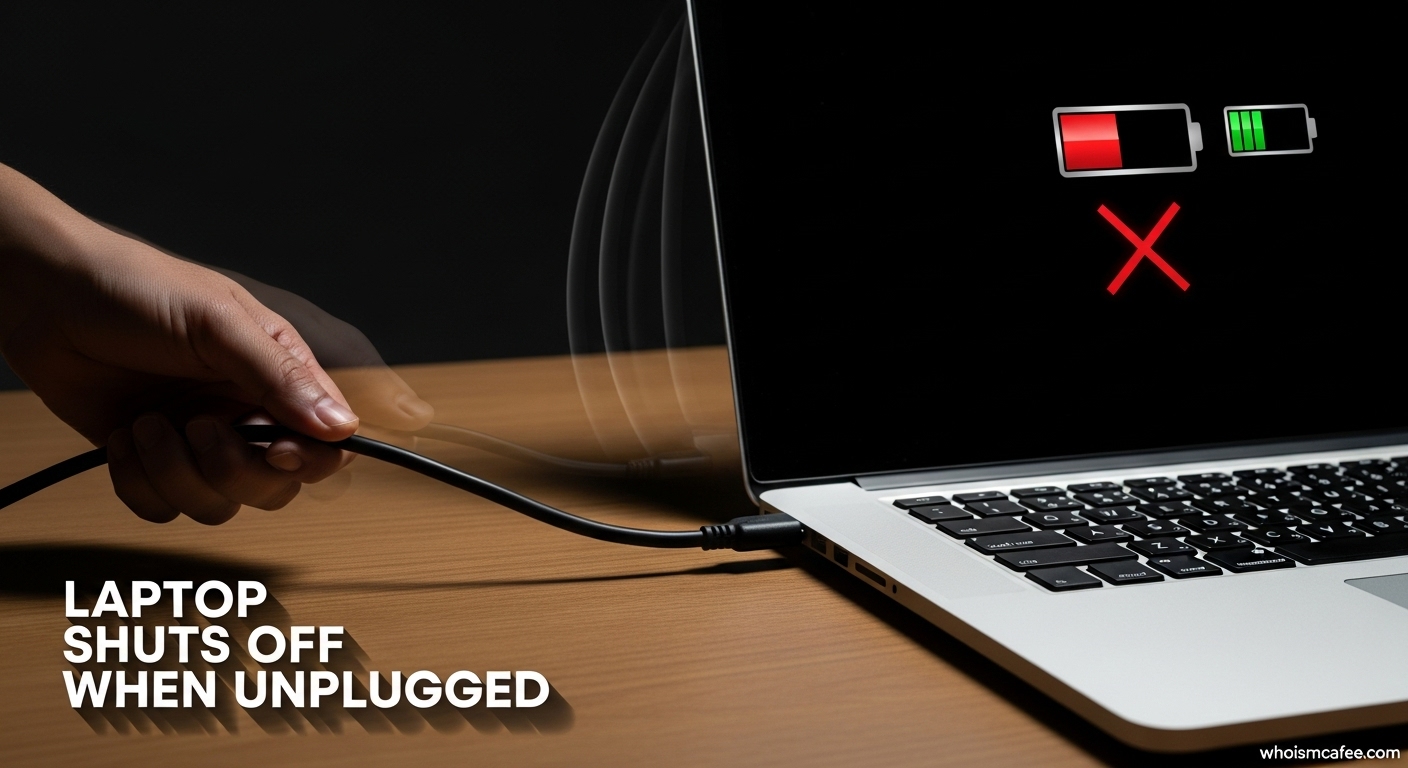
Okay, picture this: you're in the zone. You're crafting the perfect email, building the ultimate spreadsheet empire, or maybe even finally conquering that last level of your favorite game. The world is your oyster, powered by the sweet, sweet electricity flowing into your laptop. And then... disaster strikes. You need to move. You bravely unplug the power cord, expecting your trusty steed to keep on chugging. Instead? Black screen. Crickets. Utter betrayal. Your laptop shut off when you unplugged it! What gives?
Don't worry, you're not alone in this electronic emergency. It's a surprisingly common, and usually fixable, problem. Let's dive in, shall we?
The Prime Suspect: Your Battery's Battery Life (Or Lack Thereof!)
The most likely culprit is, drumroll please... your battery! Yep, that little power cell that's supposed to keep you going when you're untethered from the wall is probably on its last legs. Think of it like this: your laptop battery is like a tiny, portable lunchbox full of energy. When you're plugged in, it's like you're constantly refilling that lunchbox. Unplug, and you're relying solely on what's inside. If the lunchbox is empty (or mostly empty), well, your laptop starves and shuts down!
Must Read
Over time, laptop batteries degrade. It's an unavoidable fact of technological life, like the inevitability of needing to update your phone's operating system every five minutes. Batteries lose their capacity to hold a charge. Imagine your battery is a brand new sponge. It can soak up a ton of water, right? Now imagine that same sponge after you've squeezed it, wrung it, and used it to clean up a particularly nasty spill for the past few years. It's not quite as absorbent anymore, is it? Same deal with your laptop battery.
How Old is Your Electronic Friend?
Consider the age of your laptop. If it's been your faithful companion for more than a couple of years, the battery is likely nearing the end of its lifespan. Think of it as your laptop reaching middle age – it might still be kicking, but it needs a little extra TLC (and maybe a new battery) to keep going strong.

Checking Your Battery's Health: A Detective Mission
Luckily, most operating systems have ways to check your battery's health. You can usually find this information in the power settings or system information. Look for terms like "battery health," "capacity," or "wear level." If it says something like "Poor," "Replace Soon," or anything that sounds remotely dire, it's a pretty good indication that your battery is the problem.
Other Potential Culprits (Because Life Isn't Always Simple)
Okay, so maybe your battery isn't the sole offender. What else could be causing this unplugged power outage? Here are a few other possibilities:
- Loose Connections: Sometimes, the connection between your battery and the laptop's motherboard can become loose. This is rare, but worth considering.
- Driver Issues: Occasionally, outdated or corrupted battery drivers can cause problems. Make sure your drivers are up-to-date. This is like making sure your car has enough oil.
- Power Settings: Believe it or not, your power settings could be set to aggressively shut down your laptop when it detects a drop in power (i.e., when you unplug it).
- Software Glitches: We all know that one piece of software that is glitchy. Sometimes software or operating system issues can cause random shutdowns.
What To Do About It: A Rescue Plan
So, what's the solution? Fear not, brave laptop owner! Here's a step-by-step rescue plan:
- Check Your Battery Health: As mentioned earlier, investigate your battery's health.
- Update Your Drivers: Make sure your battery drivers are up to date.
- Adjust Your Power Settings: Tweak your power settings to make sure they're not causing the shutdown.
- Consider a New Battery: If your battery is old and showing signs of wear, it's time for a replacement. This is the equivalent of getting new tires on your car.
- Seek Professional Help: If you've tried everything and nothing seems to work, it's time to consult a computer repair professional. They can diagnose the problem and offer a solution.
In Conclusion: Don't Panic!
Having your laptop shut off when you unplug it is annoying, frustrating, and can make you feel like you're starring in your own personal tech horror movie. But it's almost always a solvable problem. With a little detective work and perhaps a new battery, you'll be back to being productive (or playing games – we won't judge!) in no time. And remember, even the most advanced technology sometimes needs a little TLC. So, go forth and conquer, armed with the knowledge to troubleshoot your battery woes!