
What's The Difference Between Usb And Usb C

Okay, let's talk about USB. And then let's mention its fancier, supposedly superior cousin, USB-C. Are you confused? Don't worry, you're not alone.
We've all been there, right? Staring at a drawer full of tangled cables. Each one looks vaguely familiar, yet utterly useless. It's a modern-day Gordian knot of tech frustration.
The Old Guard: Classic USB (and its Many Faces)
Think of the original USB as the family dog. Loyal, dependable, but a bit...clunky. It gets the job done. It’s been around forever.
Must Read
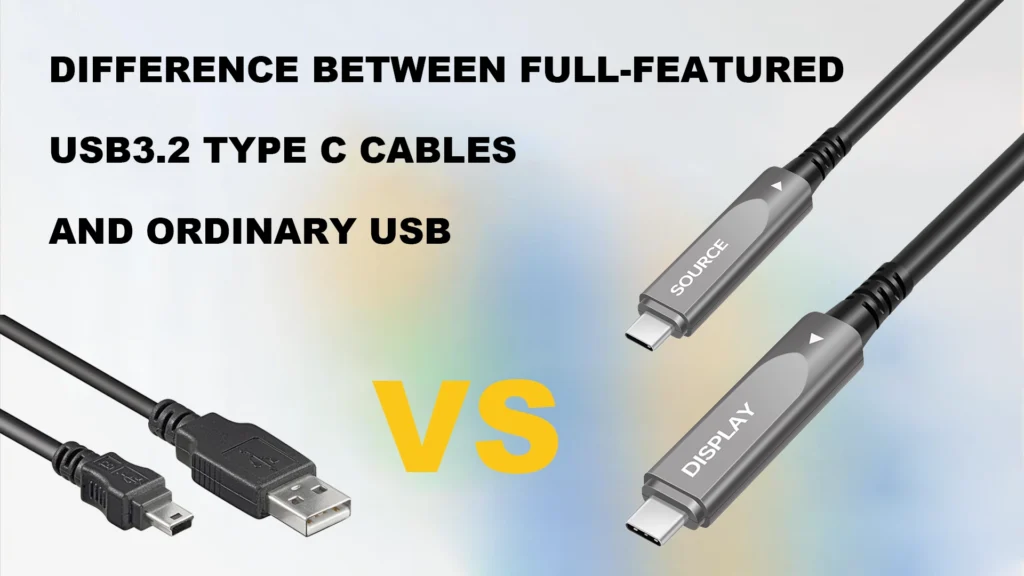
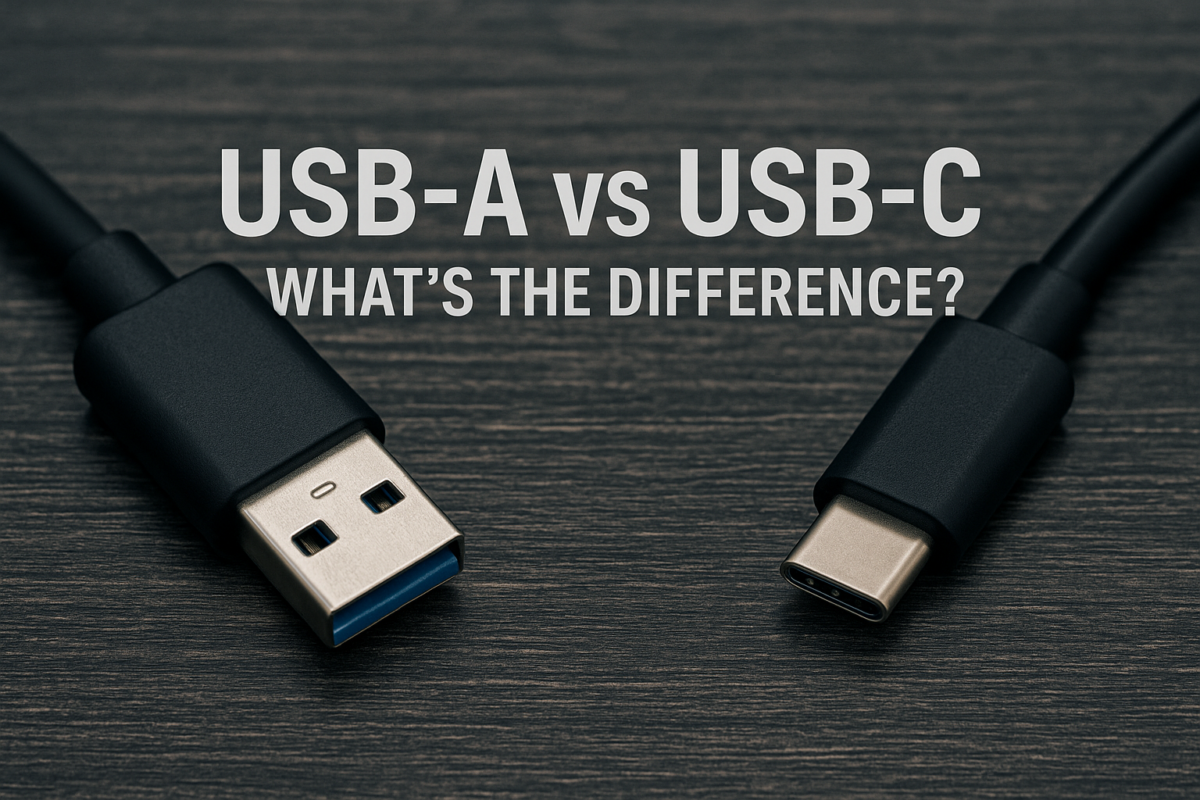
But like a family dog, USB came in different sizes. We had USB-A, the flat, rectangular one we all know and love (or loathe). Then there's USB-B, the square-ish one usually found on printers. Remember those?
And who could forget Mini-USB and Micro-USB? These were smaller, designed for phones and cameras. They were fiddly, fragile, and always seemed to break. My unpopular opinion? Good riddance!
USB-A: The OG Connector
The classic. The staple. The one that always takes three tries to plug in. Seriously, is it just me, or is USB-A designed to defy first-time insertion?
It's the workhorse of the USB world. Powering keyboards, mice, and charging all sorts of devices. Simple. Reliable. Rectangular. What's not to...slightly dislike?
Micro-USB: A Necessary Evil?
Ah, Micro-USB. The tiny tyrant. The bane of many smartphone owners' existence. It felt flimsy, didn’t it?
It was everywhere for a while. Android phones, digital cameras, portable game consoles. All bowing before the might of Micro-USB. Until...
Enter USB-C: The Shiny New Kid
Then came USB-C. The cool, reversible connector. The one that promised to unite all devices under a single, glorious standard. Did it succeed? Sort of.
USB-C is oval-shaped and symmetrical. You can plug it in either way up! A true marvel of modern engineering. No more awkward fumbling in the dark.
It's also faster than older USB versions. Capable of transferring data and power at impressive speeds. This is all well and good.
Reversibility: A Gift From the Tech Gods
The big selling point of USB-C? It's reversible. Finally! No more flipping the connector over and over again like a tech-savvy Sisyphus.
This simple design change has saved countless hours of frustration. Maybe. Or maybe it's just marginally better and we're all being dramatic.
More Than Just a Connector
USB-C isn't just about the shape of the plug. It's also about what it can do. It can carry video signals, power laptops, and transfer huge files quickly.
It's a versatile little port. Making it the darling of tech manufacturers everywhere. Or at least, trying to make it so.

So, What's the Real Difference?
Okay, let's boil it down. USB is the general term for a type of connection. USB-C is a specific type of USB connector.
Think of it like this: "car" is the general term. "Sedan" or "SUV" are specific types of cars. Get it?
But here's the thing: the speeds and capabilities of a USB connection depend on more than just the connector type. It also depends on the USB version (e.g., USB 2.0, USB 3.0, USB 3.1, USB 3.2).
Speed Matters (and the Numbers Can Be Confusing)
Don't get me started on the USB version numbers. It's a confusing mess of marketing terms and technical specifications. USB 3.2 Gen 2x2? Seriously?
Just remember this: higher numbers generally mean faster speeds. But always check the specs of your devices and cables to make sure they're compatible. Or just guess, that's what I do.
Power Delivery: Charging Your Gadgets Faster
USB-C also supports USB Power Delivery (USB-PD). This allows for faster charging of devices. Especially laptops and other power-hungry gadgets.
It's like giving your devices a super-powered energy drink. They'll be ready to go in no time. Or at least, a little bit sooner.
The Unpopular Opinion: USB-C Isn't Perfect
Now for my unpopular opinion: USB-C isn't the perfect solution we were promised. There! I said it!
Yes, it's reversible and fast. But it's also fragile. The ports can break easily. And not all USB-C cables are created equal.
Some cables only support charging. Others support data transfer. And still others support video output. It's a minefield!
The Cable Chaos Continues
Despite the promise of standardization, we still have a cable problem. Maybe even a worse cable problem. Now we have piles of USB-C cables that look identical, but have different capabilities.
It's like a cruel joke played on us by the tech gods. "Here's a universal connector! Now try figuring out which cable does what!"
Dongle Life: The Price of Progress?
And let's not forget the dongles. Oh, the dongles! To use older devices with a modern USB-C port, you often need an adapter.
These little dongles are easily lost, expensive, and just plain annoying. Is this progress? I'm not so sure.
:max_bytes(150000):strip_icc()/USB-C-vs-USB-3-d5588eb3ab3143ed892e9b34ae23a0eb.jpg)
The Future of USB (and Cables in General)
So, what does the future hold for USB? More speed? More confusion? Probably both.
Wireless charging is becoming more popular. Maybe one day we'll ditch cables altogether. But until then, we're stuck with this tangled mess.
Embrace the chaos. Accept the frustration. And always have a spare cable handy. You'll need it. Trust me. My unpopular opinion? We need a universal, truly universal, wireless charging system that works for everything!
The Dream: A World Without Cables
Imagine a world where all devices charge wirelessly. No more cables. No more dongles. No more tangled messes in drawers.
Just place your phone on a charging pad and watch it magically power up. It's a beautiful dream, isn't it? We can only hope.
For Now: Label Your Cables!
In the meantime, do yourself a favor. Label your cables. Use tape, markers, or whatever works. It'll save you a lot of headaches in the long run.
Trust me on this one. Future you will thank you. Maybe. Or maybe future you will still be confused and frustrated. But at least you tried!