What Is The Easiest Method For Creating 3d Models
So, you've been bitten by the 3D bug. Maybe you're dreaming of designing your own custom phone case, crafting fantastical creatures for a tabletop game, or even visualizing your dream kitchen remodel. Whatever your ambition, diving into the world of 3D modeling can seem… daunting. Fear not, fellow creative! There is an accessible entry point, a method that allows you to sidestep the complexities of hardcore CAD software and jump right into bringing your visions to life.
What's this magic bullet? Sculpting software. Think of it as digital clay. Instead of wrestling with vertices and polygons, you manipulate a virtual blob, pulling, pushing, and smoothing it until it resembles the object in your mind's eye.
Why Sculpting Software is Your Best Bet
Forget intricate blueprints and Boolean operations! Sculpting software, like Blender (which is free and open-source!), ZBrush (industry standard), or even simpler apps like Sculptris, offer a more intuitive, artistic approach. It's less about precision engineering and more about… well, sculpting!
Must Read
Here's why it's the easiest entry point:
- Natural workflow: Mimics real-world sculpting, making it feel familiar even if you're new to 3D. Imagine Michelangelo chipping away at a marble block, but without the dust (or the Renaissance patronage).
- Emphasis on form and detail: Easily create organic shapes and intricate details like wrinkles, scales, or fur. Perfect for characters, creatures, and anything with a more natural aesthetic.
- Gentle learning curve: While mastering any 3D software takes time, the basic sculpting tools are incredibly easy to pick up. You'll be creating recognizable forms within hours, not weeks.
- Free options abound: Blender, a powerhouse sculpting tool, is completely free. You can start your 3D journey without spending a dime.
Getting Started: From Digital Dough to Dazzling Design
Okay, you're convinced. Now what? Here's a quick guide to your first sculpting steps:
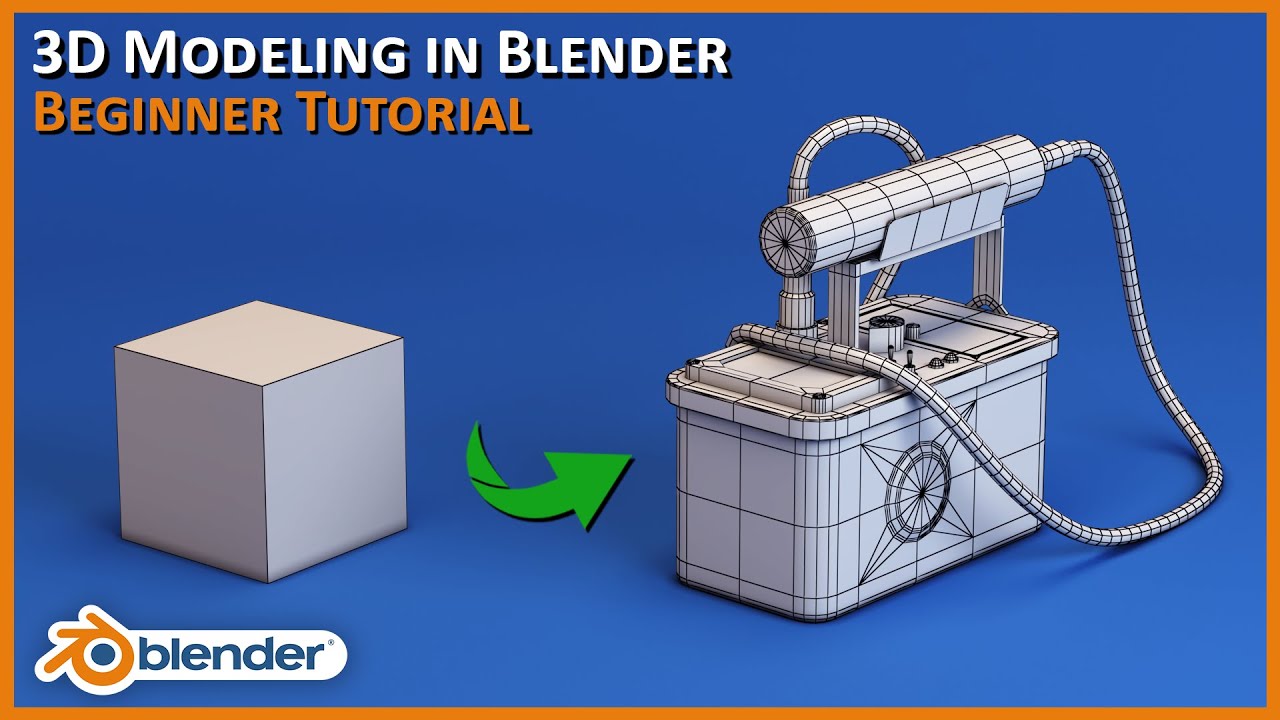
- Choose your weapon: Download Blender or Sculptris (if you're on a very basic machine). Both are excellent starting points.
- Watch a beginner tutorial: YouTube is your friend! Search for "Blender sculpting tutorial for beginners" or "Sculptris beginner guide." Follow along step-by-step.
- Master the basics: Learn how to use the primary brushes: Draw/Add, Smooth, Inflate, Deflate, and Grab. These are your bread and butter.
- Start simple: Don't try to sculpt a dragon on day one. Begin with a simple sphere and try to turn it into an apple, a rock, or a stylized head.
- Embrace mistakes: Every sculptor, digital or otherwise, makes mistakes. Don't be afraid to experiment and learn from your errors. "There are no mistakes, only happy accidents" – Bob Ross could have been talking about digital sculpting!
- Practice, practice, practice: The more you sculpt, the better you'll become. Set aside even just 30 minutes a day to practice.
Tips and Tricks for the Aspiring Digital Sculptor
Ready to level up your sculpting game? Here are a few pro tips:
- Use reference images: Find real-world examples of what you're trying to create. This will help you capture the correct proportions and details.
- Don't be afraid to retopologize: Retopology is the process of creating a cleaner, more efficient mesh from your sculpted model. It's important for animation and performance. Don't worry about this at the very beginning, but keep it in mind as you progress.
- Experiment with different materials and textures: Once you have a basic model, experiment with adding different materials and textures to give it a more realistic or stylized look.
- Join a community: Connect with other 3D artists online. Share your work, ask for feedback, and learn from others.
Did you know? The technology used in creating 3D models is now being applied to medicine. Doctors can print custom implants and surgical guides based on patient-specific scans. Talk about bridging art and science!
Beyond the Screen: The true magic of this skill lies in its applicability. You could design and 3D print that quirky cookie cutter you’ve always wanted. You could visualize a furniture piece before committing to a purchase. You could even create prototypes for your next big invention. These are all possible with the power of sculpting software.
The Final Polish: Bringing it All Together
Learning 3D modeling might seem like a niche skill, but think of it as another form of creative expression, like drawing or painting. It's about taking an idea from your head and bringing it to life in a tangible way, even if that "tangible" way is on a screen or, ultimately, 3D printed.
Ultimately, the easiest method is the one you enjoy. But for a gentle introduction to the world of 3D, sculpting software offers an accessible and rewarding path. So, grab your (digital) clay and start shaping your world!