
What Is The Difference Between Usb C And Usb A
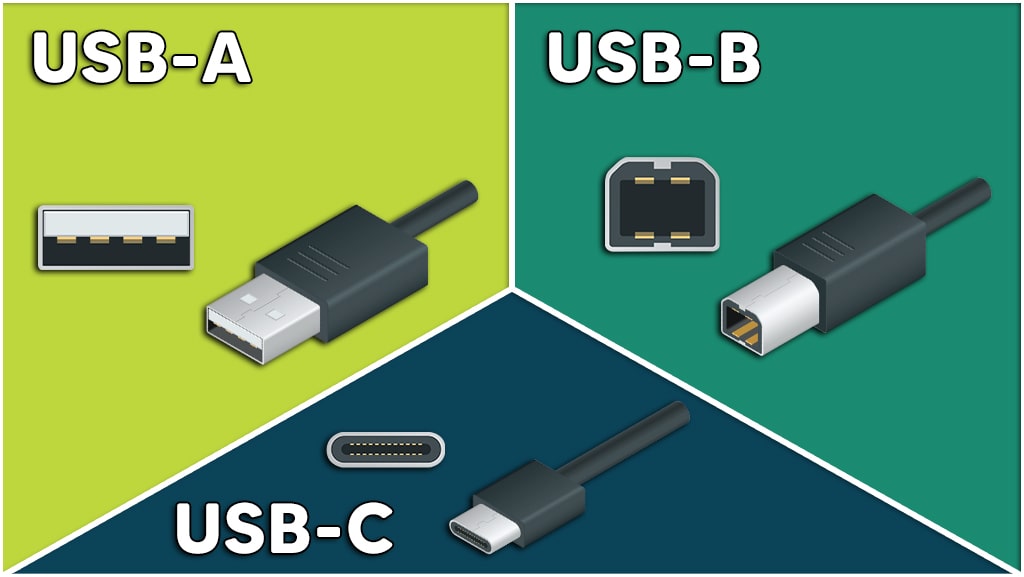
Okay, let's talk USB. We're drowning in a sea of cables, aren't we? And deciphering which one does what can feel like trying to understand the plot of Inception after a double espresso. Today, we’re tackling two of the most common contenders: USB-A and USB-C. Think of it as your cheat sheet to cable clarity.
The OG: USB-A - The Familiar Face
Ah, USB-A. The rectangular port that you've probably stabbed at repeatedly, trying to plug it in the right way only to flip it over...and over...and still get it wrong. We've all been there. It's been the dominant USB connector for ages. Think of it as the reliable, slightly clunky dad of the USB family. It’s been around since the mid-90s, making it a seasoned veteran in the tech world.
Key Features of USB-A:
Must Read
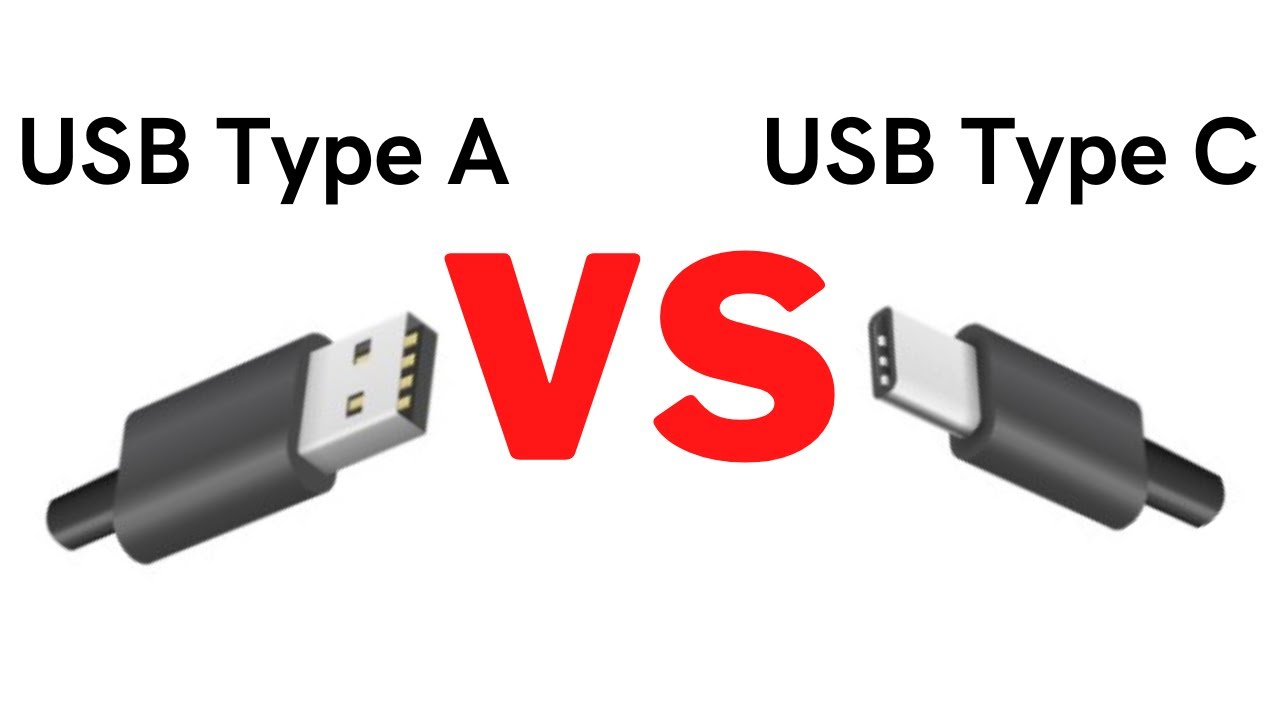
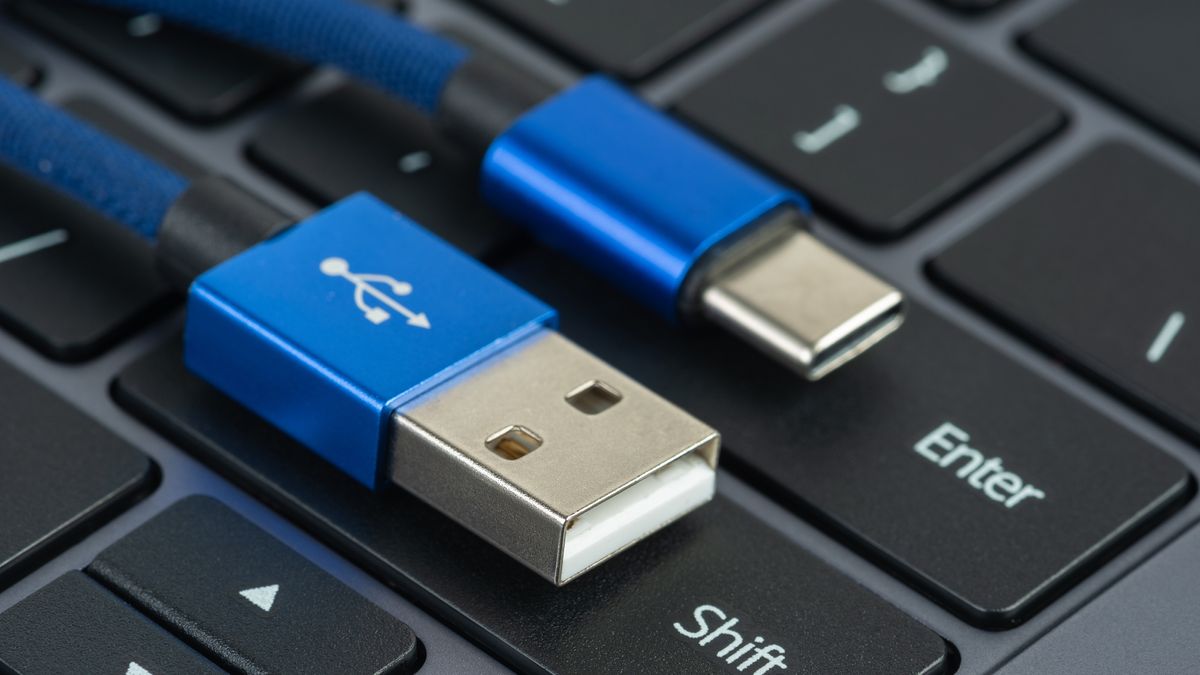
- Shape: Rectangular and flat.
- Direction: Only plugs in one way (despite what your repeated attempts might suggest!).
- Ubiquity: Found on most computers, older peripherals, and power adapters.
- Speeds: Varies depending on the USB version (e.g., USB 2.0, USB 3.0, USB 3.1), but generally slower than USB-C in later versions.
Think of it this way: USB-A is like that comfortable, old pair of jeans you still reach for. It's reliable, even if it's not the most stylish or efficient option anymore.
The New Kid on the Block: USB-C - The Future is Here (and Reversible!)
Enter USB-C: the sleek, reversible, and increasingly powerful port that's taking over the tech world. This is the cool, younger sibling who's effortlessly stylish and knows all the latest tech trends. The biggest win? It's reversible. No more fumbling! Plug it in any way, and it just works. Hallelujah!
Key Features of USB-C:
- Shape: Small, oval, and symmetrical.
- Direction: Reversible – plugs in either way.
- Power Delivery: Can handle significantly more power than USB-A, allowing for faster charging of devices like laptops and smartphones.
- Data Transfer: Supports much faster data transfer speeds, especially with USB 3.1, USB 3.2, and Thunderbolt 3/4 protocols. Think transferring a whole season of your favorite show in minutes (or even seconds!).
- Video Output: Can also transmit video signals, allowing you to connect your laptop to a monitor or TV with a single cable.
Visual Tip: Think of a USB-C port as the charging port on most modern Android phones and newer MacBooks. It’s that smaller, oval shaped port that you don’t need to flip to get right.
So, What’s the Real Difference?
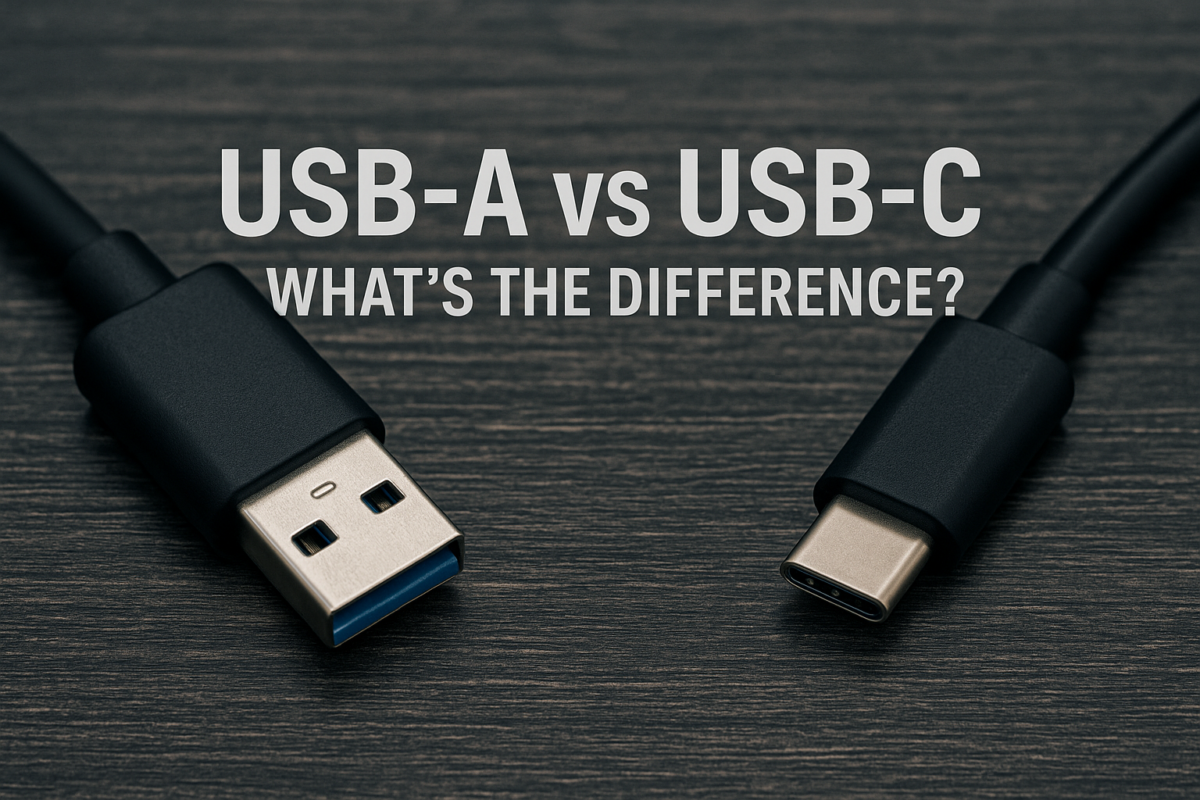
The primary differences boil down to shape, speed, and power capabilities.
Speed & Power: USB-C is generally much faster in terms of both data transfer and power delivery. This means faster file transfers and quicker charging times. Imagine downloading Stranger Things in half the time!
Reversibility: USB-C is reversible, making it significantly more convenient to use. Let’s face it – we all appreciate not having to fumble around anymore when trying to plug in a device.
Versatility: USB-C can handle multiple functions, including data transfer, power delivery, and video output, simplifying your cable clutter.
Practical Tips & The Future
Adapters are your friend: If you have older devices with USB-A ports and want to connect them to a USB-C port on your laptop, adapters are your best bet. They're readily available and relatively inexpensive.

Look for the USB version: USB-C doesn't automatically mean it's the fastest. Pay attention to the USB version (e.g., USB 3.1, USB 3.2, USB 4) to determine the actual data transfer speeds supported.
Expect USB-C to become even more dominant: As technology evolves, USB-C is poised to become the universal standard, streamlining our digital lives. The EU is already mandating USB-C charging for most electronic devices, signaling a clear shift towards this versatile connector.
Bringing it Home
In the grand scheme of things, the USB-A vs. USB-C debate reflects the ever-evolving nature of technology. It's a constant cycle of improvement, with each new standard aiming to be faster, more efficient, and more user-friendly. We deal with these changes every day in our daily life, whether it's which cable to bring with us on the go or just trying to charge our phones before it dies. Knowing the difference between these connectors not only saves you from frustration but also helps you leverage the full potential of your devices. It’s about making our digital lives a little bit smoother, one reversible plug at a time.