
What Is The Difference Between Usb A And Usb C
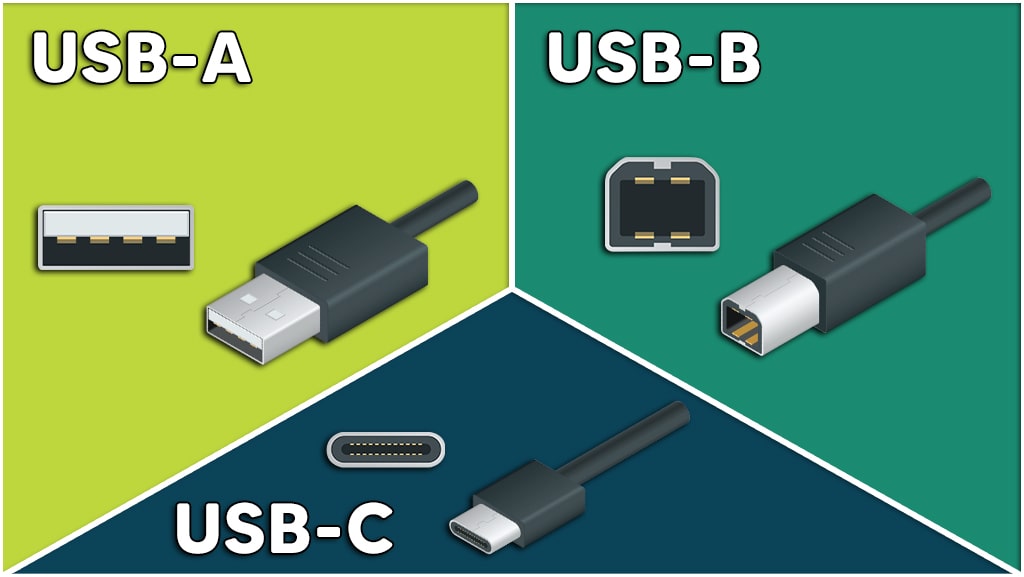
Hey there, coffee buddy! Ever get lost in the world of USBs? You're not alone! It's like, USB-A, USB-C... what's the actual deal? Let's break it down, nice and easy.
First up: USB-A. Think of it as the OG. The classic. The one you've probably been using since, like, dial-up internet (okay, maybe not that long!).
You know the one. It's the rectangular port on your computer, your chargers, practically everywhere! The thing is, USB-A is… well, it's kind of clunky, isn't it? You always end up trying to plug it in upside down, right? Like, every single time. Is it just me?
Must Read
The Key Features of USB-A:
- Rectangular shape (duh!).
- Only goes in one way (allegedly... good luck with that!).
- Been around forever. Seriously.
- Generally slower data transfer speeds compared to newer tech.
Now, enter the new kid on the block: USB-C. Sleek, modern, and… reversible! Hallelujah!
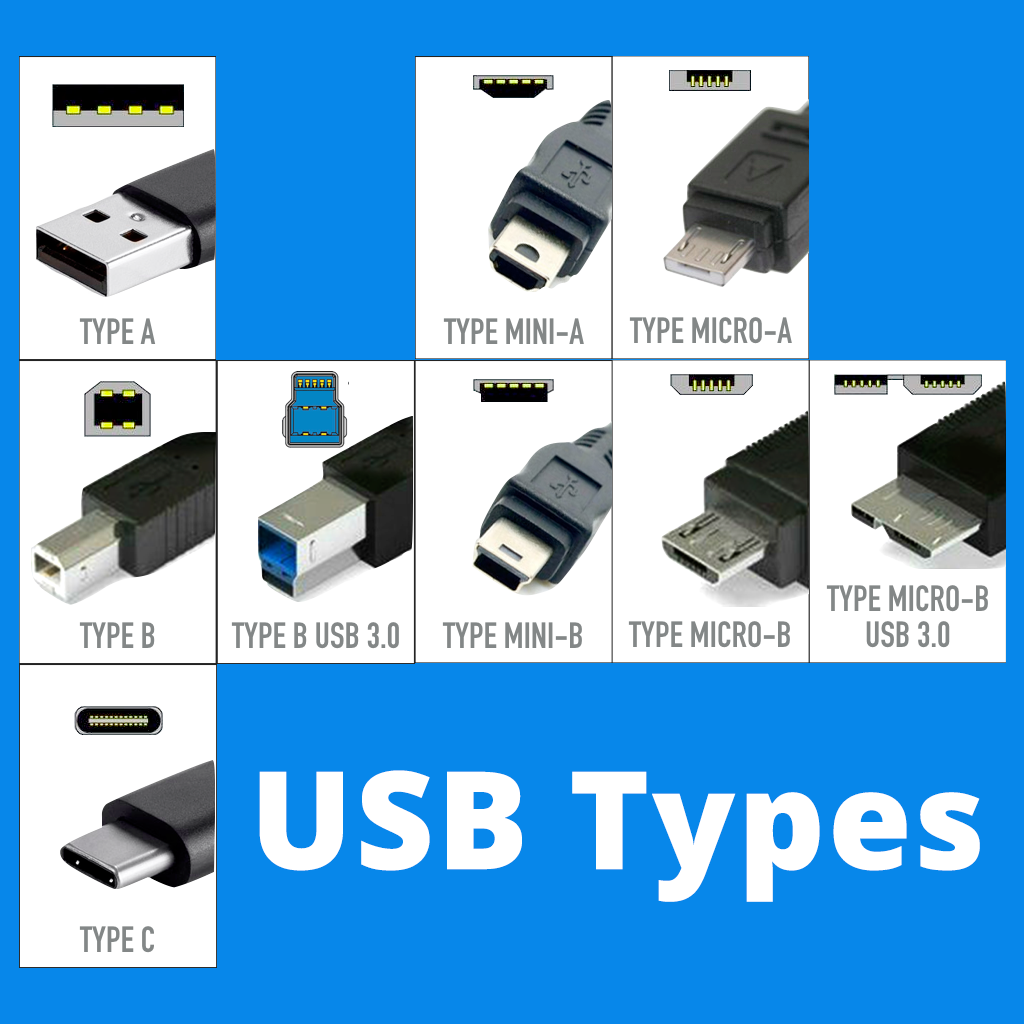
This little marvel is oval-shaped and doesn't care which way you shove it in (within reason, of course. Don't get too aggressive!). It's like the USB gods finally listened to our prayers. So, what makes it so different besides the obvious?
The Amazing Attributes of USB-C:
- Oval-ish shape.
- Reversible! (This is a HUGE deal, people!).
- Faster data transfer speeds. Think lightning fast. Okay, maybe not lightning, but definitely quicker than USB-A.
- Can handle more power. Which means faster charging for your devices. We all love that, right?
- Becoming the universal standard. Get ready to see it everywhere!
Speed Demons: Data Transfer Rates
Let's talk numbers (but not in a scary, math class kind of way). USB-A's data transfer speeds vary depending on the USB version (like USB 2.0 or USB 3.0), but even the fastest USB-A connections generally lag behind USB-C.
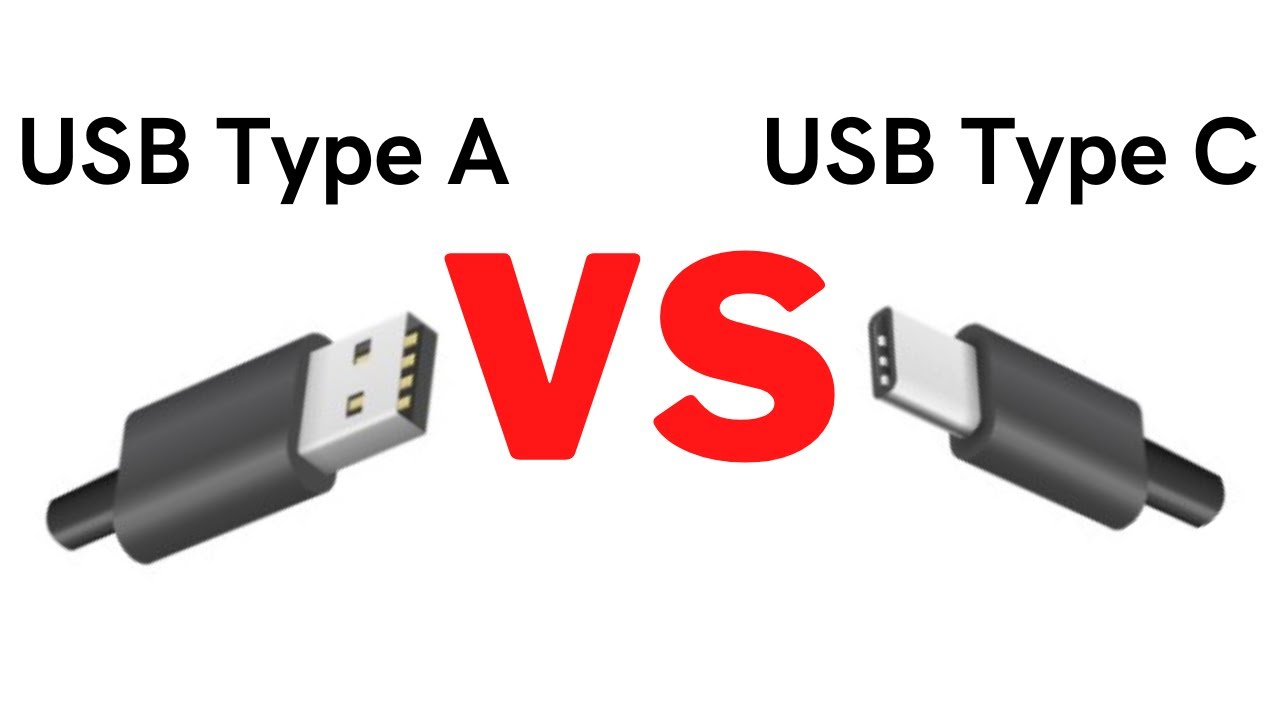
USB-C, especially when paired with USB 3.1 or later, can transfer data much faster. We're talking about transferring large files in a fraction of the time. Imagine downloading that massive game update in, like, minutes instead of hours. Dreamy, right?
Power Up: Charging Capabilities
Another big win for USB-C is its ability to handle more power. This means it can charge your devices faster than USB-A. Ever noticed how some phones come with "fast chargers" that use USB-C? That's why!
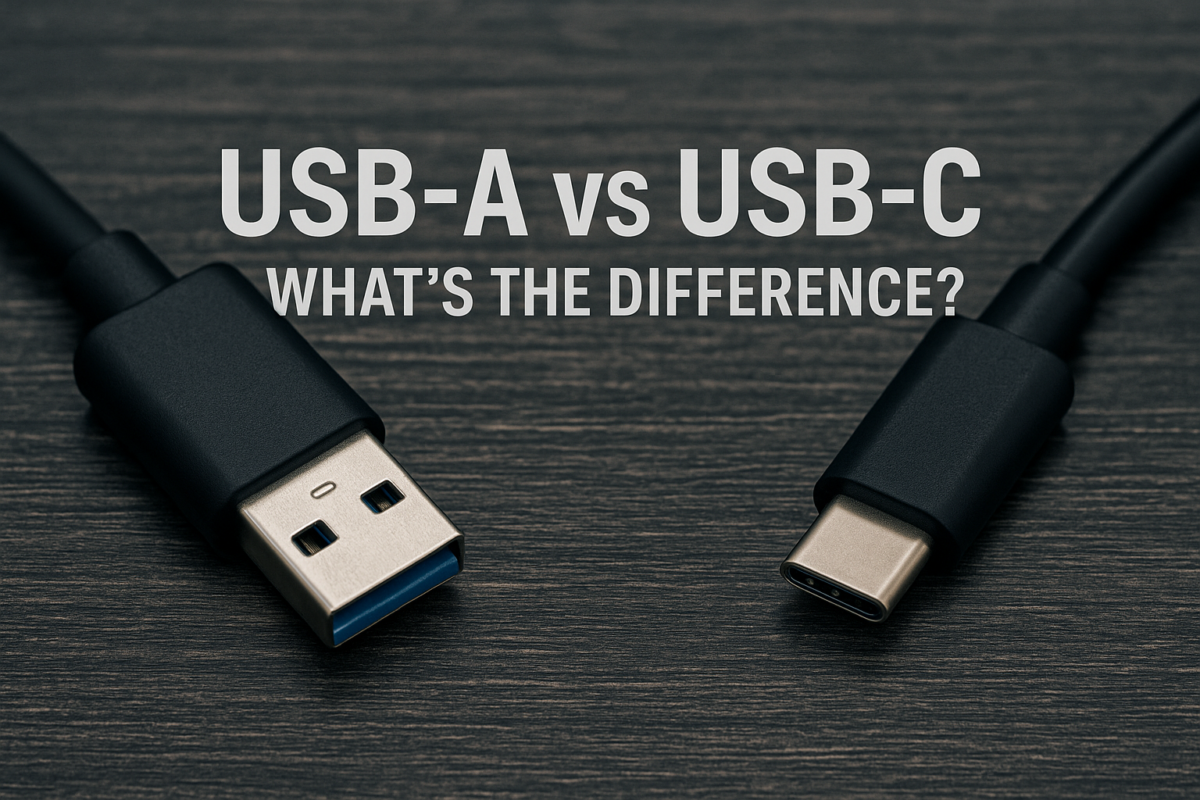
And it's not just phones. USB-C can even power laptops and other larger devices. Pretty cool, huh?
Future Proofing: The Writing's on the Wall
While USB-A isn't going away completely anytime soon (there are still tons of devices that use it!), USB-C is definitely the future. More and more devices are adopting USB-C as their primary port, and it's likely to become the universal standard eventually.
Think of it this way: USB-A is like that reliable old car you've had forever. It gets the job done, but it's not exactly cutting-edge. USB-C is like a sleek new sports car. Fast, efficient, and packed with all the latest tech.

So, Which One Should You Use?
Well, you don't really get a choice, do you? Your device dictates it! But, if you're buying something new, and it offers USB-C, embrace it! You won't regret the faster speeds and reversible convenience. Trust me.
In a nutshell: USB-A is the old reliable, USB-C is the shiny new thing. Both have their place, but the future is definitely looking C-shaped. And that's a good thing!
Now, about that coffee refill...